Block 1 - Error Handler Trigger
- Type / Role
- n8n-nodes-base.errorTrigger - errorTrigger
- Config choices
- Version 1


 Early Deal
This workflow is provided as-is. Please review and test before using in production.
Description Streamline Facebook Messenger inbox management with an AI powered categorization and response system. ️ This workflow automatically classifies new messages as Lead, Query, or Spam...
n8n-nodes-base.errortrigger, n8n-nodes-base.slack, n8n-nodes-base.stickynote, n8n-nodes-base.scheduletrigger, n8n-nodes-base.set, n8n-nodes-base.facebookgraphapi, @n8n/n8n-nodes-langchain.lmchatopenai, @n8n/n8n-nodes-langchain.agent
This workflow is cataloged by N8N Workflows and links back to its original n8n.io source page by Rahul Joshi.
Original n8n.io sourceStreamline Facebook Messenger inbox management with an AI-powered categorization and response system. 💬⚙️ This workflow automatically classifies new messages as Lead, Query, or Spam using GPT-4, routes them for approval via Slack, responds on Facebook once approved, and logs all interactions into Google Sheets for tracking. Perfect for support and marketing teams managing high volumes of inbound DMs. 🚀📈
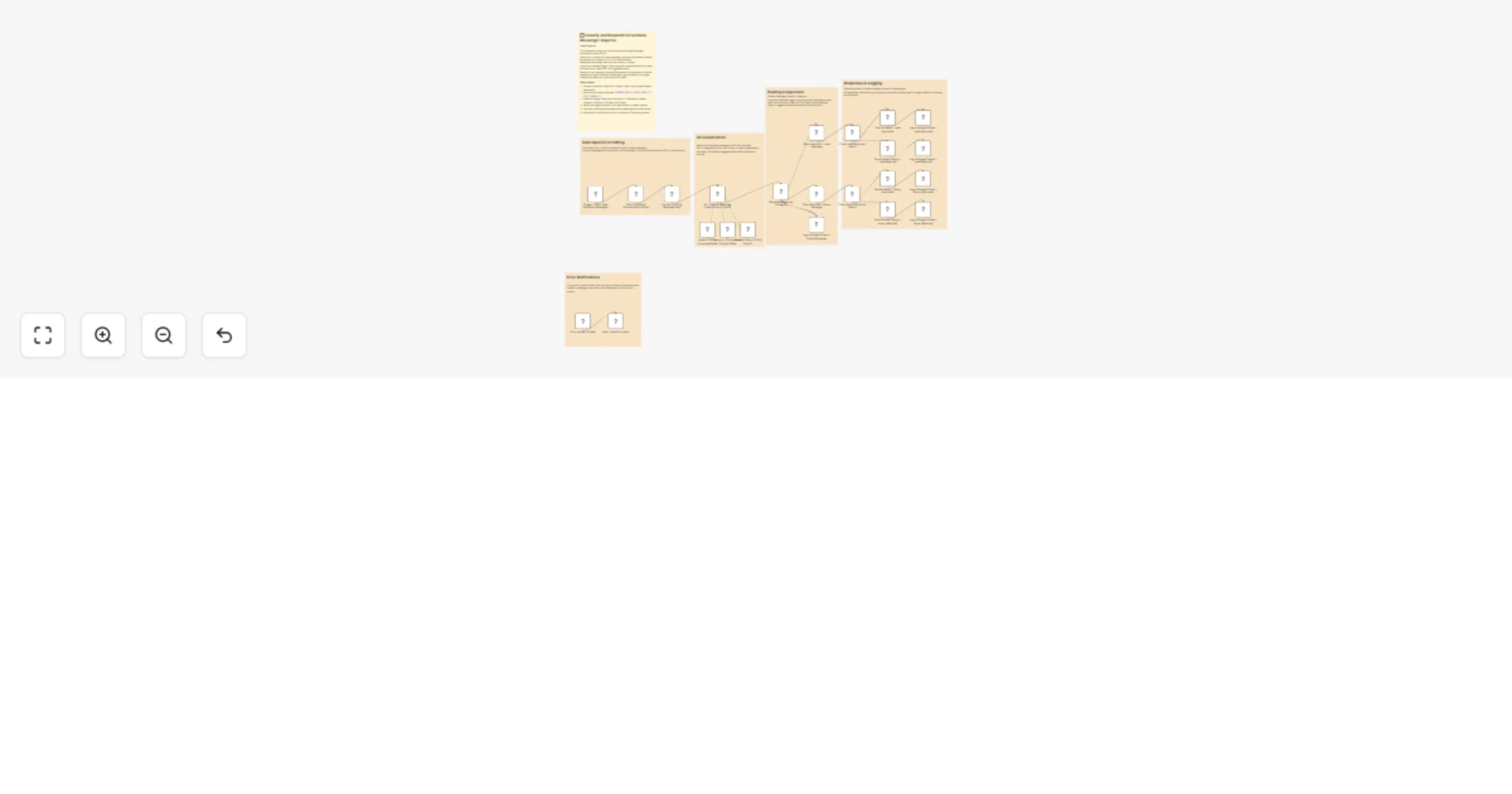
1️⃣ Trigger – Runs hourly to fetch new Facebook Page messages. ⏰ 2️⃣ Extract & Format – Collects sender info, timestamps, and message content for analysis. 📋 3️⃣ AI Categorization – Uses GPT-4 to identify message type (Lead, Query, Spam) and suggest replies. 🧠 4️⃣ Slack Approval Flow – Sends categorized leads and queries to Slack for quick team approval. 💬 5️⃣ Facebook Response – Posts AI-suggested replies back to the original sender once approved. 💌 6️⃣ Data Logging – Records every message, reply, and approval status into Google Sheets for analytics. 📊 7️⃣ Error Handling – Automatically alerts via Slack if the workflow encounters an error. 🚨
✅ Reduces manual message triage on Facebook Messenger ✅ Ensures consistent and professional customer replies ✅ Provides full visibility via Google Sheets logs ✅ Centralizes team approvals in Slack for faster response times ✅ Leverages GPT-4 for accurate categorization and natural replies
Facebook Graph API credentials with page message permissions OpenAI API key for GPT-4 processing Slack API credentials with chat:write permission Google Sheets OAuth2 credentials
FACEBOOK_PAGE_ID GOOGLE_SHEET_ID GOOGLE_SHEET_NAME SLACK_CHANNEL_ID
1️⃣ Connect Facebook Graph API credentials and set your page ID. 2️⃣ Add OpenAI API credentials for GPT-4. 3️⃣ Configure Slack channel ID and credentials. 4️⃣ Link your Google Sheet for message logging. 5️⃣ Replace environment variable placeholders with your actual IDs. 6️⃣ Test the workflow manually before enabling automation. 7️⃣ Activate the schedule trigger for ongoing hourly execution. ✅
This catalog entry is organized from the workflow JSON. The node-level section below shows the executable blocks available for review before importing the template.
Showing the first 24 of 29 workflow blocks. Download the JSON for the full node graph.
| Workflow | Classify and respond to Facebook Messenger inquiries with GPT-4, Slack and Sheets |
|---|---|
| Complexity | advanced |
| Nodes | 29 |
| Categories | Support Chatbot, AI Summarization |
| Author | Rahul Joshi |
| Published | 06 Nov 2025 |
Use the JSON export at /data/workflows/10557/10557.json as the source template for this automation.
Open n8n, import the downloaded JSON, and review each node before activating the workflow.
Replace placeholder credentials, API keys, webhook URLs, account IDs, and environment-specific values with your own settings.
Run the workflow manually or in a staging workspace, inspect node output, and confirm downstream systems receive the expected data.
Enable the workflow only after testing, then monitor executions, errors, and rate limits during the first production runs.
Review imported nodes carefully before activation. This catalog entry is intended to help you inspect the workflow structure, understand required services, and find related templates faster.
Node names, credentials, schedules, webhook paths, and external service limits may need adjustment for your workspace.
Description Streamline Facebook Messenger inbox management with an AI powered categorization and response system. ️ This workflow automatically classifies new messages as Lead, Query, or Spam...
Review the workflow JSON, configure any required credentials in n8n, and test the automation in a safe workspace before using it in production.
Yes. Use the block-by-block analysis and the downloadable JSON to inspect each node, then adjust credentials, prompts, schedules, filters, or destinations for your Support Chatbot, AI Summarization use case.