Block 1 - OpenAI Enhancement
- Type / Role
- @n8n/n8n-nodes-langchain.openAi - openAi
- Config choices
- Version 2.1


 Early Deal
️ Notice: This workflow uses the CustomJS JSON to TOON node from CustomJS, which requires a self hosted n8n instance and...
@n8n/n8n-nodes-langchain.openai, @custom-js/n8n-nodes-pdf-toolkit.jsontotoon, n8n-nodes-base.manualtrigger, n8n-nodes-base.stickynote, n8n-nodes-base.airtable, n8n-nodes-base.aggregate, n8n-nodes-base.splitinbatches, n8n-nodes-base.set
This workflow is cataloged by N8N Workflows and links back to its original n8n.io source page by CustomJS.
Original n8n.io source> ⚠️ Notice: > This workflow uses the CustomJS JSON to TOON node from CustomJS, which requires a self-hosted n8n instance and a CustomJS API key.
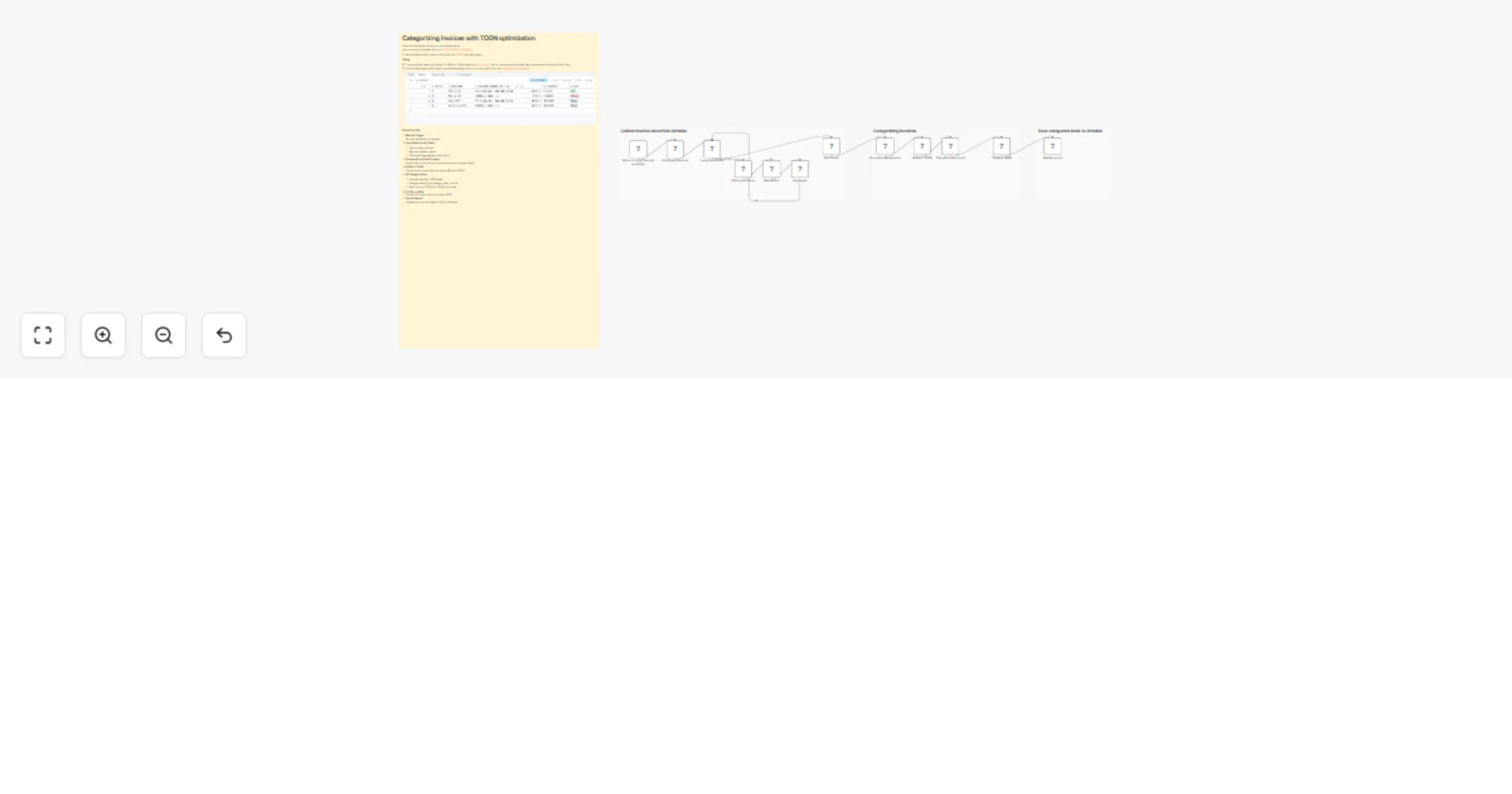
This workflow demonstrates how to automatically categorize invoices from Airtable using OpenAI, while significantly reducing token usage by converting structured data into TOON (Token-Optimized Object Notation) before sending it to the LLM.
Instead of passing large, nested JSON payloads (clients, invoices, invoice items) directly to OpenAI, the workflow converts the data into TOON, lets the AI focus purely on semantic classification, and then converts the result back into clean JSON that can safely be written back to Airtable.
The result is a reliable, cost-efficient, and production-ready invoice categorization pipeline.
Categorizing invoices based on free-text invoice items is a perfect AI use case — but sending raw JSON to LLMs is:
This workflow applies the TOON pattern, reducing token usage by 40–60%, while ensuring the AI only returns exactly the data you expect.
The LLM never sees raw JSON syntax — only a compact, schema-preserving representation.
All without manual intervention.
AI-based Invoice Categorization
Automatically classify invoices (e.g. web_development, system_administration)
TOON Token Optimization Reduce OpenAI token usage by 40–60%
Schema Safety AI never breaks your JSON structure
Deterministic Output One category per invoice, enforced by prompt design
Airtable-Native Reads from and writes directly back to Airtable
Manual Trigger Run the workflow on demand
Load Data from Airtable
Prepare Structured Context Group client, invoice, and invoice items into a single object
JSON → TOON Convert structured data into token-efficient TOON
AI Categorization
TOON → JSON Convert AI output back into valid JSON
Persist Result Update the invoice category field in Airtable
This catalog entry is organized from the workflow JSON. The node-level section below shows the executable blocks available for review before importing the template.
| Workflow | Categorize Airtable invoices with OpenAI and TOON token optimization |
|---|---|
| Complexity | advanced |
| Nodes | 16 |
| Categories | Invoice Processing, AI Summarization |
| Author | CustomJS |
| Published | 13 Dec 2025 |
Use the JSON export at /data/workflows/11761/11761.json as the source template for this automation.
Open n8n, import the downloaded JSON, and review each node before activating the workflow.
Replace placeholder credentials, API keys, webhook URLs, account IDs, and environment-specific values with your own settings.
Run the workflow manually or in a staging workspace, inspect node output, and confirm downstream systems receive the expected data.
Enable the workflow only after testing, then monitor executions, errors, and rate limits during the first production runs.
Review imported nodes carefully before activation. This catalog entry is intended to help you inspect the workflow structure, understand required services, and find related templates faster.
Node names, credentials, schedules, webhook paths, and external service limits may need adjustment for your workspace.
️ Notice: This workflow uses the CustomJS JSON to TOON node from CustomJS, which requires a self hosted n8n instance and...
Review the workflow JSON, configure any required credentials in n8n, and test the automation in a safe workspace before using it in production.
Yes. Use the block-by-block analysis and the downloadable JSON to inspect each node, then adjust credentials, prompts, schedules, filters, or destinations for your Invoice Processing, AI Summarization use case.