Bulk create Google Calendar events from Google Sheets
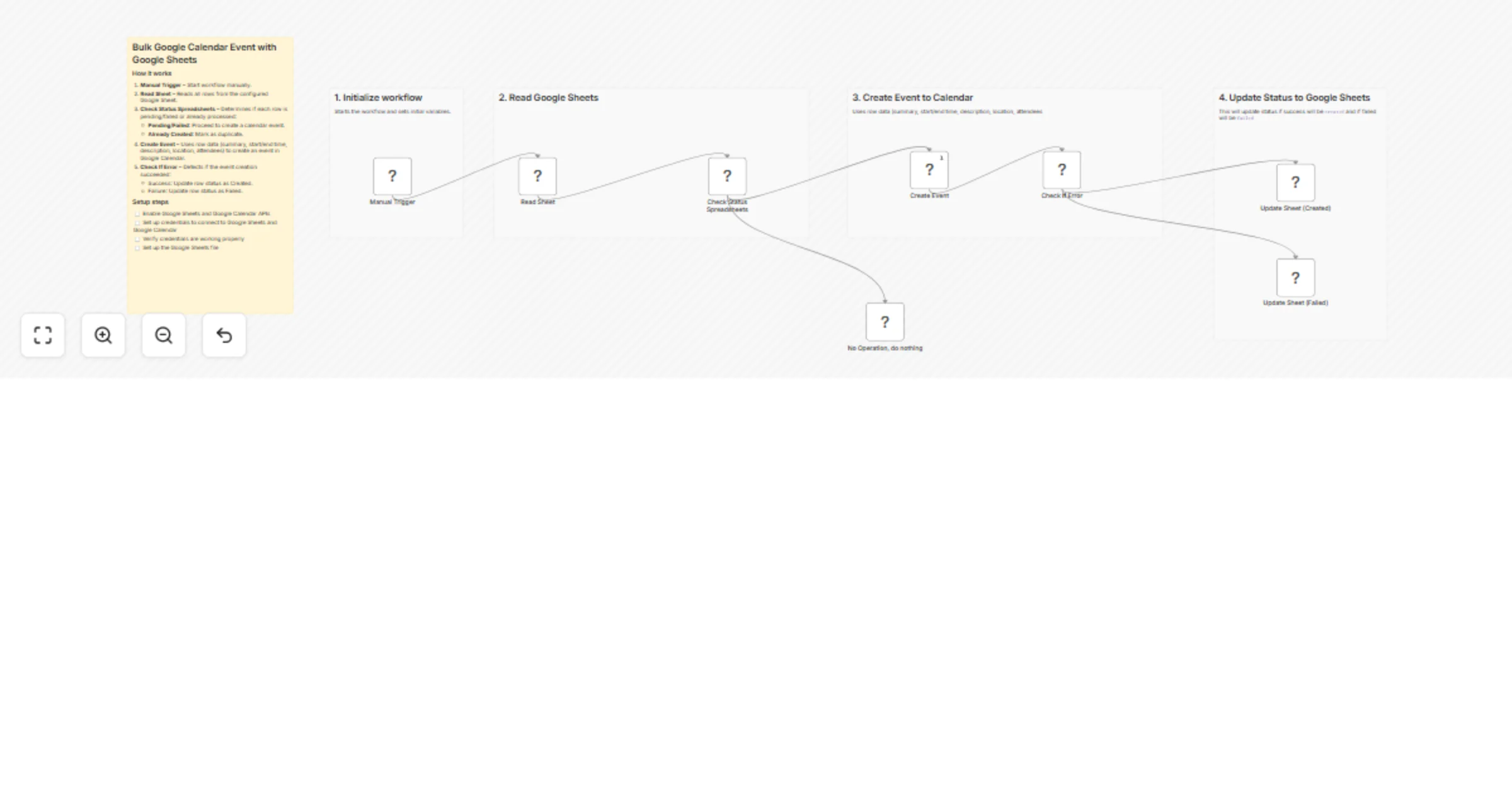
Workflow preview


 Early Deal
DISCOUNT 20%

Overview
✅ What This Workflow Does
This workflow automates the process of creating Google Calendar events from a Google Sheet. It ensures each row in the sheet is evaluated for its current status and:
- Creates new events in Google Calendar for rows marked as pending or failed.
- Updates the Google Sheet with the result: Created, Failed, or Duplicate.
- Handles errors gracefully and prevents duplicate event creation.
🛠️ How It Works
- Manual Trigger: Start the workflow.
- Read Sheet: Fetch all rows from the configured Google Sheet.
- Check Status:
- If status is pending or failed, continue to event creation.
- If already created, update sheet as duplicate.
Create Event: Attempt to create a Google Calendar event using the row’s data.
Check for Errors:
If the creation succeeds, update the sheet as Created.
If it fails, update the sheet as Failed.
- Update Sheet: Reflect the result (Created, Failed, Duplicate) for each row.
This ensures a reliable workflow where the Google Sheet and Google Calendar remain synchronized without manual intervention.
🧰 Setup Requirements
To run this workflow, you need:
n8n account with workflow access.
Google Sheets OAuth2 credentials connected to your Google Sheet.
Google Calendar OAuth2 credentials connected to the target calendar.
A properly formatted Google Sheet with columns for event details (see below).
The workflow nodes must be authorized to read and write to both Google Sheets and Google Calendar.
🧩 Key Features
Manual Trigger: Start the workflow anytime.
Google Sheets Read/Write: Reads event data and updates status after processing.
Google Calendar Integration: Automatically creates events.
Error Handling: Detects errors during event creation and logs them in the sheet.
Duplicate Prevention: Rows already processed are marked as duplicates.
Dynamic Data Mapping: Pulls event details directly from the sheet to Google Calendar.
📂 Input Spreadsheet Format
The workflow expects a sheet with the following columns:
|summary|start|end|description|location|attendees|status| |-|-|-|-|-|-|-|- |Meeting A|2026-03-20T10:00:00+08:00|2026-03-20T11:00:00+08:00|Client discussion|Google Meet|[email protected]|pending |Meeting B|2026-03-21T10:00:00+08:00|2026-03-21T11:00:00+08:00|Client discussion|Zoom|[email protected],[email protected]|pending |Meeting C|2026-03-22T10:00:00+08:00|2026-03-22T11:00:00+08:00|Client discussion|Google Meet|[email protected]|created