Automated YouTube channel lead generation & email outreach with Apify and ZeroBounce

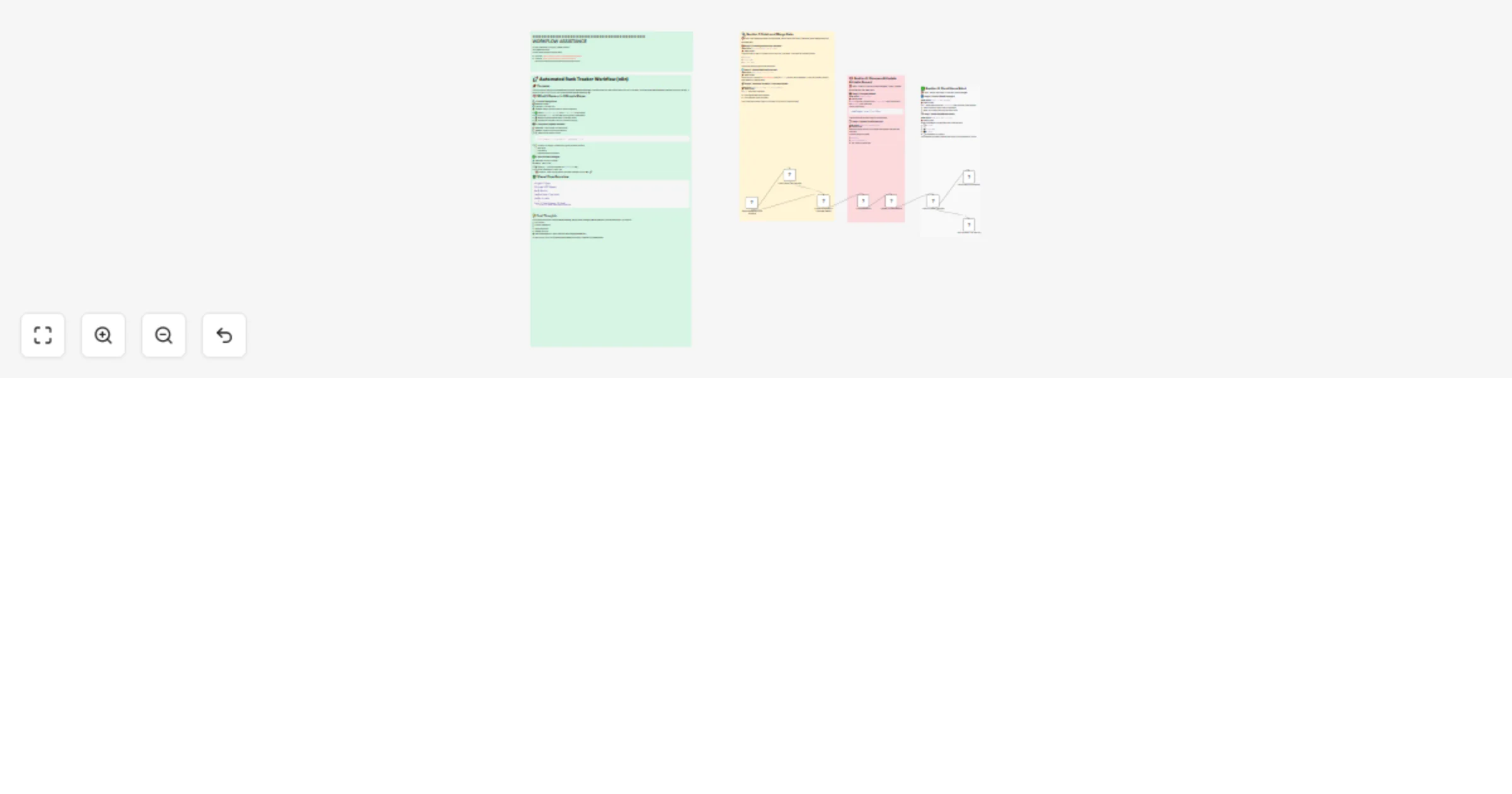
Workflow preview

Workflow preview
100%
Automated YouTube channel lead generation & email outreach with Apify and ZeroBounce preview
Open on n8n.io

Important notice

This workflow is provided as-is. Please review and test before using in production.

1. Workflow Overview

Stop manually checking keyword rankings and let automation do the work for you. This comprehensive SEO monitoring workflow automatically tracks your keyword positions, compares them against your ta...

Best for

  • Market Research automation workflows
  • intermediate n8n builders looking for reusable templates

Tools used

n8n-nodes-base.airtabletrigger, n8n-nodes-base.httprequest, n8n-nodes-base.merge, n8n-nodes-base.code, n8n-nodes-base.airtable, n8n-nodes-base.if, n8n-nodes-base.slack, n8n-nodes-base.noop

Source and attribution

This workflow is cataloged by N8N Workflows and links back to its original n8n.io source page by Yaron Been.

Original n8n.io source

1.1 Workflow description

Title
Automated YouTube channel lead generation & email outreach with Apify and ZeroBounce
Workflow name
Automated YouTube channel lead generation & email outreach with Apify and ZeroBounce

Stop manually checking keyword rankings and let automation do the work for you. This comprehensive SEO monitoring workflow automatically tracks your keyword positions, compares them against your target URLs, and instantly alerts your team via Slack whenever rankings change - ensuring you never miss critical SEO movements.

What This Workflow Does:

  • 📊 Automated Rank Checking: Continuously monitors keywords stored in Airtable
  • 🔍 Real-Time SERP Analysis: Uses Firecrawl API to fetch current search rankings
  • 📈 Intelligent Comparison: Compares current vs. previous rankings automatically
  • 📝 Database Updates: Updates Airtable records with new ranking data
  • 🚨 Instant Alerts: Sends Slack notifications only when rankings change
  • 🎯 Target URL Matching: Specifically tracks your domain's position in search results

🔧 Key Features:

  • Trigger-based automation that activates when Airtable data changes
  • Smart rank comparison logic that prevents false alerts
  • Conditional notifications - only alerts on actual ranking changes
  • Clean data management with automatic Airtable updates
  • Team collaboration through Slack integration
  • Scalable monitoring for unlimited keywords

📋 Prerequisites:

  • Airtable account with Personal Access Token
  • Firecrawl API key for SERP data
  • Slack workspace with API access
  • Basic Airtable setup with keyword data

🎯 Perfect For:

  • SEO agencies managing multiple client campaigns
  • Digital marketing teams tracking organic performance
  • Content creators monitoring content rankings
  • E-commerce businesses tracking product visibility
  • Startups needing cost-effective SEO monitoring
  • Any business serious about search visibility

💡 How It Works:

  1. Data Collection: Fetches keywords, target URLs, and current ranks from Airtable
  2. SERP Analysis: Queries Firecrawl API for real-time search results
  3. Rank Detection: Searches results for your target URL and determines position
  4. Smart Comparison: Compares new ranking against stored data
  5. Database Update: Updates Airtable with latest ranking information
  6. Conditional Alert: Sends Slack notification only if ranking changed
  7. Team Notification: Delivers actionable ranking updates to your team

📦 What You Get:

  • Complete n8n workflow with all integrations configured
  • Airtable template with proper field structure
  • Firecrawl API integration setup
  • Slack notification templates
  • Comprehensive setup documentation
  • Sample keyword data for testing

🚀 Benefits:

  • Save Hours Weekly: Eliminate manual rank checking
  • Never Miss Changes: Get instant alerts on ranking movements
  • Team Alignment: Keep everyone informed via Slack
  • Historical Tracking: Maintain ranking history in Airtable
  • Cost Effective: Replace expensive SEO tools with automation
  • Scalable Solution: Monitor unlimited keywords effortlessly

💡 Need Help or Want to Learn More?

Created by Yaron Been

Discover more SEO automation workflows and digital marketing tutorials on my channels!


🏷️ Tags:

SEO, Keyword Tracking, Airtable, Slack, Firecrawl, SERP, Automation, Rank Monitoring, Digital Marketing, Search Rankings

1.2 Logical Blocks

This catalog entry is organized from the workflow JSON. The node-level section below shows the executable blocks available for review before importing the template.

2. Block-by-Block Analysis

Block 1 - Fetch Keywords from Airtable

Type / Role
n8n-nodes-base.airtableTrigger - airtableTrigger
Config choices
Version 1

Block 2 - Check Rank via Firecrawl

Type / Role
n8n-nodes-base.httpRequest - httpRequest
Config choices
Version 4.2

Block 3 - Combine Airtable + Firecrawl Result

Type / Role
n8n-nodes-base.merge - merge
Config choices
Version 3.1

Block 4 - Compare Ranks

Type / Role
n8n-nodes-base.code - code
Config choices
Version 2

Block 5 - Update Airtable Record

Type / Role
n8n-nodes-base.airtable - airtable
Config choices
Version 2.1

Block 6 - Check if Rank Changed

Type / Role
n8n-nodes-base.if - if
Config choices
Version 2.2

Block 7 - Send Slack Notification

Type / Role
n8n-nodes-base.slack - slack
Config choices
Version 2.3

Block 8 - No Operation, do nothing

Type / Role
n8n-nodes-base.noOp - noOp
Config choices
Version 1

Block 9 - Sticky Note

Type / Role
n8n-nodes-base.stickyNote - stickyNote
Config choices
Version 1

Block 10 - Sticky Note1

Type / Role
n8n-nodes-base.stickyNote - stickyNote
Config choices
Version 1

Block 11 - Sticky Note2

Type / Role
n8n-nodes-base.stickyNote - stickyNote
Config choices
Version 1

Block 12 - Sticky Note9

Type / Role
n8n-nodes-base.stickyNote - stickyNote
Config choices
Version 1

Block 13 - Sticky Note4

Type / Role
n8n-nodes-base.stickyNote - stickyNote
Config choices
Version 1

3. Summary Table

Workflow Automated YouTube channel lead generation & email outreach with Apify and ZeroBounce
Complexity intermediate
Nodes 13
Categories Market Research
Author Yaron Been
Published 02 Jun 2025

4. Reproducing the Workflow from Scratch

  1. 1. Download the workflow JSON

    Use the JSON export at /data/workflows/4579/4579.json as the source template for this automation.

  2. 2. Import the template into n8n

    Open n8n, import the downloaded JSON, and review each node before activating the workflow.

  3. 3. Configure credentials and variables

    Replace placeholder credentials, API keys, webhook URLs, account IDs, and environment-specific values with your own settings.

  4. 4. Test with sample data

    Run the workflow manually or in a staging workspace, inspect node output, and confirm downstream systems receive the expected data.

  5. 5. Activate and monitor

    Enable the workflow only after testing, then monitor executions, errors, and rate limits during the first production runs.

5. General Notes & Resources

Review imported nodes carefully before activation. This catalog entry is intended to help you inspect the workflow structure, understand required services, and find related templates faster.

Node names, credentials, schedules, webhook paths, and external service limits may need adjustment for your workspace.

Frequently asked questions

What does Automated YouTube channel lead generation & email outreach with Apify and ZeroBounce do?

Stop manually checking keyword rankings and let automation do the work for you. This comprehensive SEO monitoring workflow automatically tracks your keyword positions, compares them against your ta...

What do I need before importing this workflow?

Review the workflow JSON, configure any required credentials in n8n, and test the automation in a safe workspace before using it in production.

Can I customize this workflow?

Yes. Use the block-by-block analysis and the downloadable JSON to inspect each node, then adjust credentials, prompts, schedules, filters, or destinations for your Market Research use case.