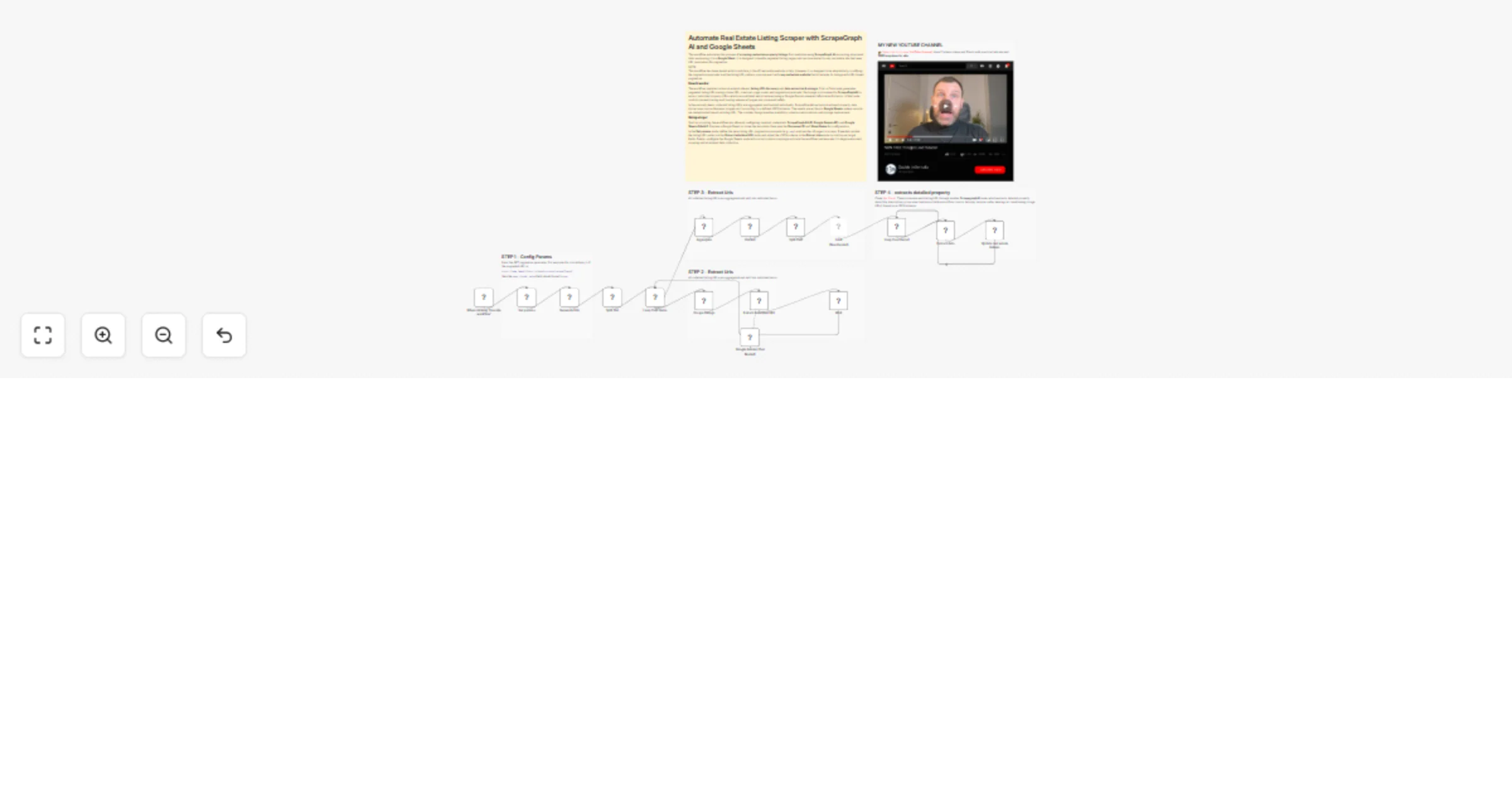
Automate Real Estate Listing Scraper πŸ πŸ€– with ScrapeGraph AI and Google Sheets

Workflow preview

Workflow preview
100%
Automate Real Estate Listing Scraper πŸ πŸ€– with ScrapeGraph AI and Google Sheets preview
Open on n8n.io

1. Workflow Overview

This workflow automates the process of scraping real estate property listings from websites using ScrapeGraph AI , extracting structured data, and saving it to a Google Sheet . It is designed to ha...

Best for

  • Market Research automation workflows
  • AI Summarization automation workflows
  • advanced n8n builders looking for reusable templates

Tools used

n8n-nodes-base.manualtrigger, n8n-nodes-base.splitinbatches, n8n-nodes-base.splitout, n8n-nodes-base.aggregate, n8n-nodes-base.limit, @n8n/n8n-nodes-langchain.lmchatgooglegemini, n8n-nodes-base.wait, n8n-nodes-base.stickynote

Source and attribution

This workflow is cataloged by N8N Workflows and links back to its original n8n.io source page by Davide Boizza.

Original n8n.io source

1.1 Workflow description

Title
Automate Real Estate Listing Scraper πŸ πŸ€– with ScrapeGraph AI and Google Sheets
Workflow name
Automate Real Estate Listing Scraper πŸ πŸ€– with ScrapeGraph AI and Google Sheets

This workflow automates the process of scraping real estate property listings from websites using ScrapeGraph AI, extracting structured data, and saving it to a Google Sheet. It is designed to handle paginated listing pages and can be adapted to any real estate site that uses URL parameters for pagination.

NOTE: This workflow has been tested with Immobiliare.it, the #1 real estate website in Italy. However, it is designed to be adaptable by modifying the pagination parameter and the listing URL pattern, you can use it with any real estate website that structures its listings with URL-based pagination.

Business Use Cases:

  • Real estate market intelligence
  • Lead generation for agencies
  • Price trend analysis
  • Property comparison dashboards
  • CRM enrichment
  • Competitor monitoring

Key Advantages

1. βœ… Fully Automated Lead Collection

Automatically collects real estate listings without manual browsing.

2. βœ… AI-Powered Extraction

Uses AI instead of rigid selectors:

  • More resilient to website layout changes
  • Handles dynamic content better
  • Reduces maintenance effort
3. βœ… Structured Data Output

The defined JSON schema ensures:

  • Clean database-ready data
  • Standardized fields
  • Easy integration with CRM or analytics tools
4. βœ… Pagination Scalability

Can easily scale:

  • Increase number of pages
  • Change city
  • Adapt to different portals
5. βœ… Duplicate Prevention

Google Sheets uses URL matching to:

  • Avoid duplicates
  • Update existing records
6. βœ… Modular Architecture

The workflow is modular and reusable:

  • URL generation logic is independent
  • Extraction schema is customizable
  • Storage layer can be replaced (CRM, database, Airtable, etc.)
7. βœ… Cost & Time Efficiency
  • Eliminates manual data entry
  • Saves research time
  • Enables automated market monitoring

How it works

The workflow is structured in two main phases:

  1. Listing URL Discovery
  • The user provides a base URL, the maximum number of pages to scrape, and the pagination parameter name (e.g., pag for Immobiliare.it).
  • A Code node generates a list of page URLs by appending the pagination parameter.
  • Each page URL is processed through the ScrapegraphAI node, which extracts all individual listing URLs.
  • An Information Extractor node (powered by Google Gemini) filters and validates the extracted URLs based on a defined structure.
  • A Wait node introduces a delay between requests to avoid rate limiting.
  • A Loop Over Items node ensures all generated page URLs are processed.
  1. Data Extraction & Storage
  • All collected listing URLs are aggregated and split into individual items.
  • A second loop processes each listing URL through another ScrapegraphAI node, which extracts detailed property data (title, description, price, area, bedrooms, bathrooms, floor, rooms, balcony, terrace, cellar, heating, air conditioning, image URLs) based on a JSON schema.
  • The extracted data is then written to a Google Sheet using the Google Sheets node, with each listing stored in a new row and deduplicated based on the listing URL.

The workflow is fully automated and can scale to handle multiple listing pages and hundreds of individual property URLs.


Set up steps

To use this workflow, follow these steps:

  1. Import the workflow into your n8n instance.

  2. Configure credentials:

  • ScrapegraphAI: Add your API key for ScrapegraphAI.
  • Google Gemini (PaLM): Add your Google Gemini API credentials.
  • Google Sheets OAuth2: Authenticate with the Google account where you want to store the data.
  1. Prepare your target Google Sheet:
  • Create a new Google Sheet (or clone this template).
  • Note the Sheet ID (from the URL) and the sheet name (tab name) where data should be written.
  1. Customize the input parameters:
  • In the Set params node, define:
  • url: The base URL of the listing page (without pagination parameters).
  • max_pages: The number of pages to scrape.
  • page_format_value: The query parameter used for pagination (e.g., pag for Immobiliare.it).
  1. Adjust the listing URL structure (if needed):
  • In the Extract individual URL node, update the system prompt to match the URL pattern of the target website (e.g., https://www.xxx.it/xxx/xxxx).
  1. Review the output schema:
  • In the Extract data node, you can modify the JSON schema to match the fields you want to extract from each listing.
  1. Update the Google Sheet node:
  • Set the correct Document ID and Sheet Name in the Update real estate listings node.
  • Ensure the column mapping matches your sheet structure.
  1. Activate the workflow and click Execute Workflow to start scraping.

πŸ‘‰ Subscribe to my new YouTube channel. Here I’ll share videos and Shorts with practical tutorials and FREE templates for n8n.


Need help customizing?

Contact me for consulting and support or add me on Linkedin.

1.2 Logical Blocks

This catalog entry is organized from the workflow JSON. The node-level section below shows the executable blocks available for review before importing the template.

2. Block-by-Block Analysis

Block 1 - When clicking β€˜Execute workflow’

Type / Role
n8n-nodes-base.manualTrigger - manualTrigger
Config choices
Version 1

Block 2 - Loop Over Items

Type / Role
n8n-nodes-base.splitInBatches - splitInBatches
Config choices
Version 3

Block 3 - Split Out

Type / Role
n8n-nodes-base.splitOut - splitOut
Config choices
Version 1

Block 4 - Aggregate

Type / Role
n8n-nodes-base.aggregate - aggregate
Config choices
Version 1

Block 5 - Split Out1

Type / Role
n8n-nodes-base.splitOut - splitOut
Config choices
Version 1

Block 6 - Limit

Type / Role
n8n-nodes-base.limit - limit
Config choices
Version 1

Block 7 - Loop Over Items1

Type / Role
n8n-nodes-base.splitInBatches - splitInBatches
Config choices
Version 3

Block 8 - Google Gemini Chat Model1

Type / Role
@n8n/n8n-nodes-langchain.lmChatGoogleGemini - lmChatGoogleGemini
Config choices
Version 1

Block 9 - Wait

Type / Role
n8n-nodes-base.wait - wait
Config choices
Version 1.1

Block 10 - Sticky Note

Type / Role
n8n-nodes-base.stickyNote - stickyNote
Config choices
Version 1

Block 11 - Sticky Note1

Type / Role
n8n-nodes-base.stickyNote - stickyNote
Config choices
Version 1

Block 12 - Set params

Type / Role
n8n-nodes-base.set - set
Config choices
Version 3.4

Block 13 - Generate Urls

Type / Role
n8n-nodes-base.code - code
Config choices
Version 2

Block 14 - Scrape listings

Type / Role
n8n-nodes-scrapegraphai.scrapegraphAi - scrapegraphAi
Config choices
Version 1

Block 15 - Extract individual URL

Type / Role
@n8n/n8n-nodes-langchain.informationExtractor - informationExtractor
Config choices
Version 1.2

Block 16 - Unified

Type / Role
n8n-nodes-base.code - code
Config choices
Version 2

Block 17 - Extract data

Type / Role
n8n-nodes-scrapegraphai.scrapegraphAi - scrapegraphAi
Config choices
Version 1

Block 18 - Update real estate listings

Type / Role
n8n-nodes-base.googleSheets - googleSheets
Config choices
Version 4.7

Block 19 - Sticky Note2

Type / Role
n8n-nodes-base.stickyNote - stickyNote
Config choices
Version 1

Block 20 - Sticky Note3

Type / Role
n8n-nodes-base.stickyNote - stickyNote
Config choices
Version 1

Block 21 - Sticky Note4

Type / Role
n8n-nodes-base.stickyNote - stickyNote
Config choices
Version 1

Block 22 - Sticky Note9

Type / Role
n8n-nodes-base.stickyNote - stickyNote
Config choices
Version 1

3. Summary Table

Workflow Automate Real Estate Listing Scraper πŸ πŸ€– with ScrapeGraph AI and Google Sheets
Complexity advanced
Nodes 22
Categories Market Research, AI Summarization
Author Davide Boizza
Published 24 Feb 2026

4. Reproducing the Workflow from Scratch

  1. 1. Download the workflow JSON

    Use the JSON export at /data/workflows/13657/13657.json as the source template for this automation.

  2. 2. Import the template into n8n

    Open n8n, import the downloaded JSON, and review each node before activating the workflow.

  3. 3. Configure credentials and variables

    Replace placeholder credentials, API keys, webhook URLs, account IDs, and environment-specific values with your own settings.

  4. 4. Test with sample data

    Run the workflow manually or in a staging workspace, inspect node output, and confirm downstream systems receive the expected data.

  5. 5. Activate and monitor

    Enable the workflow only after testing, then monitor executions, errors, and rate limits during the first production runs.

5. General Notes & Resources

Review imported nodes carefully before activation. This catalog entry is intended to help you inspect the workflow structure, understand required services, and find related templates faster.

Node names, credentials, schedules, webhook paths, and external service limits may need adjustment for your workspace.

Frequently asked questions

What does Automate Real Estate Listing Scraper πŸ πŸ€– with ScrapeGraph AI and Google Sheets do?

This workflow automates the process of scraping real estate property listings from websites using ScrapeGraph AI , extracting structured data, and saving it to a Google Sheet . It is designed to ha...

What do I need before importing this workflow?

Review the workflow JSON, configure any required credentials in n8n, and test the automation in a safe workspace before using it in production.

Can I customize this workflow?

Yes. Use the block-by-block analysis and the downloadable JSON to inspect each node, then adjust credentials, prompts, schedules, filters, or destinations for your Market Research, AI Summarization use case.