Block 1 - Schedule Trigger
- Type / Role
- n8n-nodes-base.scheduleTrigger - scheduleTrigger
- Config choices
- Version 1.2


 Early Deal
This workflow is provided as-is. Please review and test before using in production.
This workflow contains community nodes that are only compatible with the self hosted version of n8n. Perplexity Powered Daily AI News Digest (via Telegram) This ready to deploy n8n workflow auto...
n8n-nodes-base.scheduletrigger, n8n-nodes-base.googlesheetstool, n8n-nodes-base.googlesheets, n8n-nodes-base.perplexity, @n8n/n8n-nodes-langchain.openai, n8n-nodes-base.stickynote, n8n-nodes-base.telegram
This workflow is cataloged by N8N Workflows and links back to its original n8n.io source page by Automate With Marc.
Original n8n.io sourceThis workflow contains community nodes that are only compatible with the self-hosted version of n8n.
🧠 Perplexity-Powered Daily AI News Digest (via Telegram)
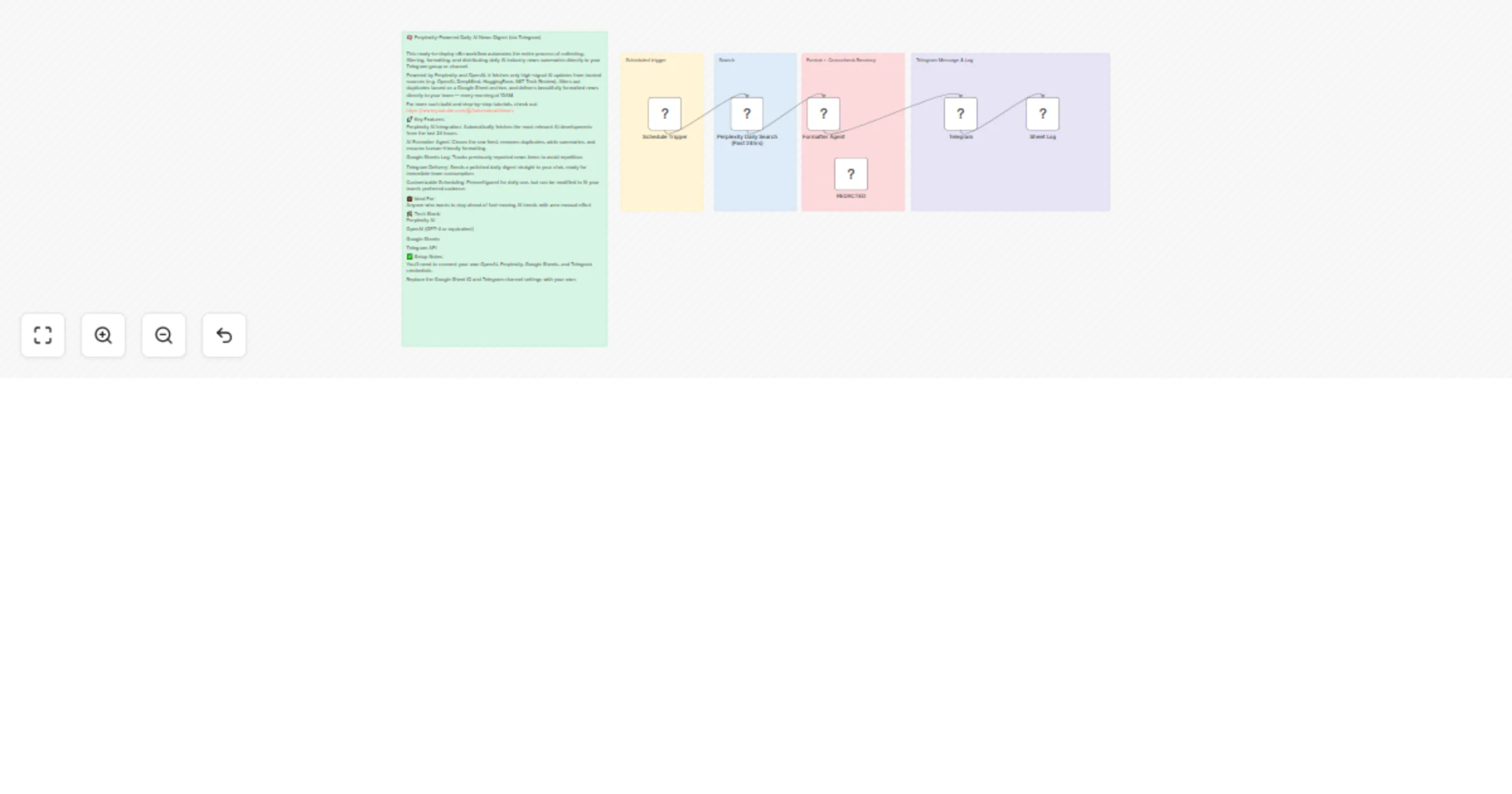
This ready-to-deploy n8n workflow automates the entire process of collecting, filtering, formatting, and distributing daily AI industry news summaries directly to your Telegram group or channel.
Powered by Perplexity and OpenAI, it fetches only high-signal AI updates from trusted sources (e.g. OpenAI, DeepMind, HuggingFace, MIT Tech Review), filters out duplicates based on a Google Sheet archive, and delivers beautifully formatted news directly to your team — every morning at 10AM.
For more such build and step-by-step tutorials, check out: https://www.youtube.com/@Automatewithmarc
🚀 Key Features: Perplexity AI Integration: Automatically fetches the most relevant AI developments from the last 24 hours.
AI Formatter Agent: Cleans the raw feed, removes duplicates, adds summaries, and ensures human-friendly formatting.
Google Sheets Log: Tracks previously reported news items to avoid repetition.
Telegram Delivery: Sends a polished daily digest straight to your chat, ready for immediate team consumption.
Customizable Scheduling: Preconfigured for daily use, but can be modified to fit your team's preferred cadence.
💼 Ideal For: Anyone who wants to stay ahead of fast-moving AI trends with zero manual effort
🛠️ Tech Stack: Perplexity AI
OpenAI (GPT-4 or equivalent)
Google Sheets
Telegram API
✅ Setup Notes: You’ll need to connect your own OpenAI, Perplexity, Google Sheets, and Telegram credentials.
Replace the Google Sheet ID and Telegram channel settings with your own.
This catalog entry is organized from the workflow JSON. The node-level section below shows the executable blocks available for review before importing the template.
| Workflow | Automate daily AI news with Perplexity Sonar Pro (via Telegram) |
|---|---|
| Complexity | intermediate |
| Nodes | 11 |
| Categories | Social Media, AI Summarization |
| Author | Automate With Marc |
| Published | 23 Jun 2025 |
Use the JSON export at /data/workflows/5157/5157.json as the source template for this automation.
Open n8n, import the downloaded JSON, and review each node before activating the workflow.
Replace placeholder credentials, API keys, webhook URLs, account IDs, and environment-specific values with your own settings.
Run the workflow manually or in a staging workspace, inspect node output, and confirm downstream systems receive the expected data.
Enable the workflow only after testing, then monitor executions, errors, and rate limits during the first production runs.
Review imported nodes carefully before activation. This catalog entry is intended to help you inspect the workflow structure, understand required services, and find related templates faster.
Node names, credentials, schedules, webhook paths, and external service limits may need adjustment for your workspace.
This workflow contains community nodes that are only compatible with the self hosted version of n8n. Perplexity Powered Daily AI News Digest (via Telegram) This ready to deploy n8n workflow auto...
Review the workflow JSON, configure any required credentials in n8n, and test the automation in a safe workspace before using it in production.
Yes. Use the block-by-block analysis and the downloadable JSON to inspect each node, then adjust credentials, prompts, schedules, filters, or destinations for your Social Media, AI Summarization use case.