Block 1 - Daily Schedule
- Type / Role
- n8n-nodes-base.scheduleTrigger - scheduleTrigger
- Config choices
- Version 1


 Early Deal
This workflow is provided as-is. Please review and test before using in production.
How It Works & Setup Steps: Automated Birthday Discount How It Works This workflow is a powerful yet simple automation to delight your customers on their birthdays. It runs every day on a schedul...
n8n-nodes-base.scheduletrigger, n8n-nodes-base.googlesheets, n8n-nodes-base.if, n8n-nodes-base.function, n8n-nodes-base.gmail, n8n-nodes-base.stickynote
This workflow is cataloged by N8N Workflows and links back to its original n8n.io source page by Marth.
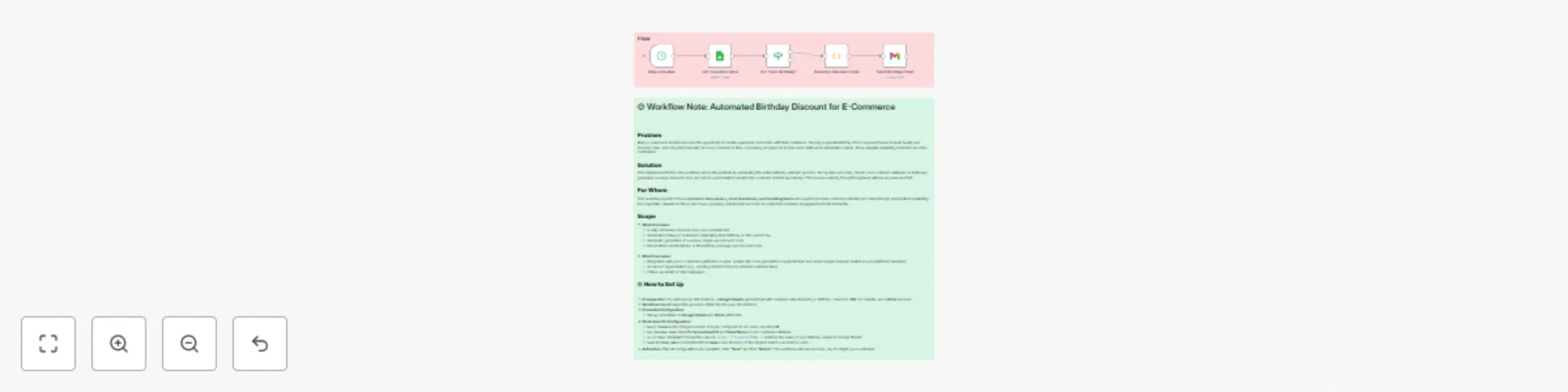
Original n8n.io sourceThis workflow is a powerful yet simple automation to delight your customers on their birthdays. It runs every day on a schedule you define and automatically pulls data from your customer list on Google Sheets. The workflow then checks to see if any customer has a birthday on the current day. If a match is found, it generates a unique discount code and sends a personalized, celebratory email with the code directly to the customer. This ensures no birthday is ever missed, fostering customer loyalty and driving sales with zero manual effort.
Follow these steps to get the workflow running in your n8n instance and start sending automated birthday discounts.
You will need a working n8n instance and a few key accounts:
MM-dd (e.g., 08-27).Import the provided workflow JSON into your n8n canvas. All the necessary nodes will appear on your canvas, ready for configuration.
Connect the following credentials to their respective nodes:
Get Customer Data node.Send Birthday Email node.Get Customer Data:Spreadsheet ID and Sheet Name of your Google Sheet containing the customer data.Is It Their Birthday?:{{ $json.birthday }} matches the exact name of your birthday column in Google Sheets.Generate Discount Code:Send Birthday Email:From Email field.Subject and Message with your own text and branding to make it personal. The {{ $json.name }} and {{ $json.discountCode }} expressions will automatically pull the correct customer name and generated code.Once all configurations are complete, click "Save" and then "Active". The workflow is now live and will automatically run every morning to send out birthday wishes!
This catalog entry is organized from the workflow JSON. The node-level section below shows the executable blocks available for review before importing the template.
| Workflow | Automate birthday discount emails for e-commerce using Google Sheets and Gmail |
|---|---|
| Complexity | intermediate |
| Nodes | 7 |
| Categories | Social Media, Multimodal AI |
| Author | Marth |
| Published | 27 Aug 2025 |
Use the JSON export at /data/workflows/7936/7936.json as the source template for this automation.
Open n8n, import the downloaded JSON, and review each node before activating the workflow.
Replace placeholder credentials, API keys, webhook URLs, account IDs, and environment-specific values with your own settings.
Run the workflow manually or in a staging workspace, inspect node output, and confirm downstream systems receive the expected data.
Enable the workflow only after testing, then monitor executions, errors, and rate limits during the first production runs.
Review imported nodes carefully before activation. This catalog entry is intended to help you inspect the workflow structure, understand required services, and find related templates faster.
Node names, credentials, schedules, webhook paths, and external service limits may need adjustment for your workspace.
How It Works & Setup Steps: Automated Birthday Discount How It Works This workflow is a powerful yet simple automation to delight your customers on their birthdays. It runs every day on a schedul...
Review the workflow JSON, configure any required credentials in n8n, and test the automation in a safe workspace before using it in production.
Yes. Use the block-by-block analysis and the downloadable JSON to inspect each node, then adjust credentials, prompts, schedules, filters, or destinations for your Social Media, Multimodal AI use case.