Auto-respond to job opportunities with Gmail, LinkedIn, GPT-4.1-mini and Google Sheets
Workflow preview


 Early Deal
DISCOUNT 20%

Overview
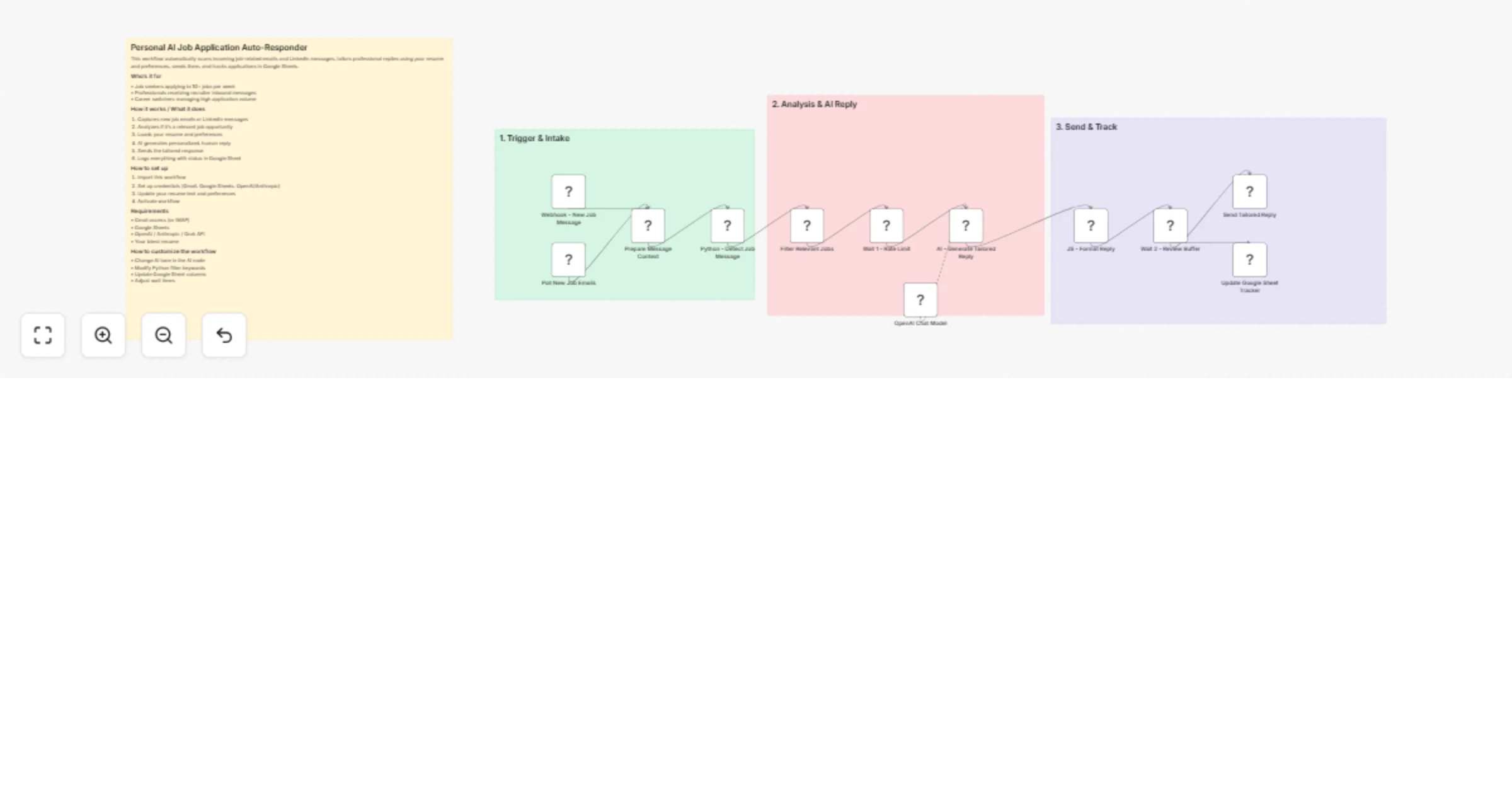
Automatically scans incoming job emails and LinkedIn messages, intelligently detects genuine opportunities, and sends personalized, professional replies using your resume and preferences.
It extracts job details, crafts human-sounding responses with AI, sends them instantly, and maintains a complete tracking sheet in Google Sheets with status and follow-up dates. Perfect for active job seekers who want to reply faster and smarter without spending hours writing tailored applications.
Who’s it for
• Job seekers applying to 10+ jobs per week • Professionals receiving recruiter inbound messages • Career switchers managing high application volume
How it works / What it does
- Captures new job emails or LinkedIn messages
- Analyzes if it's a relevant job opportunity
- Loads your resume and preferences
- AI generates personalized, human reply
- Sends the tailored response
- Logs everything with status in Google Sheet
How to set up
- Import this workflow
- Set up credentials (Gmail, Google Sheets, OpenAI/Anthropic)
- Update your resume text and preferences
- Activate workflow
Requirements
• Gmail access (or IMAP) • Google Sheets • OpenAI / Anthropic / Grok API • Your latest resume
How to customize the workflow
• Change AI tone in the AI node • Modify Python filter keywords • Update Google Sheet columns • Adjust wait times