Block 1 - Webhook
- Type / Role
- n8n-nodes-base.webhook - webhook
- Config choices
- Version 2


 Early Deal
Auto Create Instagram Carousel Posts from Canva (Webhook → AI Caption → Instagram) Automatically turn Canva carousel exports into a fully published Instagram post with AI generated captions. This w...
n8n-nodes-base.webhook, n8n-nodes-base.splitout, @blotato/n8n-nodes-blotato.blotato, n8n-nodes-base.aggregate, n8n-nodes-base.telegram, n8n-nodes-base.if, n8n-nodes-base.noop, @n8n/n8n-nodes-langchain.openai
This workflow is cataloged by N8N Workflows and links back to its original n8n.io source page by Automate With Marc.
Original n8n.io sourceAutomatically turn Canva carousel exports into a fully published Instagram post with AI-generated captions. This workflow receives a webhook payload containing PNG slides (for example from Claude Cowork or a Canva automation), uploads the images, generates an optimized Instagram caption using AI, and publishes the carousel post via Blotato. It removes the manual work of downloading slides, writing captions, and posting to Instagram.
When triggered by a webhook, this workflow: Receives a payload containing carousel slide images Splits the slides into individual items Uploads each image to a media host Aggregates all images into a carousel Uses AI to generate an Instagram caption with hashtags Publishes the post to Instagram via Blotato This allows you to go from Canva design → Instagram post automatically.
This workflow is useful for: Social media managers automating Instagram posting Content creators producing carousel posts at scale Agencies generating client posts automatically AI-assisted content pipelines Marketing automation systems Example automation pipeline: Claude → Canva → n8n → Instagram
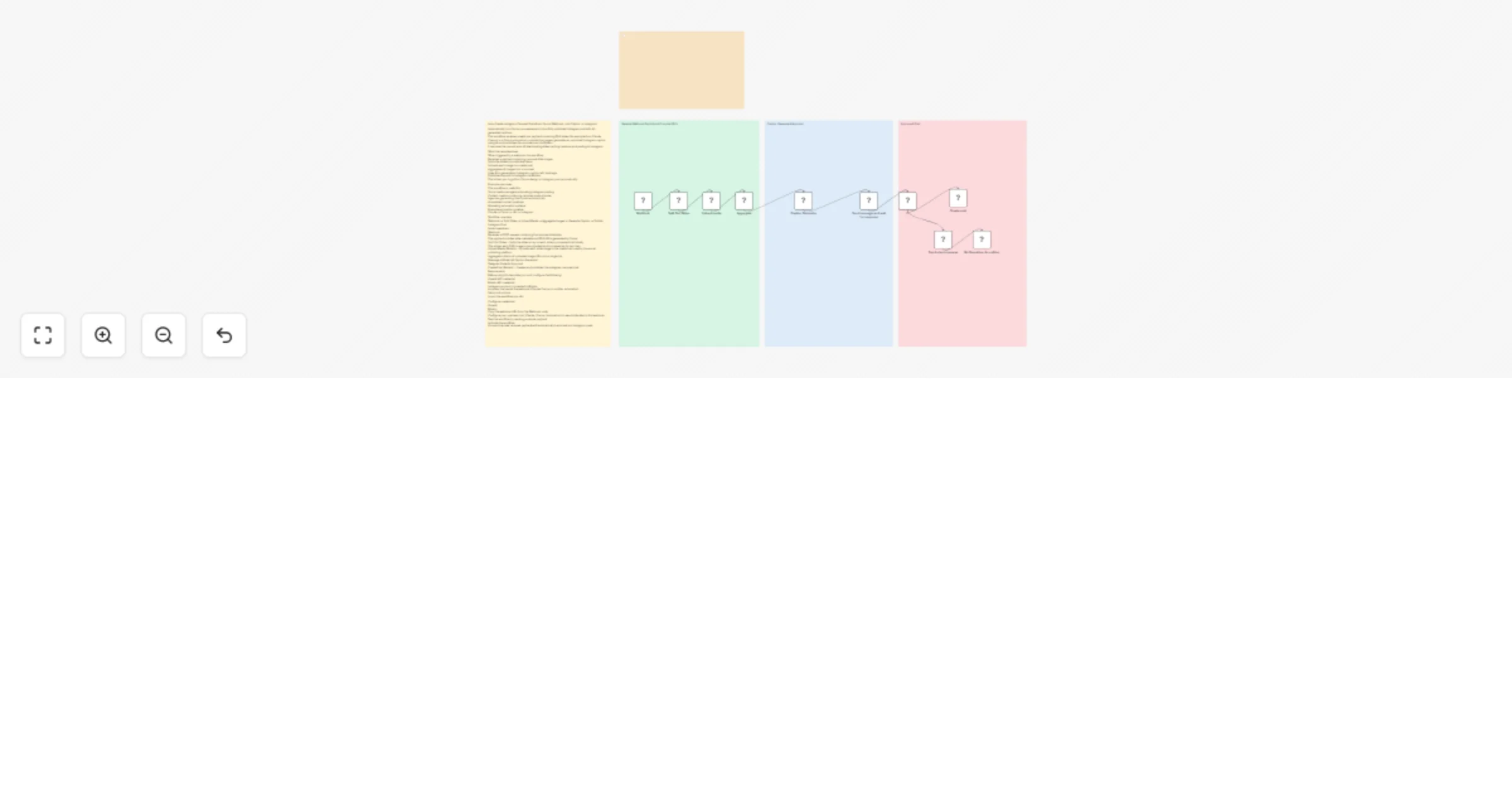
Workflow overview Webhook → Split Slides → Upload Media → Aggregate Images → Generate Caption → Publish Instagram Post Node breakdown Webhook Receives a POST request containing the carousel slide data. The payload includes slide metadata and PNG URLs generated by Canva. Split Out Slides - Splits the slides array so each slide is processed individually. This allows each PNG image to be uploaded and processed as its own item. Upload Media (Blotato) - Uploads each slide image to the media host used by the social publishing platform. Aggregate collects all uploaded image URLs into a single list. Message a Model (AI Caption Generator) Telegram Node for Approval Create Post (Blotato) - Creates and publishes the Instagram carousel post
Before using this template you must configure the following: OpenAI API credential Blotato API credential Instagram account connected to Blotato A system that sends the webhook (Claude, Canva, or another automation)
Import the workflow into n8n Configure credentials: OpenAI Blotato Copy the webhook URL from the Webhook node Configure your upstream tool (Claude / Canva / automation) to send slide data to this webhook Test the workflow by sending a sample payload Activate the workflow Once active, new carousel payloads will automatically be turned into Instagram posts
You can easily extend this workflow by: Adding Telegram approval before posting Posting to TikTok, LinkedIn, or Facebook Storing posts in Google Sheets or Notion Generating captions in different tones or languages Adding AI analysis of the slides to generate smarter captions
This catalog entry is organized from the workflow JSON. The node-level section below shows the executable blocks available for review before importing the template.
| Workflow | Auto-create Instagram carousel posts from Canva with OpenAI and Blotato |
|---|---|
| Complexity | advanced |
| Nodes | 15 |
| Categories | Social Media, Multimodal AI |
| Author | Automate With Marc |
| Published | 06 Mar 2026 |
Use the JSON export at /data/workflows/13904/13904.json as the source template for this automation.
Open n8n, import the downloaded JSON, and review each node before activating the workflow.
Replace placeholder credentials, API keys, webhook URLs, account IDs, and environment-specific values with your own settings.
Run the workflow manually or in a staging workspace, inspect node output, and confirm downstream systems receive the expected data.
Enable the workflow only after testing, then monitor executions, errors, and rate limits during the first production runs.
Review imported nodes carefully before activation. This catalog entry is intended to help you inspect the workflow structure, understand required services, and find related templates faster.
Node names, credentials, schedules, webhook paths, and external service limits may need adjustment for your workspace.
Auto Create Instagram Carousel Posts from Canva (Webhook → AI Caption → Instagram) Automatically turn Canva carousel exports into a fully published Instagram post with AI generated captions. This w...
Review the workflow JSON, configure any required credentials in n8n, and test the automation in a safe workspace before using it in production.
Yes. Use the block-by-block analysis and the downloadable JSON to inspect each node, then adjust credentials, prompts, schedules, filters, or destinations for your Social Media, Multimodal AI use case.