Block 1 - Sticky Note
- Type / Role
- n8n-nodes-base.stickyNote - stickyNote
- Config choices
- Version 1


 Early Deal
Description This workflow allows users to ask questions about past meetings using their voice. It converts the voice question into text, searches stored meeting notes using Pinecone, and replies...
n8n-nodes-base.stickynote, n8n-nodes-base.webhook, @n8n/n8n-nodes-langchain.openai, n8n-nodes-base.code, @n8n/n8n-nodes-langchain.embeddingsopenai, @n8n/n8n-nodes-langchain.vectorstorepinecone, @n8n/n8n-nodes-langchain.agent, @n8n/n8n-nodes-langchain.lmchatazureopenai
This workflow is cataloged by N8N Workflows and links back to its original n8n.io source page by Rahul Joshi.
Original n8n.io sourceThis workflow allows users to ask questions about past meetings using their voice. It converts the voice question into text, searches stored meeting notes using Pinecone, and replies with a spoken answer generated by AI. It helps teams quickly recall decisions, tasks, and discussions without reading long meeting notes. 🧠🔊
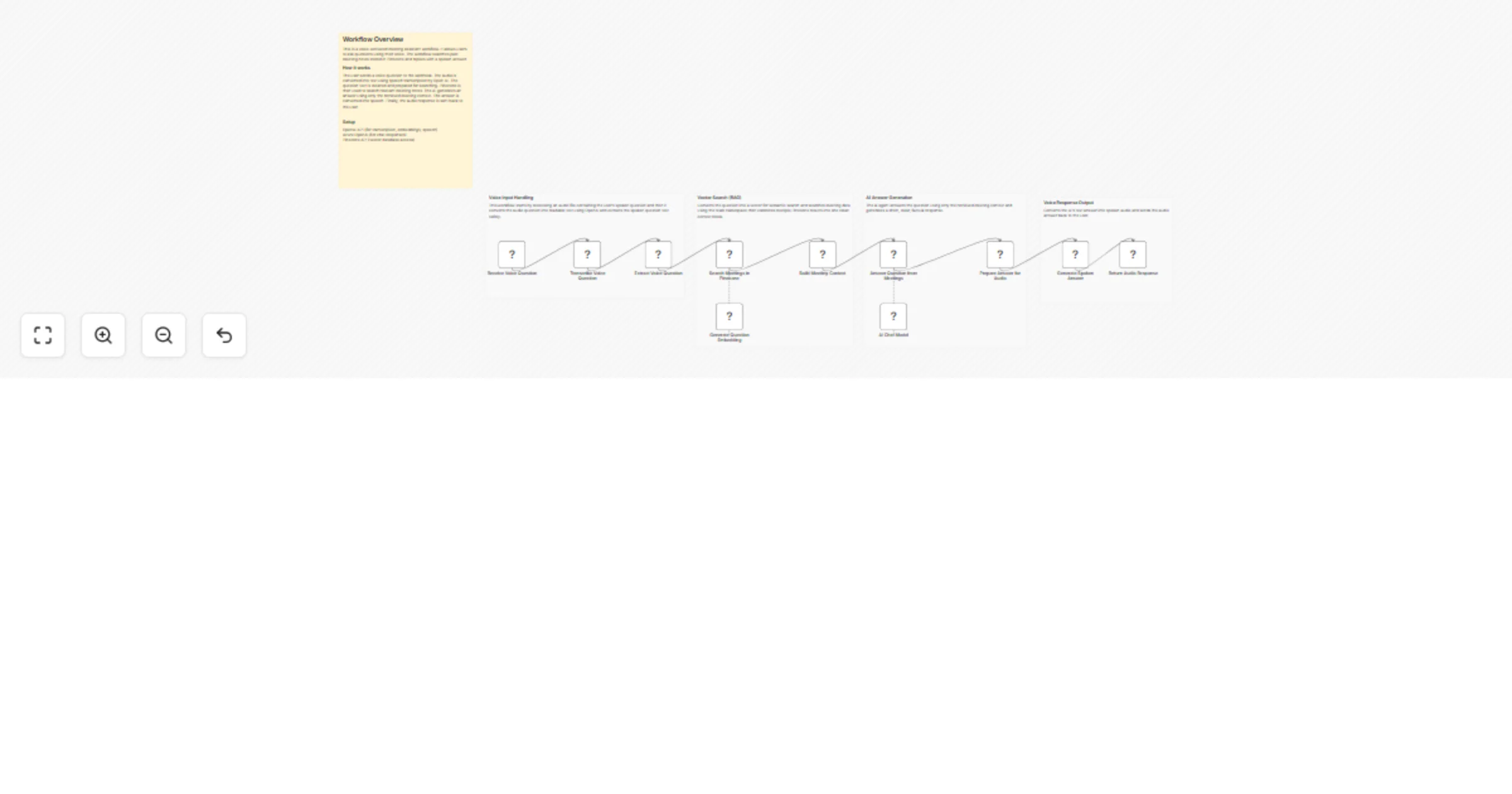
1️⃣ Receives a voice question through a webhook endpoint. 🌐 2️⃣ Converts the audio question into text using speech transcription. 🎤➡️📝 3️⃣ Cleans and prepares the question for searching. ✅ 4️⃣ Converts the question into an embedding for semantic search. 🔍 5️⃣ Searches relevant meeting notes from Pinecone using the team namespace. 📚 6️⃣ Combines retrieved meeting context into a single readable format. 🧩 7️⃣ Uses AI to answer the question strictly from the meeting context. 🤖 8️⃣ Converts the AI’s text answer into spoken audio. 🔊 9️⃣ Sends the audio response back to the user via webhook. 🔁
✅ Allows hands-free access to meeting information ✅ Saves time searching through meeting notes ✅ Prevents AI hallucinations using RAG ✅ Supports multiple teams using namespaces ✅ Works with voice-based tools and assistants ✅ Improves meeting recall and clarity
This catalog entry is organized from the workflow JSON. The node-level section below shows the executable blocks available for review before importing the template.
| Workflow | Ask questions about past meetings using voice with OpenAI and Pinecone |
|---|---|
| Complexity | advanced |
| Nodes | 16 |
| Categories | Internal Wiki, AI RAG |
| Author | Rahul Joshi |
| Published | 16 Jan 2026 |
Use the JSON export at /data/workflows/12757/12757.json as the source template for this automation.
Open n8n, import the downloaded JSON, and review each node before activating the workflow.
Replace placeholder credentials, API keys, webhook URLs, account IDs, and environment-specific values with your own settings.
Run the workflow manually or in a staging workspace, inspect node output, and confirm downstream systems receive the expected data.
Enable the workflow only after testing, then monitor executions, errors, and rate limits during the first production runs.
Review imported nodes carefully before activation. This catalog entry is intended to help you inspect the workflow structure, understand required services, and find related templates faster.
Node names, credentials, schedules, webhook paths, and external service limits may need adjustment for your workspace.
Description This workflow allows users to ask questions about past meetings using their voice. It converts the voice question into text, searches stored meeting notes using Pinecone, and replies...
Review the workflow JSON, configure any required credentials in n8n, and test the automation in a safe workspace before using it in production.
Yes. Use the block-by-block analysis and the downloadable JSON to inspect each node, then adjust credentials, prompts, schedules, filters, or destinations for your Internal Wiki, AI RAG use case.