Block 1 - When chat message received
- Type / Role
- @n8n/n8n-nodes-langchain.chatTrigger - chatTrigger
- Config choices
- Version 1.4


 Early Deal
(Wealth Management) Client Question → Instant Answer Assistant (n8n + Google Sheets + AI + API) This workflow allows users to ask portfolio related questions in a simple format ( ). It validates th...
@n8n/n8n-nodes-langchain.chattrigger, n8n-nodes-base.code, n8n-nodes-base.if, n8n-nodes-base.googlesheets, n8n-nodes-base.httprequest, @n8n/n8n-nodes-langchain.googlegemini, n8n-nodes-base.set, n8n-nodes-base.gmail
This workflow is cataloged by N8N Workflows and links back to its original n8n.io source page by WeblineIndia.
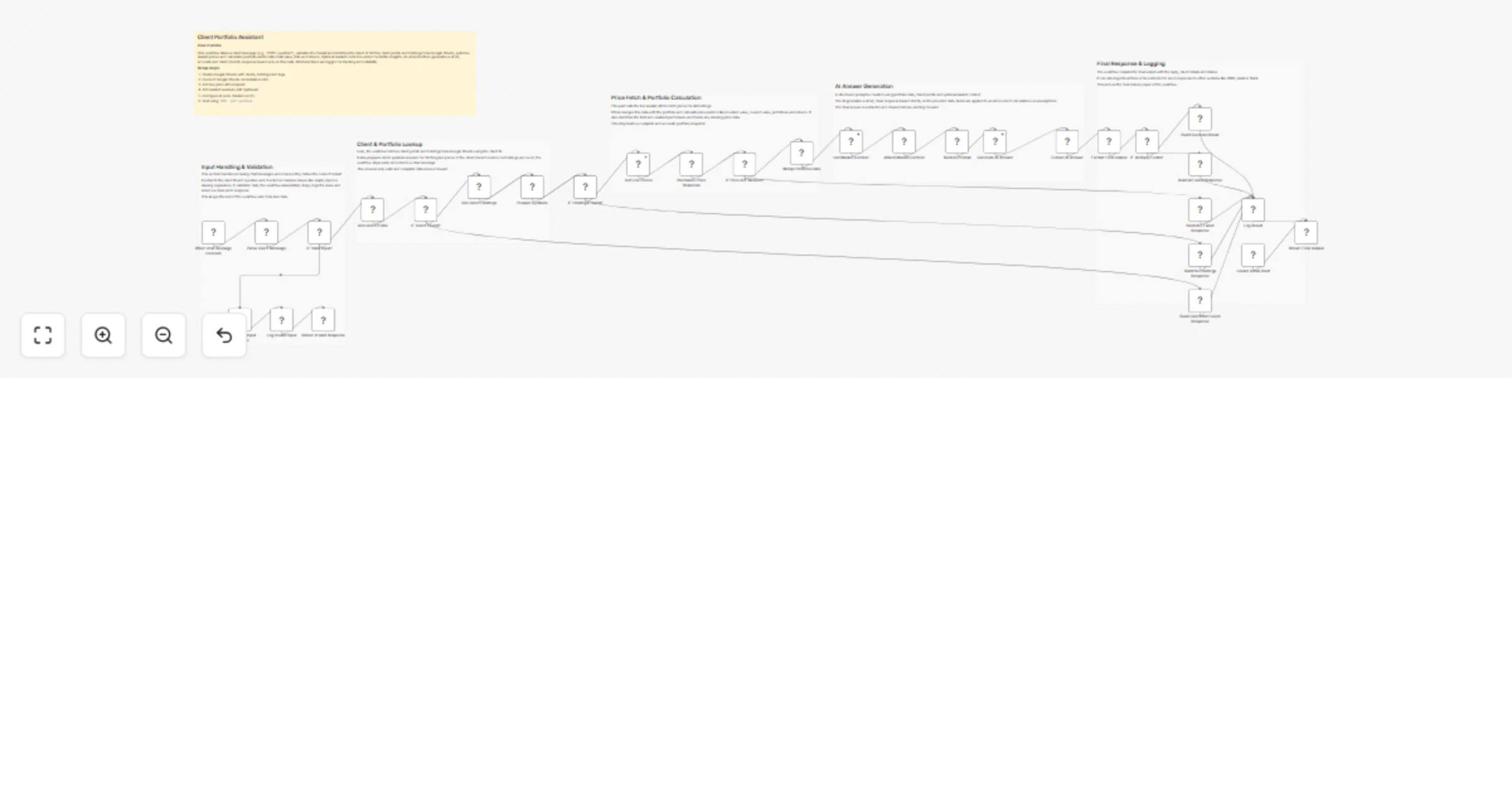
Original n8n.io sourceThis workflow allows users to ask portfolio-related questions in a simple format (C001: your question). It validates the input, fetches client data and holdings from Google Sheets, retrieves live market prices via API, calculates portfolio performance and generates a short AI-powered response.
Get Live Prices API endpointGenerate AI Answer (Google Gemini)C001: your questionThis workflow acts as an intelligent financial assistant that responds to client portfolio queries in real time. It starts by receiving a chat message through the When chat message received node and processes it using Parse Client Message to extract the client ID and question.
Once validated, it retrieves client details using Get Client Profile and portfolio holdings via Get Client Holdings. It then fetches live stock prices through the Get Live Prices API and merges all data using Merge Portfolio Data to compute metrics like invested value, current value, profit/loss and returns.
Finally, the workflow builds a structured prompt in Build AI Prompt and generates a concise response using Generate AI Answer, ensuring the reply is accurate, controlled and based only on available data.
clients sheetholdings sheetinteraction_logs sheetclient_idquestionIf invalid:
Failure handling:
Failure handling:
Adds optional insights like:
Final response includes:
There can be many more use cases depending on how this workflow is extended.
| Issue | Possible Cause | Solution |
|---|---|---|
| Invalid input error | Wrong format | Use C001: your question |
| Client not found | Missing in sheet | Check clients sheet |
| No holdings found | Empty data | Verify holdings sheet |
| API failed | Endpoint issue | Check API URL or timeout |
| AI reply empty | Model issue | Verify API credentials |
| Incorrect calculations | Missing price data | Check API response |
If you need help setting up this workflow, customizing nodes or building advanced automation solutions, feel free to reach out.
For professional support, custom workflow development or enterprise-grade automation, contact our n8n workflow developers at WeblineIndia. We help businesses build scalable and intelligent automation systems tailored to their needs.
This catalog entry is organized from the workflow JSON. The node-level section below shows the executable blocks available for review before importing the template.
Showing the first 24 of 36 workflow blocks. Download the JSON for the full node graph.
| Workflow | Answer wealth management portfolio questions with Google Sheets, live prices and Google Gemini |
|---|---|
| Complexity | advanced |
| Nodes | 36 |
| Categories | Support Chatbot, AI Chatbot |
| Author | WeblineIndia |
| Published | 01 Apr 2026 |
Use the JSON export at /data/workflows/14552/14552.json as the source template for this automation.
Open n8n, import the downloaded JSON, and review each node before activating the workflow.
Replace placeholder credentials, API keys, webhook URLs, account IDs, and environment-specific values with your own settings.
Run the workflow manually or in a staging workspace, inspect node output, and confirm downstream systems receive the expected data.
Enable the workflow only after testing, then monitor executions, errors, and rate limits during the first production runs.
Review imported nodes carefully before activation. This catalog entry is intended to help you inspect the workflow structure, understand required services, and find related templates faster.
Node names, credentials, schedules, webhook paths, and external service limits may need adjustment for your workspace.
(Wealth Management) Client Question → Instant Answer Assistant (n8n + Google Sheets + AI + API) This workflow allows users to ask portfolio related questions in a simple format ( ). It validates th...
Review the workflow JSON, configure any required credentials in n8n, and test the automation in a safe workspace before using it in production.
Yes. Use the block-by-block analysis and the downloadable JSON to inspect each node, then adjust credentials, prompts, schedules, filters, or destinations for your Support Chatbot, AI Chatbot use case.