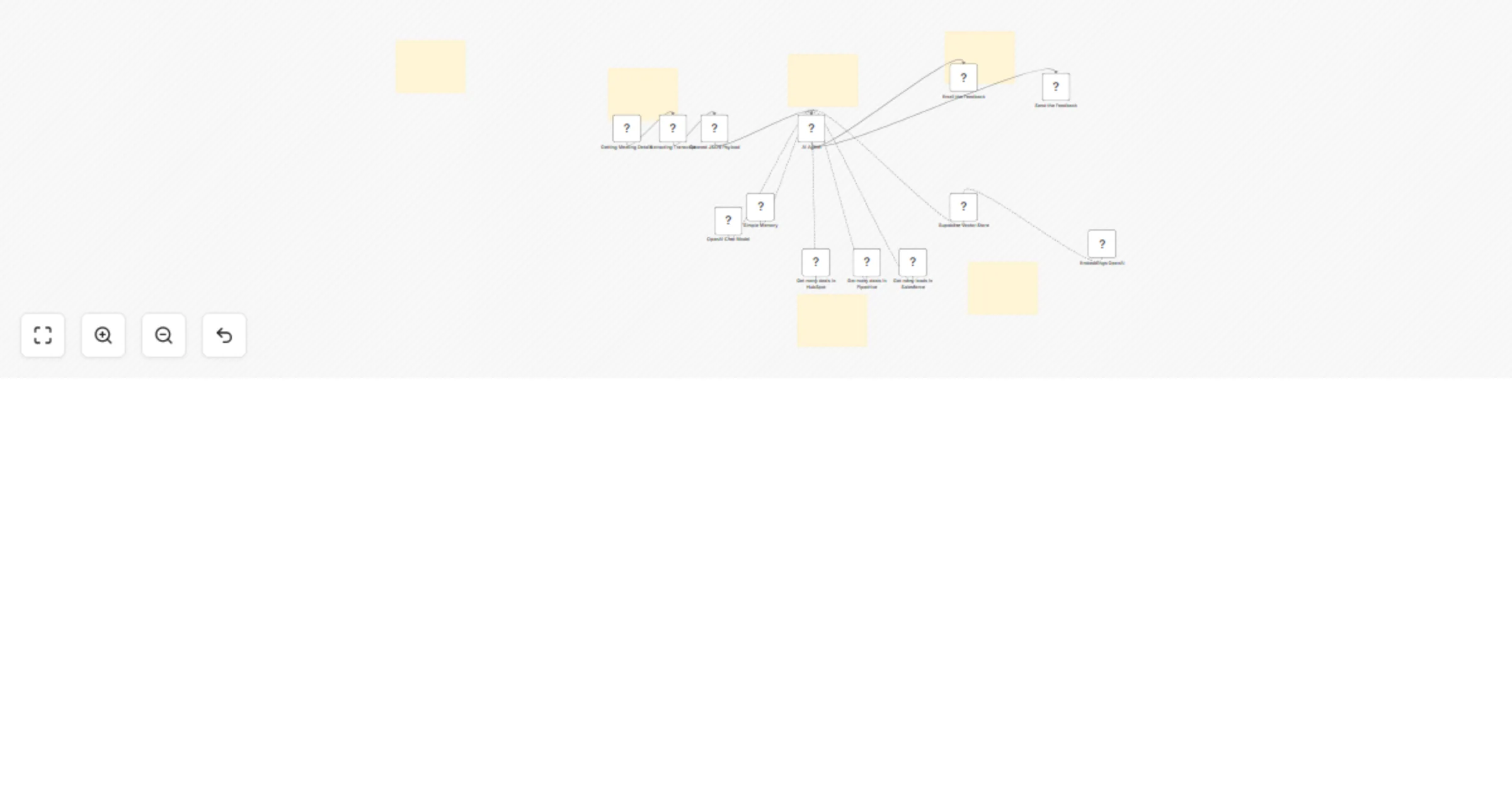
Analyze sales calls with GPT-4, Supabase RAG, Slack and multi-CRM

Workflow preview

Workflow preview
100%
Analyze sales calls with GPT-4, Supabase RAG, Slack and multi-CRM preview
Open on n8n.io

1. Workflow Overview

Categories Sales Automation, Artificial Intelligence, CRM Operations, Coaching & Training, AI Agents (RAG) Build an Autonomous AI Sales Coach with Fathom, CRMs, and Supabase RAG This workflow creat...

Best for

  • Lead Nurturing automation workflows
  • AI RAG automation workflows
  • advanced n8n builders looking for reusable templates

Tools used

n8n-nodes-base.webhook, n8n-nodes-base.httprequest, n8n-nodes-base.code, @n8n/n8n-nodes-langchain.agent, @n8n/n8n-nodes-langchain.lmchatopenai, @n8n/n8n-nodes-langchain.memorybufferwindow, n8n-nodes-base.pipedrivetool, n8n-nodes-base.salesforcetool

Source and attribution

This workflow is cataloged by N8N Workflows and links back to its original n8n.io source page by Ahmed Salama.

Original n8n.io source

1.1 Workflow description

Title
Analyze sales calls with GPT-4, Supabase RAG, Slack and multi-CRM
Workflow name
Analyze sales calls with GPT-4, Supabase RAG, Slack and multi-CRM

Categories

Sales Automation, Artificial Intelligence, CRM Operations, Coaching & Training, AI Agents (RAG)

Build an Autonomous AI Sales Coach with Fathom, CRMs, and Supabase RAG

This workflow creates an end-to-end, autonomous Sales Coaching pipeline that automatically captures live sales meeting transcripts, analyzes the rep's performance using an advanced AI Agent, and delivers highly specific, actionable feedback directly to your team.

Instead of generic AI summaries, this system acts as a personalized Sales Director. It dynamically checks your CRM (HubSpot, Salesforce, or Pipedrive) to understand the deal's value and stage, then uses a Supabase Vector Store (RAG) to grade the transcript against your company's actual, proprietary objection-handling scripts and playbooks.

The result is a zero-touch, highly scalable coaching system that turns every client call into a training opportunity, ensuring your reps adhere to your winning sales methodology.

Benefits

  • Scalable, Instant Coaching: Provide 1-on-1 feedback to every sales rep within seconds of a call ending, while the details are still fresh.
  • Context-Aware Analysis: The AI doesn't just read the transcript; it checks the CRM to see if the rep is talking to a $500 lead or a $50,000 enterprise prospect, adjusting its grading criteria accordingly.
  • Proprietary Playbook Adherence: By utilizing a Vector Store, the AI coaches your team using your specific battlecards, pricing logic, and scripts, rather than generic internet advice.
  • No Manual Data Entry: Fully autonomous data capture, context gathering, and feedback delivery.

How It Works

  • Meeting Data Ingestion (Fathom)
  • Captures live meeting payloads via Webhook.
  • Extracts the raw transcript and critical meeting metadata.
  • Data Pre-processing
  • A code node cleans the JSON payload.
  • Dynamically maps speaker roles (Sales Rep vs. Prospect) based on your specific company email domain.
  • Autonomous AI Evaluation (OpenAI Agent)
  • CRM Tool Routing: The Agent searches HubSpot, Salesforce, or Pipedrive by the client's email to fetch Deal Stage and Value.
  • Knowledge Retrieval (Supabase RAG): The Agent searches your custom Supabase Vector database to find the approved company rebuttals for any objections raised on the call.
  • Grades the rep on BANT (or custom criteria), objection handling, and next steps.
  • Parallel Coaching Delivery
  • Outputs a beautifully formatted Markdown coaching report.
  • Routes the feedback instantly to the rep via Slack and Email simultaneously for guaranteed delivery.

Required Setup

  • Fathom: Active account with Webhook access.
  • OpenAI: API key for the Chat Model (Agent brain) and Embeddings Model (Vector translation).
  • Supabase: Active project with a populated Vector Store table containing your sales playbook.
  • CRMs (HubSpot / Salesforce / Pipedrive): OAuth or API access to search contacts and deals.
  • Slack & Email: Configured nodes for message delivery.

Business Use Cases

  • Sales Directors & Managers: Automate call QA and ensure your playbook is actually being used on the front lines.
  • Account Executives: Get immediate, actionable advice on how to handle specific objections in the follow-up email.
  • RevOps Teams: Ensure CRM data hygiene by having an AI automatically cross-reference call transcripts with pipeline stages.
  • B2B Agencies: Offer "Automated Sales Coaching" as a high-ticket, value-add service to your clients.

Difficulty Level

Advanced

Estimated Build Time

60–90 minutes (Includes configuring Supabase and mapping CRM credentials)

Monthly Operating Cost

  • Fathom: Existing subscription
  • OpenAI: Usage-based (Typically $10–$30/month depending on call volume and transcript length)
  • Supabase: Free tier is usually sufficient for text playbooks
  • n8n: Self-hosted or cloud

Why This Workflow Works

  • Autonomous Decision Making: Unlike rigid, linear workflows, the AI Agent dynamically decides which CRM to check and when to search the playbook based on the context of the conversation.
  • High Signal, Low Noise: RAG integration ensures the AI grounds its advice in your actual company truth, preventing hallucinations.
  • Immediate ROI: Reps get exact scripts on how to save at-risk deals before the follow-up.

Possible Extensions

  • Auto-Update CRM: Give the AI Agent "Update" tools to automatically move Deal Stages based on the call outcome.
  • Manager Escalation: Add a Switch node to route calls scoring below a 60/100 directly to a human Sales Manager via a separate Slack channel.
  • Follow-Up Generator: Have the AI automatically draft the post-call follow-up email and save it as a draft in the rep's Gmail.

1.2 Logical Blocks

This catalog entry is organized from the workflow JSON. The node-level section below shows the executable blocks available for review before importing the template.

2. Block-by-Block Analysis

Block 1 - Getting Meeting Details

Type / Role
n8n-nodes-base.webhook - webhook
Config choices
Version 2.1

Block 2 - Extracting Transcript

Type / Role
n8n-nodes-base.httpRequest - httpRequest
Config choices
Version 4.3

Block 3 - Cleaned JSON Payload

Type / Role
n8n-nodes-base.code - code
Config choices
Version 2

Block 4 - AI Agent

Type / Role
@n8n/n8n-nodes-langchain.agent - agent
Config choices
Version 3

Block 5 - OpenAI Chat Model

Type / Role
@n8n/n8n-nodes-langchain.lmChatOpenAi - lmChatOpenAi
Config choices
Version 1.3

Block 6 - Simple Memory

Type / Role
@n8n/n8n-nodes-langchain.memoryBufferWindow - memoryBufferWindow
Config choices
Version 1.3

Block 7 - Get many deals in Pipedrive

Type / Role
n8n-nodes-base.pipedriveTool - pipedriveTool
Config choices
Version 1

Block 8 - Get many leads in Salesforce

Type / Role
n8n-nodes-base.salesforceTool - salesforceTool
Config choices
Version 1

Block 9 - Supabase Vector Store

Type / Role
@n8n/n8n-nodes-langchain.vectorStoreSupabase - vectorStoreSupabase
Config choices
Version 1.3

Block 10 - Embeddings OpenAI

Type / Role
@n8n/n8n-nodes-langchain.embeddingsOpenAi - embeddingsOpenAi
Config choices
Version 1.2

Block 11 - Get many deals in HubSpot

Type / Role
n8n-nodes-base.hubspotTool - hubspotTool
Config choices
Version 2.2

Block 12 - Sticky Note

Type / Role
n8n-nodes-base.stickyNote - stickyNote
Config choices
Version 1

Block 13 - Sticky Note2

Type / Role
n8n-nodes-base.stickyNote - stickyNote
Config choices
Version 1

Block 14 - Sticky Note3

Type / Role
n8n-nodes-base.stickyNote - stickyNote
Config choices
Version 1

Block 15 - Sticky Note1

Type / Role
n8n-nodes-base.stickyNote - stickyNote
Config choices
Version 1

Block 16 - Sticky Note4

Type / Role
n8n-nodes-base.stickyNote - stickyNote
Config choices
Version 1

Block 17 - Sticky Note5

Type / Role
n8n-nodes-base.stickyNote - stickyNote
Config choices
Version 1

Block 18 - Send the Feedback

Type / Role
n8n-nodes-base.slack - slack
Config choices
Version 2.4

Block 19 - Email the Feedback

Type / Role
n8n-nodes-base.emailSend - emailSend
Config choices
Version 2.1

3. Summary Table

Workflow Analyze sales calls with GPT-4, Supabase RAG, Slack and multi-CRM
Complexity advanced
Nodes 19
Categories Lead Nurturing, AI RAG
Author Ahmed Salama
Published 12 Mar 2026

4. Reproducing the Workflow from Scratch

  1. 1. Download the workflow JSON

    Use the JSON export at /data/workflows/14016/14016.json as the source template for this automation.

  2. 2. Import the template into n8n

    Open n8n, import the downloaded JSON, and review each node before activating the workflow.

  3. 3. Configure credentials and variables

    Replace placeholder credentials, API keys, webhook URLs, account IDs, and environment-specific values with your own settings.

  4. 4. Test with sample data

    Run the workflow manually or in a staging workspace, inspect node output, and confirm downstream systems receive the expected data.

  5. 5. Activate and monitor

    Enable the workflow only after testing, then monitor executions, errors, and rate limits during the first production runs.

5. General Notes & Resources

Review imported nodes carefully before activation. This catalog entry is intended to help you inspect the workflow structure, understand required services, and find related templates faster.

Node names, credentials, schedules, webhook paths, and external service limits may need adjustment for your workspace.

Frequently asked questions

What does Analyze sales calls with GPT-4, Supabase RAG, Slack and multi-CRM do?

Categories Sales Automation, Artificial Intelligence, CRM Operations, Coaching & Training, AI Agents (RAG) Build an Autonomous AI Sales Coach with Fathom, CRMs, and Supabase RAG This workflow creat...

What do I need before importing this workflow?

Review the workflow JSON, configure any required credentials in n8n, and test the automation in a safe workspace before using it in production.

Can I customize this workflow?

Yes. Use the block-by-block analysis and the downloadable JSON to inspect each node, then adjust credentials, prompts, schedules, filters, or destinations for your Lead Nurturing, AI RAG use case.