Analyze failed workflows with Claude via OpenRouter and log to Sheets with Slack, Email, Discord alerts
Workflow preview

$20/month : Unlimited workflows
2500 executions/month

THE #1 IN WEB SCRAPING
Scrape any website without limits
HOSTINGER  Early Deal
DISCOUNT 20% Try free
Early DealDISCOUNT 20%
Self-hosted n8n
Unlimited workflows - from $4.99/mo

#1 hub for scraping, AI & automation
6000+ actors - $5 credits/mo
Overview
Who is this for
This workflow is designed for n8n users who manage multiple production workflows and want to:
- Receive intelligent, actionable error alerts instead of raw stack traces
- Understand root causes without manually debugging every failure
- Prevent alert fatigue from repeated similar errors
- Maintain a searchable log of all workflow errors
It's ideal for animal advocacy organizations, campaign coordinators, and activists running mission-critical automation workflows for outreach, volunteer coordination, or campaign monitoring.
What it does
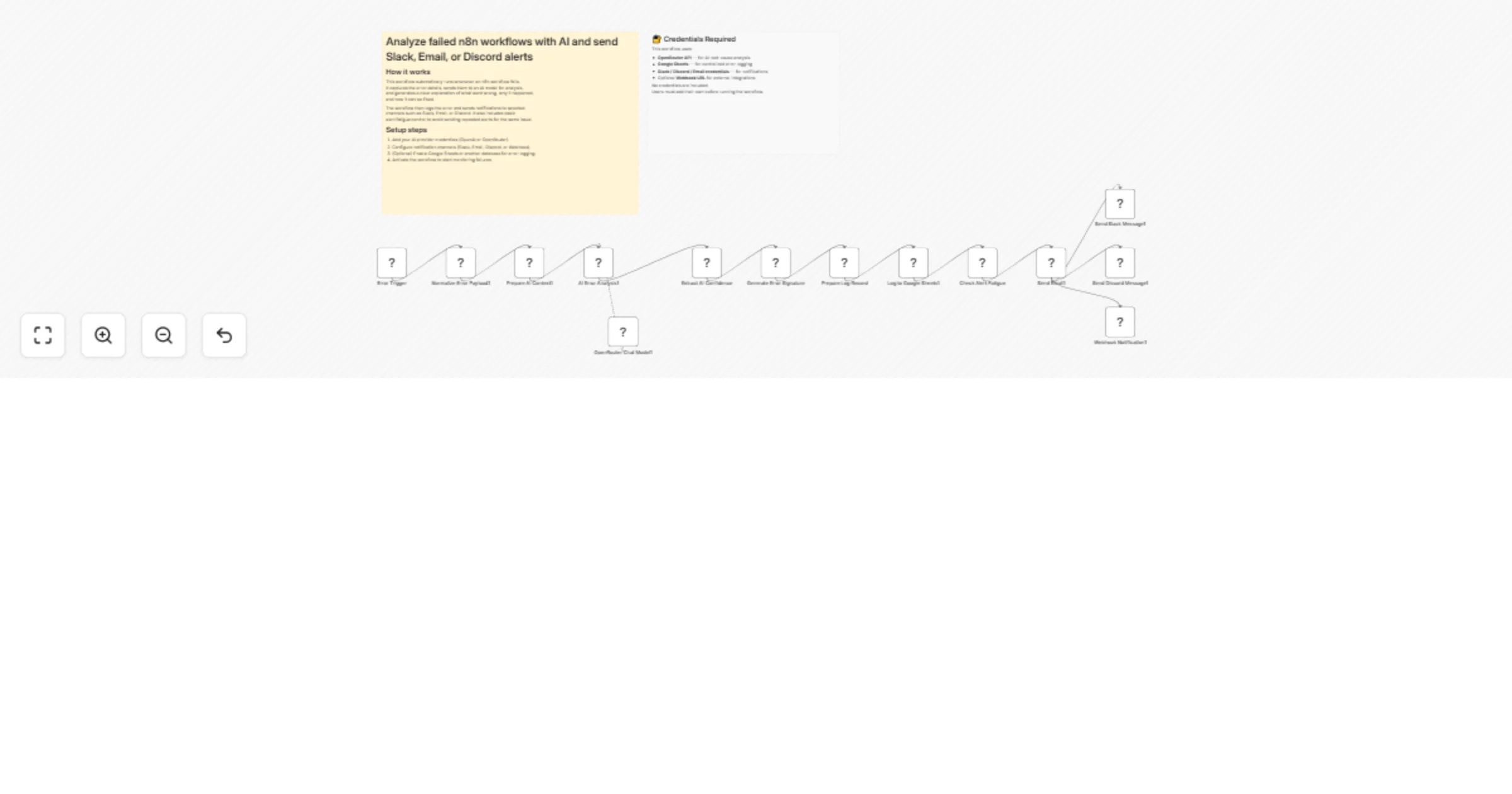
When any workflow in your n8n instance fails, this agent automatically:
- Captures the error details including workflow name, failed node, error message, and stack trace
- Uses AI (via OpenRouter/Claude) to analyze the error and suggest root causes and fixes
- Generates a unique error signature for deduplication
- Logs the error with AI analysis to Google Sheets for historical tracking
- Checks for recent duplicate errors to prevent alert fatigue
- Sends enriched notifications through your choice of Slack, Discord, Email, or Webhook
The AI analysis includes root cause identification, error chain tracing, specific fix recommendations, and a confidence score indicating how certain the analysis is.
How to set up
- Import the workflow into your n8n instance
- Configure credentials for:
- OpenRouter API for AI analysis
- Google Sheets for error logging
- Notification channels you want to use (Slack, Discord, Gmail, or Webhook URL)
- Create a Google Sheet with columns matching the log fields
- Update the receiver email addresses in the "Normalize Error Payload" node
- Enable the workflow
- Set this workflow as the error handler for other workflows you want to monitor
Requirements
- OpenRouter API key (for AI-powered error analysis)
- Google Sheets OAuth2 credentials
- At least one notification channel configured (Slack, Discord, Gmail, or custom webhook)
- n8n instance with Error Trigger capability
How to customize
- Change the AI model: Edit the OpenRouter Chat Model node to use a different LLM
- Adjust alert fatigue settings: Modify the lookback count and time window in the "Check Alert Fatigue" code node
- Switch logging backend: Replace the Google Sheets node with PostgreSQL, Notion, or any other storage
- Add notification channels: The workflow sends to multiple channels in parallel - add or remove as needed
- Customize email recipients: Update the receiver emails array in the normalize payload node