Analyze ad performance from Meta, Google and Microsoft using Groq Llama 3.3 and Gmail
Workflow preview

$20/month : Unlimited workflows
2500 executions/month

THE #1 IN WEB SCRAPING
Scrape any website without limits
HOSTINGER  Early Deal
DISCOUNT 20% Try free
Early DealDISCOUNT 20%
Self-hosted n8n
Unlimited workflows - from $4.99/mo

#1 hub for scraping, AI & automation
6000+ actors - $5 credits/mo
Overview
How it works
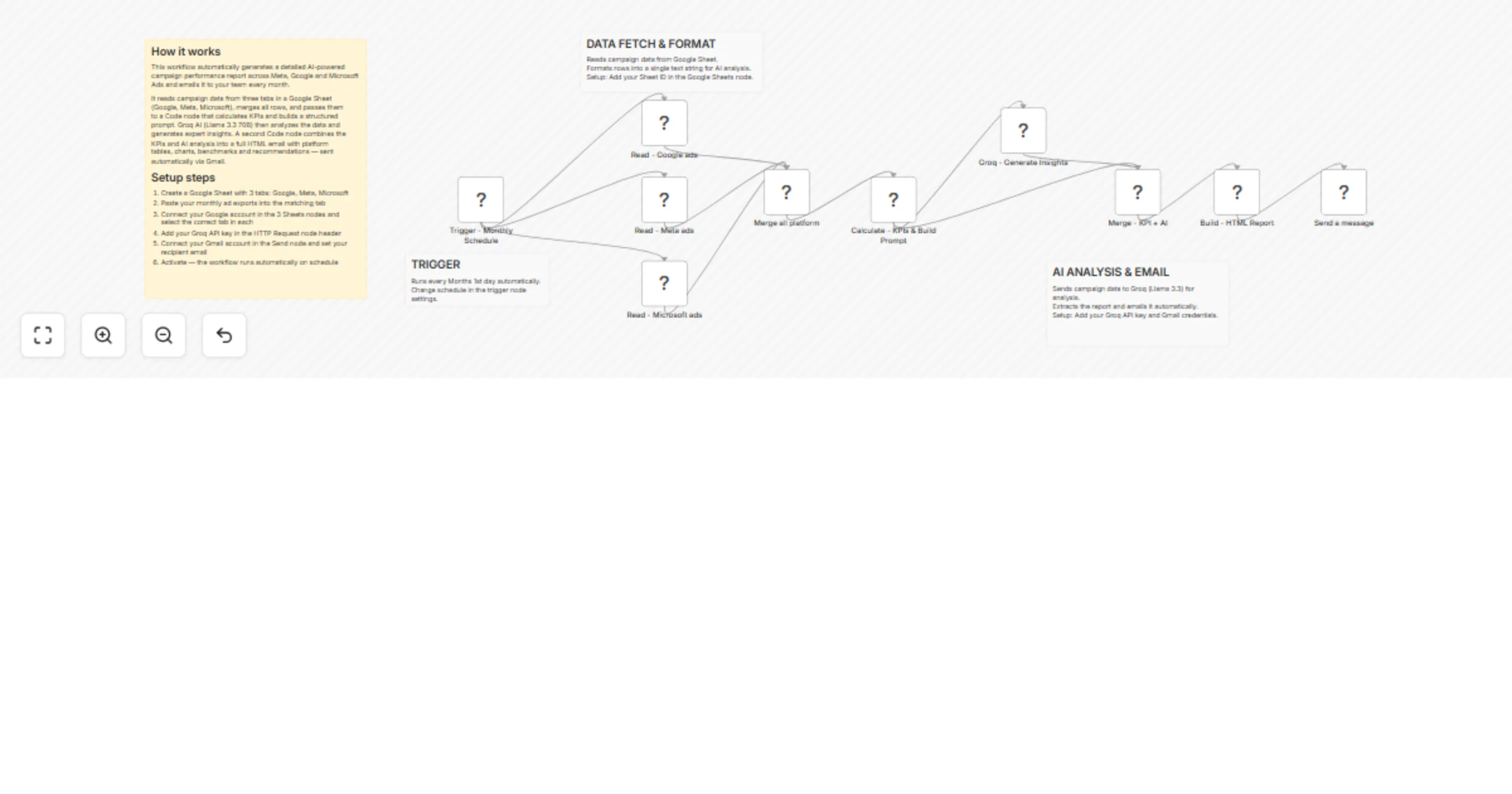
This workflow automatically generates a detailed AI-powered campaign performance report across Meta, Google and Microsoft Ads and emails it to your team every month.
It reads campaign data from three tabs in a Google Sheet (Google, Meta, Microsoft), merges all rows, and passes them to a Code node that calculates KPIs and builds a structured prompt. Groq AI (Llama 3.3 70B) then analyzes the data and generates expert insights. A second Code node combines the KPIs and AI analysis into a full HTML email with platform tables, charts, benchmarks and recommendations — sent automatically via Gmail.
Setup steps
- Create a Google Sheet with 3 tabs: Google, Meta, Microsoft
- Paste your monthly ad exports into the matching tab
- Connect your Google account in the 3 Sheets nodes and select the correct tab in each
- Add your Groq API key in the HTTP Request node header
- Connect your Gmail account in the Send node and set your recipient email
- Activate — the workflow runs automatically on schedule