AI WhatsApp Chatbot with RAG: Automate Text, Voice, Image & PDF Responses

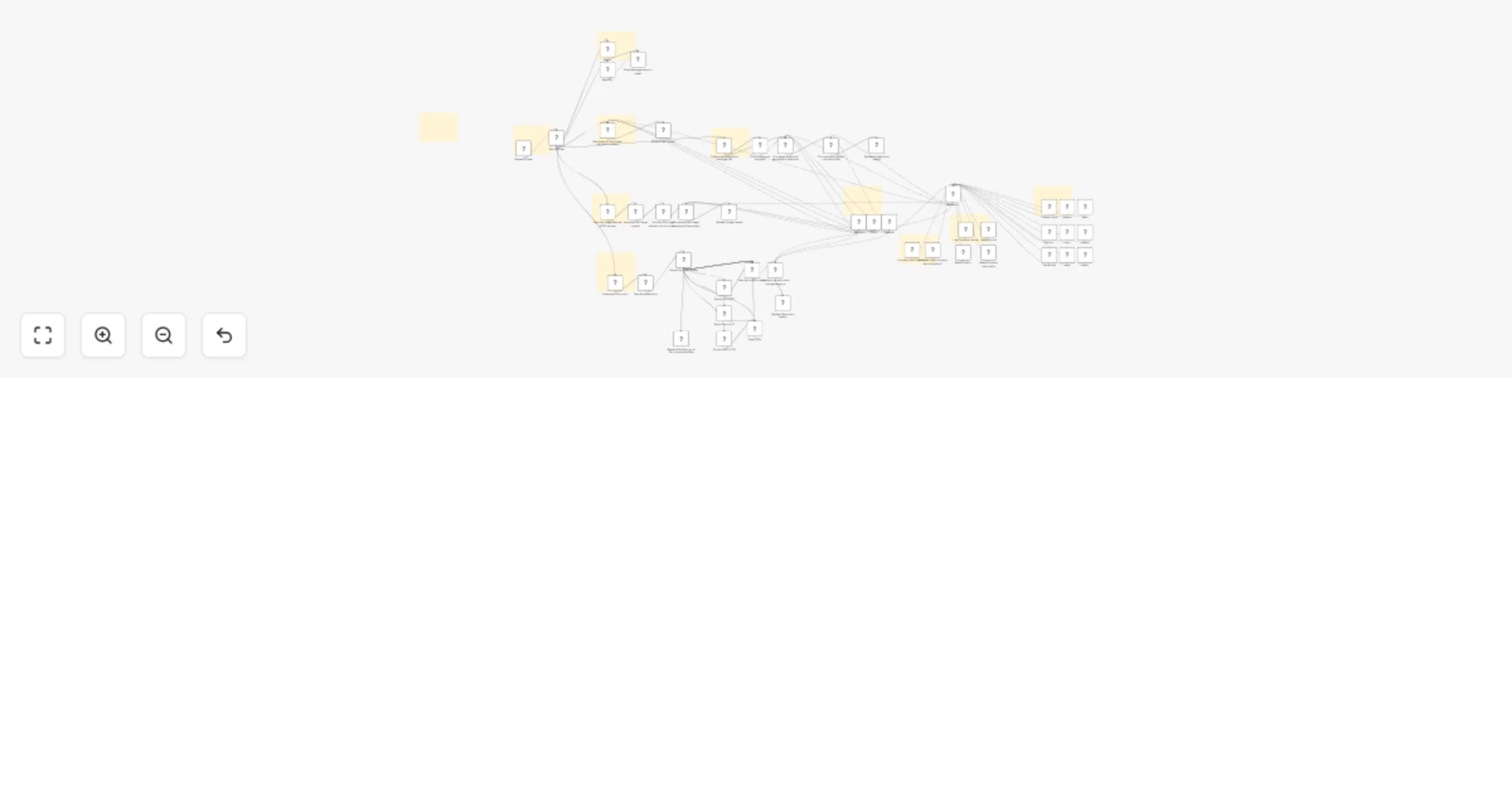
Workflow preview

Workflow preview
100%
AI WhatsApp Chatbot with RAG: Automate Text, Voice, Image & PDF Responses preview
Open on n8n.io

1. Workflow Overview

Who it's for This n8n workflow creates an intelligent WhatsApp customer support bot that can handle text, image, audio, and document messages. The workflow automatically processes incoming messages...

Best for

  • Support Chatbot automation workflows
  • AI Chatbot automation workflows
  • advanced n8n builders looking for reusable templates

Tools used

n8n-nodes-base.extractfromfile, n8n-nodes-base.set, n8n-nodes-base.code, n8n-nodes-base.httprequest, n8n-nodes-base.switch, n8n-nodes-rapiwa.rapiwatrigger, @n8n/n8n-nodes-langchain.agenttool, n8n-nodes-base.httprequesttool

Source and attribution

This workflow is cataloged by N8N Workflows and links back to its original n8n.io source page by SpaGreen Creative.

Original n8n.io source

1.1 Workflow description

Title
AI WhatsApp Chatbot with RAG: Automate Text, Voice, Image & PDF Responses
Workflow name
AI WhatsApp Chatbot with RAG: Automate Text, Voice, Image & PDF Responses

Who it's for

This n8n workflow creates an intelligent WhatsApp customer support bot that can handle text, image, audio, and document messages. The workflow automatically processes incoming messages through different AI agents, maintains conversation context, accesses company knowledge bases, and provides personalized responses. It's designed for businesses looking to automate customer support across multiple communication channels.

Features

  • Multi-Modal Processing – Handles text, images, audio, and documents.
  • Smart Message Routing – Categorizes and directs messages automatically.
  • AI Analysis – Uses Google Gemini (images/audio) and Mistral Cloud (text).
  • Knowledge Base Access – Connects with Google Sheets, Docs, and product docs.
  • Conversation Memory – Keeps context across multiple messages.
  • Document Recognition – Supports PDF, XLS/XLSX, CSV, JSON, and more.
  • Support Logging – Tracks customer issues in Google Sheets.
  • Product Docs – Access for Salebot, Delix, Socialvibe, Faculty, Yoori, MeetAir, Oxoo, Flixoo.

Requirements

  • Rapiwa API credentials for WhatsApp integration
  • Google Gemini API credentials for image and audio analysis
  • Mistral Cloud API credentials for language model processing
  • Google Sheets OAuth2 credentials for accessing and logging data
  • Google Docs OAuth2 credentials for accessing company documentation
  • HTTP Request access to various product documentation sites

Important Notes

  • Message Type Handling: The workflow includes specialized processing for different message types
  • Document Support: Supports multiple document formats including PDF, XLS, XLSX, CSV, JSON, XML, RTF, TXT, and HTML
  • Product Documentation: Provides access to documentation for multiple products through HTTP requests
  • Conversation Memory: Maintains context across multiple messages from the same session
  • Support Logging: Automatically logs customer issues with categories and suggested solutions
  • Error Handling: Provides appropriate error messages for unsupported file types

Support & Help

1.2 Logical Blocks

This catalog entry is organized from the workflow JSON. The node-level section below shows the executable blocks available for review before importing the template.

2. Block-by-Block Analysis

Block 1 - Extract from PDF

Type / Role
n8n-nodes-base.extractFromFile - extractFromFile
Config choices
Version 1

Block 2 - Extract from XLS

Type / Role
n8n-nodes-base.extractFromFile - extractFromFile
Config choices
Version 1

Block 3 - Extract from XLSX

Type / Role
n8n-nodes-base.extractFromFile - extractFromFile
Config choices
Version 1

Block 4 - Map JSON

Type / Role
n8n-nodes-base.set - set
Config choices
Version 3.4

Block 5 - Map file extensions

Type / Role
n8n-nodes-base.code - code
Config choices
Version 2

Block 6 - Map document prompt

Type / Role
n8n-nodes-base.set - set
Config choices
Version 3.4

Block 7 - Download Document

Type / Role
n8n-nodes-base.httpRequest - httpRequest
Config choices
Version 4.2

Block 8 - Route Types

Type / Role
n8n-nodes-base.switch - switch
Config choices
Version 3.2

Block 9 - Route Document Types

Type / Role
n8n-nodes-base.switch - switch
Config choices
Version 3.2

Block 10 - Rapiwa Trigger

Type / Role
n8n-nodes-rapiwa.rapiwaTrigger - rapiwaTrigger
Config choices
Version 1

Block 11 - Research

Type / Role
@n8n/n8n-nodes-langchain.agentTool - agentTool
Config choices
Version 2.2

Block 12 - Support Desk

Type / Role
n8n-nodes-base.httpRequestTool - httpRequestTool
Config choices
Version 4.2

Block 13 - Read Company Information

Type / Role
n8n-nodes-base.googleSheetsTool - googleSheetsTool
Config choices
Version 4.5

Block 14 - Read Product

Type / Role
n8n-nodes-base.googleSheetsTool - googleSheetsTool
Config choices
Version 4.5

Block 15 - Read Service

Type / Role
n8n-nodes-base.googleSheetsTool - googleSheetsTool
Config choices
Version 4.5

Block 16 - Log Customer Issues

Type / Role
n8n-nodes-base.googleSheetsTool - googleSheetsTool
Config choices
Version 4.5

Block 17 - salebot

Type / Role
n8n-nodes-base.httpRequestTool - httpRequestTool
Config choices
Version 4.2

Block 18 - delix

Type / Role
n8n-nodes-base.httpRequestTool - httpRequestTool
Config choices
Version 4.2

Block 19 - socialvibe

Type / Role
n8n-nodes-base.httpRequestTool - httpRequestTool
Config choices
Version 4.2

Block 20 - faculty

Type / Role
n8n-nodes-base.httpRequestTool - httpRequestTool
Config choices
Version 4.2

Block 21 - yoori

Type / Role
n8n-nodes-base.httpRequestTool - httpRequestTool
Config choices
Version 4.2

Block 22 - meetair

Type / Role
n8n-nodes-base.httpRequestTool - httpRequestTool
Config choices
Version 4.2

Block 23 - oxoo

Type / Role
n8n-nodes-base.httpRequestTool - httpRequestTool
Config choices
Version 4.2

Block 24 - flixoo

Type / Role
n8n-nodes-base.httpRequestTool - httpRequestTool
Config choices
Version 4.2

Showing the first 24 of 59 workflow blocks. Download the JSON for the full node graph.

3. Summary Table

Workflow AI WhatsApp Chatbot with RAG: Automate Text, Voice, Image & PDF Responses
Complexity advanced
Nodes 59
Categories Support Chatbot, AI Chatbot
Author SpaGreen Creative
Published 02 Feb 2026

4. Reproducing the Workflow from Scratch

  1. 1. Download the workflow JSON

    Use the JSON export at /data/workflows/13173/13173.json as the source template for this automation.

  2. 2. Import the template into n8n

    Open n8n, import the downloaded JSON, and review each node before activating the workflow.

  3. 3. Configure credentials and variables

    Replace placeholder credentials, API keys, webhook URLs, account IDs, and environment-specific values with your own settings.

  4. 4. Test with sample data

    Run the workflow manually or in a staging workspace, inspect node output, and confirm downstream systems receive the expected data.

  5. 5. Activate and monitor

    Enable the workflow only after testing, then monitor executions, errors, and rate limits during the first production runs.

5. General Notes & Resources

Review imported nodes carefully before activation. This catalog entry is intended to help you inspect the workflow structure, understand required services, and find related templates faster.

Node names, credentials, schedules, webhook paths, and external service limits may need adjustment for your workspace.

Frequently asked questions

What does AI WhatsApp Chatbot with RAG: Automate Text, Voice, Image & PDF Responses do?

Who it's for This n8n workflow creates an intelligent WhatsApp customer support bot that can handle text, image, audio, and document messages. The workflow automatically processes incoming messages...

What do I need before importing this workflow?

Review the workflow JSON, configure any required credentials in n8n, and test the automation in a safe workspace before using it in production.

Can I customize this workflow?

Yes. Use the block-by-block analysis and the downloadable JSON to inspect each node, then adjust credentials, prompts, schedules, filters, or destinations for your Support Chatbot, AI Chatbot use case.