Block 1 - Update event
- Type / Role
- n8n-nodes-base.googleCalendarTool - googleCalendarTool
- Config choices
- Version 1.3


 Early Deal
This workflow implements an AI powered WhatsApp booking assistant for a hair salon. The system allows customers to book, reschedule, or cancel appointments automatically via text or voice messages ...
n8n-nodes-base.googlecalendartool, n8n-nodes-base.googlesheetstool, n8n-nodes-base.errortrigger, n8n-nodes-base.gmail, @n8n/n8n-nodes-langchain.agent, n8n-nodes-base.whatsapptrigger, n8n-nodes-base.httprequest, @n8n/n8n-nodes-langchain.openai
This workflow is cataloged by N8N Workflows and links back to its original n8n.io source page by Davide Boizza.
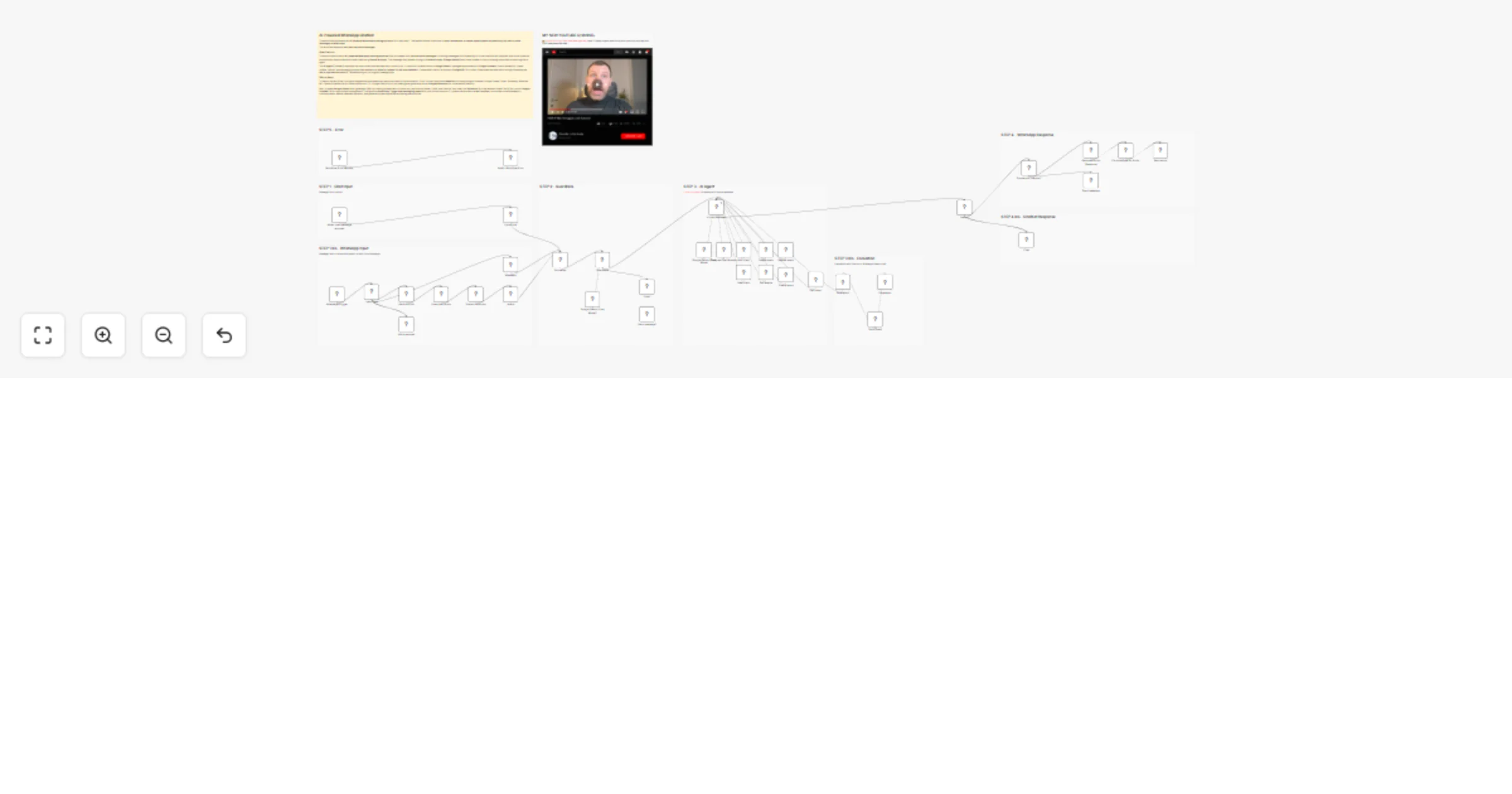
Original n8n.io sourceThis workflow implements an AI-powered WhatsApp booking assistant for a hair salon. The system allows customers to book, reschedule, or cancel appointments automatically via text or voice messages on WhatsApp.
The workflow supports both text and voice messages.
An AI agent manages the conversation logic, determines the user's intent, and calls the appropriate tools to perform actions such as checking availability, creating appointments, rescheduling bookings, or canceling events.
The system also includes guardrails to filter unsafe or irrelevant inputs and escalation mechanisms to notify the team when a request falls outside supported tasks.
Customers can book, reschedule, or cancel appointments at any time through WhatsApp without requiring manual staff intervention.
The workflow supports both text messages and voice messages. Audio messages are automatically transcribed and processed by the AI assistant.
An AI agent manages the conversation, understands user intent, and automatically performs actions such as checking calendar availability or creating appointments.
The assistant connects directly to Google Calendar to:
This ensures real-time accuracy.
Customer information such as phone number, name, and service type is stored and updated in Google Sheets, creating a lightweight CRM database.
The system stores chat history in PostgreSQL, allowing the AI assistant to maintain context during conversations and deliver a more natural experience.
If the AI cannot handle a request (for example, a question unrelated to appointments), the workflow automatically:
Guardrails are implemented to prevent irrelevant or unsafe responses, ensuring that the assistant follows defined policies and tasks.
The workflow is designed to work with:
This allows the same logic to power multiple communication channels.
The system is fully automated and can handle multiple simultaneous conversations, reducing operational workload and improving customer service efficiency.
sessionId to maintain conversation context.Identify User: It first uses the New client tool to check a Google Sheet to see if the user is already registered.
Manage Appointments: Based on the user's request (book, reschedule, cancel), it intelligently calls specific tools in the correct order.
Date Logic: It is aware of the current date and time to calculate correct future dates (e.g., interpreting "this Thursday").
Tool Execution (Actions):
New client, Add client): To check if a client exists and add new clients to a spreadsheet.Get events, Create event, Update event, Delete event): To check availability and manage appointments. The Get events tool is configured to look for slots in the next 30 days.Send Email): To notify the team if a user asks for something outside the scope (e.g., pricing, product questions).Escalation): To hand over the conversation to a human agent for complex requests.To get this workflow running, you need to configure the following credentials and nodes:
[email protected].Google Gemini Chat Model) and the Guardrails model (Google Gemini Chat Model1).New client and Add client nodes with your sheet's ID.Phone Number, Client, and Service.WhatsApp Trigger node needs to be connected to your WhatsApp Business App.Send message and Send audio nodes must have the correct Phone Number ID for your WhatsApp Business number.Send Email tool (for escalations), change the sendTo email address from [email protected] to the actual email of the team that should receive these notifications.👉 Subscribe to my new YouTube channel. Here I’ll share videos and Shorts with practical tutorials and FREE templates for n8n.
Contact me for consulting and support or add me on Linkedin.
This catalog entry is organized from the workflow JSON. The node-level section below shows the executable blocks available for review before importing the template.
Showing the first 24 of 47 workflow blocks. Download the JSON for the full node graph.
| Workflow | AI-Powered WhatsApp Chatbot 🤖📅: Complete Booking Assistant with Gemini & Google |
|---|---|
| Complexity | advanced |
| Nodes | 47 |
| Categories | Support Chatbot, AI Chatbot |
| Author | Davide Boizza |
| Published | 10 Mar 2026 |
Use the JSON export at /data/workflows/13984/13984.json as the source template for this automation.
Open n8n, import the downloaded JSON, and review each node before activating the workflow.
Replace placeholder credentials, API keys, webhook URLs, account IDs, and environment-specific values with your own settings.
Run the workflow manually or in a staging workspace, inspect node output, and confirm downstream systems receive the expected data.
Enable the workflow only after testing, then monitor executions, errors, and rate limits during the first production runs.
Review imported nodes carefully before activation. This catalog entry is intended to help you inspect the workflow structure, understand required services, and find related templates faster.
Node names, credentials, schedules, webhook paths, and external service limits may need adjustment for your workspace.
This workflow implements an AI powered WhatsApp booking assistant for a hair salon. The system allows customers to book, reschedule, or cancel appointments automatically via text or voice messages ...
Review the workflow JSON, configure any required credentials in n8n, and test the automation in a safe workspace before using it in production.
Yes. Use the block-by-block analysis and the downloadable JSON to inspect each node, then adjust credentials, prompts, schedules, filters, or destinations for your Support Chatbot, AI Chatbot use case.