Block 1 - Gmail Trigger
- Type / Role
- n8n-nodes-base.gmailTrigger - gmailTrigger
- Config choices
- Version 1.2


 Early Deal
This workflow is provided as-is. Please review and test before using in production.
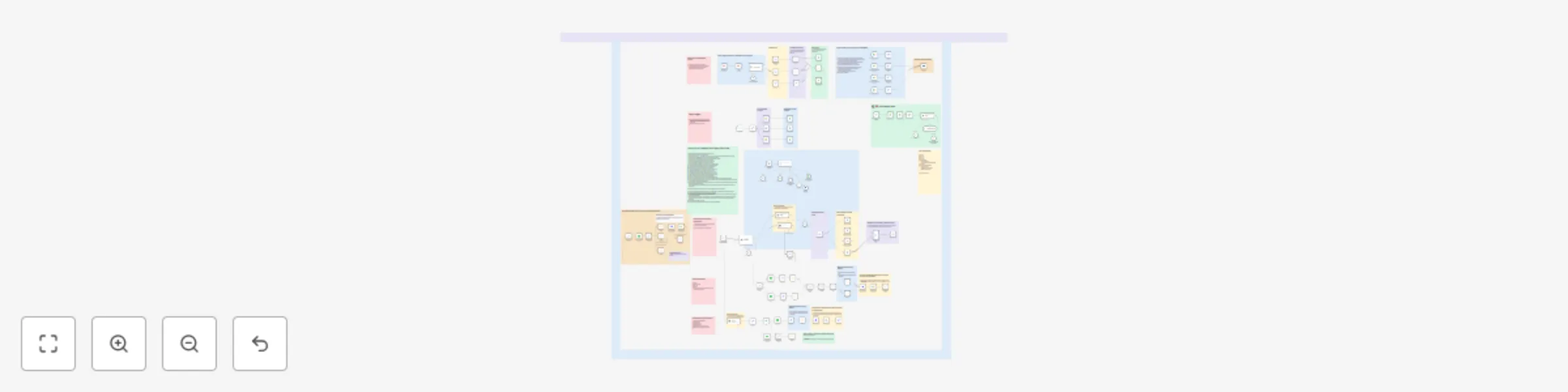
The AI powered MIS Agent is an intelligent, automated system built using n8n that streamlines email based data collection and document organization for businesses. It classifies incoming emails, ex...
n8n-nodes-base.gmailtrigger, n8n-nodes-base.scheduletrigger, n8n-nodes-base.gmail, n8n-nodes-base.googledrive, n8n-nodes-base.stickynote, @n8n/n8n-nodes-langchain.textclassifier, @n8n/n8n-nodes-langchain.lmchatopenai, n8n-nodes-base.if
This workflow is cataloged by N8N Workflows and links back to its original n8n.io source page by Kumar Shivam.
Original n8n.io sourceThe AI-powered MIS Agent is an intelligent, automated system built using n8n that streamlines email-based data collection and document organization for businesses. It classifies incoming emails, extracts and processes attachments or Drive links, and routes them to the correct destination folders in Google Drive. Additionally, it provides advanced file operations like cleaning, merging, joining, and transforming data.
📥 Automated Email and File Management Detects and processes emails containing attachments or Drive links, ensuring seamless classification and routing of business-critical files.
Uses LLMs (like GPT-4o Mini) to classify emails into categories such as Daily Sales, Customer Info, and Address based on their content.
Recognizes whether a file is a direct attachment or a Google Drive link, extracts the file ID if necessary, and uploads it to predefined folders.
Supports operations like append, join, group by, aggregation, and standardization of data directly from spreadsheets using Python and Pandas within the workflow.
Supports scheduled runs and real-time email triggers, making it highly reliable and timely.
Easily expandable with more logic, new folders, or different workflows. Clean architecture and annotations make maintenance simple.
The system uses a Gmail trigger to monitor incoming emails with specific labels or attachments.
An LLM-based text classifier identifies the purpose of the email (e.g., sales data, address list, customer details).
Regex-based conditions check if the email contains Google Drive links or attachments.
If it's a Drive link, it extracts the file ID and copies it to the correct folder. If it's an attachment, it uploads directly.
Periodically moves or logs files from predefined folders using a schedule trigger.
Performs data cleaning and transformation tasks like replacing missing values, standardizing formats, and joining datasets based on criteria provided by the user.
Cleaned and processed files are saved in designated folders with their public links shared back through the system.
Configure Nodes: Gmail Trigger: Detects relevant incoming emails.
Text Classifier: Uses OpenAI model to categorize email content.
Regex Conditions: Determine whether a link or attachment is present.
Google Drive Operations: Upload or copy files to categorized folders.
Python Nodes: Handle data manipulation using Pandas.
Google Sheets Nodes: Extract, clean, and write structured data.
LLM-based Chat Models: Extract and apply cleaning configurations.
Seamlessly connect Gmail inputs, classification, file processing, and data logic.
Output links or processed files are uploaded back to Drive and ready to share.
Credentials: Ensure OAuth credentials for Gmail, Google Drive, and OpenAI are correctly set.
Sales & CRM teams managing large volumes of email-based reports.
Data teams needing structured pipelines from unstructured email inputs.
Businesses looking to automate classification, storage, and transformation of routine data.
-If there is any customization needed like charts and other request like adding databases feel free to let me know i can do it accordingly.
This catalog entry is organized from the workflow JSON. The node-level section below shows the executable blocks available for review before importing the template.
Showing the first 24 of 130 workflow blocks. Download the JSON for the full node graph.
| Workflow | AI-powered MIS agent |
|---|---|
| Complexity | advanced |
| Nodes | 130 |
| Categories | Document Extraction, AI Summarization |
| Author | Kumar Shivam |
| Published | 23 May 2025 |
Use the JSON export at /data/workflows/4341/4341.json as the source template for this automation.
Open n8n, import the downloaded JSON, and review each node before activating the workflow.
Replace placeholder credentials, API keys, webhook URLs, account IDs, and environment-specific values with your own settings.
Run the workflow manually or in a staging workspace, inspect node output, and confirm downstream systems receive the expected data.
Enable the workflow only after testing, then monitor executions, errors, and rate limits during the first production runs.
Review imported nodes carefully before activation. This catalog entry is intended to help you inspect the workflow structure, understand required services, and find related templates faster.
Node names, credentials, schedules, webhook paths, and external service limits may need adjustment for your workspace.
The AI powered MIS Agent is an intelligent, automated system built using n8n that streamlines email based data collection and document organization for businesses. It classifies incoming emails, ex...
Review the workflow JSON, configure any required credentials in n8n, and test the automation in a safe workspace before using it in production.
Yes. Use the block-by-block analysis and the downloadable JSON to inspect each node, then adjust credentials, prompts, schedules, filters, or destinations for your Document Extraction, AI Summarization use case.