AI-generated LinkedIn posts with human approval using GPT-4, GoToHuman & Blotato
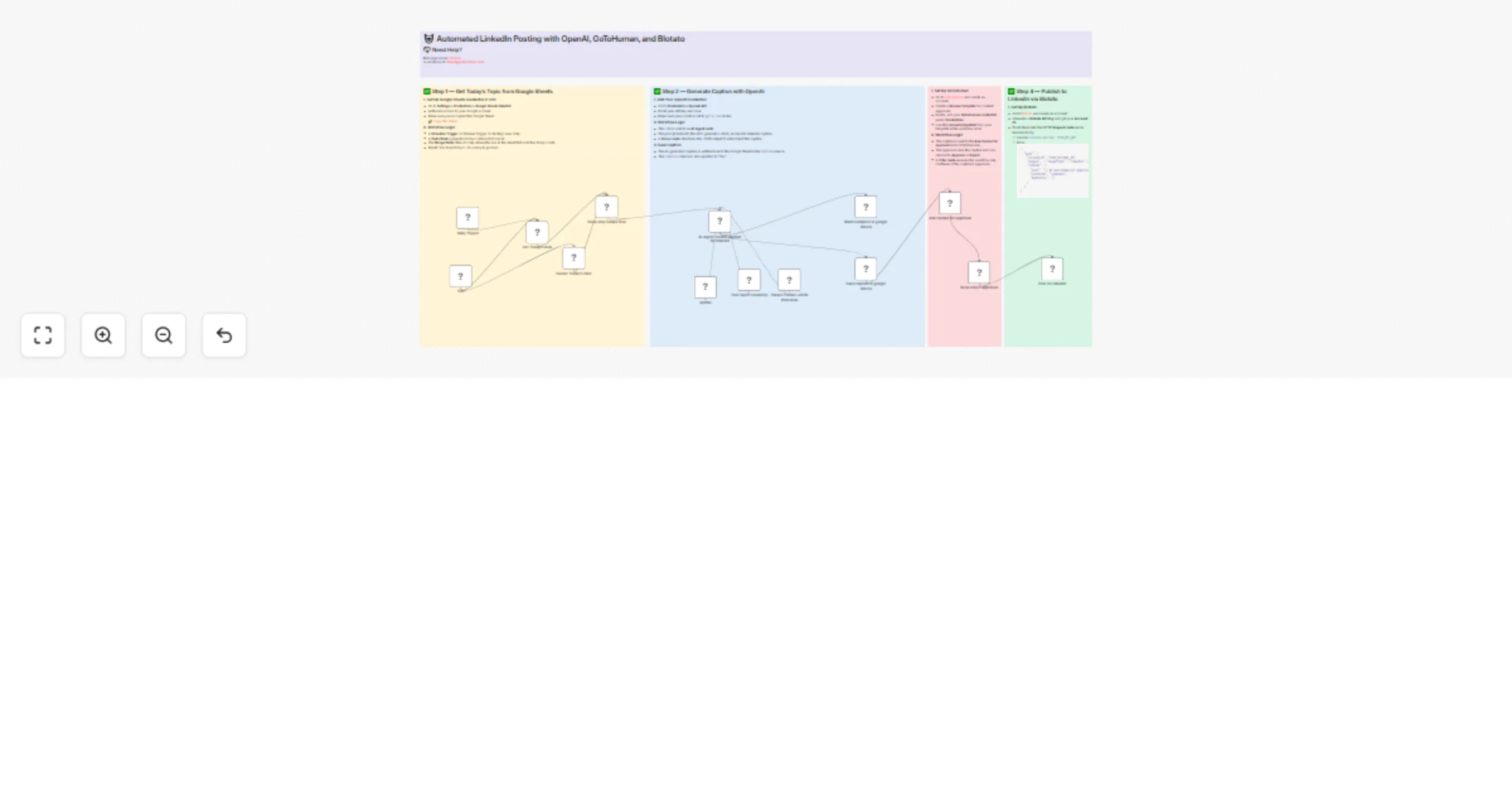
Workflow preview


 Early Deal
DISCOUNT 20%

Important notice
This workflow is provided as-is. Please review and test before using in production.
Overview
This workflow is designed for creators, marketers, and agencies who want to automate content publishing while keeping quality control through human review. It integrates four powerful tools — Google Sheets, OpenAI, GoToHuman, and Blotato — to deliver a seamless AI-assisted, human-approved, auto-publishing system for LinkedIn.
⚙️ What This Workflow Does
📅 Pulls Today’s Topic from Google Sheets
- You store ideas in a spreadsheet with a date column.
- The workflow runs daily (or manually) and selects the row matching today’s date.
🧠 Generates a Caption with OpenAI
- The selected idea is passed to GPT-4 via an AI Agent node.
- OpenAI returns a short, emoji-rich LinkedIn caption (1–2 sentences).
- The result is saved back to the sheet.
👤 Sends the Caption for Human Review via GoToHuman
- A human reviewer sees the AI-generated caption.
- They approve or reject it using a GoToHuman review template.
- Only approved captions move forward.
🚀 Publishes the Approved Caption to LinkedIn via Blotato
- The caption is posted to a LinkedIn account via Blotato's API.
- No additional input is required — it's fully automated after approval.
🔧 Setup Requirements
✅ Google Sheets
- Create or copy the provided sample sheet.
- Connect your Google Sheets account in n8n using OAuth2.
✅ OpenAI
- Create an API key at platform.openai.com.
- Add it to n8n as an OpenAI credential.
✅ GoToHuman
- Create an account and a Review Template at gotohuman.com.
- Add your API credential in n8n and use your
reviewTemplateIdin the node.
✅ Blotato
- Create an account at blotato.com.
- Get your API key and Account ID.
- Insert them into the HTTP Request node that publishes the LinkedIn post.
🧪 Testing the Workflow
- Use the Manual Trigger node for step-by-step debugging.
- Review nodes like
AI Agent,Ask Human for Approval, andPost to LinkedInto verify output. - Once confirmed, activate the schedule for fully hands-free publishing.
👋 Built By
Robert Breen
Founder of Ynteractive — Automation, AI, and Data Strategy
🌐 Website: https://ynteractive.com
📧 Email: [email protected]
🔗 LinkedIn: https://www.linkedin.com/in/robert-breen-29429625/
📺 YouTube: YnteractiveTraining
🏷 Tags
linkedin openai gotohuman social automation ai content approval workflow google sheets blotato marketing automation