Block 1 - When User Asks Question
- Type / Role
- @n8n/n8n-nodes-langchain.chatTrigger - chatTrigger
- Config choices
- Version 1.4


 Early Deal
Video Introduction Want to automate your i...
@n8n/n8n-nodes-langchain.chattrigger, @n8n/n8n-nodes-langchain.agent, @n8n/n8n-nodes-langchain.lmchatopenai, @n8n/n8n-nodes-langchain.memorybufferwindow, n8n-nodes-base.airtabletool, n8n-nodes-base.stickynote
This workflow is cataloged by N8N Workflows and links back to its original n8n.io source page by Milan Vasarhelyi - SmoothWork.
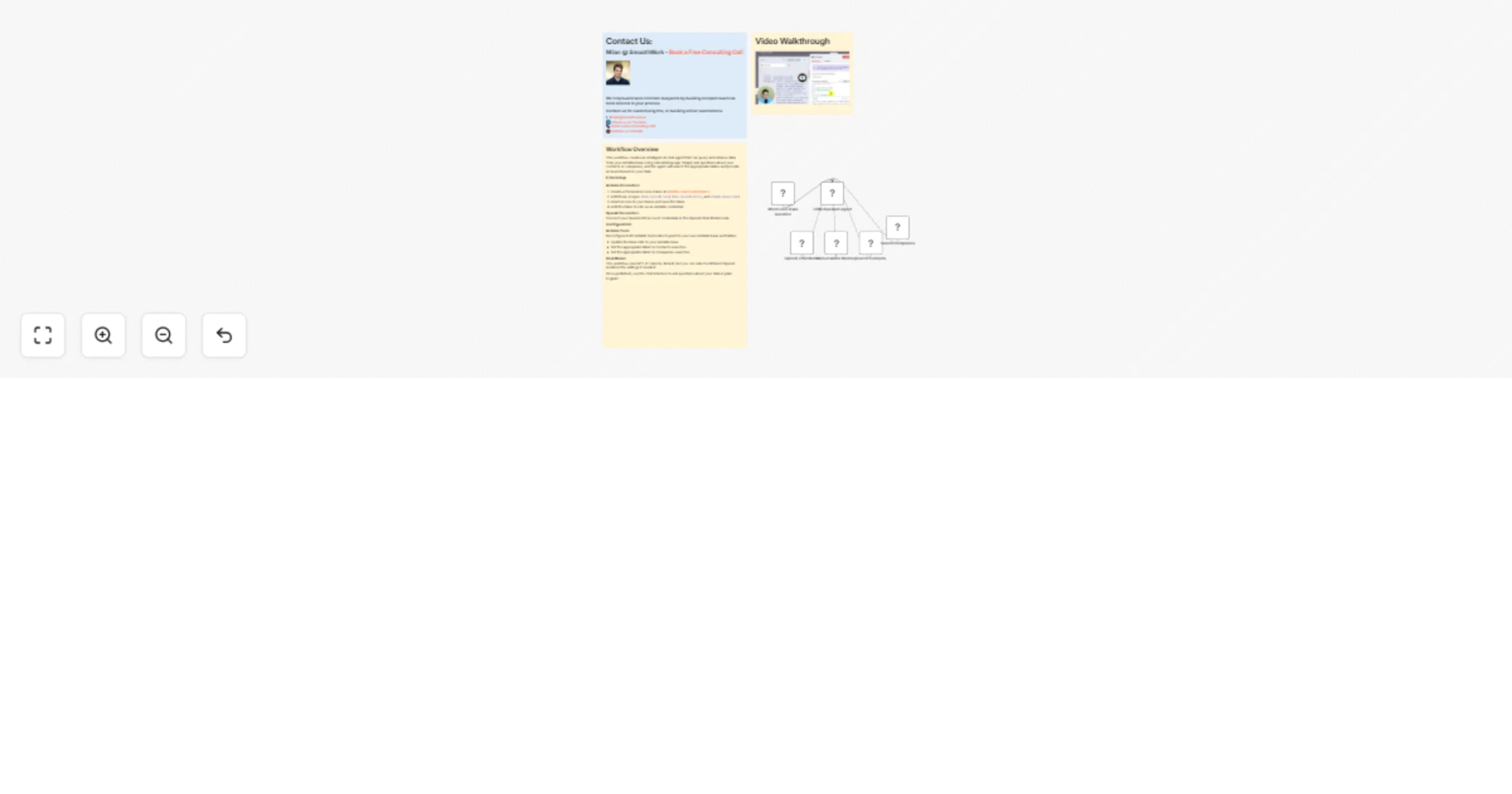
Original n8n.io sourceThis workflow creates an intelligent AI chat agent that allows you to query and retrieve data from your Airtable base using natural language conversations. Instead of manually searching through tables or writing complex formulas, simply ask questions like "List all Microsoft employees" or "Show me contacts from California," and the agent will intelligently search the appropriate tables and provide accurate answers.
The agent is powered by OpenAI's GPT model and equipped with two specialized tools: one for searching your Contacts table and another for searching your Companies table. It maintains conversation context through built-in memory, allowing for follow-up questions and more natural interactions.
Airtable Connection:
data.records:read, data.records:write, and schema.bases:readOpenAI Connection: Connect your OpenAI API credentials in the OpenAI Chat Model node. The workflow uses GPT-4.1-mini by default, but you can select any available model.
Once published, the workflow provides a chat URL where you can start asking questions about your Airtable data immediately.
This catalog entry is organized from the workflow JSON. The node-level section below shows the executable blocks available for review before importing the template.
| Workflow | AI Agent to Chat with Airtable |
|---|---|
| Complexity | intermediate |
| Nodes | 9 |
| Categories | Internal Wiki, AI Chatbot |
| Author | Milan Vasarhelyi - SmoothWork |
| Published | 17 Feb 2026 |
Use the JSON export at /data/workflows/13459/13459.json as the source template for this automation.
Open n8n, import the downloaded JSON, and review each node before activating the workflow.
Replace placeholder credentials, API keys, webhook URLs, account IDs, and environment-specific values with your own settings.
Run the workflow manually or in a staging workspace, inspect node output, and confirm downstream systems receive the expected data.
Enable the workflow only after testing, then monitor executions, errors, and rate limits during the first production runs.
Review imported nodes carefully before activation. This catalog entry is intended to help you inspect the workflow structure, understand required services, and find related templates faster.
Node names, credentials, schedules, webhook paths, and external service limits may need adjustment for your workspace.
Video Introduction Want to automate your i...
Review the workflow JSON, configure any required credentials in n8n, and test the automation in a safe workspace before using it in production.
Yes. Use the block-by-block analysis and the downloadable JSON to inspect each node, then adjust credentials, prompts, schedules, filters, or destinations for your Internal Wiki, AI Chatbot use case.