Engineering Workflows
What are Engineering n8n workflows?
Engineering n8n workflows are reusable automation templates for engineering use cases. This category includes workflows that connect apps, transform data, trigger notifications, sync records, and reduce repetitive manual work. Each listing includes workflow metadata, author attribution, complexity level, relevant categories, source links when available, and a downloadable JSON file for inspection before import. Use this page to compare templates, identify the tools involved, and choose a workflow that fits your workspace before testing it safely in n8n.

Filtering and branching data
Task: Conditional filtering and branching items Why: Filtering and branching data based on conditions allows you to b...


Working with dates and times
Task: Handle dates and times in your workflow Why: Date and time formats can be hard to work with, we have 2 main way...

Sum or aggregate a column of spreadsheet or table data
This workflow shows how to sum multiple items of data, like you would in Excel or Airtable when summing up the total...

Handle verification for Twitter webhook
This workflow handles the incoming call from Twitter and sends the required response for verification. On registering...
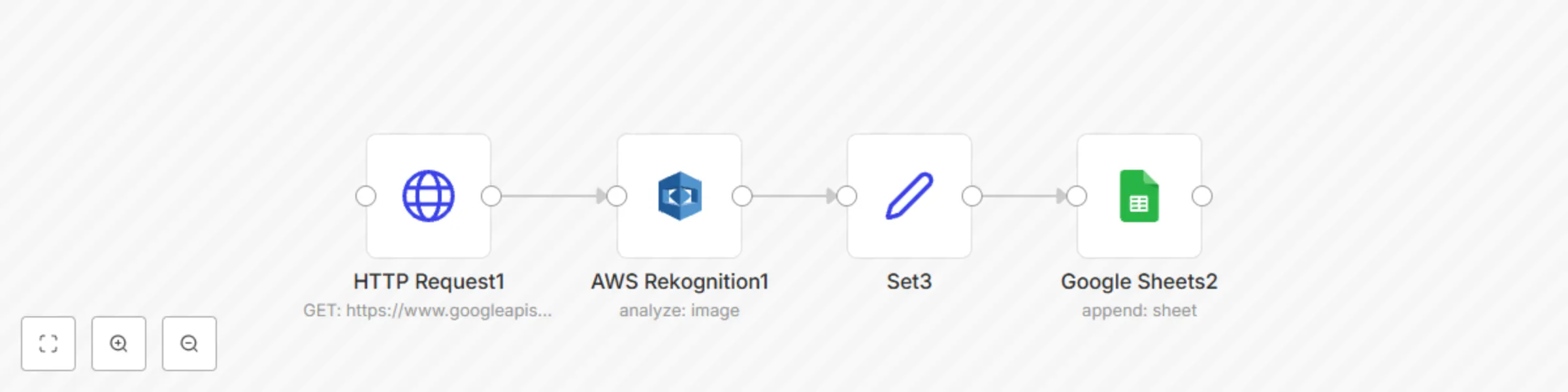
Collect and label images and send to Google Sheets
This workflow collects images from web search on a specific query, detects labels in them, and stores this informatio...
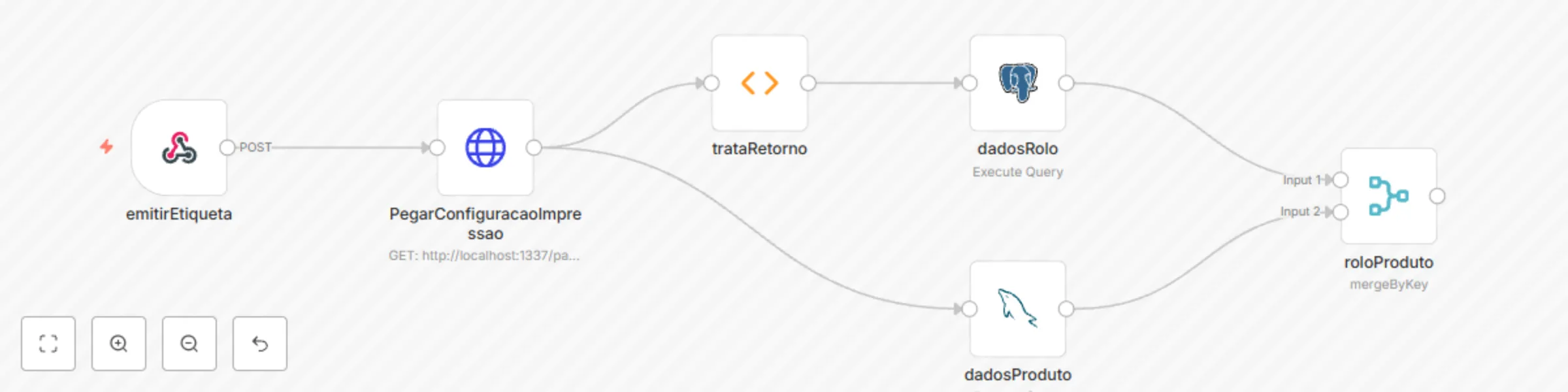
Join data from Postgres and MySQL
query data from two different databases handle and unify in a single return

Serve a static HTML page when a link is accessed
This easy to extend workflow automatically serves a static HTML page when a URL is accessed in a browser. Prerequisit...
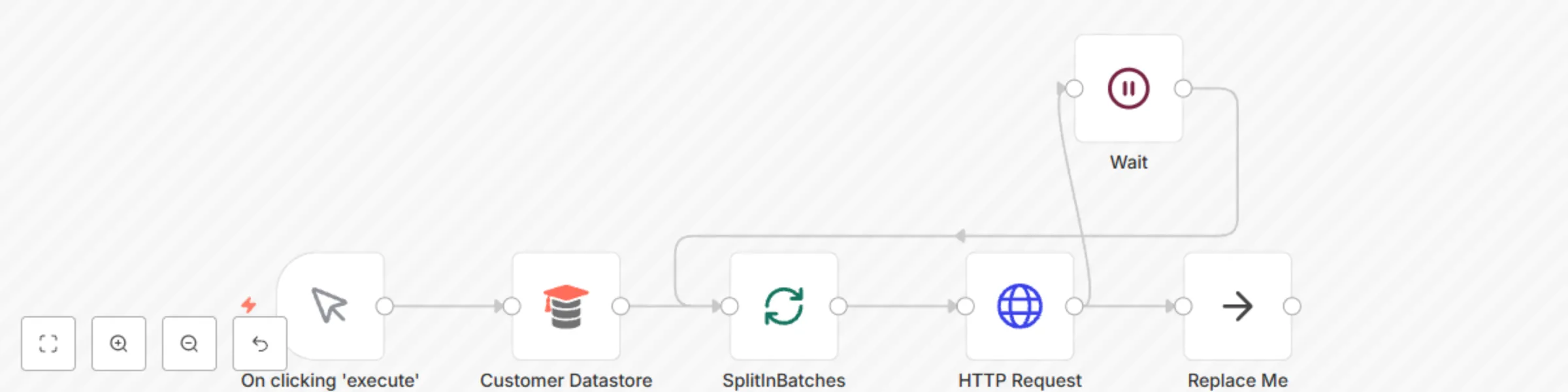
Avoid rate limiting by batching HTTP requests
This workflow demonstrates the use of the Split In Batches node and the Wait node to avoid API rate limits. Customer...
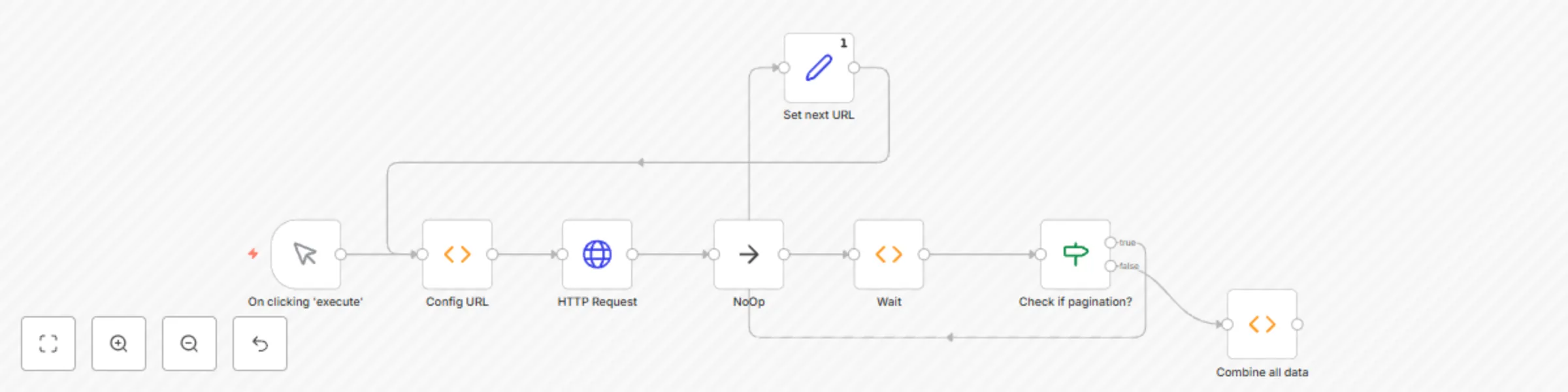
Handle pagination in HTTP requests
This example workflow demonstrates how to handle pagination. This example assumes that the API you are making the req...
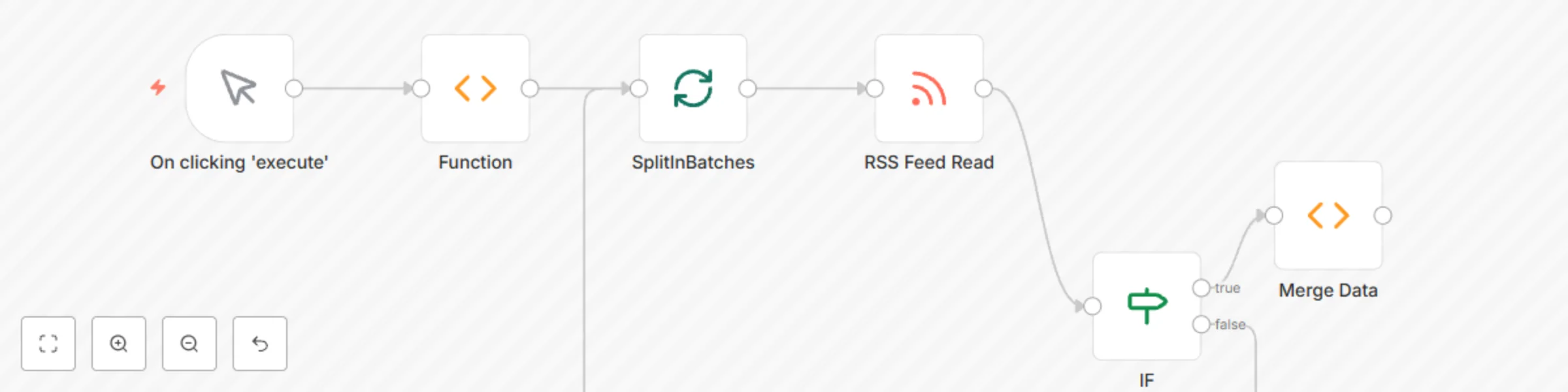
Merge data for multiple executions
This workflow demonstrates how to merge data for different executions. The Merge Data Function node fetches the data...
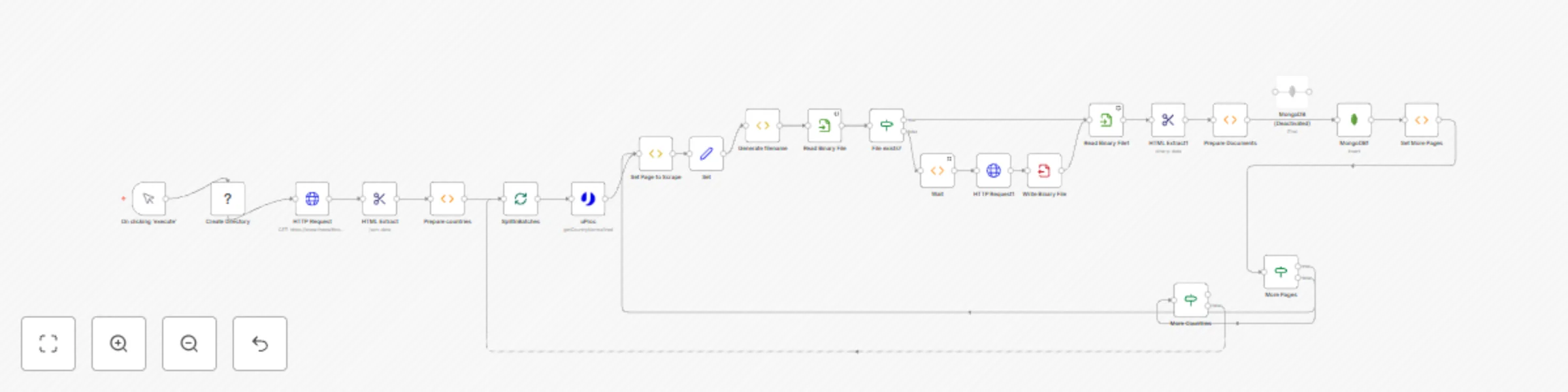
Scrape and store data from multiple website pages
This workflow allows extracting data from multiple pages website. The workflow: 1) Starts in a country list at https:...
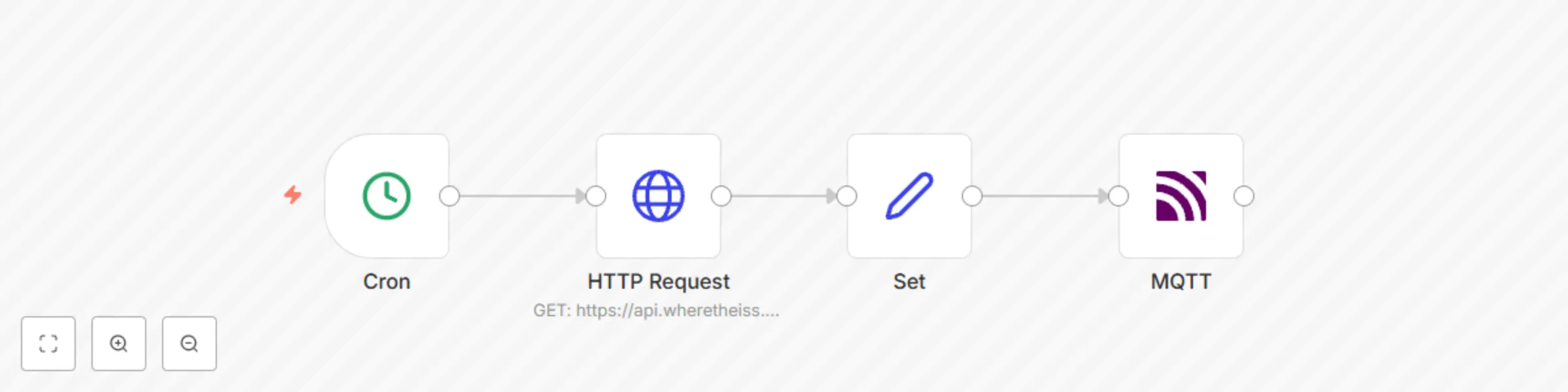
Send location updates of the ISS to a topic in MQTT
This workflow allows you to send position updates of the ISS every minute to a topic in MQTT using the MQTT node. Cro...
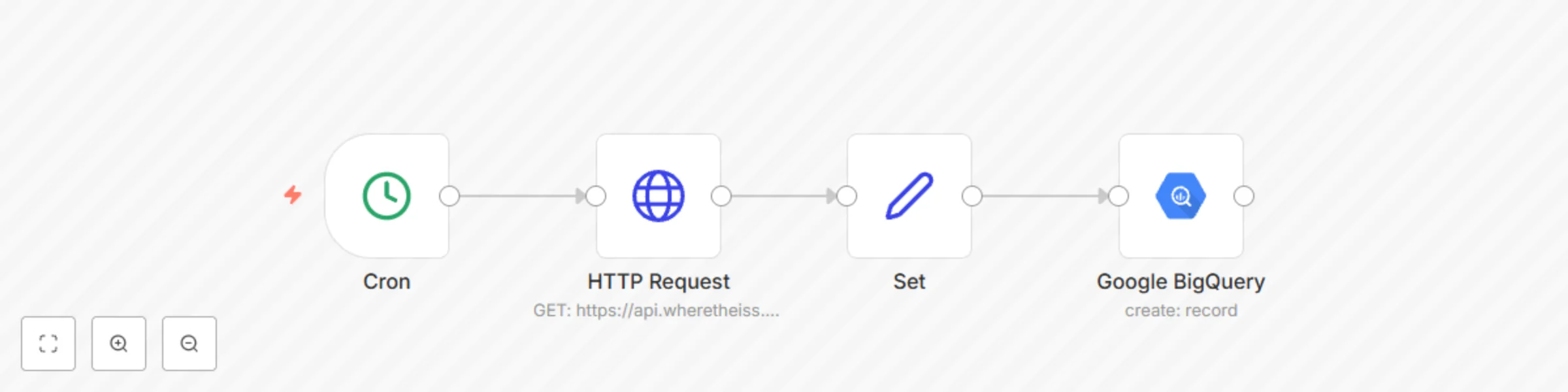
Send location updates of the ISS every minute to a table in Google BigQuery
This workflow allows you to send position updates of the ISS every minute to a table in Google BigQuery. Cron node: T...
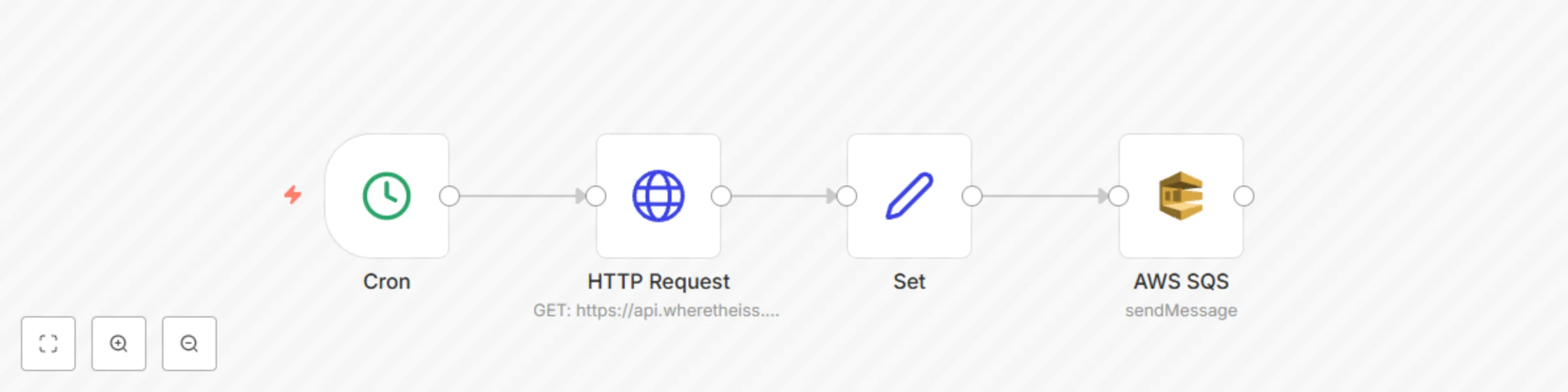
Send location updates of the ISS every minute to a queue in AWS SQS
This workflow allows you to send position updates of the ISS every minute to a queue using the AWS SQS node. Cron nod...
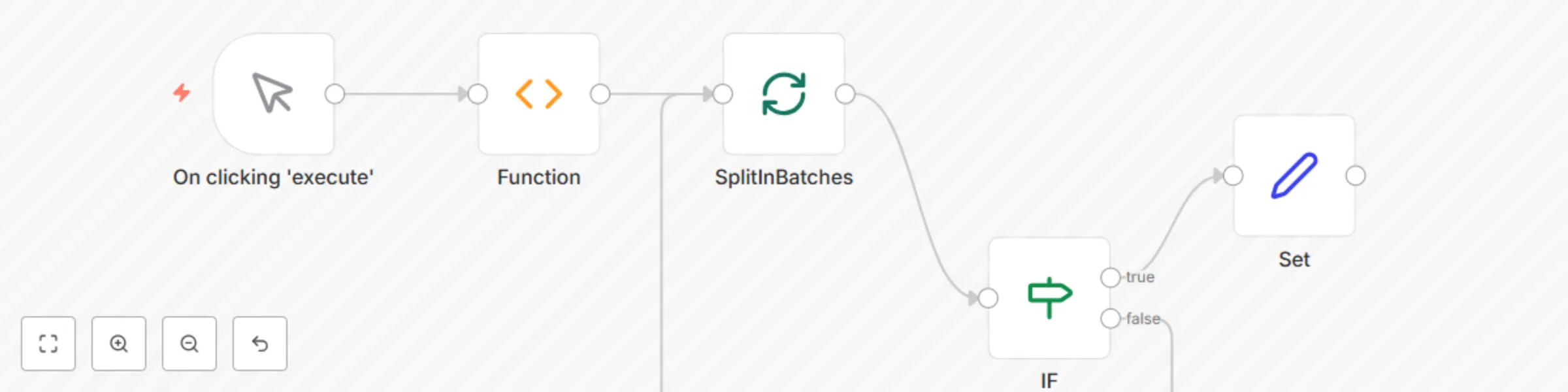
Split in batches node noItemsLeft example
This workflow demonstrates how to use to check if there are items left to be processed by the SplitInBatches node. Fu...
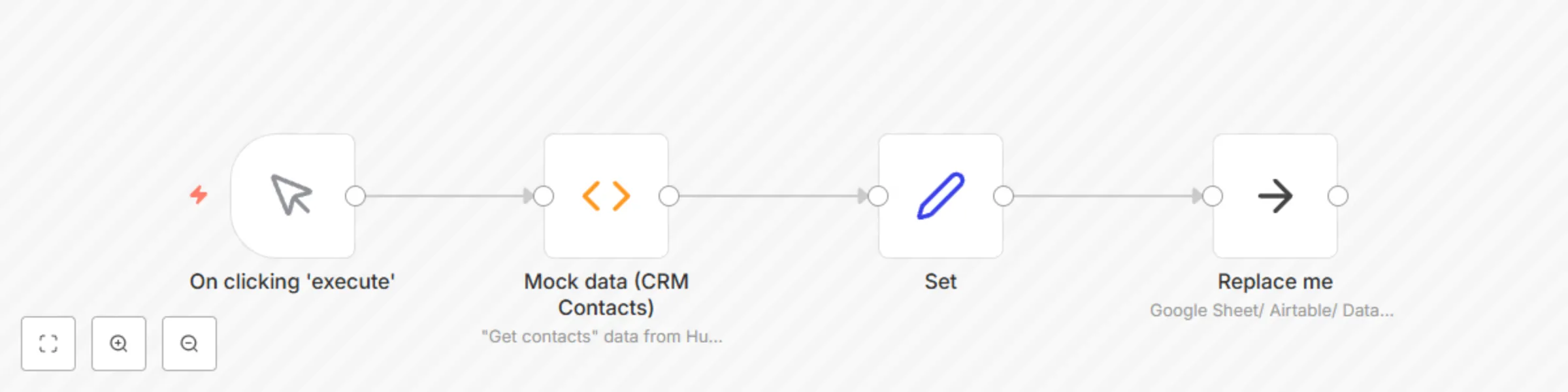
Load data into spreadsheet or database
This workflow is a generic example of how to load data from your workflow into a destination that stores tabular data...
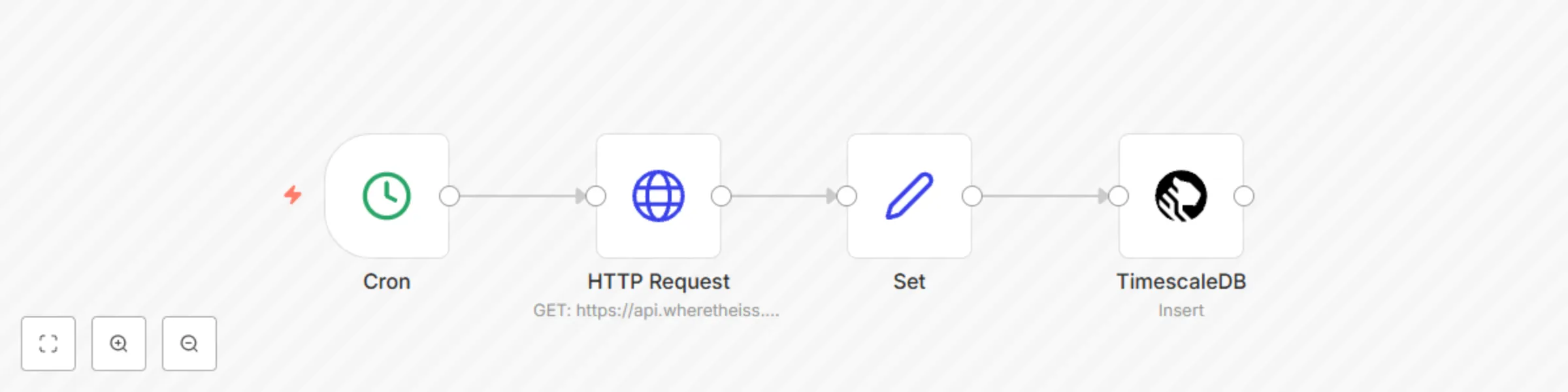
Receive updates of the position of the ISS and add it to a table in TimescaleDB
This workflow allows you to receive updates about the positiong of the ISS and add it to a table in TimescaleDB. Cron...

Access data from bubble application
This is a proof of concept workflow showing how you would connect n8n to a Bubble data collection.
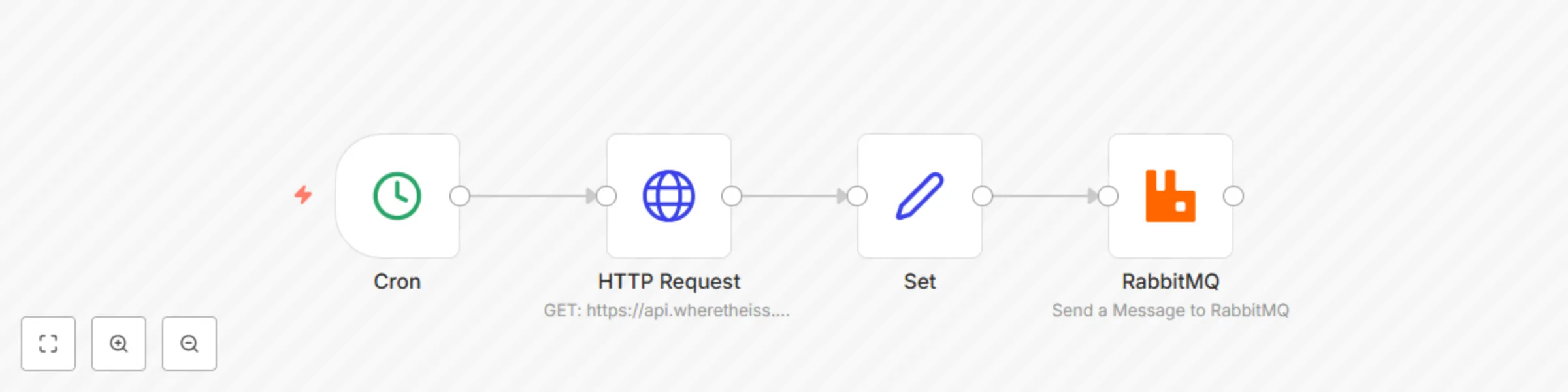
Send updates about the position of the ISS every minute to a topic in RabbitMQ
This workflow allows you to send updates about the position of the ISS every minute to a topic in RabbitMQ
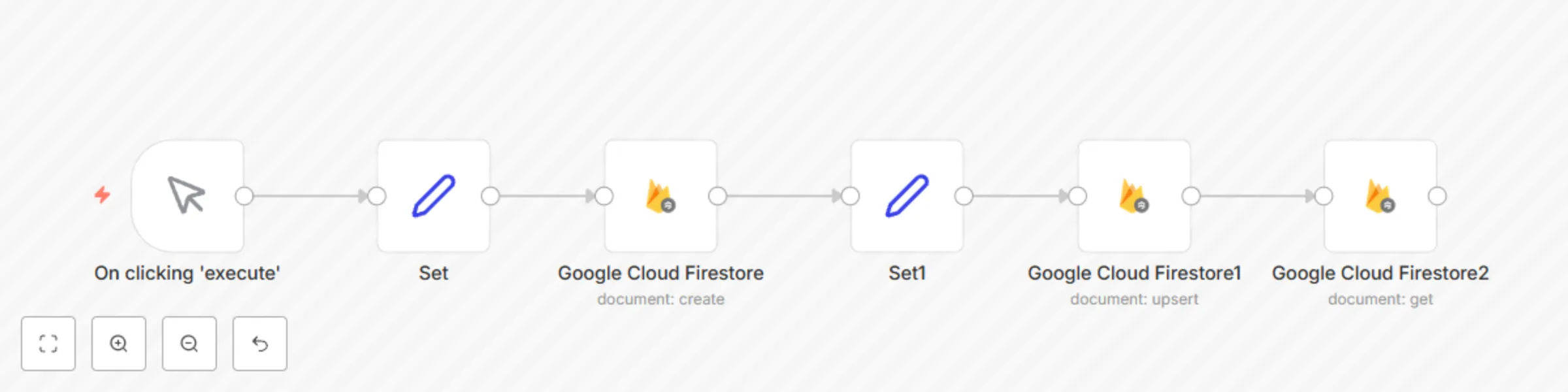
Create, update, and get a document in Google Cloud Firestore
This example workflow allows you to create, update, and get a document in Google Cloud Firestore. The workflow uses t...
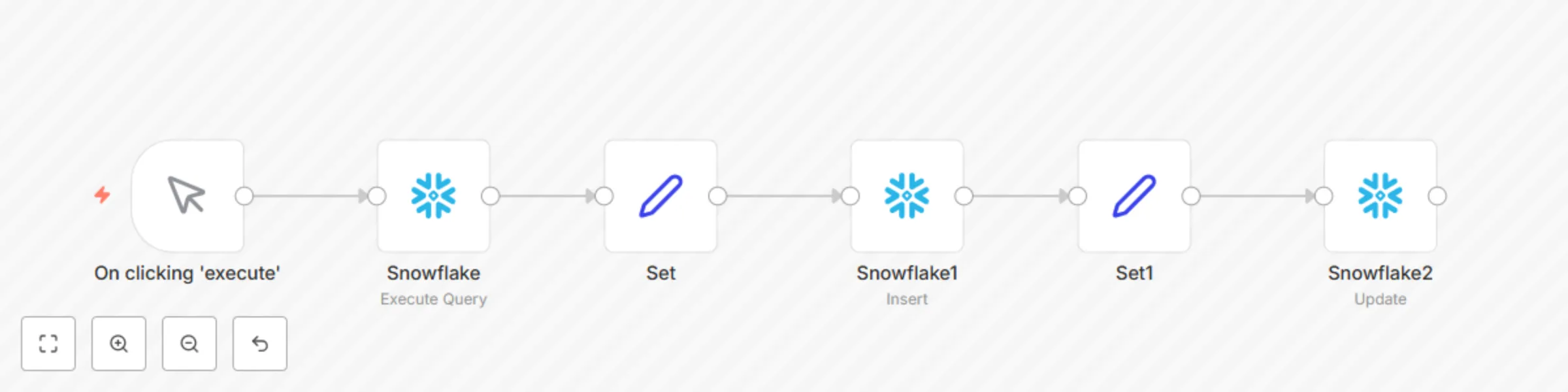
Create a table, and insert and update data in the table in Snowflake

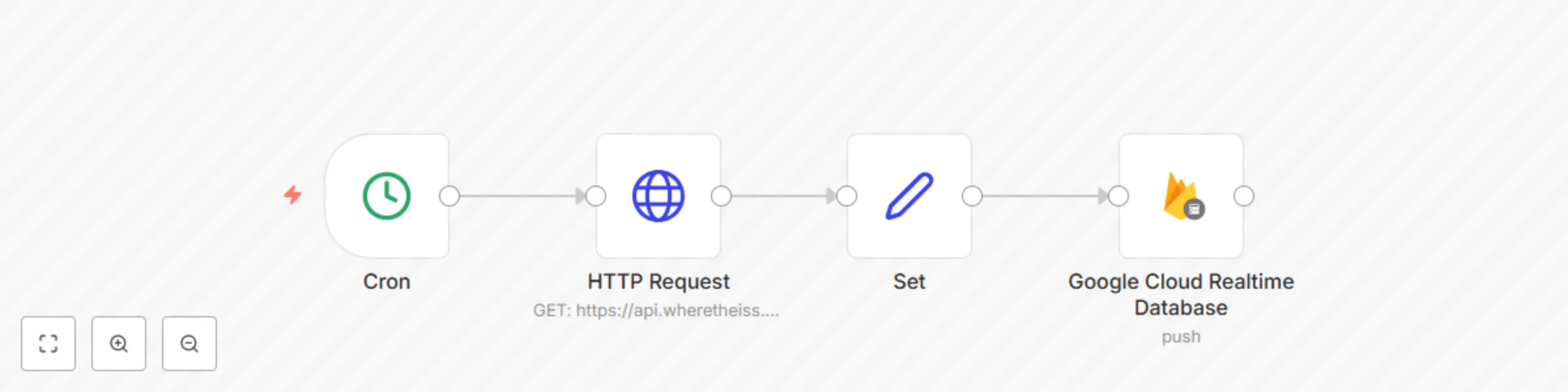
Receive updates for the position of the ISS and push it to a Firbase

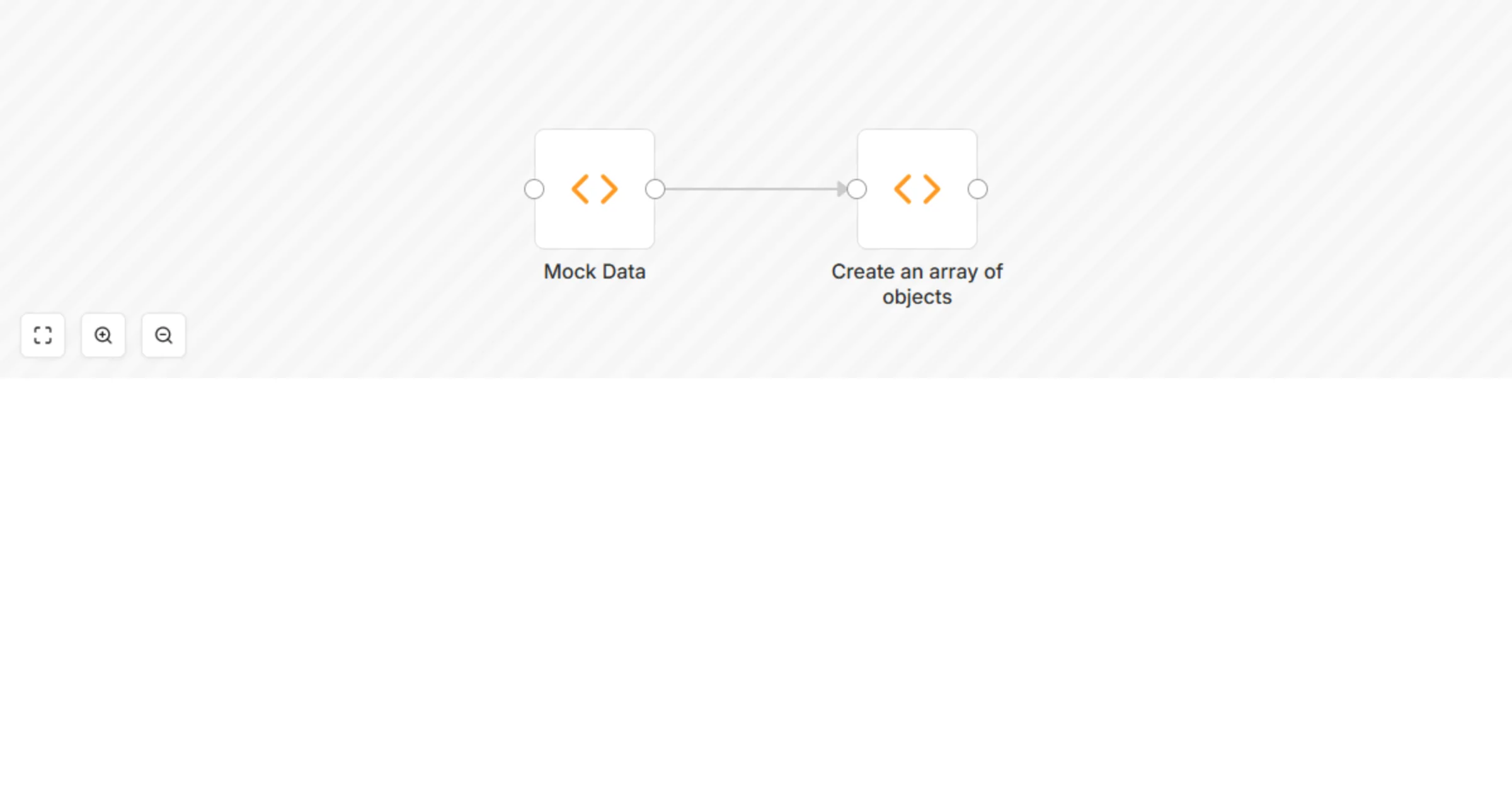
Create an array of objects
You can use the Function node to create an array of objects.
Convert an array into an array of objects
You can use the Function node to convert an array to an array of objects.