Block 1 - RSS - OIL
- Type / Role
- n8n-nodes-base.rssFeedRead - rssFeedRead
- Config choices
- Version 1.1


 Early Deal
This workflow is provided as-is. Please review and test before using in production.
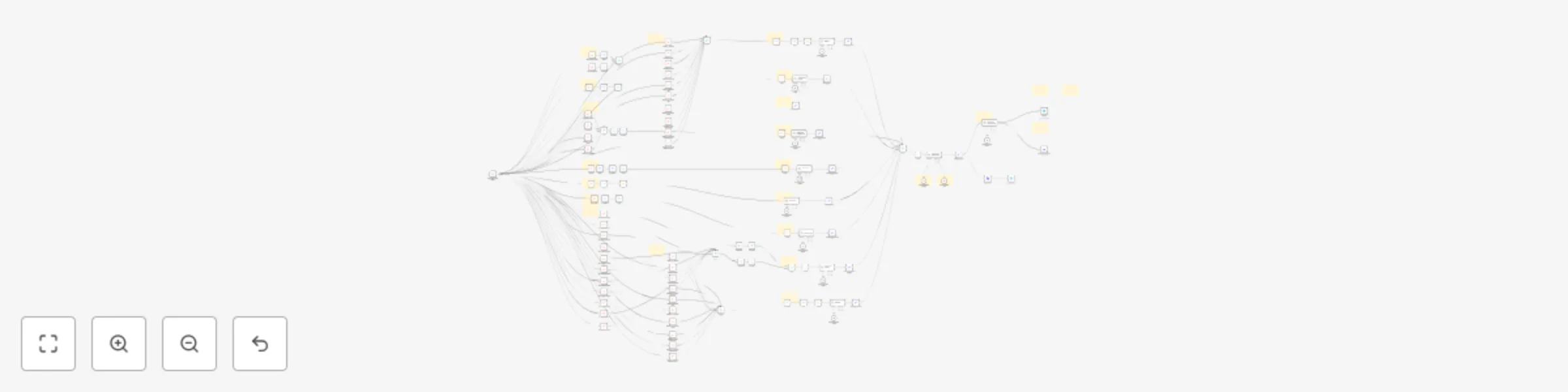
This workflow is designed for market analysts, traders, and content creators who need a comprehensive, automated solution for generating weekly market intelligence reports. By aggregating and struc...
n8n-nodes-base.rssfeedread, n8n-nodes-base.manualtrigger, n8n-nodes-base.limit, n8n-nodes-base.merge, n8n-nodes-base.stickynote, n8n-nodes-base.filter, n8n-nodes-base.code, @n8n/n8n-nodes-langchain.lmchatgooglegemini
This workflow is cataloged by N8N Workflows and links back to its original n8n.io source page by Malik Hashir.
Original n8n.io sourceThis workflow is designed for market analysts, traders, and content creators who need a comprehensive, automated solution for generating weekly market intelligence reports. By aggregating and structuring news and forecasts across all major financial sectors, it streamlines the process of delivering actionable weekly insights for blogs, newsletters, and chat platforms.
Last Week Recap: Highlights and summarizes the most significant economic events and market moves from the previous week. Week Ahead Forecast: Outlines upcoming high-impact economic events and market expectations for the days ahead. General Market Forecast: Provides a broad outlook on global market sentiment and macroeconomic themes. Gold Weekly Outlook: Offers analysis and forecasts for the gold market, including technical and fundamental drivers. Oil Weekly Outlook: Delivers insights into oil price trends, supply/demand factors, and key geopolitical influences. BTC Weekly Outlook: Summarizes major developments and technical perspectives for Bitcoin. ETH Weekly Outlook: Covers Ethereum market trends, network updates, and technical analysis. Indices Weekly Outlook: Reviews and forecasts major stock indices, highlighting sector performance and risk sentiment. Currency Pairs Outlook: In-depth coverage of major FX pairs, including EURUSD, GBPUSD, AUDUSD and more.
Sub-Workflow for Economic Calendar: Automatically fetches and integrates economic calendar updates for the next 4–5 days, enhancing the “Week Ahead” section with the latest data.
Customizable Filters: Adjust date and currency parameters to tailor the report for any audience or market focus.
Multi-Platform Output: The report is formatted for easy sharing as a blog post, newsletter, or direct updates to Telegram and Discord.
Note: Platform-specific AI summarization nodes can be added to respect character limits (Telegram: 4000, Discord: 2000).
Weekly Blog or Newsletter Updates: Publish comprehensive market roundups and forecasts with minimal manual work.
Telegram & Discord Alerts: Keep your trading community or team informed with structured, automated weekly updates.
Market Research & Strategy: Use the report as a foundation for deeper analysis, trading plans, or client briefings.
Automated aggregation: Set your preferred schedule and let the workflow collect, filter, and compile all relevant data.
Flexible output: Adapt the workflow for different platforms and audiences as needed.
A comprehensive step-by-step video and written guide is included with your subworkflow file. If you need further assistance, personalized setup support is also available.
This workflow delivers a professional, all-in-one solution for staying ahead of the markets—saving you hours each week and ensuring your updates are always timely, comprehensive, and actionable.
This catalog entry is organized from the workflow JSON. The node-level section below shows the executable blocks available for review before importing the template.
Showing the first 24 of 137 workflow blocks. Download the JSON for the full node graph.
| Workflow | Weekly financial markets report: Generate with Gemini AI for Telegram & Discord |
|---|---|
| Complexity | advanced |
| Nodes | 137 |
| Categories | Crypto Trading, Multimodal AI |
| Author | Malik Hashir |
| Published | 17 Jul 2025 |
Use the JSON export at /data/workflows/6090/6090.json as the source template for this automation.
Open n8n, import the downloaded JSON, and review each node before activating the workflow.
Replace placeholder credentials, API keys, webhook URLs, account IDs, and environment-specific values with your own settings.
Run the workflow manually or in a staging workspace, inspect node output, and confirm downstream systems receive the expected data.
Enable the workflow only after testing, then monitor executions, errors, and rate limits during the first production runs.
Review imported nodes carefully before activation. This catalog entry is intended to help you inspect the workflow structure, understand required services, and find related templates faster.
Node names, credentials, schedules, webhook paths, and external service limits may need adjustment for your workspace.
This workflow is designed for market analysts, traders, and content creators who need a comprehensive, automated solution for generating weekly market intelligence reports. By aggregating and struc...
Review the workflow JSON, configure any required credentials in n8n, and test the automation in a safe workspace before using it in production.
Yes. Use the block-by-block analysis and the downloadable JSON to inspect each node, then adjust credentials, prompts, schedules, filters, or destinations for your Crypto Trading, Multimodal AI use case.