Block 1 - When clicking ‘Execute workflow’
- Type / Role
- n8n-nodes-base.manualTrigger - manualTrigger
- Config choices
- Version 1


 Early Deal
This workflow is provided as-is. Please review and test before using in production.
Description: This advanced n8n automation template checks the validity and production readiness of multiple JSON workflow files using AI powered analysis. It scans a designated Google Drive folder ...
n8n-nodes-base.manualtrigger, n8n-nodes-base.googledrive, n8n-nodes-base.googlesheets, n8n-nodes-base.splitinbatches, @n8n/n8n-nodes-langchain.agent, @n8n/n8n-nodes-langchain.lmchatazureopenai, @n8n/n8n-nodes-langchain.memorybufferwindow, n8n-nodes-base.extractfromfile
This workflow is cataloged by N8N Workflows and links back to its original n8n.io source page by Rahul Joshi.
Original n8n.io sourceDescription:
This advanced n8n automation template checks the validity and production-readiness of multiple JSON workflow files using AI-powered analysis.
It scans a designated Google Drive folder for uploaded JSON files, downloads them one by one, parses their structure, and sends each JSON to GPT-4 via LangChain Agent for intelligent validation. Results are automatically logged into a Google Sheet with structured feedback.
Ideal for QA analysts, workflow engineers, or product teams maintaining large libraries of automation blueprints—this template removes manual review from your JSON pipeline.
What This Template Does (Step-by-Step)
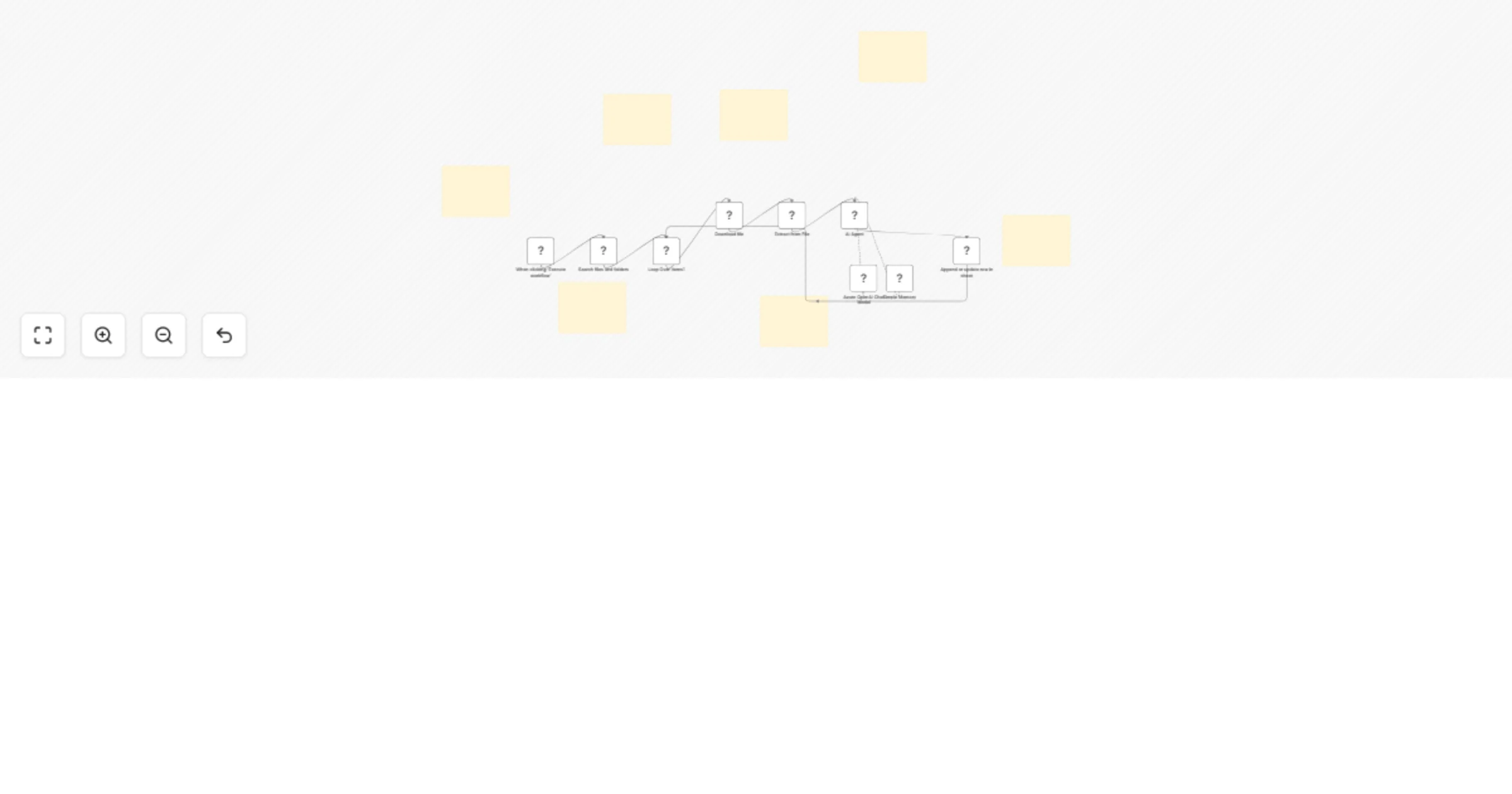
🟢 Manual Trigger: Starts the flow when user clicks "Execute Workflow".
📁 Google Drive File Search: Connects to a specified folder (e.g., Edtech) and fetches a list of all JSON files.
🔁 Batch Processor (SplitInBatches): Loops through each file one-by-one to prevent overload or parallel conflicts.
📥 File Downloader: Downloads each file using its unique File ID from Google Drive.
📤 JSON Extractor: Converts each downloaded file from binary to structured JSON.
🤖 LangChain AI Agent + Azure GPT-4
🟢 Sends each JSON structure to a GPT-4-powered 🟢 LangChain Agent. 🟢 AI validates and analyzes:
📊 Google Sheets Logger: Writes AI-generated insights back into a Google Sheet (e.g., tab: final) for team visibility and tracking.
Required Integrations
Perfect For
🧪 QA teams validating hundreds of n8n workflows ⚙️ Workflow engineers ensuring automation design standards 📊 Ops teams tracking AI-generated feedback at scale 💼 SaaS platforms that auto-upload workflows for approval 🧠 Internal AI audit tools for low-code/no-code ecosystems
Why Use This Template?
✅ Fully automated JSON parsing and review ✅ AI-powered structural audit with actionable feedback ✅ Zero manual checking—great for scale ✅ Write-back to Google Sheets for traceability ✅ Modular, loop-safe, and scalable for enterprise ops
This catalog entry is organized from the workflow JSON. The node-level section below shows the executable blocks available for review before importing the template.
| Workflow | Validate n8n JSON workflows with GPT-4 & LangChain: Google Drive to Sheets |
|---|---|
| Complexity | advanced |
| Nodes | 16 |
| Categories | Engineering, AI Summarization |
| Author | Rahul Joshi |
| Published | 24 Jul 2025 |
Use the JSON export at /data/workflows/6368/6368.json as the source template for this automation.
Open n8n, import the downloaded JSON, and review each node before activating the workflow.
Replace placeholder credentials, API keys, webhook URLs, account IDs, and environment-specific values with your own settings.
Run the workflow manually or in a staging workspace, inspect node output, and confirm downstream systems receive the expected data.
Enable the workflow only after testing, then monitor executions, errors, and rate limits during the first production runs.
Review imported nodes carefully before activation. This catalog entry is intended to help you inspect the workflow structure, understand required services, and find related templates faster.
Node names, credentials, schedules, webhook paths, and external service limits may need adjustment for your workspace.
Description: This advanced n8n automation template checks the validity and production readiness of multiple JSON workflow files using AI powered analysis. It scans a designated Google Drive folder ...
Review the workflow JSON, configure any required credentials in n8n, and test the automation in a safe workspace before using it in production.
Yes. Use the block-by-block analysis and the downloadable JSON to inspect each node, then adjust credentials, prompts, schedules, filters, or destinations for your Engineering, AI Summarization use case.