Block 1 - Ticket Booking Webhook
- Type / Role
- n8n-nodes-base.webhook - webhook
- Config choices
- Version 2.1


 Early Deal
How It Works This workflow automates end to end concert ticket booking validation and fan experience management using two coordinated AI agents. It is designed for ticketing platforms, event operat...
n8n-nodes-base.webhook, n8n-nodes-base.set, @n8n/n8n-nodes-langchain.lmchatopenai, @n8n/n8n-nodes-langchain.outputparserstructured, @n8n/n8n-nodes-langchain.agent, n8n-nodes-base.switch, n8n-nodes-base.httprequest, n8n-nodes-base.gmail
This workflow is cataloged by N8N Workflows and links back to its original n8n.io source page by Cheng Siong Chin.
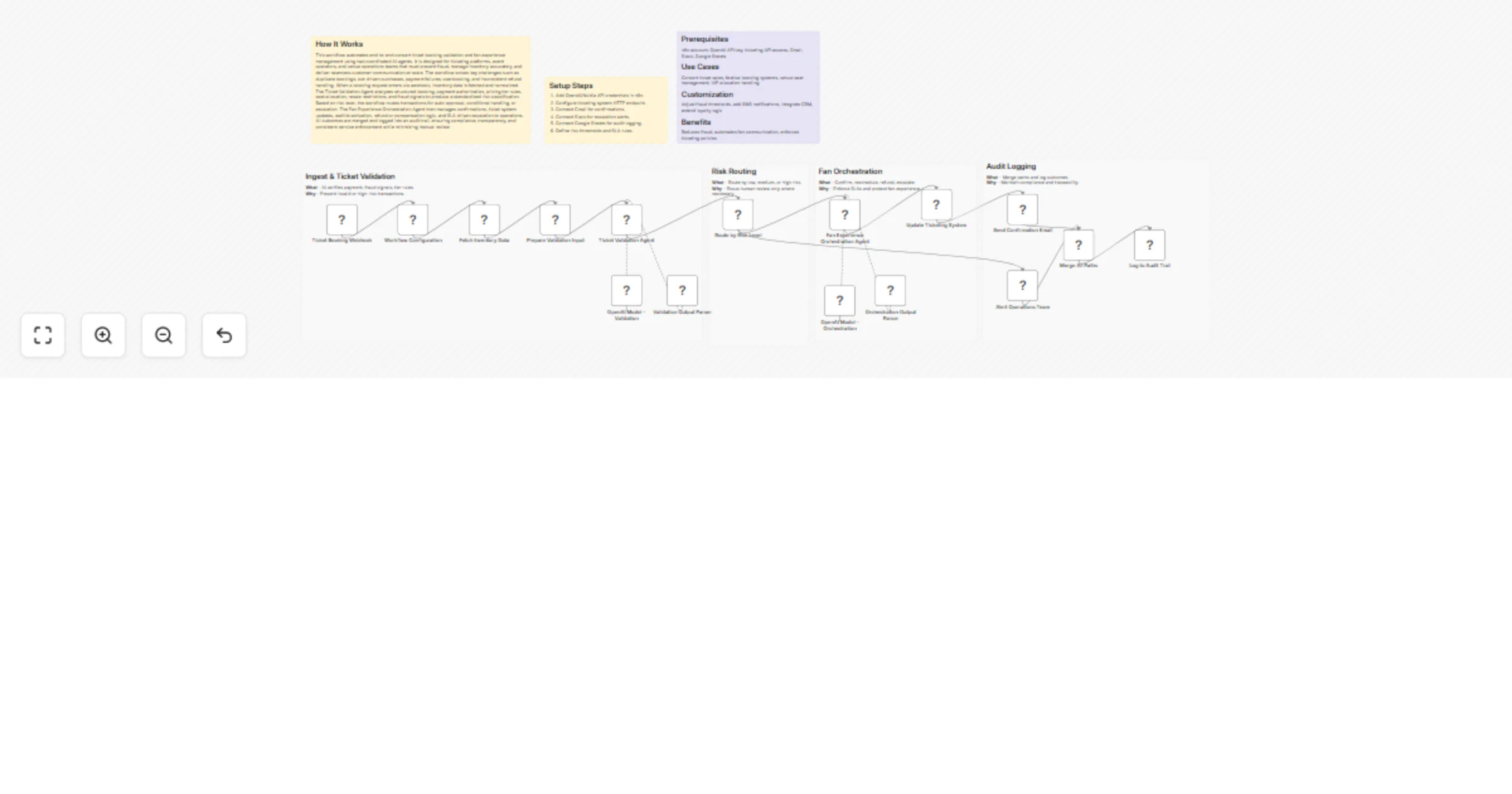
Original n8n.io sourceThis workflow automates end-to-end concert ticket booking validation and fan experience management using two coordinated AI agents. It is designed for ticketing platforms, event operators, and venue operations teams that must prevent fraud, manage inventory accurately, and deliver seamless customer communication at scale. The workflow solves key challenges such as duplicate bookings, bot-driven purchases, payment failures, overbooking, and inconsistent refund handling. When a booking request enters via webhook, inventory data is fetched and normalized. The Ticket Validation Agent analyzes structured booking, payment authorization, pricing tier rules, seat allocation, resale restrictions, and fraud signals to produce a standardized risk classification. Based on risk level, the workflow routes transactions for auto-approval, conditional handling, or escalation. The Fan Experience Orchestration Agent then manages confirmations, ticket system updates, waitlist activation, refund or compensation logic, and SLA-driven escalation to operations. All outcomes are merged and logged into an audit trail, ensuring compliance, transparency, and consistent service enforcement while minimizing manual review.
n8n account, OpenAI API key, ticketing API access, Gmail, Slack, Google Sheets
Concert ticket sales, festival booking systems, venue seat management, VIP allocation handling
Adjust fraud thresholds, add SMS notifications, integrate CRM, extend loyalty logic
Reduces fraud, automates fan communication, enforces ticketing policies
This catalog entry is organized from the workflow JSON. The node-level section below shows the executable blocks available for review before importing the template.
| Workflow | Validate concert ticket bookings and orchestrate fan experience with GPT-4o, Gmail, Slack and Google Sheets |
|---|---|
| Complexity | advanced |
| Nodes | 23 |
| Categories | Project Management, AI Chatbot |
| Author | Cheng Siong Chin |
| Published | 17 Feb 2026 |
Use the JSON export at /data/workflows/13453/13453.json as the source template for this automation.
Open n8n, import the downloaded JSON, and review each node before activating the workflow.
Replace placeholder credentials, API keys, webhook URLs, account IDs, and environment-specific values with your own settings.
Run the workflow manually or in a staging workspace, inspect node output, and confirm downstream systems receive the expected data.
Enable the workflow only after testing, then monitor executions, errors, and rate limits during the first production runs.
Review imported nodes carefully before activation. This catalog entry is intended to help you inspect the workflow structure, understand required services, and find related templates faster.
Node names, credentials, schedules, webhook paths, and external service limits may need adjustment for your workspace.
How It Works This workflow automates end to end concert ticket booking validation and fan experience management using two coordinated AI agents. It is designed for ticketing platforms, event operat...
Review the workflow JSON, configure any required credentials in n8n, and test the automation in a safe workspace before using it in production.
Yes. Use the block-by-block analysis and the downloadable JSON to inspect each node, then adjust credentials, prompts, schedules, filters, or destinations for your Project Management, AI Chatbot use case.