Validate addresses and generate Street View images with Google Maps and Drive
Workflow preview


 Early Deal
DISCOUNT 20%

Overview
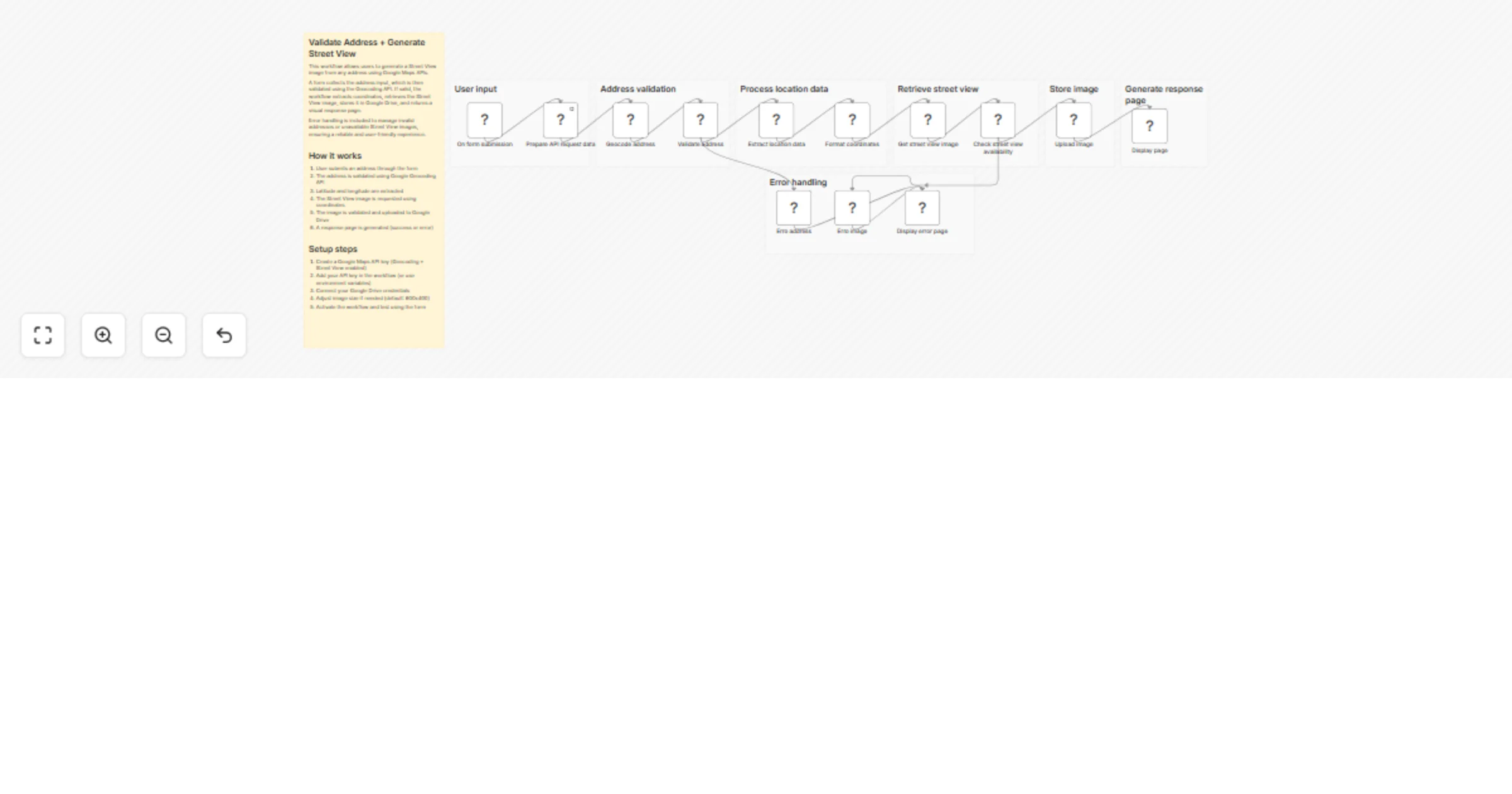
This workflow allows users to validate an address and generate a Street View image using Google Maps APIs.
It starts with a simple form where the user enters an address. The workflow validates the input using the Geocoding API, extracts the coordinates, and then requests a Street View image for that location. If the image is available, it is stored in Google Drive and presented through a dynamic HTML response page.
The workflow also includes error handling to manage invalid addresses or locations where Street View is not available, ensuring a reliable and user-friendly experience.
How it works
- A Form Trigger collects the address input from the user
- The address is validated using the Google Geocoding API
- Latitude and longitude are extracted from the response
- The workflow requests a Street View image using the coordinates
- The image availability is validated
- The image is uploaded to Google Drive
- A response page is generated (success or error)
Setup steps
- Create a Google Maps API key (Geocoding + Street View enabled)
- Add your API key in the workflow (or use environment variables)
- Connect your Google Drive credentials
- Adjust image parameters if needed (size, resolution, etc.)
- Activate the workflow and test using the form
After setup, users can input any address and receive a validated result with a corresponding Street View image or a clear error message if the request cannot be fulfilled.