Block 1 - Patient Chat Interface
- Type / Role
- @n8n/n8n-nodes-langchain.chatTrigger - chatTrigger
- Config choices
- Version 1.4


 Early Deal
How It Works This workflow automates hospital emergency department triage by intelligently processing patient intake information through multiple AI powered assessment stages. Designed for emergenc...
@n8n/n8n-nodes-langchain.chattrigger, @n8n/n8n-nodes-langchain.agent, @n8n/n8n-nodes-langchain.lmchatopenai, @n8n/n8n-nodes-langchain.memorybufferwindow, @n8n/n8n-nodes-langchain.outputparserstructured, n8n-nodes-base.if, n8n-nodes-base.httprequest, n8n-nodes-base.set
This workflow is cataloged by N8N Workflows and links back to its original n8n.io source page by Cheng Siong Chin.
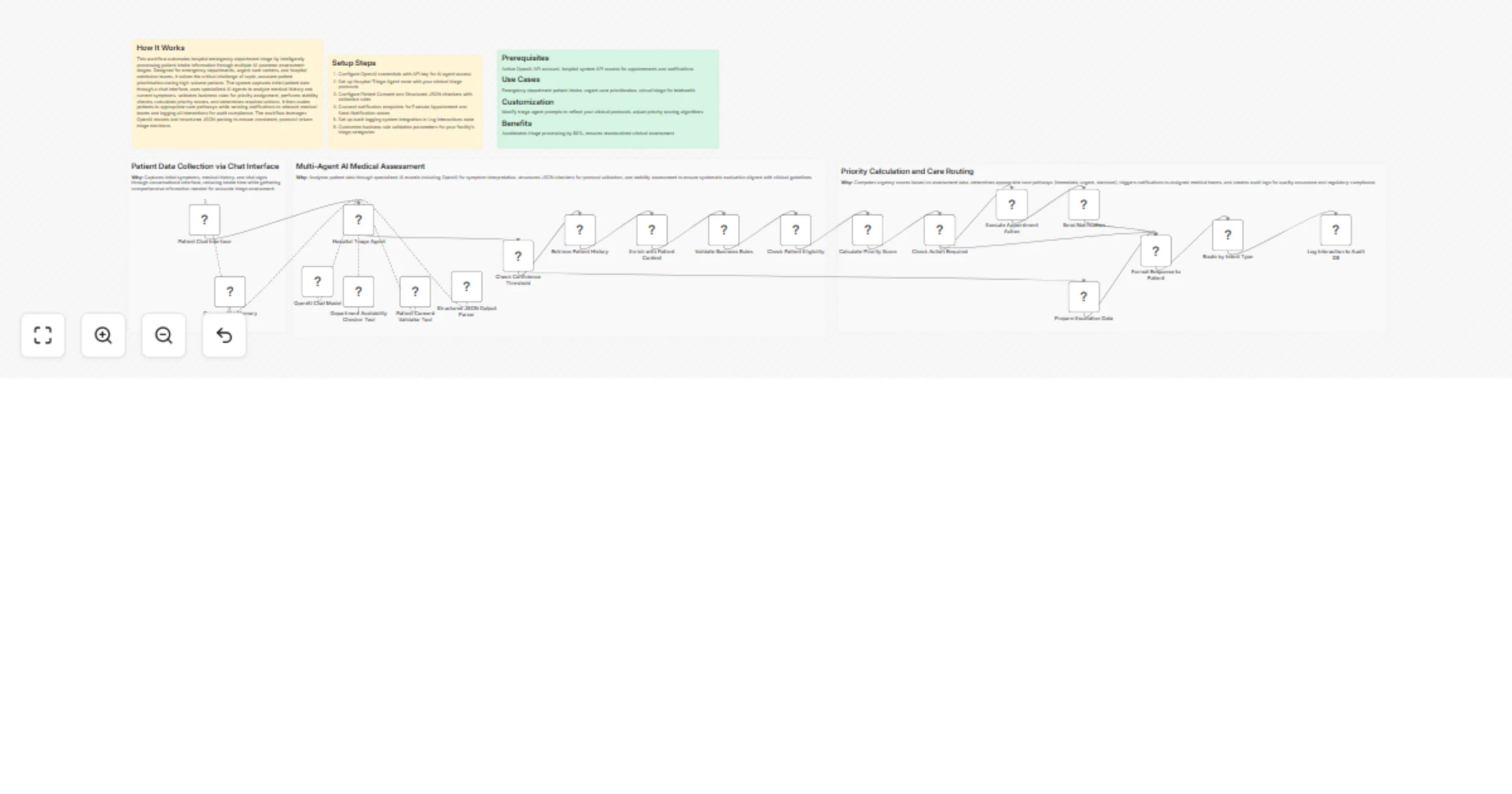
Original n8n.io sourceThis workflow automates hospital emergency department triage by intelligently processing patient intake information through multiple AI-powered assessment stages. Designed for emergency departments, urgent care centers, and hospital admission teams, it solves the critical challenge of rapid, accurate patient prioritization during high-volume periods. The system captures initial patient data through a chat interface, uses specialized AI agents to analyze medical history and current symptoms, validates business rules for priority assignment, performs stability checks, calculates priority scores, and determines required actions. It then routes patients to appropriate care pathways while sending notifications to relevant medical teams and logging all interactions for audit compliance. The workflow leverages OpenAI models and structured JSON parsing to ensure consistent, protocol-driven triage decisions.
Active OpenAI API account, hospital system API access for appointments and notifications
Emergency department patient intake, urgent care prioritization, virtual triage for telehealth
Modify triage agent prompts to reflect your clinical protocols, adjust priority scoring algorithms
Accelerates triage processing by 60%, ensures standardized clinical assessment
This catalog entry is organized from the workflow JSON. The node-level section below shows the executable blocks available for review before importing the template.
Showing the first 24 of 26 workflow blocks. Download the JSON for the full node graph.
| Workflow | Triage emergency patients via chat with GPT-4.1 and hospital systems |
|---|---|
| Complexity | advanced |
| Nodes | 26 |
| Categories | Support Chatbot, AI Chatbot |
| Author | Cheng Siong Chin |
| Published | 25 Jan 2026 |
Use the JSON export at /data/workflows/12986/12986.json as the source template for this automation.
Open n8n, import the downloaded JSON, and review each node before activating the workflow.
Replace placeholder credentials, API keys, webhook URLs, account IDs, and environment-specific values with your own settings.
Run the workflow manually or in a staging workspace, inspect node output, and confirm downstream systems receive the expected data.
Enable the workflow only after testing, then monitor executions, errors, and rate limits during the first production runs.
Review imported nodes carefully before activation. This catalog entry is intended to help you inspect the workflow structure, understand required services, and find related templates faster.
Node names, credentials, schedules, webhook paths, and external service limits may need adjustment for your workspace.
How It Works This workflow automates hospital emergency department triage by intelligently processing patient intake information through multiple AI powered assessment stages. Designed for emergenc...
Review the workflow JSON, configure any required credentials in n8n, and test the automation in a safe workspace before using it in production.
Yes. Use the block-by-block analysis and the downloadable JSON to inspect each node, then adjust credentials, prompts, schedules, filters, or destinations for your Support Chatbot, AI Chatbot use case.