Transcribe and analyze meetings or podcasts with ElevenLabs and Google Gemini AI

Workflow preview

Workflow preview
100%
Transcribe and analyze meetings or podcasts with ElevenLabs and Google Gemini AI preview
Open on n8n.io

Important notice

This workflow is provided as-is. Please review and test before using in production.

1. Workflow Overview

This workflow automates the process of transcribing audio/video files into text using ElevenLabs Speech to Text, saving the transcripts to Google Docs, and...

Best for

  • Document Extraction automation workflows
  • AI Summarization automation workflows
  • advanced n8n builders looking for reusable templates

Tools used

n8n-nodes-base.manualtrigger, n8n-nodes-base.splitinbatches, n8n-nodes-base.executeworkflow, n8n-nodes-base.executeworkflowtrigger, n8n-nodes-base.googlesheets, n8n-nodes-base.httprequest, @n8n/n8n-nodes-langchain.googlegemini, n8n-nodes-base.gmail

Source and attribution

This workflow is cataloged by N8N Workflows and links back to its original n8n.io source page by Davide.

Original n8n.io source

1.1 Workflow description

Title
Transcribe and analyze meetings or podcasts with ElevenLabs and Google Gemini AI
Workflow name
Transcribe and analyze meetings or podcasts with ElevenLabs and Google Gemini AI

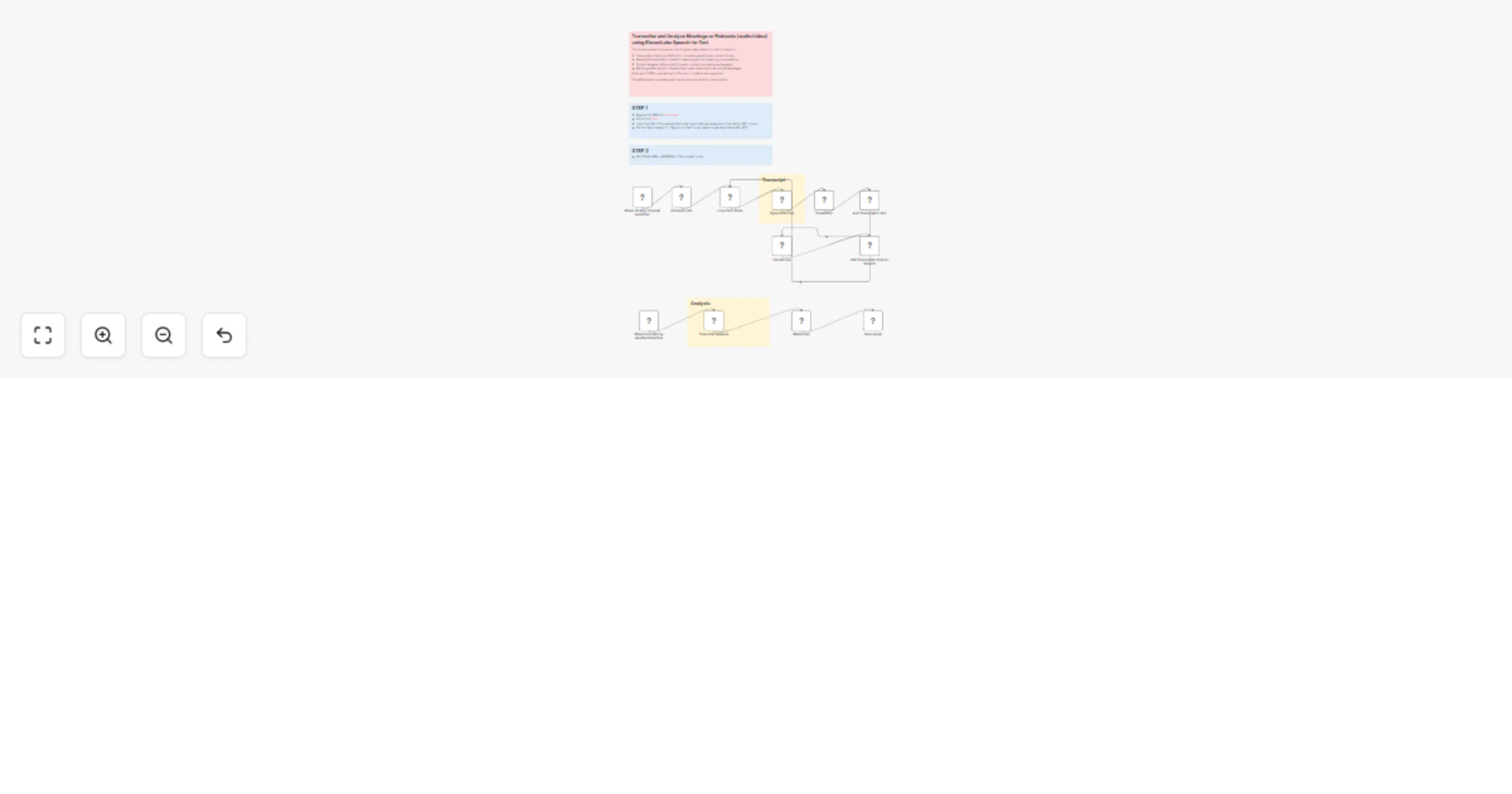
This workflow automates the process of transcribing audio/video files into text using ElevenLabs Speech-to-Text, saving the transcripts to Google Docs, and generating AI-powered summaries and analysis, which are then emailed to a specified address.

This ElevenLabs Speech-to-Text model excels in scenarios requiring accurate speech-to-text conversion:

  • Transcription Services: Perfect for converting audio/video content to text
  • Meeting Documentation: Ideal for capturing and documenting conversations
  • Content Analysis: Well-suited for audio content processing and analysis
  • Multilingual Recognition: Supports accurate transcription across 99 languages

Files up to 3 GB in size and up to 10 hours in duration are supported.

This API supports uploading both audio and video files for transcription.


Key Advantages

  • Automation of Repetitive Tasks: Eliminates manual transcription, note-taking, and reporting.
  • High-Accuracy Transcription: Powered by ElevenLabs, supporting multiple languages and long files.
  • Structured Insights: AI-powered analysis (Gemini) transforms raw transcripts into professional summaries with action items and key decisions.
  • Seamless Integration: Works with Google Sheets, Google Docs, and Gmail for easy workflow adoption.
  • Scalable & Reusable: Handles multiple recordings in batch and integrates smoothly into existing processes.
  • Improved Productivity: Teams save time by receiving clear, well-structured meeting recaps without effort.

How It Works

The workflow operates in a linear sequence, processing one audio URL at a time from a Google Sheet.

  1. Trigger & Data Fetch: The process starts manually. It first reads from a specified Google Sheet to get a list of audio file URLs that haven't been processed yet (marked with "DONE").
  2. Transcription: For each audio URL, it sends a request to the ElevenLabs Speech-to-Text API, passing the cloud storage URL of the audio file.
  3. Document Creation & Storage: Upon receiving the transcription text from ElevenLabs, the workflow:
    • Creates a new Google Doc named after the transcription ID.
    • Writes the full raw transcript text into this newly created document.
  4. Analysis & Summary: The raw transcript text is passed to Google Gemini AI. The AI analyzes the text based on a detailed, pre-defined system prompt that instructs it to extract key points, decisions, action items, and insights, formatting the output as a structured summary.
  5. Notification: The AI-generated analysis (converted from Markdown to HTML) is sent via Gmail as an email to a predefined address.
  6. Status Update: Finally, the workflow updates the original row in the Google Sheet, marking it as "DONE" (with an 'x') and recording the ID of the newly created Google Doc for future reference. This ensures the same audio file is not processed again on the next run.

Set Up Steps

To configure this workflow, you need to complete the following steps:

  1. Credentials Setup:

    • ElevenLabs API: In the "Speech-to-Text" HTTP Request node, configure the HTTP Header Auth credentials. The header name should be xi-api-key and the value should be your valid ElevenLabs API key.
    • Google Services: Ensure your Google Sheets, Google Docs, and Gmail nodes are connected to valid Google OAuth2 credentials with the necessary permissions to read, write, and send emails.
    • Google Gemini AI: The "Transcript Analysis" node must be connected to valid Google Gemini (PaLM) API credentials.
  2. Google Sheet Configuration:

    • Make a copy of the provided Google Sheet template.
    • In the "Get audio urls" node, update the documentId parameter to match the ID of your new Google Sheet.
    • Similarly, update the documentId in the "Update row" node.
    • Populate your sheet with the URLs of the audio/video files you want to process in the 'AUDIO URL' column.
  3. Output Configuration:

    • In the "Send email" node, change the sendTo parameter to the email address where you want to receive the analysis summaries.
    • The "Create Doc" node specifies a folderId; change this to the ID of the specific Google Drive folder where you want the transcripts to be saved.

Need help customizing?

Contact me for consulting and support or add me on Linkedin.

1.2 Logical Blocks

This catalog entry is organized from the workflow JSON. The node-level section below shows the executable blocks available for review before importing the template.

2. Block-by-Block Analysis

Block 1 - When clicking ‘Execute workflow’

Type / Role
n8n-nodes-base.manualTrigger - manualTrigger
Config choices
Version 1

Block 2 - Loop Over Items

Type / Role
n8n-nodes-base.splitInBatches - splitInBatches
Config choices
Version 3

Block 3 - Call 'ElevenLabs Text-to-Speech'

Type / Role
n8n-nodes-base.executeWorkflow - executeWorkflow
Config choices
Version 1.2

Block 4 - When Executed by Another Workflow

Type / Role
n8n-nodes-base.executeWorkflowTrigger - executeWorkflowTrigger
Config choices
Version 1.1

Block 5 - Get audio urls

Type / Role
n8n-nodes-base.googleSheets - googleSheets
Config choices
Version 4.7

Block 6 - Speech-to-Text

Type / Role
n8n-nodes-base.httpRequest - httpRequest
Config choices
Version 4.2

Block 7 - Update row

Type / Role
n8n-nodes-base.googleSheets - googleSheets
Config choices
Version 4.7

Block 8 - Transcript Analysis

Type / Role
@n8n/n8n-nodes-langchain.googleGemini - googleGemini
Config choices
Version 1

Block 9 - Send email

Type / Role
n8n-nodes-base.gmail - gmail
Config choices
Version 2.1

Block 10 - Sticky Note

Type / Role
n8n-nodes-base.stickyNote - stickyNote
Config choices
Version 1

Block 11 - Sticky Note1

Type / Role
n8n-nodes-base.stickyNote - stickyNote
Config choices
Version 1

Block 12 - Markdown

Type / Role
n8n-nodes-base.markdown - markdown
Config choices
Version 1

Block 13 - Sticky Note2

Type / Role
n8n-nodes-base.stickyNote - stickyNote
Config choices
Version 1

Block 14 - Add Transcript to Doc

Type / Role
n8n-nodes-base.googleDocs - googleDocs
Config choices
Version 2

Block 15 - Create Doc

Type / Role
n8n-nodes-base.googleDocs - googleDocs
Config choices
Version 2

Block 16 - Sticky Note3

Type / Role
n8n-nodes-base.stickyNote - stickyNote
Config choices
Version 1

Block 17 - Sticky Note4

Type / Role
n8n-nodes-base.stickyNote - stickyNote
Config choices
Version 1

3. Summary Table

Workflow Transcribe and analyze meetings or podcasts with ElevenLabs and Google Gemini AI
Complexity advanced
Nodes 17
Categories Document Extraction, AI Summarization
Author Davide
Published 19 Sept 2025

4. Reproducing the Workflow from Scratch

  1. 1. Download the workflow JSON

    Use the JSON export at /data/workflows/8755/8755.json as the source template for this automation.

  2. 2. Import the template into n8n

    Open n8n, import the downloaded JSON, and review each node before activating the workflow.

  3. 3. Configure credentials and variables

    Replace placeholder credentials, API keys, webhook URLs, account IDs, and environment-specific values with your own settings.

  4. 4. Test with sample data

    Run the workflow manually or in a staging workspace, inspect node output, and confirm downstream systems receive the expected data.

  5. 5. Activate and monitor

    Enable the workflow only after testing, then monitor executions, errors, and rate limits during the first production runs.

5. General Notes & Resources

Review imported nodes carefully before activation. This catalog entry is intended to help you inspect the workflow structure, understand required services, and find related templates faster.

Node names, credentials, schedules, webhook paths, and external service limits may need adjustment for your workspace.

Frequently asked questions

What does Transcribe and analyze meetings or podcasts with ElevenLabs and Google Gemini AI do?

This workflow automates the process of transcribing audio/video files into text using ElevenLabs Speech to Text, saving the transcripts to Google Docs, and...

What do I need before importing this workflow?

Review the workflow JSON, configure any required credentials in n8n, and test the automation in a safe workspace before using it in production.

Can I customize this workflow?

Yes. Use the block-by-block analysis and the downloadable JSON to inspect each node, then adjust credentials, prompts, schedules, filters, or destinations for your Document Extraction, AI Summarization use case.