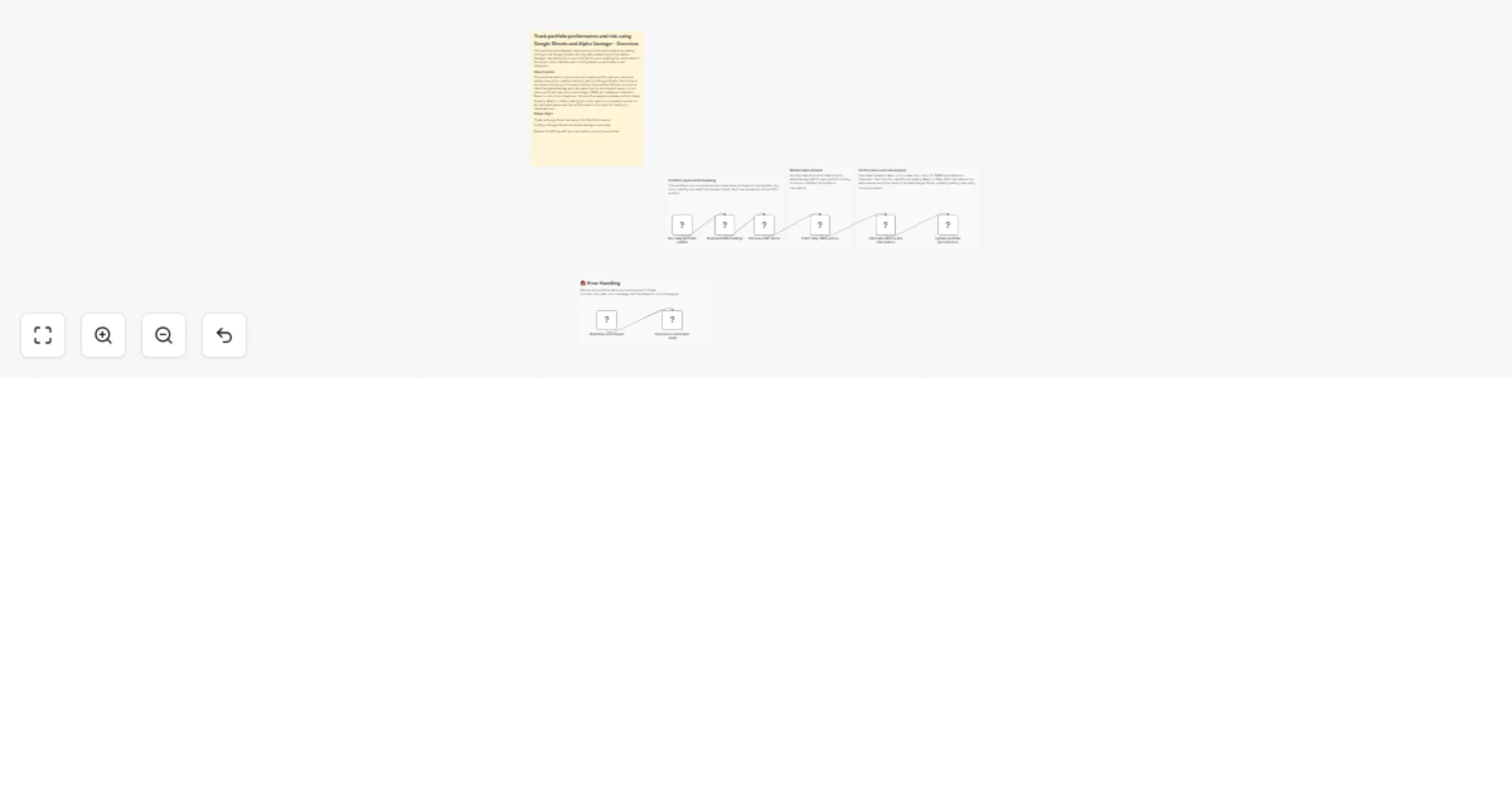
Track portfolio performance and risk using Google Sheets and Alpha Vantage

Workflow preview

Workflow preview
100%
Track portfolio performance and risk using Google Sheets and Alpha Vantage preview
Open on n8n.io

1. Workflow Overview

Description This workflow helps users track and understand the performance of their stock portfolio in an automated and structured way. It reads portfolio holdings from Google Sheets, fetches th...

Best for

  • Crypto Trading automation workflows
  • AI Summarization automation workflows
  • intermediate n8n builders looking for reusable templates

Tools used

n8n-nodes-base.stickynote, n8n-nodes-base.scheduletrigger, n8n-nodes-base.googlesheets, n8n-nodes-base.splitinbatches, n8n-nodes-base.httprequest, n8n-nodes-base.code, n8n-nodes-base.errortrigger, n8n-nodes-base.gmail

Source and attribution

This workflow is cataloged by N8N Workflows and links back to its original n8n.io source page by Rahul Joshi.

Original n8n.io source

1.1 Workflow description

Title
Track portfolio performance and risk using Google Sheets and Alpha Vantage
Workflow name
Track portfolio performance and risk using Google Sheets and Alpha Vantage

πŸ“„ Description

This workflow helps users track and understand the performance of their stock portfolio in an automated and structured way. It reads portfolio holdings from Google Sheets, fetches the latest market prices, calculates key performance metrics, and updates the results back into the same sheet. In addition to standard return calculations, the workflow also classifies each holding based on overall performance and risk, making the output more actionable and easier to interpret. The workflow is designed for investors who want a simple, repeatable way to monitor portfolio performance without manual calculations.

βš™οΈ What This Workflow Does

  • Reads portfolio holdings (stock, buy price, quantity, buy date) from Google Sheets
  • Fetches daily stock price data using Alpha Vantage
  • Calculates key metrics:
  • Invested Value
  • Current Value
  • Profit & Loss (P&L)
  • P&L Percentage
  • CAGR
  • Maximum Drawdown
  • Classifies each holding as Healthy, Watch, or Risk based on return and drawdown
  • Updates the same Google Sheet with the latest results
  • Runs automatically on a schedule

βœ… Key Benefits

  • Eliminates manual portfolio tracking and calculations
  • Provides clear performance and downside risk visibility
  • Adds a simple decision layer through portfolio status classification
  • Keeps all portfolio data in one place (Google Sheets)
  • Dashboard-ready output for further analysis or visualization

🧩 Features

  • Scheduled portfolio evaluation
  • Daily market price data from Alpha Vantage
  • Deterministic, explainable financial calculations
  • Simple risk and performance classification logic
  • Google Sheets-based input and output Clean, update-in-place data handling (no duplicate rows)

πŸ” Requirements

  • Alpha Vantage API key (for market price data)
  • Google Sheets OAuth credentials
  • An n8n instance (cloud or self-hosted)

🎯 Target Audience

  • Retail investors tracking long-term portfolios
  • Finance teams maintaining internal portfolio dashboards
  • Automation builders creating investment-related workflows
  • Users looking for a simple, explainable portfolio monitoring setup

1.2 Logical Blocks

This catalog entry is organized from the workflow JSON. The node-level section below shows the executable blocks available for review before importing the template.

2. Block-by-Block Analysis

Block 1 - Sticky Note

Type / Role
n8n-nodes-base.stickyNote - stickyNote
Config choices
Version 1

Block 2 - Sticky Note1

Type / Role
n8n-nodes-base.stickyNote - stickyNote
Config choices
Version 1

Block 3 - Sticky Note2

Type / Role
n8n-nodes-base.stickyNote - stickyNote
Config choices
Version 1

Block 4 - Sticky Note3

Type / Role
n8n-nodes-base.stickyNote - stickyNote
Config choices
Version 1

Block 5 - Sticky Note8

Type / Role
n8n-nodes-base.stickyNote - stickyNote
Config choices
Version 1

Block 6 - Run daily portfolio update

Type / Role
n8n-nodes-base.scheduleTrigger - scheduleTrigger
Config choices
Version 1.3

Block 7 - Read portfolio holdings

Type / Role
n8n-nodes-base.googleSheets - googleSheets
Config choices
Version 4.7

Block 8 - Process each stock

Type / Role
n8n-nodes-base.splitInBatches - splitInBatches
Config choices
Version 3

Block 9 - Fetch daily stock prices

Type / Role
n8n-nodes-base.httpRequest - httpRequest
Config choices
Version 4.3

Block 10 - Calculate returns and risk metrics

Type / Role
n8n-nodes-base.code - code
Config choices
Version 2

Block 11 - Update portfolio performance

Type / Role
n8n-nodes-base.googleSheets - googleSheets
Config choices
Version 4.7

Block 12 - Workflow error trigger

Type / Role
n8n-nodes-base.errorTrigger - errorTrigger
Config choices
Version 1

Block 13 - Send error notification email

Type / Role
n8n-nodes-base.gmail - gmail
Config choices
Version 2.2

3. Summary Table

Workflow Track portfolio performance and risk using Google Sheets and Alpha Vantage
Complexity intermediate
Nodes 13
Categories Crypto Trading, AI Summarization
Author Rahul Joshi
Published 05 Jan 2026

4. Reproducing the Workflow from Scratch

  1. 1. Download the workflow JSON

    Use the JSON export at /data/workflows/12487/12487.json as the source template for this automation.

  2. 2. Import the template into n8n

    Open n8n, import the downloaded JSON, and review each node before activating the workflow.

  3. 3. Configure credentials and variables

    Replace placeholder credentials, API keys, webhook URLs, account IDs, and environment-specific values with your own settings.

  4. 4. Test with sample data

    Run the workflow manually or in a staging workspace, inspect node output, and confirm downstream systems receive the expected data.

  5. 5. Activate and monitor

    Enable the workflow only after testing, then monitor executions, errors, and rate limits during the first production runs.

5. General Notes & Resources

Review imported nodes carefully before activation. This catalog entry is intended to help you inspect the workflow structure, understand required services, and find related templates faster.

Node names, credentials, schedules, webhook paths, and external service limits may need adjustment for your workspace.

Frequently asked questions

What does Track portfolio performance and risk using Google Sheets and Alpha Vantage do?

Description This workflow helps users track and understand the performance of their stock portfolio in an automated and structured way. It reads portfolio holdings from Google Sheets, fetches th...

What do I need before importing this workflow?

Review the workflow JSON, configure any required credentials in n8n, and test the automation in a safe workspace before using it in production.

Can I customize this workflow?

Yes. Use the block-by-block analysis and the downloadable JSON to inspect each node, then adjust credentials, prompts, schedules, filters, or destinations for your Crypto Trading, AI Summarization use case.