Block 1 - OpenAI Chat Model
- Type / Role
- @n8n/n8n-nodes-langchain.lmChatOpenAi - lmChatOpenAi
- Config choices
- Version 1.2


 Early Deal
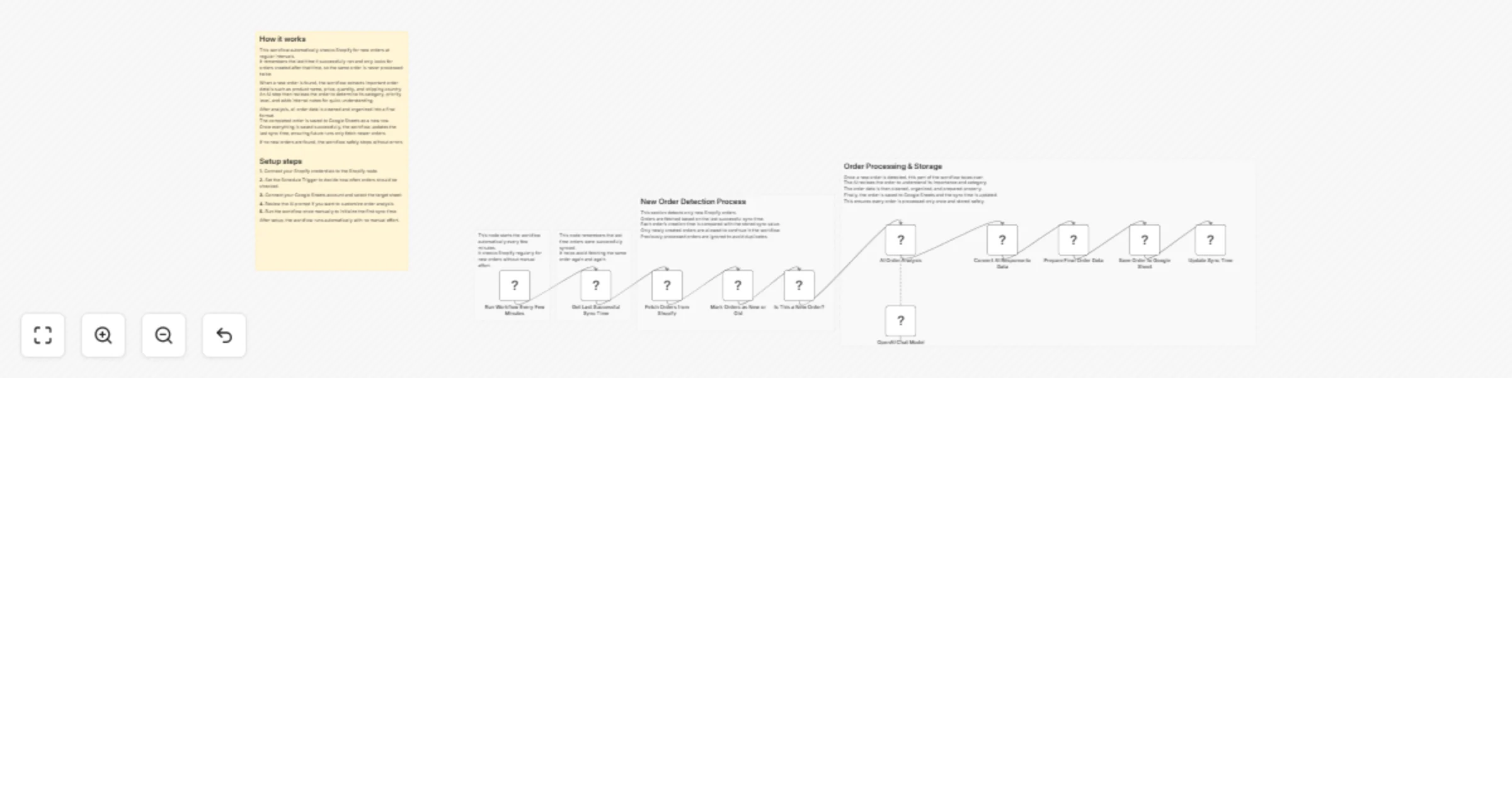
Shopify New Orders Auto Sync to Google Sheets & AI Analysis This workflow automatically fetches new Shopify orders on a schedule, detects only newly created orders, enriches them using AI, and stor...
@n8n/n8n-nodes-langchain.lmchatopenai, n8n-nodes-base.scheduletrigger, n8n-nodes-base.code, n8n-nodes-base.shopify, n8n-nodes-base.if, @n8n/n8n-nodes-langchain.agent, n8n-nodes-base.set, n8n-nodes-base.googlesheets
This workflow is cataloged by N8N Workflows and links back to its original n8n.io source page by WeblineIndia.
Original n8n.io sourceThis workflow automatically fetches new Shopify orders on a schedule, detects only newly created orders, enriches them using AI, and stores clean, structured data in Google Sheets for reporting and tracking.
This workflow runs on a schedule, fetches recent Shopify orders, checks which ones are new using a stored sync timestamp, analyzes each new order with AI, and saves the final results into Google Sheets.
You receive:
Ideal for teams that want reliable order tracking, analysis, and reporting without relying on Shopify webhooks.
This workflow automates Shopify order processing:
This workflow is ideal for:
To run this workflow, you will need:
If no new orders exist, the workflow exits safely without errors.
Adjust the Schedule Trigger to run every few minutes, hourly, or daily.
Modify the AI prompt to:
You can add:
You can extend this workflow to:
Track daily orders in a shared spreadsheet.
Maintain an independent record of all sales.
Use AI notes to quickly understand important orders.
Keep an external copy of Shopify order data.
| Issue | Possible Cause | Solution |
|---|---|---|
| No orders fetched | lastSync too recent | Reset static data |
| Duplicate orders | Sync update missing | Ensure last sync node runs |
| AI output not parsed | Invalid JSON | Adjust AI prompt |
| Sheet not updating | Column mismatch | Match headers exactly |
| Workflow stops early | No new data | Enable “Always Output Data” |
If you need help extending this workflow by adding alerts, dashboards advanced AI logic or scaling for production, then our n8n automation developers at WeblineIndia team are happy to assist with advanced n8n automation and Shopify integrations.
This catalog entry is organized from the workflow JSON. The node-level section below shows the executable blocks available for review before importing the template.
| Workflow | Sync new Shopify orders to Google Sheets with GPT-4.1-mini analysis |
|---|---|
| Complexity | advanced |
| Nodes | 16 |
| Categories | Document Extraction, AI Summarization |
| Author | WeblineIndia |
| Published | 26 Mar 2026 |
Use the JSON export at /data/workflows/14365/14365.json as the source template for this automation.
Open n8n, import the downloaded JSON, and review each node before activating the workflow.
Replace placeholder credentials, API keys, webhook URLs, account IDs, and environment-specific values with your own settings.
Run the workflow manually or in a staging workspace, inspect node output, and confirm downstream systems receive the expected data.
Enable the workflow only after testing, then monitor executions, errors, and rate limits during the first production runs.
Review imported nodes carefully before activation. This catalog entry is intended to help you inspect the workflow structure, understand required services, and find related templates faster.
Node names, credentials, schedules, webhook paths, and external service limits may need adjustment for your workspace.
Shopify New Orders Auto Sync to Google Sheets & AI Analysis This workflow automatically fetches new Shopify orders on a schedule, detects only newly created orders, enriches them using AI, and stor...
Review the workflow JSON, configure any required credentials in n8n, and test the automation in a safe workspace before using it in production.
Yes. Use the block-by-block analysis and the downloadable JSON to inspect each node, then adjust credentials, prompts, schedules, filters, or destinations for your Document Extraction, AI Summarization use case.