Block 1 - Manual Trigger (Historical Backfill)
- Type / Role
- n8n-nodes-base.manualTrigger - manualTrigger
- Config choices
- Version 1


 Early Deal
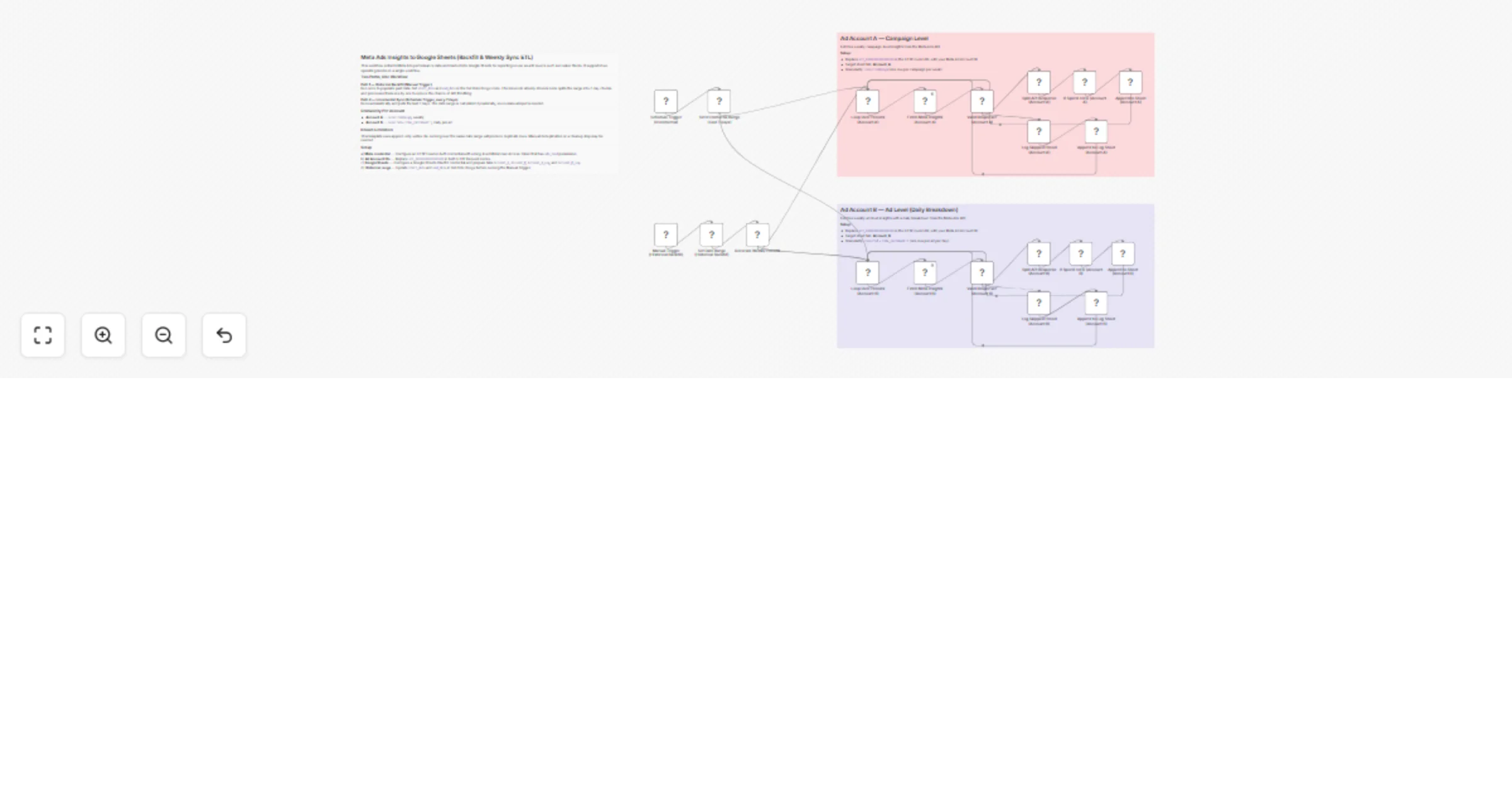
Meta Ads Insights to Google Sheets (Backfill & Weekly Sync ETL) This workflow provides a structured way to extract Meta Ads performance data and store it in Google Sheets for reporting, dashboardin...
n8n-nodes-base.manualtrigger, n8n-nodes-base.googlesheets, n8n-nodes-base.stickynote, n8n-nodes-base.code, n8n-nodes-base.httprequest, n8n-nodes-base.splitinbatches, n8n-nodes-base.if, n8n-nodes-base.set
This workflow is cataloged by N8N Workflows and links back to its original n8n.io source page by Muh Resky Adiansyah.
Original n8n.io sourceThis workflow provides a structured way to extract Meta Ads performance data and store it in Google Sheets for reporting, dashboarding, or further analysis.
It is designed as a lightweight, reliable ETL pipeline focused on stability, clarity, and ease of use, rather than building a full data warehouse solution.
At a high level, the system:
The workflow supports two execution modes:
Large date ranges are split into weekly intervals.
Each period is processed for two separate data streams:
Both using pagination handling & fail-safe response handling
Each API response is validated:
This prevents corrupted or empty data from entering the dataset.
API responses are:
Only meaningful data is stored:
This keeps the dataset lean and relevant for reporting.
Valid records are appended into Google Sheets:
Each run adds new rows without overwriting previous data.
If a period returns:
The workflow logs:
This creates a lightweight audit trail for debugging and monitoring.
Includes:
Columns:
These constraints are intentional to keep the workflow simple and portable.
It is a solid foundation for building marketing data pipelines without heavy infrastructure.
This catalog entry is organized from the workflow JSON. The node-level section below shows the executable blocks available for review before importing the template.
| Workflow | Sync Meta Ads insights to Google Sheets with backfill and weekly ETL |
|---|---|
| Complexity | advanced |
| Nodes | 24 |
| Categories | Market Research |
| Author | Muh Resky Adiansyah |
| Published | 04 Apr 2026 |
Use the JSON export at /data/workflows/14721/14721.json as the source template for this automation.
Open n8n, import the downloaded JSON, and review each node before activating the workflow.
Replace placeholder credentials, API keys, webhook URLs, account IDs, and environment-specific values with your own settings.
Run the workflow manually or in a staging workspace, inspect node output, and confirm downstream systems receive the expected data.
Enable the workflow only after testing, then monitor executions, errors, and rate limits during the first production runs.
Review imported nodes carefully before activation. This catalog entry is intended to help you inspect the workflow structure, understand required services, and find related templates faster.
Node names, credentials, schedules, webhook paths, and external service limits may need adjustment for your workspace.
Meta Ads Insights to Google Sheets (Backfill & Weekly Sync ETL) This workflow provides a structured way to extract Meta Ads performance data and store it in Google Sheets for reporting, dashboardin...
Review the workflow JSON, configure any required credentials in n8n, and test the automation in a safe workspace before using it in production.
Yes. Use the block-by-block analysis and the downloadable JSON to inspect each node, then adjust credentials, prompts, schedules, filters, or destinations for your Market Research use case.