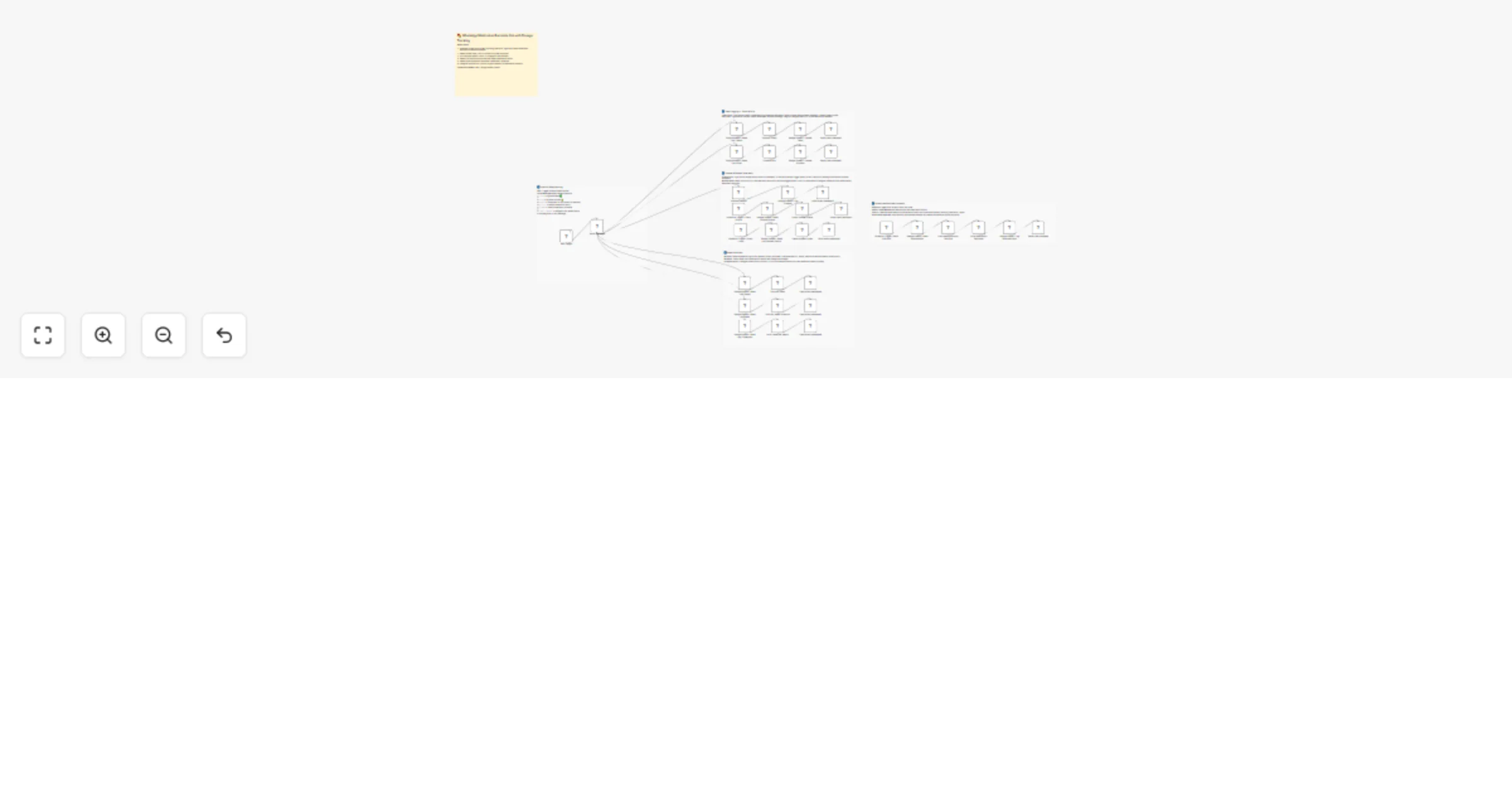
Send WhatsApp medication reminders and caregiver alerts with WATI and Google Sheets

Workflow preview

Workflow preview
100%
Send WhatsApp medication reminders and caregiver alerts with WATI and Google Sheets preview
Open on n8n.io

1. Workflow Overview

WhatsApp Medication Adherence & Caregiver Alert Automation Ensure health and safety with a fully automated medication adherence system. This workflow manages the entire patient care cycleβ€”from s...

Best for

  • Support Chatbot automation workflows
  • AI Chatbot automation workflows
  • advanced n8n builders looking for reusable templates

Tools used

n8n-nodes-base.stickynote, n8n-nodes-base.scheduletrigger, n8n-nodes-base.googlesheets, n8n-nodes-base.code, n8n-nodes-base.switch, n8n-nodes-wati.wati, n8n-nodes-wati.watitrigger

Source and attribution

This workflow is cataloged by N8N Workflows and links back to its original n8n.io source page by Jitesh Dugar.

Original n8n.io source

1.1 Workflow description

Title
Send WhatsApp medication reminders and caregiver alerts with WATI and Google Sheets
Workflow name
Send WhatsApp medication reminders and caregiver alerts with WATI and Google Sheets

πŸ’Š WhatsApp Medication Adherence & Caregiver Alert Automation

Ensure health and safety with a fully automated medication adherence system. This workflow manages the entire patient care cycleβ€”from scheduled dosage reminders to interactive logging and automated caregiver escalationsβ€”all through WhatsApp using WATI and Google Sheets.


🎯 What This Workflow Does

Turns WhatsApp into a proactive health assistant and caregiver's dashboard:

  • πŸ“ Timed Dosage Reminders A scheduled trigger fires 3x daily (Morning, Afternoon, Night) to identify which medications are due and send personalized WhatsApp alerts.

  • 🚦 Smart Patient Routing A Switch node detects patient replies to manage their health data in real-time:

  • taken: Logs the dose as complete and updates the patient's "Streak".

  • skip: Records the skipped dose and empathetic feedback while checking for consecutive skips.

  • snooze: Schedules a 30-minute follow-up reminder.

  • mystats: Generates a 7-day adherence report with visual progress bars.

  • mymeds: Provides the full daily medication schedule and instructions.

  • πŸ‘οΈ Automated Caregiver Alerts An hourly check detects "Pending" reminders. If a patient hasn't responded within 2 hours, the bot automatically alerts the designated caregiver via WhatsApp.

  • πŸ“Š Comprehensive Analytics Caregivers can request a full patient report (e.g., report <phone>) to view a categorized summary of taken vs. missed doses.


✨ Key Features

  • Slot-Based Intelligence: Automatically determines if it is Morning, Afternoon, or Night to send only relevant medications.
  • Gamified Adherence: Tracks "Streaks" (consecutive days taken) with motivational emojis to encourage patient consistency.
  • Visual Bar Charts: Patients and caregivers receive structured reports using visual bars (β–ˆβ–ˆβ–ˆβ–‘β–‘) to show adherence percentages.
  • Temporary Snooze Queue: Uses a dedicated "SnoozeQueue" tab to ensure follow-up reminders aren't forgotten.
  • Proactive Safety: Built-in logic to detect 2+ consecutive skips, alerting caregivers before it becomes a health risk.

πŸ’Ό Perfect For

  • Elderly Care: Providing automated support for seniors managing multiple daily medications.
  • Chronic Condition Management: Ensuring strict adherence for long-term treatments like hypertension or diabetes.
  • Home Healthcare Agencies: Scaling patient monitoring without increasing manual staff check-ins.
  • Clinical Trials: Tracking participant adherence with a digital, timestamped audit trail.

πŸ”§ What You'll Need

Required Integrations

  • WATI – To deliver medication reminders and process patient responses.
  • Google Sheets – To store the master medication list, adherence logs, and snooze queue.

Optional Customizations

  • AI Analysis: Integrate OpenAI to answer patient questions about specific medication side effects.
  • Emergency Escalation: Add a voice call node if a high-priority medication is missed 3 times in a row.

πŸš€ Quick Start

  1. Import Template – Copy the JSON and import it into your n8n instance.
  2. Set Credentials – Connect your WATI and Google Sheets accounts.
  3. Configure Sheets – Ensure your Google Sheet has three tabs:

Medications: phone, patientName, medName, dosage, frequency, timeSlots, status, caregiverPhone

AdherenceLog: logKey, phone, patientName, date, slot, status, sentAt, respondedAt, caregiverPhone

SnoozeQueue: phone, patientName, followUpAt, snoozedAt, status

  1. Test Reminders – Add a test row to your sheet and manually trigger the 8 AM node.
  2. Simulate a Reply – Reply taken or mystats to your WATI number to see your report generated live.

🎨 Customization Options

  • Custom Time Windows: Modify the Filter Medications by Time Slot code to align with specific clinic hours.
  • Empathetic Messaging: Customize the reinforce messages in the Process Taken and Process Skip nodes to match your brand voice.
  • Adherence Thresholds: Adjust the caregiver alert logic to trigger after 1 hour or 4 hours depending on medication sensitivity.

πŸ“ˆ Expected Results

  • 95% adherence transparency for caregivers and family members.
  • Reduced health risks by identifying missed doses within a 2-hour window.
  • Improved patient morale through positive streak reinforcement and visual progress.
  • Efficient monitoring: One caregiver can monitor dozens of patients through a single WhatsApp interface.

Ready to launch your digital health assistant? Import this template and connect your Google Sheets to start improving patient adherence today!

1.2 Logical Blocks

This catalog entry is organized from the workflow JSON. The node-level section below shows the executable blocks available for review before importing the template.

2. Block-by-Block Analysis

Block 1 - πŸ“‹ Flow Overview

Type / Role
n8n-nodes-base.stickyNote - stickyNote
Config choices
Version 1

Block 2 - Sticky – Scheduled Reminders

Type / Role
n8n-nodes-base.stickyNote - stickyNote
Config choices
Version 1

Block 3 - Sticky – Inbound Routing

Type / Role
n8n-nodes-base.stickyNote - stickyNote
Config choices
Version 1

Block 4 - Sticky – Taken & Skip

Type / Role
n8n-nodes-base.stickyNote - stickyNote
Config choices
Version 1

Block 5 - Sticky – Snooze & Missed Alert

Type / Role
n8n-nodes-base.stickyNote - stickyNote
Config choices
Version 1

Block 6 - Sticky – Reports

Type / Role
n8n-nodes-base.stickyNote - stickyNote
Config choices
Version 1

Block 7 - Schedule Trigger – 8AM 1PM 8PM

Type / Role
n8n-nodes-base.scheduleTrigger - scheduleTrigger
Config choices
Version 1.2

Block 8 - Google Sheets – Read Medications

Type / Role
n8n-nodes-base.googleSheets - googleSheets
Config choices
Version 4.5

Block 9 - Filter Medications by Time Slot

Type / Role
n8n-nodes-base.code - code
Config choices
Version 2

Block 10 - Build Medication Reminder

Type / Role
n8n-nodes-base.code - code
Config choices
Version 2

Block 11 - Google Sheets – Log Reminder Sent

Type / Role
n8n-nodes-base.googleSheets - googleSheets
Config choices
Version 4.5

Block 12 - Route Message

Type / Role
n8n-nodes-base.switch - switch
Config choices
Version 3

Block 13 - Google Sheets – Read Log (Taken)

Type / Role
n8n-nodes-base.googleSheets - googleSheets
Config choices
Version 4.5

Block 14 - Process Taken

Type / Role
n8n-nodes-base.code - code
Config choices
Version 2

Block 15 - Google Sheets – Update Taken

Type / Role
n8n-nodes-base.googleSheets - googleSheets
Config choices
Version 4.5

Block 16 - Google Sheets – Read Log (Skip)

Type / Role
n8n-nodes-base.googleSheets - googleSheets
Config choices
Version 4.5

Block 17 - Process Skip

Type / Role
n8n-nodes-base.code - code
Config choices
Version 2

Block 18 - Google Sheets – Update Skipped

Type / Role
n8n-nodes-base.googleSheets - googleSheets
Config choices
Version 4.5

Block 19 - Process Snooze

Type / Role
n8n-nodes-base.code - code
Config choices
Version 2

Block 20 - Google Sheets – Log Snooze

Type / Role
n8n-nodes-base.googleSheets - googleSheets
Config choices
Version 4.5

Block 21 - Schedule Trigger – Every 30 Min

Type / Role
n8n-nodes-base.scheduleTrigger - scheduleTrigger
Config choices
Version 1.2

Block 22 - Google Sheets – Read Snooze Queue

Type / Role
n8n-nodes-base.googleSheets - googleSheets
Config choices
Version 4.5

Block 23 - Check Snooze Queue

Type / Role
n8n-nodes-base.code - code
Config choices
Version 2

Block 24 - Schedule Trigger – Every 1 Hour

Type / Role
n8n-nodes-base.scheduleTrigger - scheduleTrigger
Config choices
Version 1.2

Showing the first 24 of 42 workflow blocks. Download the JSON for the full node graph.

3. Summary Table

Workflow Send WhatsApp medication reminders and caregiver alerts with WATI and Google Sheets
Complexity advanced
Nodes 42
Categories Support Chatbot, AI Chatbot
Author Jitesh Dugar
Published 25 Feb 2026

4. Reproducing the Workflow from Scratch

  1. 1. Download the workflow JSON

    Use the JSON export at /data/workflows/13702/13702.json as the source template for this automation.

  2. 2. Import the template into n8n

    Open n8n, import the downloaded JSON, and review each node before activating the workflow.

  3. 3. Configure credentials and variables

    Replace placeholder credentials, API keys, webhook URLs, account IDs, and environment-specific values with your own settings.

  4. 4. Test with sample data

    Run the workflow manually or in a staging workspace, inspect node output, and confirm downstream systems receive the expected data.

  5. 5. Activate and monitor

    Enable the workflow only after testing, then monitor executions, errors, and rate limits during the first production runs.

5. General Notes & Resources

Review imported nodes carefully before activation. This catalog entry is intended to help you inspect the workflow structure, understand required services, and find related templates faster.

Node names, credentials, schedules, webhook paths, and external service limits may need adjustment for your workspace.

Frequently asked questions

What does Send WhatsApp medication reminders and caregiver alerts with WATI and Google Sheets do?

WhatsApp Medication Adherence & Caregiver Alert Automation Ensure health and safety with a fully automated medication adherence system. This workflow manages the entire patient care cycleβ€”from s...

What do I need before importing this workflow?

Review the workflow JSON, configure any required credentials in n8n, and test the automation in a safe workspace before using it in production.

Can I customize this workflow?

Yes. Use the block-by-block analysis and the downloadable JSON to inspect each node, then adjust credentials, prompts, schedules, filters, or destinations for your Support Chatbot, AI Chatbot use case.