Block 1 - Configure WooCommerce Store
- Type / Role
- n8n-nodes-base.set - set
- Config choices
- Version 3.4


 Early Deal
WooCommerce Weekly Sales KPI Reporting to Slack & Google Sheets This workflow automatically generates a weekly sales performance report from WooCommerce and shares it with your team. It runs on a w...
n8n-nodes-base.set, n8n-nodes-base.scheduletrigger, n8n-nodes-base.code, n8n-nodes-base.httprequest, n8n-nodes-base.merge, n8n-nodes-base.slack, n8n-nodes-base.googlesheets, n8n-nodes-base.stickynote
This workflow is cataloged by N8N Workflows and links back to its original n8n.io source page by WeblineIndia.
Original n8n.io sourceThis workflow automatically generates a weekly sales performance report from WooCommerce and shares it with your team. It runs on a weekly schedule, fetches last week’s orders and refunds, calculates key sales KPIs, stores the results in Google Sheets and sends a summarized report to a Slack channel.
That’s it — your weekly sales KPIs will now be generated and shared automatically.
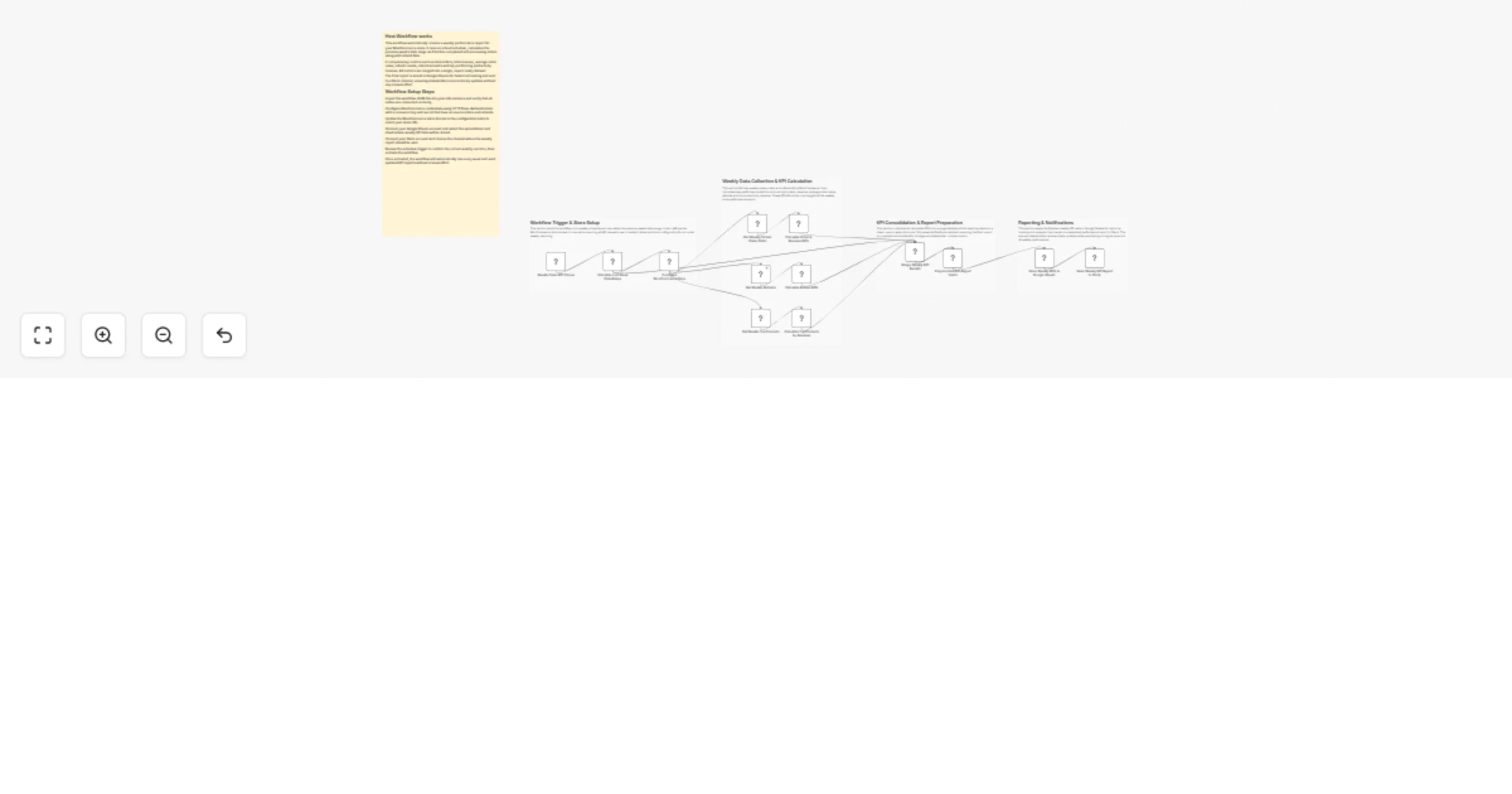
This workflow helps you track and share weekly WooCommerce performance without manual effort. It automatically calculates key sales metrics such as total orders, total revenue, average order value, refunds and top-performing products based on the previous week’s data.
The workflow begins on a weekly schedule and determines the exact date range for the last completed week. Using this date range, it pulls sales orders and refund data from WooCommerce through HTTP requests. Multiple calculations are then performed to generate meaningful KPIs that are useful for both operational and leadership-level reporting.
Once the KPIs are calculated, the workflow consolidates them into a clean report format. The data is saved in Google Sheets for long-term tracking and a readable summary is sent to a Slack channel so stakeholders can quickly review weekly performance.
Weekly Schedule Trigger The workflow runs once per week. The exact day and time are configurable.
Calculate Last Week’s Date Range A Code node calculates the start and end dates of the previous week.
Configure WooCommerce Store The WooCommerce store domain is defined once and reused across API requests.
Fetch Weekly Data from WooCommerce
completed and processing status Merge KPI Results All calculated KPIs are combined into a single dataset.
Prepare Final KPI Report Fields Only required, clean fields are retained for reporting.
Store Data in Google Sheets Each workflow run appends one new row with weekly KPI data.
Send Weekly Report to Slack A formatted summary is posted to the selected Slack channel.
Weekly Sales KPI Trigger Change the day or time to run the workflow at any point during the week.
Configure WooCommerce Store Update the domain if you move to a different store or environment.
HTTP Request Nodes Modify order statuses or add filters as needed.
KPI Calculation Code Nodes Add new metrics or adjust existing calculations.
Slack Node Send reports to a different channel or workspace.
Google Sheets Node Store data in another sheet or spreadsheet.
There can be many more use cases depending on how this workflow is customized or extended.
| Issue | Possible Cause | Solution |
|---|---|---|
| No data in Slack | Workflow not active | Activate the workflow |
| Empty KPIs | No orders in the selected week | Verify WooCommerce data |
| Incorrect dates | Schedule misconfiguration | Review trigger timing |
| Google Sheets not updating | Permission issue | Reconnect Google Sheets credentials |
| WooCommerce API error | Invalid credentials | Check Consumer Key and Secret |
If you need help setting up this workflow, customizing KPIs or building advanced reporting automation, our n8n workflow developers at WeblineIndia are here to help.
Our team has strong expertise in n8n workflow automation, WooCommerce integrations and business intelligence reporting. Whether you want to extend this workflow or build a similar solution tailored to your business needs, feel free to reach out to WeblineIndia for expert support.
This catalog entry is organized from the workflow JSON. The node-level section below shows the executable blocks available for review before importing the template.
| Workflow | Send weekly WooCommerce sales KPIs to Slack and Google Sheets |
|---|---|
| Complexity | advanced |
| Nodes | 18 |
| Categories | CRM |
| Author | WeblineIndia |
| Published | 10 Feb 2026 |
Use the JSON export at /data/workflows/13281/13281.json as the source template for this automation.
Open n8n, import the downloaded JSON, and review each node before activating the workflow.
Replace placeholder credentials, API keys, webhook URLs, account IDs, and environment-specific values with your own settings.
Run the workflow manually or in a staging workspace, inspect node output, and confirm downstream systems receive the expected data.
Enable the workflow only after testing, then monitor executions, errors, and rate limits during the first production runs.
Review imported nodes carefully before activation. This catalog entry is intended to help you inspect the workflow structure, understand required services, and find related templates faster.
Node names, credentials, schedules, webhook paths, and external service limits may need adjustment for your workspace.
WooCommerce Weekly Sales KPI Reporting to Slack & Google Sheets This workflow automatically generates a weekly sales performance report from WooCommerce and shares it with your team. It runs on a w...
Review the workflow JSON, configure any required credentials in n8n, and test the automation in a safe workspace before using it in production.
Yes. Use the block-by-block analysis and the downloadable JSON to inspect each node, then adjust credentials, prompts, schedules, filters, or destinations for your CRM use case.