Block 1 - Weekly KPI Scheduler
- Type / Role
- n8n-nodes-base.scheduleTrigger - scheduleTrigger
- Config choices
- Version 1.2


 Early Deal
Weekly WooCommerce Finance KPI Automation with HTTP APIs & Slack This workflow automatically gathers weekly WooCommerce order and refund data , calculates essential financial KPIs , detects potenti...
n8n-nodes-base.scheduletrigger, n8n-nodes-base.set, n8n-nodes-base.httprequest, n8n-nodes-base.filter, n8n-nodes-base.merge, n8n-nodes-base.code, n8n-nodes-base.slack, n8n-nodes-base.stickynote
This workflow is cataloged by N8N Workflows and links back to its original n8n.io source page by WeblineIndia.
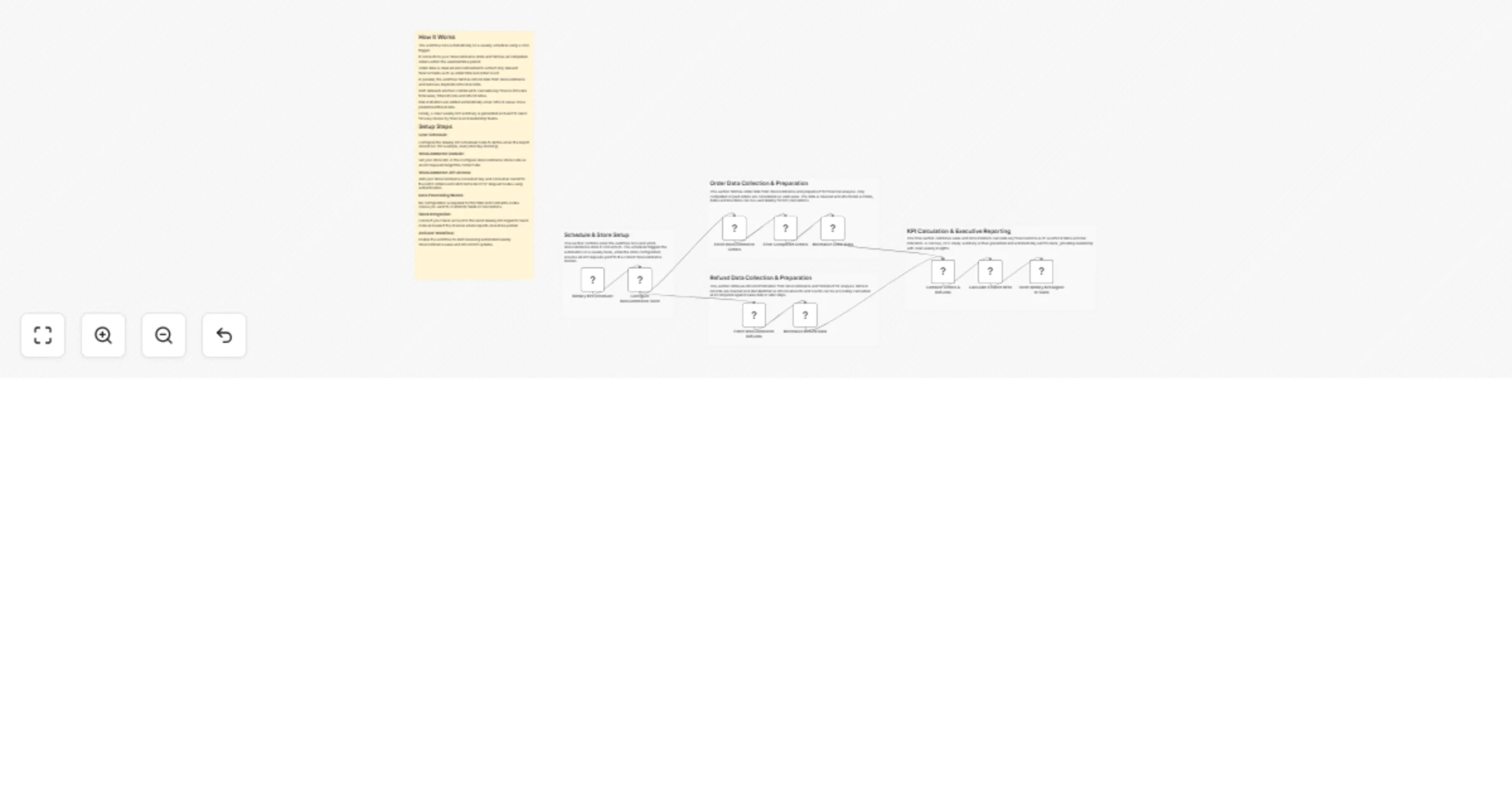
Original n8n.io sourceThis workflow automatically gathers weekly WooCommerce order and refund data, calculates essential financial KPIs, detects potential refund-related risks and sends a clear weekly finance summary to Slack. Once configured, it runs on a schedule and delivers leadership-ready insights without any manual reporting.
This workflow automates the weekly finance reporting process for WooCommerce stores by combining sales and refund data into a single, structured summary. It collects completed orders, cleans and standardizes the data and processes refund records to ensure accurate totals and counts.
Using this data, the workflow calculates key metrics such as total sales amount, number of orders, total refunds and refund ratios. These KPIs help teams quickly assess store performance and identify refund patterns that may require attention.
The workflow concludes by sending a well-formatted, executive-friendly digest to Slack, ensuring that finance and leadership teams always have timely and reliable insights.
This workflow is designed for:
To use this workflow, you need:
This workflow can be extended with:
Common use cases include:
There are many additional business-specific use cases where this workflow can be applied.
| Issue | Possible Cause | Solution |
|---|---|---|
| Slack message not received | Slack integration not configured | Reconnect Slack account and select a channel |
| Sales totals appear as zero | No completed orders for the period | Verify order status and store activity |
| Refund data missing | API permission issue | Confirm WooCommerce API access |
| Authentication error | Invalid credentials | Regenerate Consumer Key and Secret |
| Workflow not running | Automation not activated | Enable the workflow |
If you need assistance setting up this workflow, customizing KPIs or extending it with advanced reporting features?
WeblineIndia can help you:
👉 Reach out to our n8n automation experts at WeblineIndia for expert support and custom automation solutions.
This catalog entry is organized from the workflow JSON. The node-level section below shows the executable blocks available for review before importing the template.
| Workflow | Send weekly WooCommerce finance KPIs to Slack using HTTP APIs |
|---|---|
| Complexity | advanced |
| Nodes | 15 |
| Categories | Document Extraction, AI Summarization |
| Author | WeblineIndia |
| Published | 10 Feb 2026 |
Use the JSON export at /data/workflows/13272/13272.json as the source template for this automation.
Open n8n, import the downloaded JSON, and review each node before activating the workflow.
Replace placeholder credentials, API keys, webhook URLs, account IDs, and environment-specific values with your own settings.
Run the workflow manually or in a staging workspace, inspect node output, and confirm downstream systems receive the expected data.
Enable the workflow only after testing, then monitor executions, errors, and rate limits during the first production runs.
Review imported nodes carefully before activation. This catalog entry is intended to help you inspect the workflow structure, understand required services, and find related templates faster.
Node names, credentials, schedules, webhook paths, and external service limits may need adjustment for your workspace.
Weekly WooCommerce Finance KPI Automation with HTTP APIs & Slack This workflow automatically gathers weekly WooCommerce order and refund data , calculates essential financial KPIs , detects potenti...
Review the workflow JSON, configure any required credentials in n8n, and test the automation in a safe workspace before using it in production.
Yes. Use the block-by-block analysis and the downloadable JSON to inspect each node, then adjust credentials, prompts, schedules, filters, or destinations for your Document Extraction, AI Summarization use case.