Block 1 - Order Created Trigger
- Type / Role
- n8n-nodes-base.shopifyTrigger - shopifyTrigger
- Config choices
- Version 1


 Early Deal
This workflow is provided as-is. Please review and test before using in production.
Shopify Post Purchase Upsell/Cross sell Email Automation Overview This automation triggers when a new order is placed in your Shopify store. It then waits a short period, intelligently identifie...
n8n-nodes-base.shopifytrigger, n8n-nodes-base.wait, n8n-nodes-base.code, n8n-nodes-base.if, n8n-nodes-base.splitinbatches, n8n-nodes-base.shopify, n8n-nodes-base.merge, n8n-nodes-base.emailsend
This workflow is cataloged by N8N Workflows and links back to its original n8n.io source page by David Olusola.
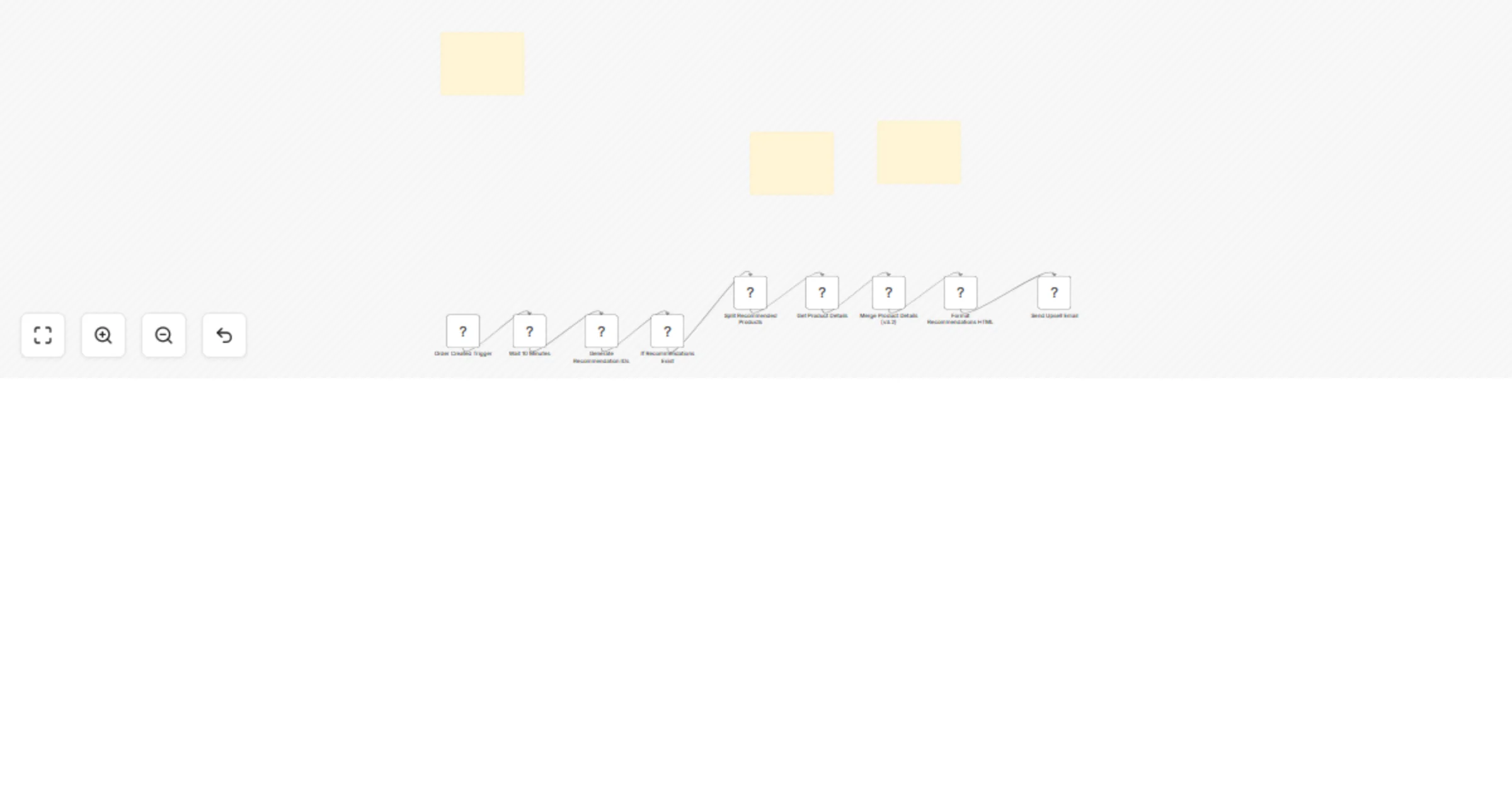
Original n8n.io sourceThis automation triggers when a new order is placed in your Shopify store. It then waits a short period, intelligently identifies complementary products based on the customer's purchase, retrieves those product details, and finally sends a personalized email showcasing the recommendations.
This automation triggers when a new order is placed in your Shopify store. It then waits a short period, intelligently identifies complementary products based on the customer's purchase, retrieves those product details, and finally sends a personalized email showcasing the recommendations.
Order Detection: When a customer completes a purchase, the flow begins.
Smart Delay: A brief pause ensures initial order confirmations are sent.
Recommendation Engine: The workflow identifies relevant upsell or cross-sell products based on your predefined rules.
Dynamic Email Creation: It fetches details for the recommended products and builds a visually appealing, personalized email.
Email Delivery: The tailored email is sent to your customer, encouraging their next purchase.
Getting this automation ready will take approximately 1-2 hours, including populating your product recommendations.
Import Workflow: Import the provided n8n JSON file into your n8n instance.
Configure Credentials: Set up your Shopify API and SMTP (email sending) credentials within n8n. Ensure your Shopify credential has read_orders and read_products permissions.
Define Recommendations: Open the Generate Recommendation IDs (Code) node. Crucially, update the recommendationsMap within this node to define which products should be suggested based on specific purchased product IDs from your Shopify store.
Customize Email & URLs: In the Send Upsell Email node, customize the fromEmail, subject, and the main HTML content to match your brand. Also, update YOUR_SHOPIFY_STORE_URL and YOUR_UNSUBSCRIBE_LINK placeholders in the Format Recommendations HTML (Code) and Send Upsell Email nodes.
Activate & Test: Turn the workflow to Active and place a test order in your Shopify store to verify everything works as expected.
(For detailed descriptions and troubleshooting, refer to the Sticky Notes located directly within the n8n workflow itself.)
This catalog entry is organized from the workflow JSON. The node-level section below shows the executable blocks available for review before importing the template.
| Workflow | Send personalized product recommendations via email after Shopify purchases |
|---|---|
| Complexity | intermediate |
| Nodes | 12 |
| Categories | Social Media |
| Author | David Olusola |
| Published | 28 Jul 2025 |
Use the JSON export at /data/workflows/6579/6579.json as the source template for this automation.
Open n8n, import the downloaded JSON, and review each node before activating the workflow.
Replace placeholder credentials, API keys, webhook URLs, account IDs, and environment-specific values with your own settings.
Run the workflow manually or in a staging workspace, inspect node output, and confirm downstream systems receive the expected data.
Enable the workflow only after testing, then monitor executions, errors, and rate limits during the first production runs.
Review imported nodes carefully before activation. This catalog entry is intended to help you inspect the workflow structure, understand required services, and find related templates faster.
Node names, credentials, schedules, webhook paths, and external service limits may need adjustment for your workspace.
Shopify Post Purchase Upsell/Cross sell Email Automation Overview This automation triggers when a new order is placed in your Shopify store. It then waits a short period, intelligently identifie...
Review the workflow JSON, configure any required credentials in n8n, and test the automation in a safe workspace before using it in production.
Yes. Use the block-by-block analysis and the downloadable JSON to inspect each node, then adjust credentials, prompts, schedules, filters, or destinations for your Social Media use case.