Block 1 - Start email automation
- Type / Role
- n8n-nodes-base.scheduleTrigger - scheduleTrigger
- Config choices
- Version 1.3


 Early Deal
What problem does this solve? This workflow automates sending personalized emails using a contact list stored in Google Sheets and a professional SMTP email account. It removes manual work such as ...
n8n-nodes-base.scheduletrigger, n8n-nodes-base.googlesheets, n8n-nodes-base.splitinbatches, n8n-nodes-base.if, n8n-nodes-base.set, n8n-nodes-base.emailsend, n8n-nodes-base.wait, n8n-nodes-base.stickynote
This workflow is cataloged by N8N Workflows and links back to its original n8n.io source page by shivam gandhi.
Original n8n.io sourceThis workflow automates sending personalized emails using a contact list stored in Google Sheets and a professional SMTP email account.
It removes manual work such as identifying who should receive an email, filtering no-show or specific leads, avoiding duplicate sends, and updating records after emails are sent. The entire process runs automatically in a controlled and repeatable way.
This is useful when you want to send targeted emails without using a full email marketing platform.
This workflow works with any type of email list stored in Google Sheets and sends emails based on conditions you define.
No-show workshop or webinar attendees Mark contacts as No-Show in the sheet and the workflow will send personalized follow-up emails only to those contacts.
Cold email lists Use the same workflow for cold outreach by adjusting the filter condition (for example, status = “Cold”).
Old or re-engagement lists Re-engage inactive contacts by updating their status (for example, “Re-engage” or “Inactive”) and running the workflow.
Custom filtering logic The filter conditions can be customized to match any column value (status, tag, campaign, or label), giving you full control over who receives emails.
In all cases, emails are sent one by one, duplicate sends are prevented, and Google Sheets is updated after each successful send.
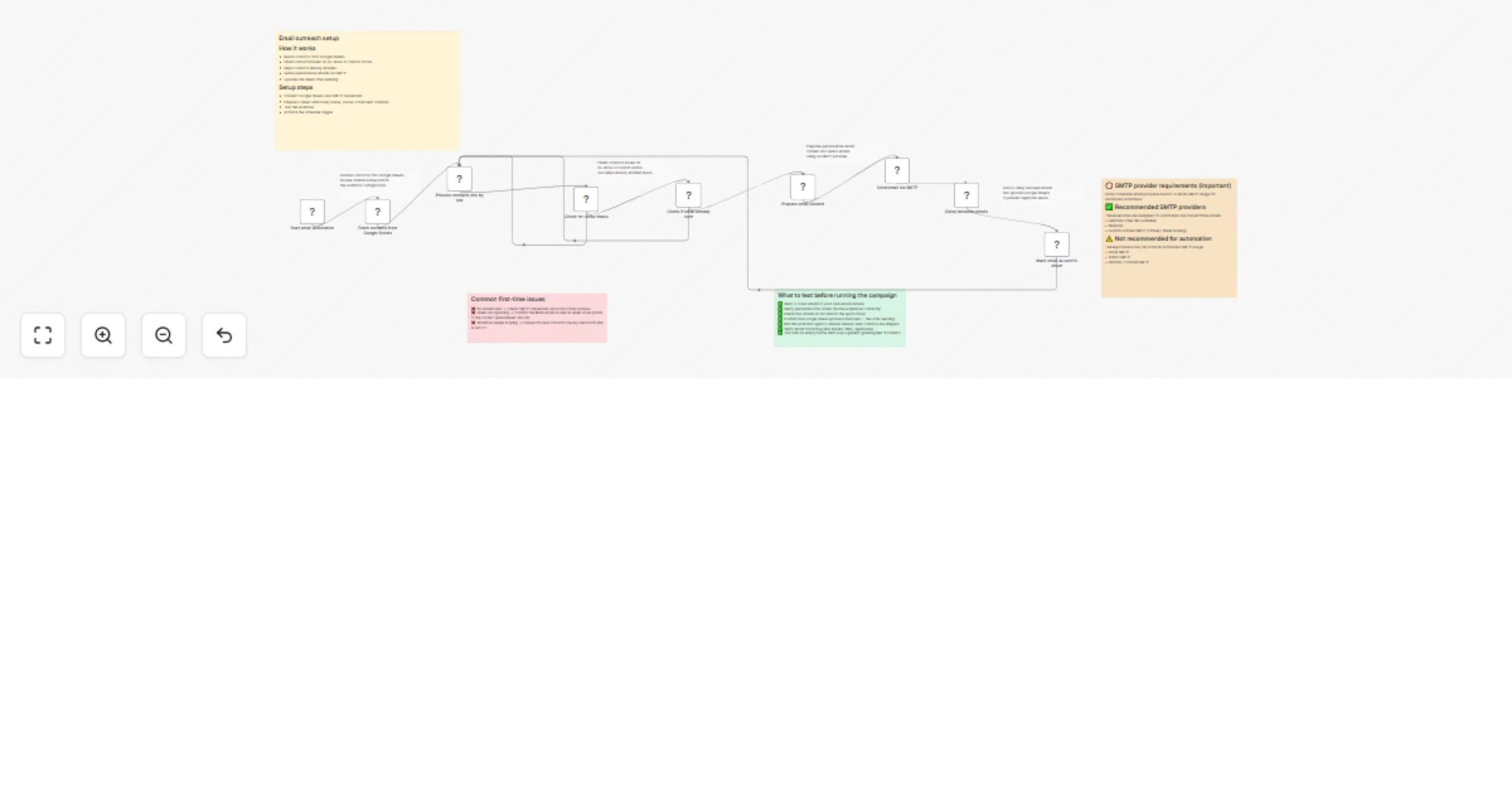
Fetches contact data from Google Sheets
Processes contacts one by one to ensure safe delivery
Filters contacts based on a no-show or custom status
Checks whether an email has already been sent
Sends personalized emails via SMTP
Adds a delay between emails to respect provider limits
Updates Google Sheets to mark emails as sent
Google Sheets–based contact management
SMTP email sending (works with any professional provider)
No-show and status-based filtering
Built-in duplicate email prevention
Configurable delay between emails
Beginner-friendly and easy to customize
No external email marketing tools required
Marketers sending follow-ups or reminders
Sales teams running targeted outreach
Coaches and course creators following up with attendees
Founders and small teams managing email outreach via spreadsheets
Anyone who wants simple, rule-based email automation
This catalog entry is organized from the workflow JSON. The node-level section below shows the executable blocks available for review before importing the template.
| Workflow | Send personalized emails from Google Sheets via SMTP |
|---|---|
| Complexity | advanced |
| Nodes | 17 |
| Categories | Social Media |
| Author | shivam gandhi |
| Published | 25 Jan 2026 |
Use the JSON export at /data/workflows/12982/12982.json as the source template for this automation.
Open n8n, import the downloaded JSON, and review each node before activating the workflow.
Replace placeholder credentials, API keys, webhook URLs, account IDs, and environment-specific values with your own settings.
Run the workflow manually or in a staging workspace, inspect node output, and confirm downstream systems receive the expected data.
Enable the workflow only after testing, then monitor executions, errors, and rate limits during the first production runs.
Review imported nodes carefully before activation. This catalog entry is intended to help you inspect the workflow structure, understand required services, and find related templates faster.
Node names, credentials, schedules, webhook paths, and external service limits may need adjustment for your workspace.
What problem does this solve? This workflow automates sending personalized emails using a contact list stored in Google Sheets and a professional SMTP email account. It removes manual work such as ...
Review the workflow JSON, configure any required credentials in n8n, and test the automation in a safe workspace before using it in production.
Yes. Use the block-by-block analysis and the downloadable JSON to inspect each node, then adjust credentials, prompts, schedules, filters, or destinations for your Social Media use case.