Block 1 - Receive Scrape Request
- Type / Role
- n8n-nodes-base.webhook - webhook
- Config choices
- Version 2.1


 Early Deal
Turn any prompt into structured web data. Send a POST request with a natural language prompt and an optional JSON schema, and get back clean, structured results scraped from the web by an AI agent ...
n8n-nodes-base.webhook, n8n-nodes-base.code, n8n-nodes-base.respondtowebhook, @n8n/n8n-nodes-langchain.agent, @n8n/n8n-nodes-langchain.lmchatopenrouter, @n8n/n8n-nodes-langchain.outputparserstructured, n8n-nodes-base.stickynote, @mendable/n8n-nodes-firecrawl.firecrawltool
This workflow is cataloged by N8N Workflows and links back to its original n8n.io source page by Firecrawl.
Original n8n.io sourceTurn any prompt into structured web data. Send a POST request with a natural language prompt and an optional JSON schema, and get back clean, structured results scraped from the web by an AI agent powered by Firecrawl.
POST /webhook/scrape-agent
prompt and an optional output_schema./search): Finds relevant pages and sources across the web./scrape): Extracts clean, structured content from any URL.This combination gives the AI agent complete web navigation capabilities. It can discover sources, read pages, and interact with dynamic content autonomously. 4. Format Response to Schema (Structured Output Parser) formats the agent's response to match the provided (or default) schema. 5. Return Structured Results sends the structured JSON back to the caller.
POST https://your-n8n-instance/webhook/scrape-agent
| Field | Type | Required | Description |
|---|---|---|---|
prompt |
string | Yes | Natural language instruction for the agent |
output_schema |
object | No | JSON Schema defining the desired output structure |
Returns a JSON object matching the provided schema, or a flexible object if no schema was given.
The agent decides the output structure on its own.
curl -X POST "https://your-n8n-instance/webhook/scrape-agent" \
 -H "Content-Type: application/json" \
 -d '{
 "prompt": "Find the latest pricing for Firecrawl"
 }' | jq
Expected output: A JSON object with whatever structure the agent finds most appropriate for the data. Since no schema was provided, the internal default ({ "type": "object", "additionalProperties": true }) is used.
You define exactly the shape of data you want back.
curl -X POST "https://your-n8n-instance/webhook/scrape-agent" \
 -H "Content-Type: application/json" \
 -d '{
 "prompt": "Find the latest pricing for Firecrawl",
 "output_schema": {
 "type": "object",
 "properties": {
 "source": { "type": "string" },
 "plans": {
 "type": "array",
 "items": {
 "type": "object",
 "properties": {
 "name": { "type": "string" },
 "price": { "type": "string" },
 "credits": { "type": "string" },
 "highlights": {
 "type": "array",
 "items": { "type": "string" }
 }
 }
 }
 }
 }
 }
 }' | jq
Expected output:
{
 "output": {
 "source": "https://www.firecrawl.dev/pricing",
 "plans": [
 {
 "name": "Free",
 "price": "$0 (one-time)",
 "credits": "500 credits (one-time)",
 "highlights": [
 "Scrape up to 500 pages",
 "2 concurrent requests",
 "Low rate limits",
 "No credit card required"
 ]
 },
 {
 "name": "Hobby",
 "price": "$16/month (billed yearly, save $38)",
 "credits": "3,000 credits / month",
 "highlights": [
 "Scrape up to 3,000 pages",
 "5 concurrent requests",
 "Basic support",
 "$9 per extra 1k credits"
 ]
 }
 ]
 }
}
curl -X POST "https://your-n8n-instance/webhook/scrape-agent" \
 -H "Content-Type: application/json" \
 -d '{
 "prompt": "Find the latest pricing for Firecrawl",
 "output_schema": "not a valid schema"
 }' | jq
Expected output:
{
 "error": true,
 "message": "Invalid output_schema: must be a JSON object with a valid 'type' property (object, array, string, number, boolean)",
 "example_schema": {
 "type": "object",
 "properties": {
 "name": { "type": "string" },
 "price": { "type": "number" }
 }
 }
}
curl -X POST "https://your-n8n-instance/webhook/scrape-agent" \
 -H "Content-Type: application/json" \
 -d '{
 "prompt": "Find the latest pricing for Firecrawl",
 "output_schema": [1, 2, 3]
 }' | jq
Expected output: Same error response as above.
type Property)curl -X POST "https://your-n8n-instance/webhook/scrape-agent" \
-H "Content-Type: application/json" \
-d '{
"prompt": "Find the latest pricing for Firecrawl",
"output_schema": {
"properties": {
"name": { "type": "string" }
}
}
}' | jq
Expected output: Same error response as above.
type Value)curl -X POST "https://your-n8n-instance/webhook/scrape-agent" \
-H "Content-Type: application/json" \
-d '{
"prompt": "Find the latest pricing for Firecrawl",
"output_schema": {
"type": "banana"
}
}' | jq
Expected output: Same error response as above.
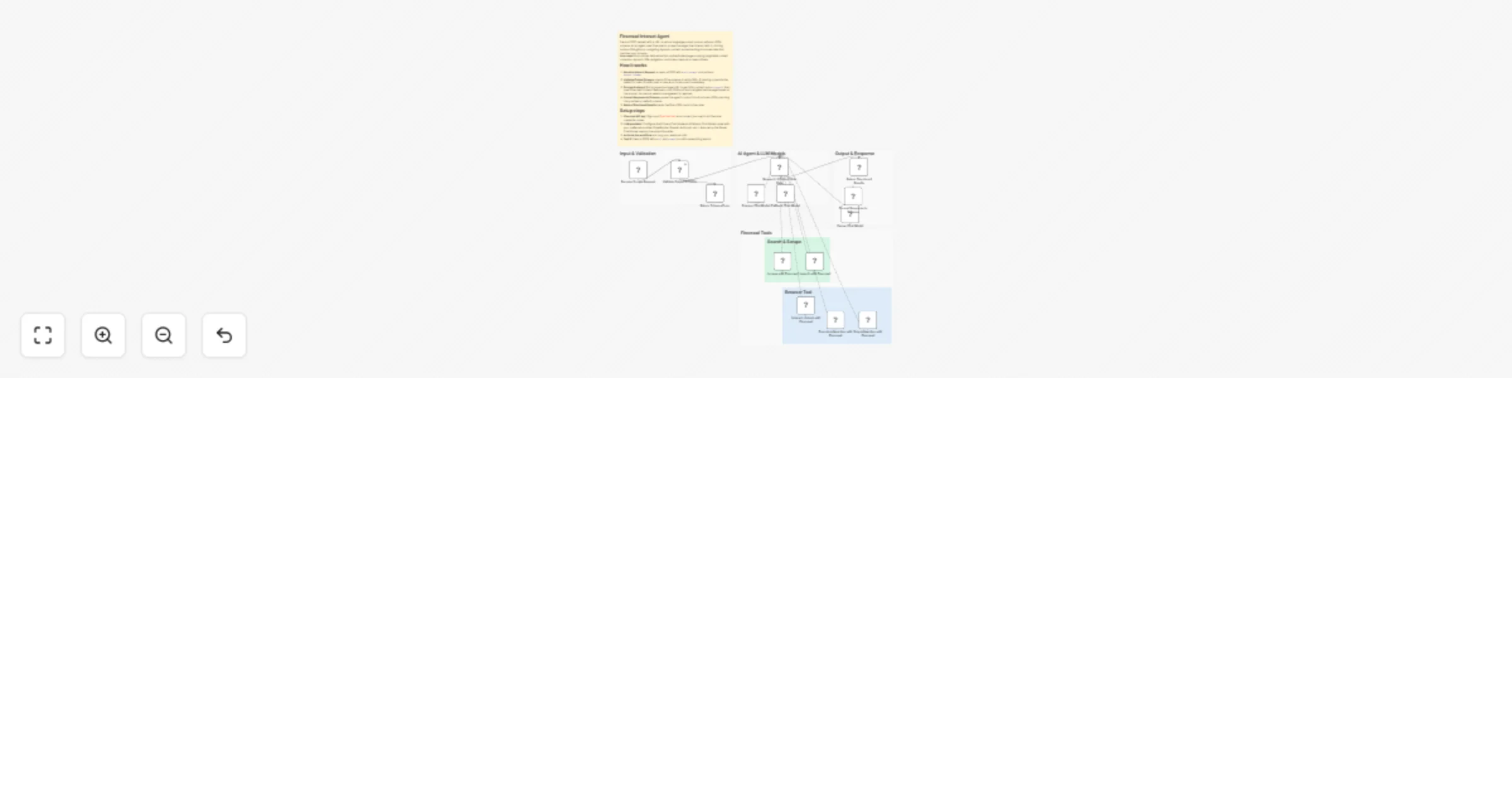
Receive Scrape Request (POST)
 |
 v
Validate Output Schema
 |--- Error --> Return Schema Error (error JSON)
 |--- Success --> Research & Extract Web Data (AI Agent)
 |
 |--- Primary Chat Model
 |--- Fallback Chat Model
 |--- Search & Scrape:
 | - /search with Firecrawl
 | - /scrape with Firecrawl
 |--- Interact Tool:
 | - Interact context with Firecrawl
 | - Execute interaction with Firecrawl
 | - Stop interaction with Firecrawl
 |
 v
 Return Structured Results
 |
 |--- Format Response to Schema (Output Parser)
 |
 |--- Parser Chat Model
The Validate Output Schema node runs this validation before passing data to the agent:
output_schema is missing or null, the default permissive schema is used: { "type": "object", "additionalProperties": true }.output_schema is present, it must be a JSON object (not a string, array, or primitive).type property with a valid value: object, array, string, number, or boolean.{{ JSON.stringify($('Validate Output Schema').item.json.output_schema) }} handles this conversion.This catalog entry is organized from the workflow JSON. The node-level section below shows the executable blocks available for review before importing the template.
| Workflow | Scrape, search and browse the web with a Firecrawl AI agent webhook |
|---|---|
| Complexity | advanced |
| Nodes | 21 |
| Categories | Market Research, AI RAG |
| Author | Firecrawl |
| Published | 18 Mar 2026 |
Use the JSON export at /data/workflows/14167/14167.json as the source template for this automation.
Open n8n, import the downloaded JSON, and review each node before activating the workflow.
Replace placeholder credentials, API keys, webhook URLs, account IDs, and environment-specific values with your own settings.
Run the workflow manually or in a staging workspace, inspect node output, and confirm downstream systems receive the expected data.
Enable the workflow only after testing, then monitor executions, errors, and rate limits during the first production runs.
Review imported nodes carefully before activation. This catalog entry is intended to help you inspect the workflow structure, understand required services, and find related templates faster.
Node names, credentials, schedules, webhook paths, and external service limits may need adjustment for your workspace.
Turn any prompt into structured web data. Send a POST request with a natural language prompt and an optional JSON schema, and get back clean, structured results scraped from the web by an AI agent ...
Review the workflow JSON, configure any required credentials in n8n, and test the automation in a safe workspace before using it in production.
Yes. Use the block-by-block analysis and the downloadable JSON to inspect each node, then adjust credentials, prompts, schedules, filters, or destinations for your Market Research, AI RAG use case.