Scrape and ingest web pages into a Pinecone RAG stack with Firecrawl and OpenAI
Workflow preview


 Early Deal
DISCOUNT 20%

Overview
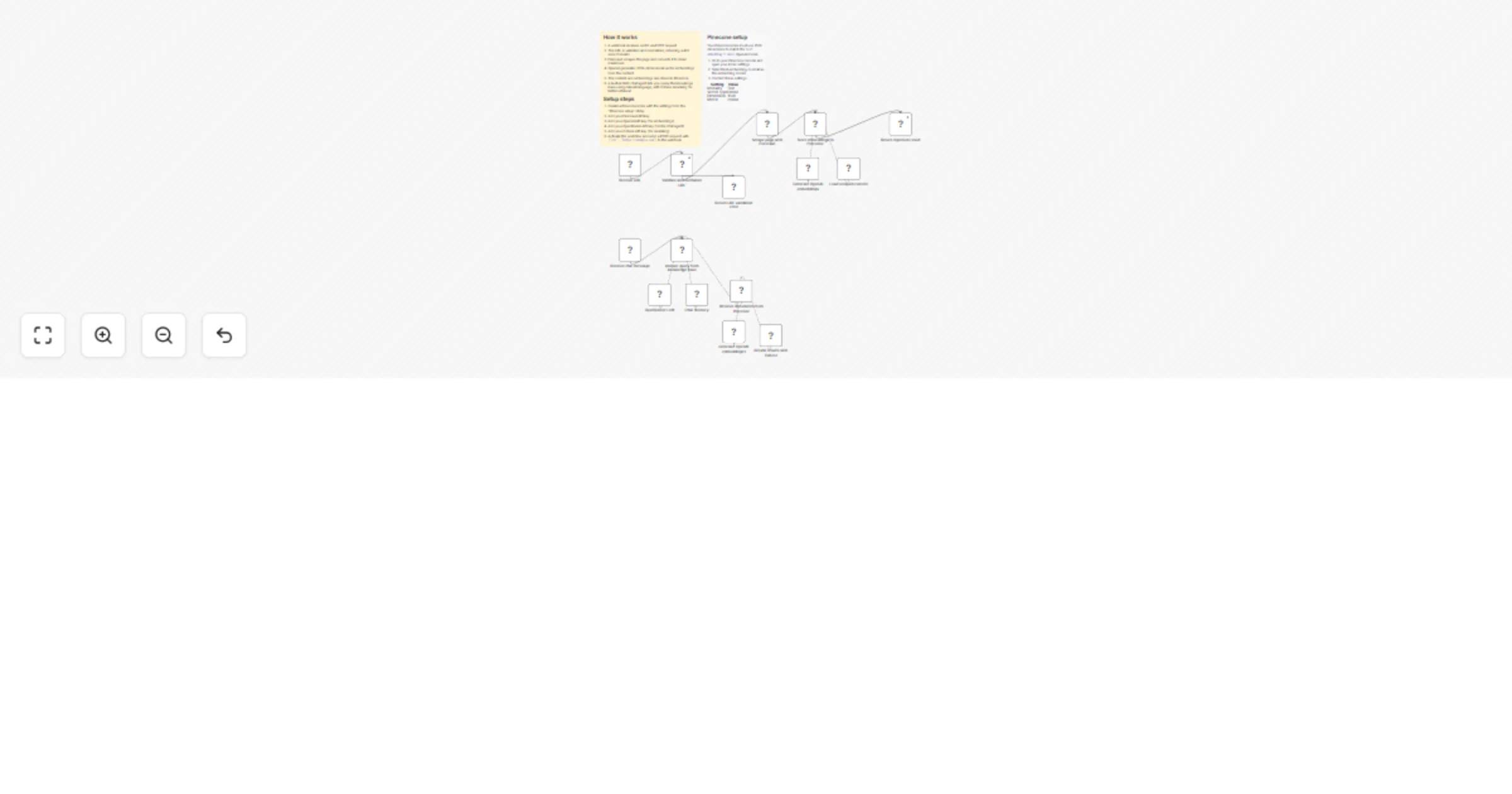
What this does
Receives a URL via webhook, uses Firecrawl to scrape the page into clean markdown, and stores it as vector embeddings in Pinecone. A visual, self-hosted ingestion pipeline for RAG knowledge bases. Adding a new source is as simple as sending a URL.
The second part of the workflow exposes a chat interface where an AI Agent queries the stored knowledge base to answer questions, with Cohere reranking for better retrieval quality.
How it works
Part 1: Ingestion Pipeline
- Webhook receives a POST request with a
urlfield - Verify URL validates and normalizes the domain, returning a 422 error if invalid
- Firecrawl
/scrapefetches the page and converts it to clean markdown - Embeddings OpenAI generates 1536-dimensional vector embeddings from the scraped content
- Default Data Loader attaches the source URL as metadata
- Pinecone Vector Store inserts the content and embeddings into the index
- Respond to Webhook confirms how many items were added
Part 2: RAG Chat Agent
- Chat trigger receives a user question
- AI Agent (OpenRouter / Claude Sonnet) queries the Pinecone vector store
- Cohere Reranker improves retrieval quality before the agent responds
- Agent answers based solely on the ingested knowledge base
🔥 Firecrawl 🌲 Pinecone 🧠 OpenAI Embeddings 🤖 OpenRouter (Claude Sonnet) 🎯 Cohere Reranker
Webhook usage
Send a POST request to the webhook URL:
curl -X POST https://your-n8n-instance/webhook/your-id \
 -H "Content-Type: application/json" \
 -d '{"url": "firecrawl.dev"}'
Pinecone setup
Your Pinecone index must be configured with 1536 dimensions to match the OpenAI text-embedding-3-small model output. See the sticky note inside the workflow for the exact index settings.
Requirements
- Firecrawl API key
- OpenAI API key (for embeddings)
- OpenRouter API key (for the chat agent)
- Cohere API key (for reranking)
- Pinecone account with a properly configured index