Block 1 - Track Email Open
- Type / Role
- n8n-nodes-base.webhook - webhook
- Config choices
- Version 2.1


 Early Deal
Automated Email Outreach: Telegram → Gmail → Sheets Dashboard Who is this for? Solo founders, sales teams, and event organizers who need email outreach without expensive tools but want full control...
n8n-nodes-base.webhook, n8n-nodes-base.set, n8n-nodes-base.telegram, n8n-nodes-base.googlesheets, n8n-nodes-base.switch, n8n-nodes-base.html, n8n-nodes-base.stickynote, n8n-nodes-base.googlesheetstrigger
This workflow is cataloged by N8N Workflows and links back to its original n8n.io source page by Milo Bravo.
Original n8n.io sourceWho is this for? Solo founders, sales teams, and event organizers who need email outreach without expensive tools but want full control from Telegram.
What problem is this workflow solving? Email campaigns are painful:
This workflow gives you Zapier-level outreach for free from Telegram → Gmail → Sheets.
What this workflow does
Telegram Control /outreach command launches campaigns
Smart Sending Gmail + random delays (anti-spam)
Real-time Tracking Open pixels + unsubscribe webhooks
Sheets Dashboard Leads, logs, stats in one place
Compliance Auto-unsubscribe + opt-out tracking
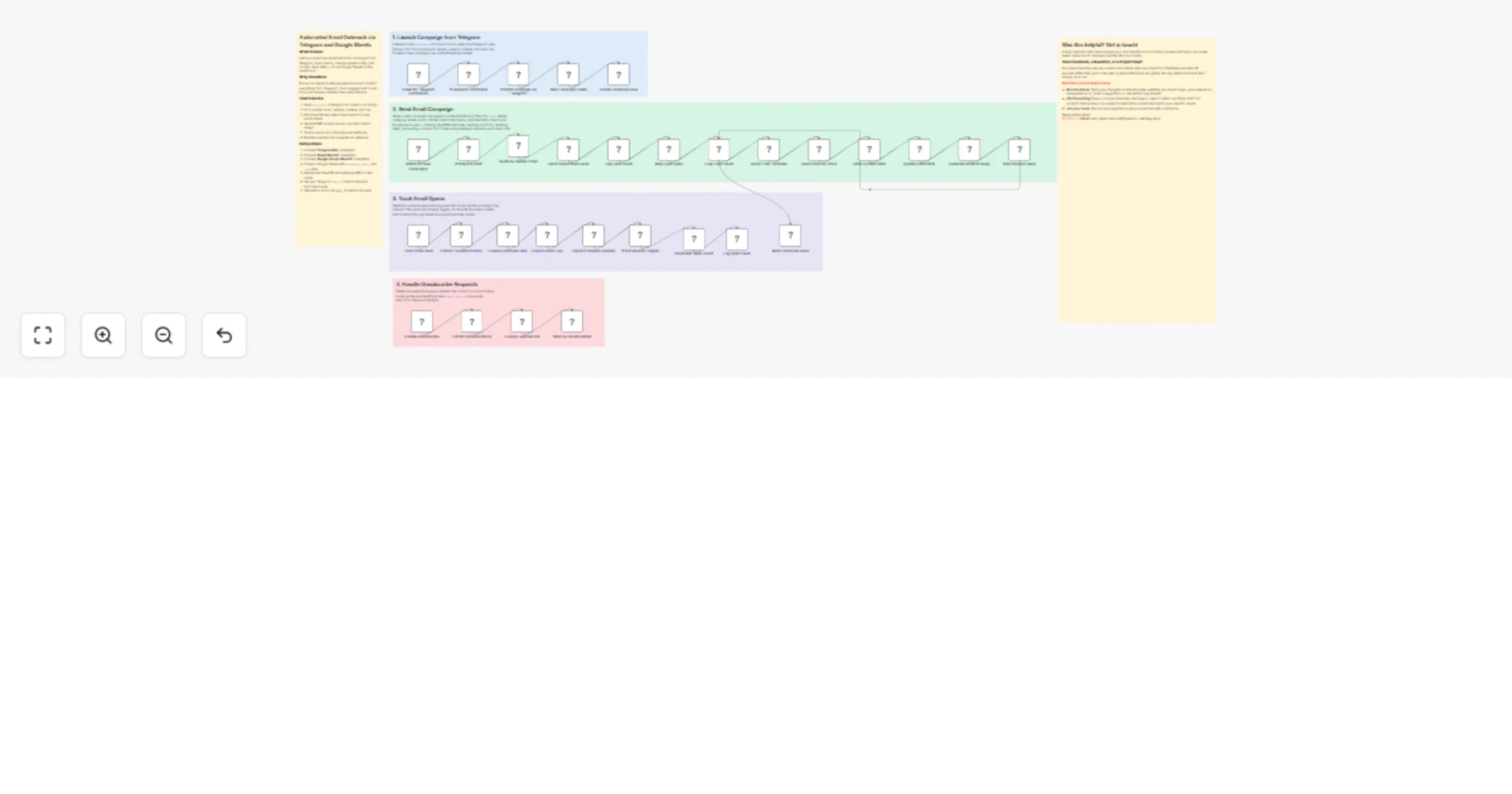
Full flow: Telegram Bot → Parse Command → Sheets Leads → Gmail Send → Pixel/Unsub Track → Update Dashboard
Setup (7 minutes)
text
Telegram commands:
/outreach sender:[email protected] subject:"Event Invite" body:"Hi {{name}}..." cap:50/status → Campaign stats/stop → Pause sendsHow to customize to your needs
Campaign Types: Event invites → {{name}} for {{event}} Sales outreach → {{company}} pricing inquiry Newsletter → {{name}} weekly update
text
Scale Up:
Anti-spam:
ROI:
Proven: Used for 5k+ event invites, 28% open rate.
Need help customizing?: Contact me for consulting and support: LinkedIn / Message
Keywords: n8n email outreach, telegram automation, gmail campaigns, google sheets dashboard, no-code email marketing, sales outreach automation, event invite workflow.
This catalog entry is organized from the workflow JSON. The node-level section below shows the executable blocks available for review before importing the template.
Showing the first 24 of 37 workflow blocks. Download the JSON for the full node graph.
| Workflow | Run email outreach campaigns from Telegram with Gmail and Google Sheets |
|---|---|
| Complexity | advanced |
| Nodes | 37 |
| Categories | Social Media |
| Author | Milo Bravo |
| Published | 26 Feb 2026 |
Use the JSON export at /data/workflows/13732/13732.json as the source template for this automation.
Open n8n, import the downloaded JSON, and review each node before activating the workflow.
Replace placeholder credentials, API keys, webhook URLs, account IDs, and environment-specific values with your own settings.
Run the workflow manually or in a staging workspace, inspect node output, and confirm downstream systems receive the expected data.
Enable the workflow only after testing, then monitor executions, errors, and rate limits during the first production runs.
Review imported nodes carefully before activation. This catalog entry is intended to help you inspect the workflow structure, understand required services, and find related templates faster.
Node names, credentials, schedules, webhook paths, and external service limits may need adjustment for your workspace.
Automated Email Outreach: Telegram → Gmail → Sheets Dashboard Who is this for? Solo founders, sales teams, and event organizers who need email outreach without expensive tools but want full control...
Review the workflow JSON, configure any required credentials in n8n, and test the automation in a safe workspace before using it in production.
Yes. Use the block-by-block analysis and the downloadable JSON to inspect each node, then adjust credentials, prompts, schedules, filters, or destinations for your Social Media use case.