Block 1 - Main Guide
- Type / Role
- n8n-nodes-base.stickyNote - stickyNote
- Config choices
- Version 1


 Early Deal
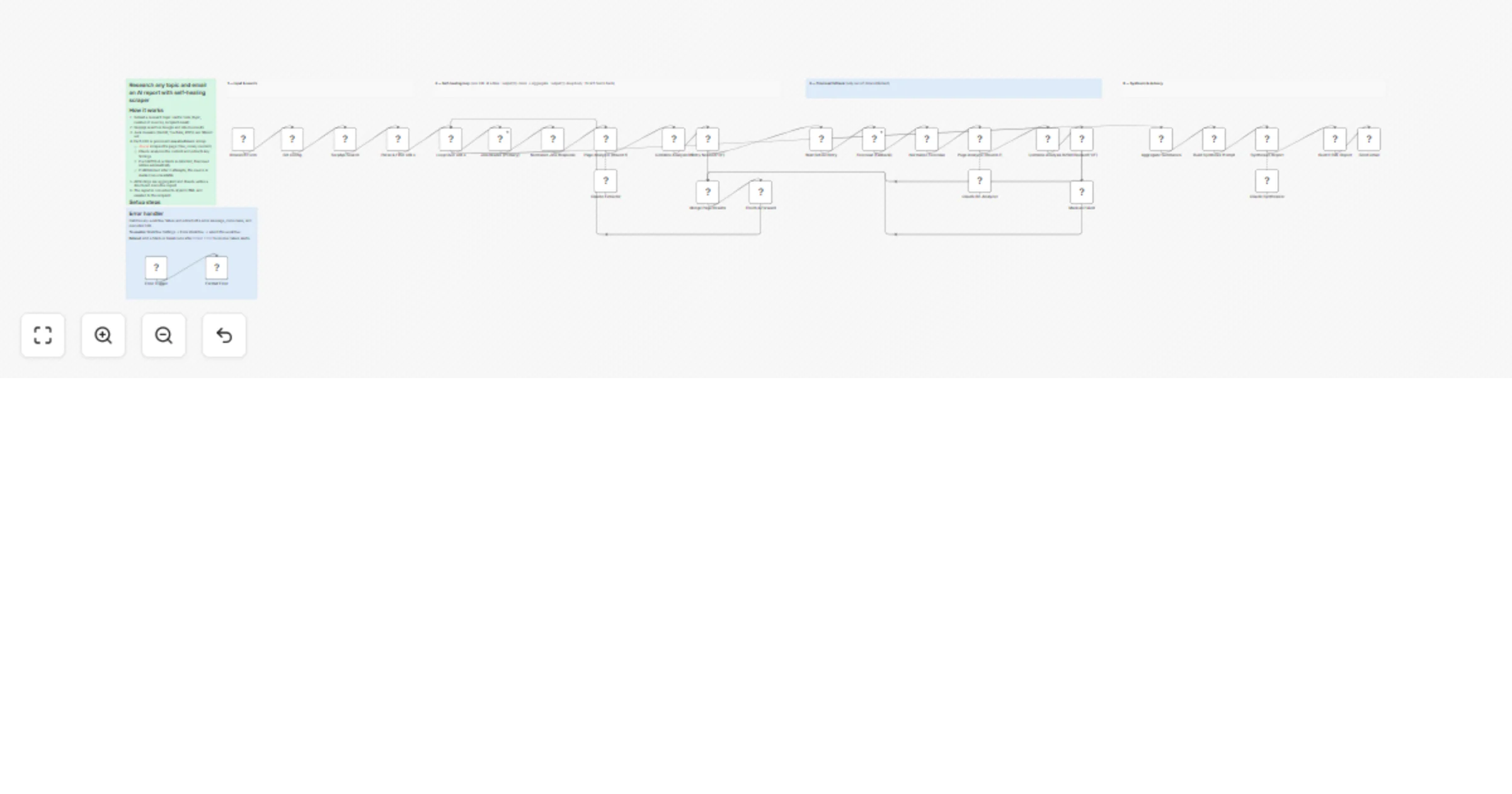
Submit a research topic through a form and receive a professionally styled executive report in your inbox — fully automated, with built in scraping resilience. The workflow searches Google via Serp...
n8n-nodes-base.stickynote, n8n-nodes-base.formtrigger, n8n-nodes-base.set, n8n-nodes-base.httprequest, n8n-nodes-base.code, n8n-nodes-base.splitinbatches, @n8n/n8n-nodes-langchain.chainllm, @n8n/n8n-nodes-langchain.lmchatanthropic
This workflow is cataloged by N8N Workflows and links back to its original n8n.io source page by Surya Vardhan Yalavarthi.
Original n8n.io sourceSubmit a research topic through a form and receive a professionally styled executive report in your inbox — fully automated, with built-in scraping resilience.
The workflow searches Google via SerpApi, scrapes each result with Jina.ai (free, no key needed), and uses Claude to extract key findings. If a page is blocked by a CAPTCHA or login wall, it automatically retries with Firecrawl. Blocked sources are gracefully skipped after two attempts. Once all sources are processed, Claude synthesises a structured executive report and delivers it as a styled HTML email via Gmail.
RETRY_NEEDED| Service | Where to get it | Where to paste it |
|---|---|---|
| SerpApi | serpapi.com — free tier: 100 searches/month | SerpApi Search node → query param api_key |
| Firecrawl | firecrawl.dev — free tier: 500 pages/month | Firecrawl (Fallback) node → Authorization header |
| Anthropic | n8n credentials → Anthropic API | Connect to: Claude Extractor, Claude Re-Analyzer, Claude Synthesizer |
| Gmail | n8n credentials → Gmail OAuth2 | Connect to: Send Gmail |
The workflow includes a built-in error handler that captures the failed node name, error message, and execution URL. To activate it: Workflow Settings → Error Workflow → select this workflow. Add a Slack or Gmail node after Format Error to receive failure alerts.
numSources × 2 + 3 results to ensure enough survive domain filteringclaude-sonnet-4-5 — swap to any Anthropic model in the three Claude nodesThis catalog entry is organized from the workflow JSON. The node-level section below shows the executable blocks available for review before importing the template.
Showing the first 24 of 35 workflow blocks. Download the JSON for the full node graph.
| Workflow | Research web topics and email a Claude report via Gmail using SerpApi, Jina.ai and Firecrawl |
|---|---|
| Complexity | advanced |
| Nodes | 35 |
| Categories | Market Research, AI RAG |
| Author | Surya Vardhan Yalavarthi |
| Published | 23 Feb 2026 |
Use the JSON export at /data/workflows/13608/13608.json as the source template for this automation.
Open n8n, import the downloaded JSON, and review each node before activating the workflow.
Replace placeholder credentials, API keys, webhook URLs, account IDs, and environment-specific values with your own settings.
Run the workflow manually or in a staging workspace, inspect node output, and confirm downstream systems receive the expected data.
Enable the workflow only after testing, then monitor executions, errors, and rate limits during the first production runs.
Review imported nodes carefully before activation. This catalog entry is intended to help you inspect the workflow structure, understand required services, and find related templates faster.
Node names, credentials, schedules, webhook paths, and external service limits may need adjustment for your workspace.
Submit a research topic through a form and receive a professionally styled executive report in your inbox — fully automated, with built in scraping resilience. The workflow searches Google via Serp...
Review the workflow JSON, configure any required credentials in n8n, and test the automation in a safe workspace before using it in production.
Yes. Use the block-by-block analysis and the downloadable JSON to inspect each node, then adjust credentials, prompts, schedules, filters, or destinations for your Market Research, AI RAG use case.