Research US legal regulations with CourtListener, LegiScan, OpenRouter and web search

Workflow preview

Workflow preview
100%
Research US legal regulations with CourtListener, LegiScan, OpenRouter and web search preview
Open on n8n.io

1. Workflow Overview

Who is this for This workflow is designed for legal professionals, policy analysts, and compliance teams who need to: Research case law, legislation, and regulatory developments on specific topics ...

Best for

  • Market Research automation workflows
  • AI RAG automation workflows
  • advanced n8n builders looking for reusable templates

Tools used

n8n-nodes-base.httprequesttool, @n8n/n8n-nodes-langchain.toolhttprequest, @n8n/n8n-nodes-langchain.toolthink, n8n-nodes-base.jinaaitool, @n8n/n8n-nodes-langchain.chainllm, @n8n/n8n-nodes-langchain.outputparserstructured, n8n-nodes-base.if, n8n-nodes-base.set

Source and attribution

This workflow is cataloged by N8N Workflows and links back to its original n8n.io source page by Open Paws.

Original n8n.io source

1.1 Workflow description

Title
Research US legal regulations with CourtListener, LegiScan, OpenRouter and web search
Workflow name
Research US legal regulations with CourtListener, LegiScan, OpenRouter and web search

Who is this for

This workflow is designed for legal professionals, policy analysts, and compliance teams who need to:

  • Research case law, legislation, and regulatory developments on specific topics
  • Build comprehensive legal intelligence reports from authoritative sources
  • Track enforcement trends and regulatory patterns
  • Support litigation strategy with thorough background research

It's ideal for animal law attorneys, advocacy organizations tracking animal welfare legislation, policy teams monitoring ag-gag laws and farm animal protection bills, and researchers building legal cases against animal cruelty.

What it does

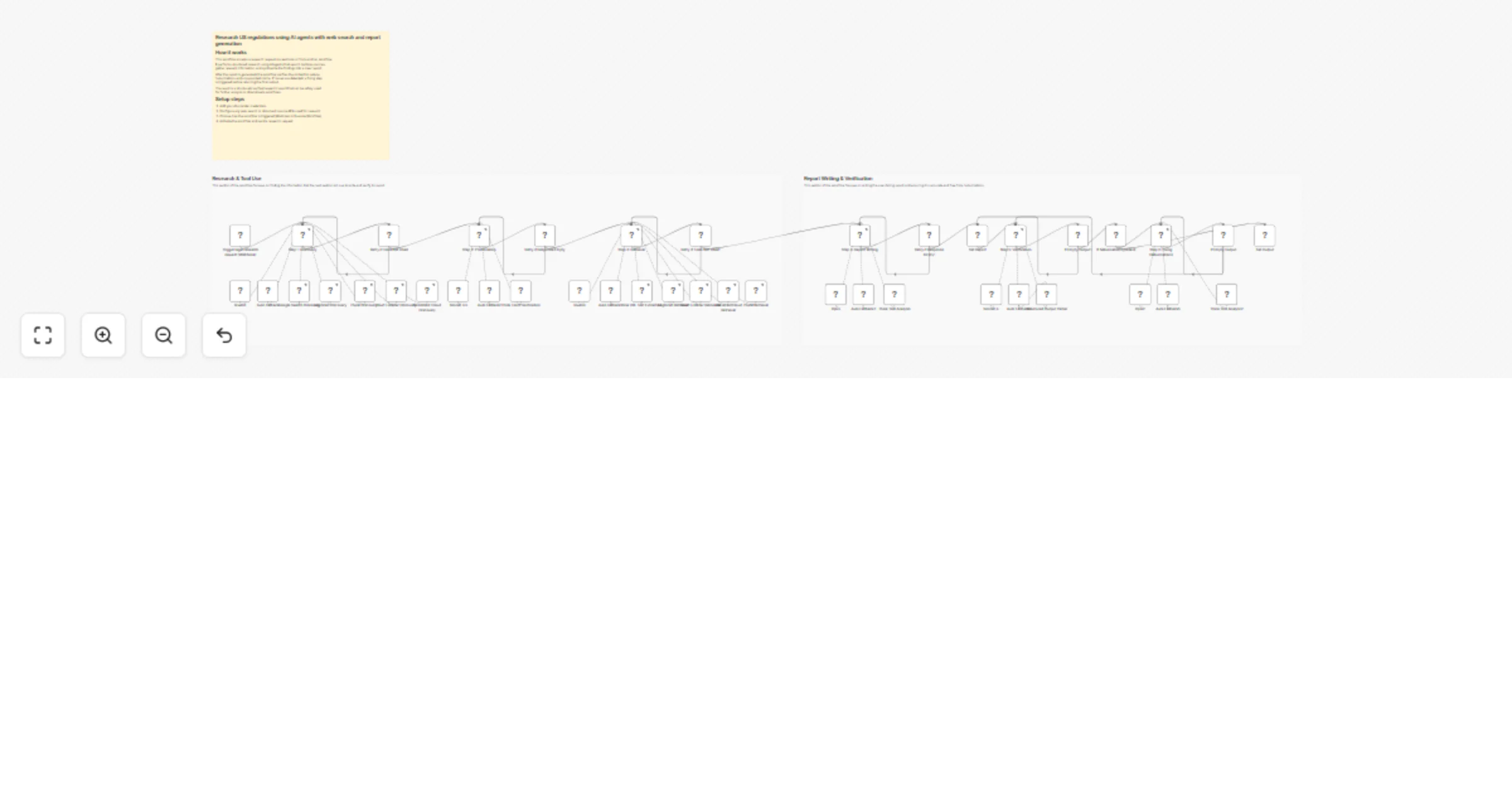
This specialized legal research agent conducts comprehensive US legal and regulatory research:

  1. Discovery phase: Casts a wide net across legal databases
  • CourtListener for federal and state court opinions and dockets
  • LegiScan for legislation across all 50 states
  • DocumentCloud for government enforcement documents
  • Serper for legal analysis, news, and academic papers
  1. Prioritization phase: AI evaluates all discovered items and selects the most relevant (3-10 items) with scoring rationale
  2. Retrieval phase: Fetches complete text of prioritized court opinions, bill text, and documents
  3. Analysis phase: Synthesizes patterns, contradictions, and strategic insights
  4. Verification phase: Validates factual claims against source documents with hallucination detection

The verification phase uses a specialized legal-focused prompt that distinguishes between legitimate legal strategy (which should never be flagged) and actual factual errors like wrong case citations or non-existent statutes.

How to set up

  1. Import the workflow into your n8n instance
  2. Configure the required API credentials:
  • CourtListener API for case law searches
  • LegiScan API for legislation searches
  • Serper API for web searches
  • Jina AI API for article extraction
  • OpenRouter API for AI analysis
  1. Test with a well-documented legal topic to verify integrations
  2. Activate the workflow

Example usage

{
 "prompt": "Research the current legal challenges to California Proposition 12 (farm animal confinement standards), including constitutional commerce clause arguments and enforcement status"
}

Requirements

  • CourtListener API key (free tier available)
  • LegiScan API key
  • Serper API key
  • Jina AI API key
  • OpenRouter API key

How to customize

  • Add jurisdiction filters: Limit searches to specific federal circuits or states with active animal welfare legislation
  • Adjust time ranges: Focus on recent developments or historical case law in animal protection
  • Extend source types: Add USDA enforcement records, state animal cruelty databases, or international animal law sources
  • Modify verification strictness: Adjust the hallucination detection threshold for legal accuracy
  • Create specialized variants: Fork for specific areas (ag-gag laws, farmed animal welfare, animal testing regulations, wildlife protection)
  • Add citation formatting: Post-process reports to use proper legal citation formats (Bluebook, etc.)
  • Integrate with legal tools: Connect to Clio, case management systems, or your organization's legal database

1.2 Logical Blocks

This catalog entry is organized from the workflow JSON. The node-level section below shows the executable blocks available for review before importing the template.

2. Block-by-Block Analysis

Block 1 - Court Listener Discovery

Type / Role
n8n-nodes-base.httpRequestTool - httpRequestTool
Config choices
Version 4.2

Block 2 - Google Search Discovery

Type / Role
@n8n/n8n-nodes-langchain.toolHttpRequest - toolHttpRequest
Config choices
Version 1.1

Block 3 - LegiScan Discovery

Type / Role
n8n-nodes-base.httpRequestTool - httpRequestTool
Config choices
Version 4.2

Block 4 - Court Listener Retrieveal

Type / Role
n8n-nodes-base.httpRequestTool - httpRequestTool
Config choices
Version 4.2

Block 5 - Think Tool Prioritization

Type / Role
@n8n/n8n-nodes-langchain.toolThink - toolThink
Config choices
Version 1

Block 6 - LegiScan Retrieval

Type / Role
n8n-nodes-base.httpRequestTool - httpRequestTool
Config choices
Version 4.2

Block 7 - DocumentCloud Retrieval

Type / Role
n8n-nodes-base.httpRequestTool - httpRequestTool
Config choices
Version 4.2

Block 8 - Jina URL Text Extraction

Type / Role
n8n-nodes-base.jinaAiTool - jinaAiTool
Config choices
Version 1

Block 9 - Think Tool Analysis

Type / Role
@n8n/n8n-nodes-langchain.toolThink - toolThink
Config choices
Version 1

Block 10 - Step 5: Verification

Type / Role
@n8n/n8n-nodes-langchain.chainLlm - chainLlm
Config choices
Version 1.7

Block 11 - Structured Output Parser

Type / Role
@n8n/n8n-nodes-langchain.outputParserStructured - outputParserStructured
Config choices
Version 1.3

Block 12 - If hallucinations present

Type / Role
n8n-nodes-base.if - if
Config choices
Version 2.2

Block 13 - Think Tool Analysis1

Type / Role
@n8n/n8n-nodes-langchain.toolThink - toolThink
Config choices
Version 1

Block 14 - Set Report

Type / Role
n8n-nodes-base.set - set
Config choices
Version 3.4

Block 15 - Set Output

Type / Role
n8n-nodes-base.set - set
Config choices
Version 3.4

Block 16 - Retry if Tools Not Used

Type / Role
n8n-nodes-base.if - if
Config choices
Version 2.2

Block 17 - Retry if Tools Not Used1

Type / Role
n8n-nodes-base.if - if
Config choices
Version 2.2

Block 18 - Retry if Response Empty

Type / Role
n8n-nodes-base.if - if
Config choices
Version 2.2

Block 19 - Retry if Response Empty1

Type / Role
n8n-nodes-base.if - if
Config choices
Version 2.2

Block 20 - Step 1: Discovery

Type / Role
@n8n/n8n-nodes-langchain.agent - agent
Config choices
Version 2.2

Block 21 - Auto Fallback

Type / Role
@n8n/n8n-nodes-langchain.lmChatOpenRouter - lmChatOpenRouter
Config choices
Version 1

Block 22 - Auto Fallback1

Type / Role
@n8n/n8n-nodes-langchain.lmChatOpenRouter - lmChatOpenRouter
Config choices
Version 1

Block 23 - Step 2: Prioritization

Type / Role
@n8n/n8n-nodes-langchain.agent - agent
Config choices
Version 2.2

Block 24 - Auto Fallback2

Type / Role
@n8n/n8n-nodes-langchain.lmChatOpenRouter - lmChatOpenRouter
Config choices
Version 1

Showing the first 24 of 45 workflow blocks. Download the JSON for the full node graph.

3. Summary Table

Workflow Research US legal regulations with CourtListener, LegiScan, OpenRouter and web search
Complexity advanced
Nodes 45
Categories Market Research, AI RAG
Author Open Paws
Published 06 Jan 2026

4. Reproducing the Workflow from Scratch

  1. 1. Download the workflow JSON

    Use the JSON export at /data/workflows/12508/12508.json as the source template for this automation.

  2. 2. Import the template into n8n

    Open n8n, import the downloaded JSON, and review each node before activating the workflow.

  3. 3. Configure credentials and variables

    Replace placeholder credentials, API keys, webhook URLs, account IDs, and environment-specific values with your own settings.

  4. 4. Test with sample data

    Run the workflow manually or in a staging workspace, inspect node output, and confirm downstream systems receive the expected data.

  5. 5. Activate and monitor

    Enable the workflow only after testing, then monitor executions, errors, and rate limits during the first production runs.

5. General Notes & Resources

Review imported nodes carefully before activation. This catalog entry is intended to help you inspect the workflow structure, understand required services, and find related templates faster.

Node names, credentials, schedules, webhook paths, and external service limits may need adjustment for your workspace.

Frequently asked questions

What does Research US legal regulations with CourtListener, LegiScan, OpenRouter and web search do?

Who is this for This workflow is designed for legal professionals, policy analysts, and compliance teams who need to: Research case law, legislation, and regulatory developments on specific topics ...

What do I need before importing this workflow?

Review the workflow JSON, configure any required credentials in n8n, and test the automation in a safe workspace before using it in production.

Can I customize this workflow?

Yes. Use the block-by-block analysis and the downloadable JSON to inspect each node, then adjust credentials, prompts, schedules, filters, or destinations for your Market Research, AI RAG use case.