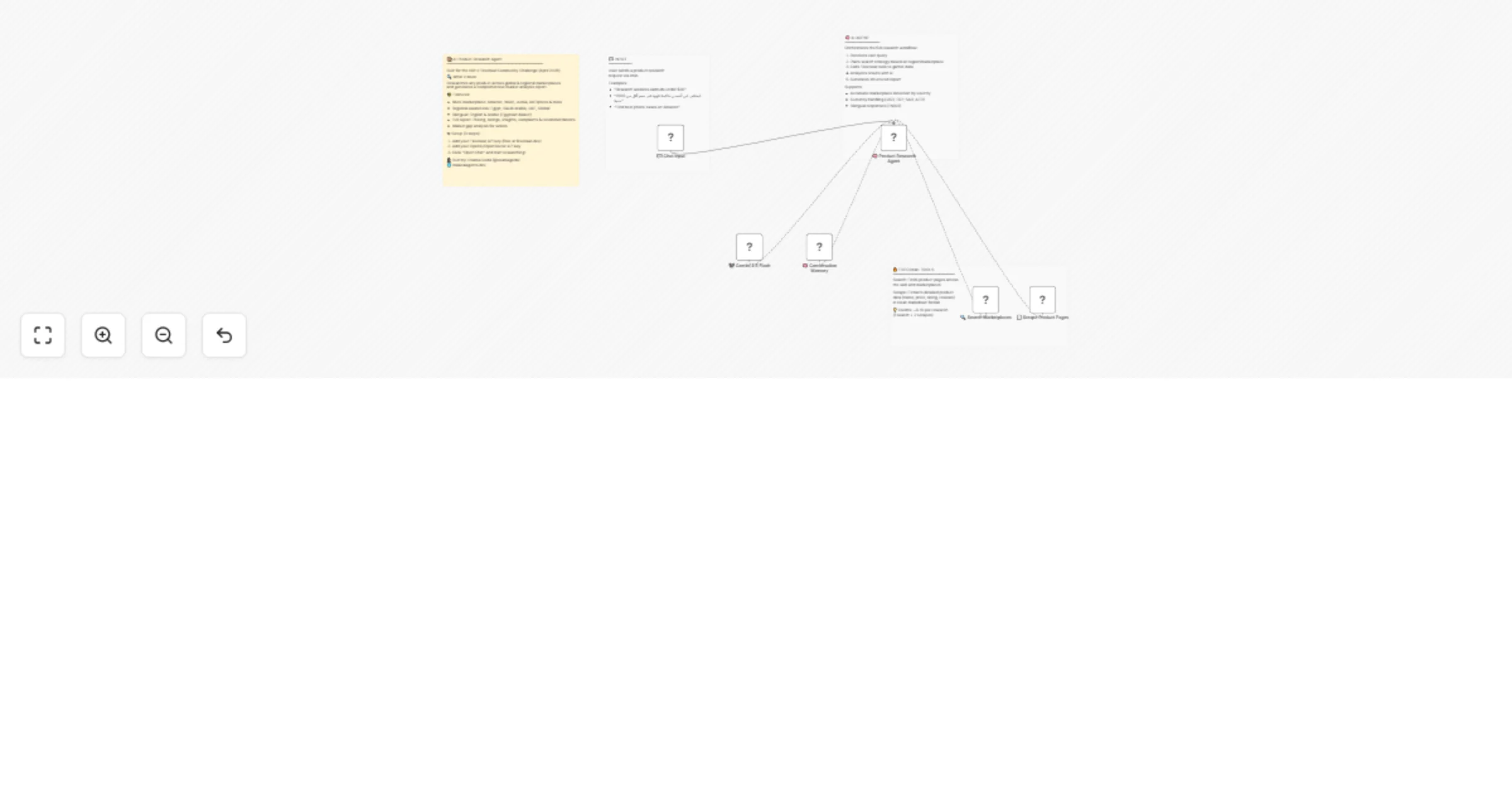
Research e-commerce products with Firecrawl and AI for a full market report

Workflow preview

Workflow preview
100%
Research e-commerce products with Firecrawl and AI for a full market report preview
Open on n8n.io

1. Workflow Overview

What this workflow does This AI agent researches any product across e commerce marketplaces and generates a full market analysis report from a single chat message. Tell it what you're looking for, ...

Best for

  • Market Research automation workflows
  • AI Chatbot automation workflows
  • intermediate n8n builders looking for reusable templates

Tools used

@n8n/n8n-nodes-langchain.chattrigger, @n8n/n8n-nodes-langchain.agent, @n8n/n8n-nodes-langchain.memorybufferwindow, @mendable/n8n-nodes-firecrawl.firecrawltool, n8n-nodes-base.stickynote, @n8n/n8n-nodes-langchain.lmchatopenrouter

Source and attribution

This workflow is cataloged by N8N Workflows and links back to its original n8n.io source page by osama goda.

Original n8n.io source

1.1 Workflow description

Title
Research e-commerce products with Firecrawl and AI for a full market report
Workflow name
Research e-commerce products with Firecrawl and AI for a full market report

What this workflow does

This AI agent researches any product across e-commerce marketplaces and generates a full market analysis report from a single chat message. Tell it what you're looking for, your budget, and optionally the region — it handles the rest.

The agent will:

  • Search across marketplaces (Amazon, Noon, Jumia, AliExpress, and more)
  • Scrape the top product pages for real pricing, ratings, and reviews
  • Analyze the data and return a structured report including market overview, top products with links, buying insights, common complaints, and a recommendation with market gap analysis for sellers

Key features

  • Multi-marketplace support: Amazon (.com, .eg, .sa, .ae), Noon, Jumia, AliExpress, eBay
  • Regional awareness: Automatically detects Egypt, Saudi Arabia, UAE, or defaults to global search
  • Bilingual: Works in English and Arabic (Egyptian dialect)
  • Currency-aware: Uses EGP, SAR, AED, or USD based on user input
  • Market gap analysis: Identifies selling opportunities, not just buying recommendations

Example prompts

  • "Research the best wireless earbuds under $30"
  • "ابحثلي عن أحسن ماكينة قهوة في مصر أقل من 2500 جنيه"
  • "Find the best robot vacuum on Amazon under $200"
  • "ابحثلي عن أحسن powerbank في السعودية أقل من 100 ريال"

How it works

  1. User sends a product research request via the chat trigger
  2. The AI Agent plans a search strategy based on product, budget, and region
  3. Firecrawl Search finds relevant product and review pages across the web
  4. Firecrawl Scrape extracts detailed product data from the top results
  5. The AI analyzes everything and generates a structured report with actionable insights

Set up steps (takes 2 minutes)

  1. Firecrawl API key: Sign up free at firecrawl.dev and add your API key to both Firecrawl nodes
  2. LLM API key: Add your OpenAI or OpenRouter API key to the Chat Model node. Recommended model: any model with a large context window (e.g., Gemini 2.5 Flash, GPT-4o)
  3. Start researching: Click "Open Chat" and type your product research query

Who is this for

  • E-commerce sellers doing product research
  • Dropshippers finding winning products
  • Affiliate marketers comparing products
  • Anyone who wants to shop smarter

Built with

  • n8n AI Agent node
  • Firecrawl (Search + Scrape)
  • Compatible with OpenAI, OpenRouter, Google Gemini, and other LLM providers

1.2 Logical Blocks

This catalog entry is organized from the workflow JSON. The node-level section below shows the executable blocks available for review before importing the template.

2. Block-by-Block Analysis

Block 1 - 💬 Chat Input

Type / Role
@n8n/n8n-nodes-langchain.chatTrigger - chatTrigger
Config choices
Version 1.4

Block 2 - 🧠 Product Research Agent

Type / Role
@n8n/n8n-nodes-langchain.agent - agent
Config choices
Version 3.1

Block 3 - 🧠 Conversation Memory

Type / Role
@n8n/n8n-nodes-langchain.memoryBufferWindow - memoryBufferWindow
Config choices
Version 1.3

Block 4 - 🔍 Search Marketplaces

Type / Role
@mendable/n8n-nodes-firecrawl.firecrawlTool - firecrawlTool
Config choices
Version 1

Block 5 - 📄 Scrape Product Pages

Type / Role
@mendable/n8n-nodes-firecrawl.firecrawlTool - firecrawlTool
Config choices
Version 1

Block 6 - Sticky Note

Type / Role
n8n-nodes-base.stickyNote - stickyNote
Config choices
Version 1

Block 7 - Sticky Note1

Type / Role
n8n-nodes-base.stickyNote - stickyNote
Config choices
Version 1

Block 8 - Sticky Note2

Type / Role
n8n-nodes-base.stickyNote - stickyNote
Config choices
Version 1

Block 9 - Sticky Note3

Type / Role
n8n-nodes-base.stickyNote - stickyNote
Config choices
Version 1

Block 10 - 🤖 Gemini 2.5 Flash

Type / Role
@n8n/n8n-nodes-langchain.lmChatOpenRouter - lmChatOpenRouter
Config choices
Version 1

3. Summary Table

Workflow Research e-commerce products with Firecrawl and AI for a full market report
Complexity intermediate
Nodes 10
Categories Market Research, AI Chatbot
Author osama goda
Published 27 Mar 2026

4. Reproducing the Workflow from Scratch

  1. 1. Download the workflow JSON

    Use the JSON export at /data/workflows/14405/14405.json as the source template for this automation.

  2. 2. Import the template into n8n

    Open n8n, import the downloaded JSON, and review each node before activating the workflow.

  3. 3. Configure credentials and variables

    Replace placeholder credentials, API keys, webhook URLs, account IDs, and environment-specific values with your own settings.

  4. 4. Test with sample data

    Run the workflow manually or in a staging workspace, inspect node output, and confirm downstream systems receive the expected data.

  5. 5. Activate and monitor

    Enable the workflow only after testing, then monitor executions, errors, and rate limits during the first production runs.

5. General Notes & Resources

Review imported nodes carefully before activation. This catalog entry is intended to help you inspect the workflow structure, understand required services, and find related templates faster.

Node names, credentials, schedules, webhook paths, and external service limits may need adjustment for your workspace.

Frequently asked questions

What does Research e-commerce products with Firecrawl and AI for a full market report do?

What this workflow does This AI agent researches any product across e commerce marketplaces and generates a full market analysis report from a single chat message. Tell it what you're looking for, ...

What do I need before importing this workflow?

Review the workflow JSON, configure any required credentials in n8n, and test the automation in a safe workspace before using it in production.

Can I customize this workflow?

Yes. Use the block-by-block analysis and the downloadable JSON to inspect each node, then adjust credentials, prompts, schedules, filters, or destinations for your Market Research, AI Chatbot use case.