Block 1 - 📋 Overview
- Type / Role
- n8n-nodes-base.stickyNote - stickyNote
- Config choices
- Version 1


 Early Deal
Process invoices with UploadToURL, AWS Textract, and Google Sheets Eliminate manual data entry from your accounts payable process. This workflow transforms raw invoice scans into structured financi...
n8n-nodes-base.stickynote, n8n-nodes-base.webhook, n8n-nodes-base.code, n8n-nodes-base.if, n8n-nodes-uploadtourl.uploadtourl, n8n-nodes-base.httprequest, n8n-nodes-base.googlesheets, n8n-nodes-base.switch
This workflow is cataloged by N8N Workflows and links back to its original n8n.io source page by Jitesh Dugar.
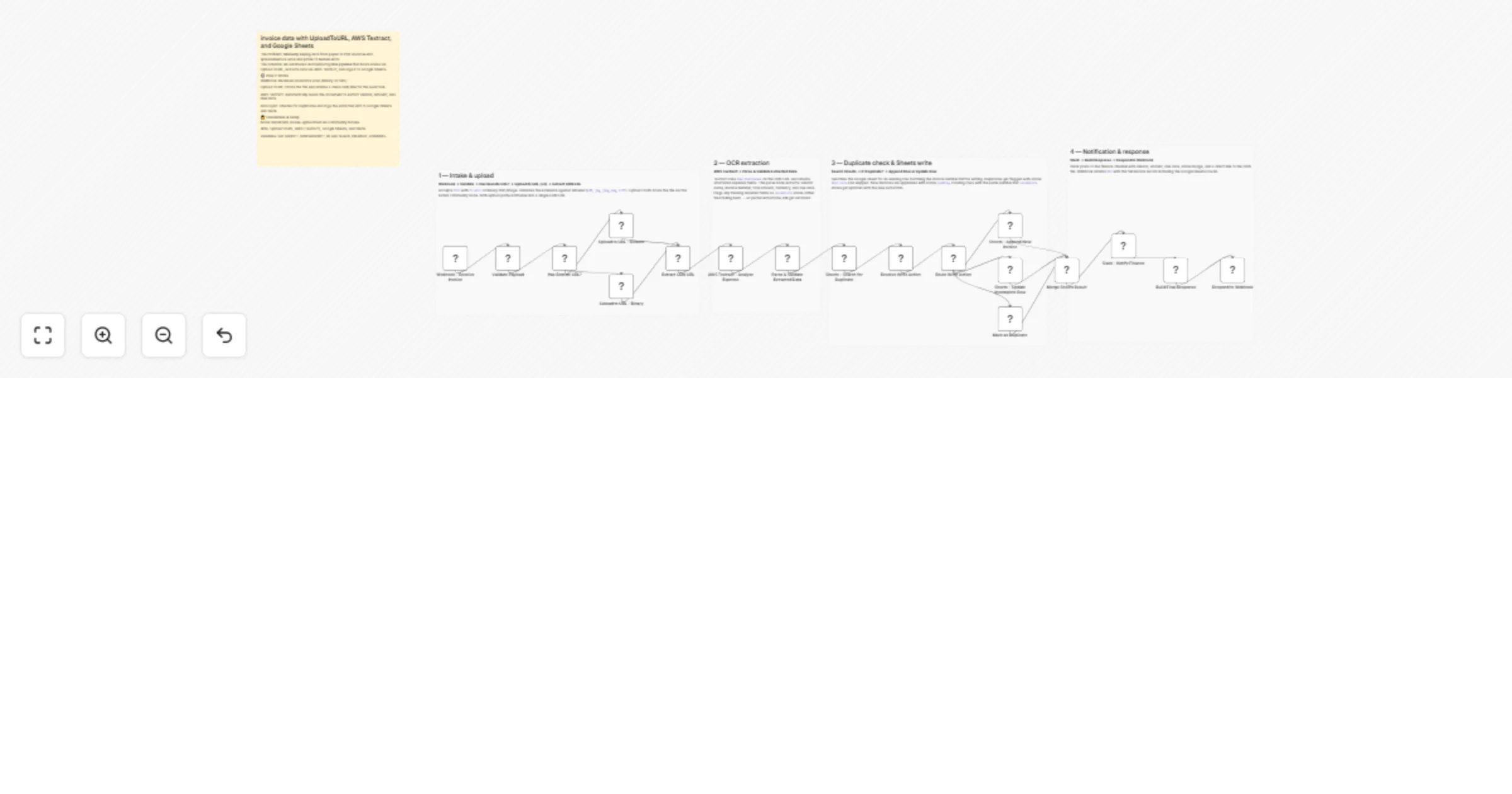
Original n8n.io sourceEliminate manual data entry from your accounts payable process. This workflow transforms raw invoice scans into structured financial records by combining UploadToURL for hosting, AWS Textract for OCR data extraction, and Google Sheets for centralized logging.
Turns any paper or PDF invoice into a verified spreadsheet entry in seconds:
n8n-nodes-uploadtourl must be installed.Invoice No, Vendor, Amount, Due Date, and File URL.GSHEET_SPREADSHEET_ID and SLACK_FINANCE_CHANNEL to n8n variables.Automate the entry of monthly recurring bills (utilities, rent, software) directly into your tracking sheet.
Staff can snap a photo of a business dinner receipt and upload it to the webhook to start the reimbursement process instantly.
Upload a folder of historical PDF invoices; the workflow will categorize and log them all in one batch.
Ready to automate your bookkeeping? Import this template and connect UploadToURL to build a hands-free finance pipeline today.
Questions about AWS Textract mapping? The workflow includes detailed sticky notes explaining how to extract custom fields from your specific vendor layouts.
This catalog entry is organized from the workflow JSON. The node-level section below shows the executable blocks available for review before importing the template.
| Workflow | Process vendor invoices with UploadToURL, AWS Textract, and Google Sheets |
|---|---|
| Complexity | advanced |
| Nodes | 23 |
| Categories | Invoice Processing, AI Summarization |
| Author | Jitesh Dugar |
| Published | 23 Feb 2026 |
Use the JSON export at /data/workflows/13615/13615.json as the source template for this automation.
Open n8n, import the downloaded JSON, and review each node before activating the workflow.
Replace placeholder credentials, API keys, webhook URLs, account IDs, and environment-specific values with your own settings.
Run the workflow manually or in a staging workspace, inspect node output, and confirm downstream systems receive the expected data.
Enable the workflow only after testing, then monitor executions, errors, and rate limits during the first production runs.
Review imported nodes carefully before activation. This catalog entry is intended to help you inspect the workflow structure, understand required services, and find related templates faster.
Node names, credentials, schedules, webhook paths, and external service limits may need adjustment for your workspace.
Process invoices with UploadToURL, AWS Textract, and Google Sheets Eliminate manual data entry from your accounts payable process. This workflow transforms raw invoice scans into structured financi...
Review the workflow JSON, configure any required credentials in n8n, and test the automation in a safe workspace before using it in production.
Yes. Use the block-by-block analysis and the downloadable JSON to inspect each node, then adjust credentials, prompts, schedules, filters, or destinations for your Invoice Processing, AI Summarization use case.