Block 1 - Sticky Note - Credentials Setup1
- Type / Role
- n8n-nodes-base.stickyNote - stickyNote
- Config choices
- Version 1


 Early Deal
This workflow is provided as-is. Please review and test before using in production.
AI Powered Feedback Automation with PDF Reports & Team Notifications Transform customer feedback into actionable insights automatically with AI analysis, professional PDF reports, personalized emai...
n8n-nodes-base.stickynote, n8n-nodes-base.webhook, n8n-nodes-base.code, @n8n/n8n-nodes-langchain.openai, n8n-nodes-base.if, n8n-nodes-base.gmail, n8n-nodes-base.googlesheets, n8n-nodes-base.slack
This workflow is cataloged by N8N Workflows and links back to its original n8n.io source page by Jitesh Dugar.
Original n8n.io sourceTransform customer feedback into actionable insights automatically with AI analysis, professional PDF reports, personalized emails, and real-time team notifications.
AI-Powered Feedback Automation is a complete, production-ready n8n workflow that automatically processes customer feedback submissions with artificial intelligence, generates beautiful branded PDF reports, sends personalized email responses, logs data for analytics, and notifies your team in real-time.
Manual feedback processing is time-consuming and inconsistent. This workflow eliminates all manual work by:
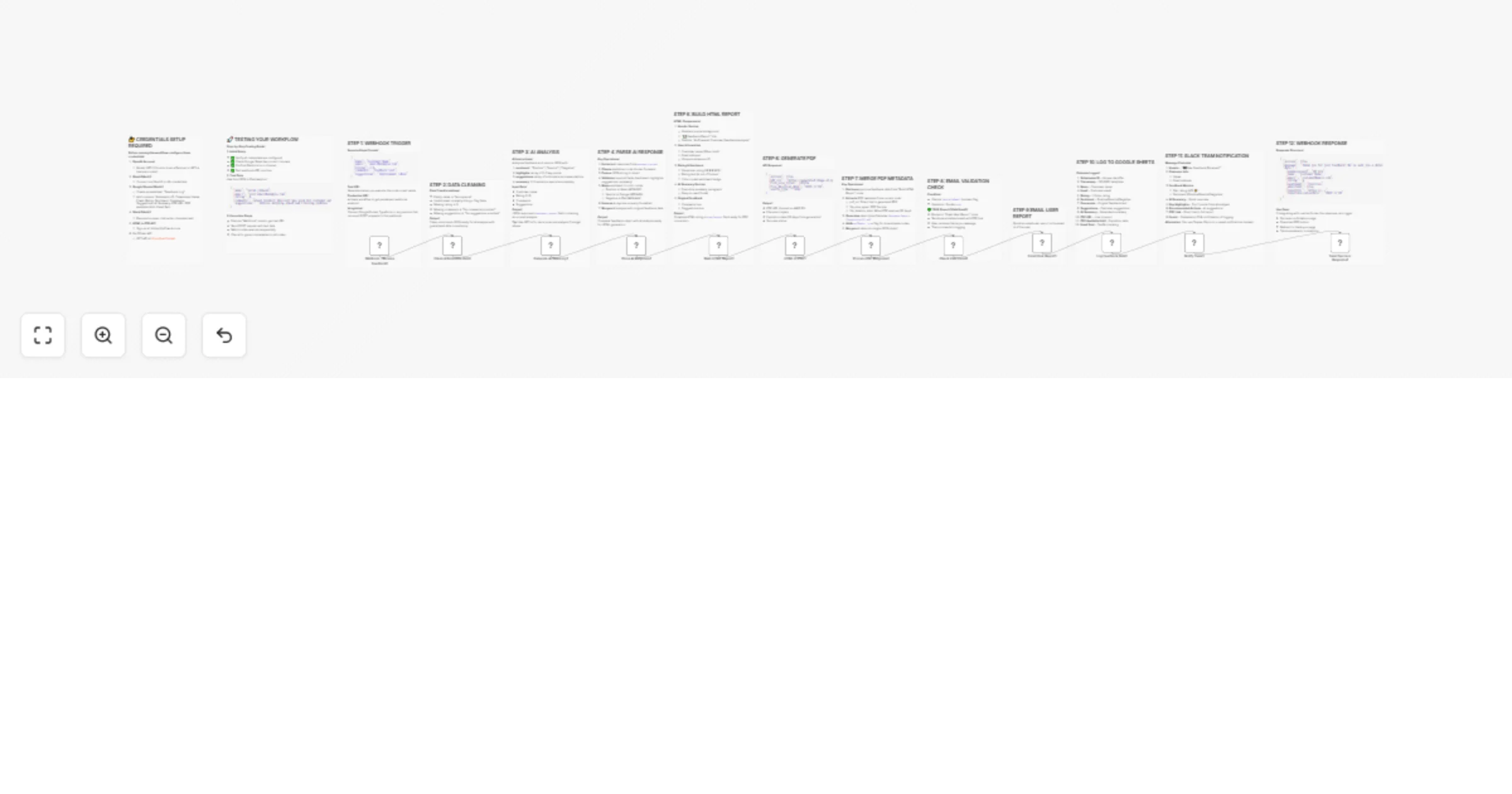
User Submits Feedback
        ↓
  Data Cleaning & Validation
        ↓
  AI Sentiment Analysis (OpenAI)
        ↓
  HTML Report Generation
        ↓
  PDF Conversion
        ↓
  Email Validation ─┬─ Valid → Send Email
                    └─ Invalid → Skip
        ↓
  Log to Google Sheets
        ↓
  Notify Team (Slack)
        ↓
  Webhook Response
{
  "name": "Sarah Johnson",
  "email": "[email protected]",
  "rating": 4,
  "comments": "Great product! Delivery was a bit slow but customer service was helpful.",
  "suggestions": "Improve shipping speed and tracking updates."
}
n8n Instance (v0.220.0 or higher)
OpenAI Account
Google Account (Gmail + Google Sheets)
Slack Workspace
chat:write and channels:read scopesHTML to PDF API Service
VerifiEmail API
Option A: Import via URL
Copy the workflow JSON URL and paste in n8n:
Settings → Import from URL → [Paste URL]
Option B: Import via File
workflow.jsonNavigate to: Settings → Credentials and add:
Create a new Google Sheet named "Feedback Log" with these column headers:
Submission ID | Timestamp | Name | Email | Rating | Sentiment | Comments | Suggestions | AI Summary | PDF URL | PDF Available Until | Email Sent
Total Setup Time: ~15-20 minutes
The workflow receives feedback via POST webhook:
URL Format:
https://your-n8n-domain.com/webhook/feedback-submission
Expected Payload:
{
  "name": "string (required)",
  "email": "string (optional, validated)",
  "rating": "integer 1-5 (required)",
  "comments": "string (optional)",
  "suggestions": "string (optional)"
}
Using Postman/Insomnia:
https://your-n8n-domain.com/webhook/feedback-submissionContent-Type: application/json{
"name": "Test User",
"email": "[email protected]",
"rating": 5,
"comments": "This is a test feedback submission. Everything works great!",
"suggestions": "Maybe add more features in the future."
}
{
  "success": true,
  "message": "Thank you for your feedback! We've sent you a detailed report via email.",
  "data": {
    "submissionId": "FB-1234567890123-abc123xyz",
    "name": "Test User",
    "email": "[email protected]",
    "rating": "5",
    "sentiment": "Positive",
    "emailSent": "true",
    "reportUrl": "https://generated-pdf-url.com/report.pdf",
    "reportAvailableUntil": "2025-11-10"
  }
}
Using cURL:
curl -X POST https://your-n8n-domain.com/webhook/feedback-submission \
  -H "Content-Type: application/json" \
  -d '{
    "name": "Sarah Johnson",
    "email": "[email protected]",
    "rating": 4,
    "comments": "Great product! Delivery was a bit slow but customer service was helpful.",
    "suggestions": "Improve shipping speed and tracking updates."
  }'
Daily:
Weekly:
Monthly:
Rate Limiting
Data Privacy
Error Handling
Performance
Symptoms:
Solutions:
Symptoms:
Solutions:
Symptoms:
Solutions:
Symptoms:
Solutions:
Symptoms:
Solutions:
Symptoms:
Solutions:
/invite @BotNamechat:write permissionEnable Debug Mode
Check Execution Logs
Test Nodes Individually
Use Browser Console
Enable Verbose Logging
# For self-hosted n8n
N8N_LOG_LEVEL=debug npm start
This template is licensed under the MIT License - see the LICENSE file for details.
This catalog entry is organized from the workflow JSON. The node-level section below shows the executable blocks available for review before importing the template.
Showing the first 24 of 26 workflow blocks. Download the JSON for the full node graph.
| Workflow | Process customer feedback with OpenAI, PDF reports, Gmail & Slack notifications |
|---|---|
| Complexity | advanced |
| Nodes | 26 |
| Categories | Support Chatbot, AI Summarization |
| Author | Jitesh Dugar |
| Published | 11 Oct 2025 |
Use the JSON export at /data/workflows/9489/9489.json as the source template for this automation.
Open n8n, import the downloaded JSON, and review each node before activating the workflow.
Replace placeholder credentials, API keys, webhook URLs, account IDs, and environment-specific values with your own settings.
Run the workflow manually or in a staging workspace, inspect node output, and confirm downstream systems receive the expected data.
Enable the workflow only after testing, then monitor executions, errors, and rate limits during the first production runs.
Review imported nodes carefully before activation. This catalog entry is intended to help you inspect the workflow structure, understand required services, and find related templates faster.
Node names, credentials, schedules, webhook paths, and external service limits may need adjustment for your workspace.
AI Powered Feedback Automation with PDF Reports & Team Notifications Transform customer feedback into actionable insights automatically with AI analysis, professional PDF reports, personalized emai...
Review the workflow JSON, configure any required credentials in n8n, and test the automation in a safe workspace before using it in production.
Yes. Use the block-by-block analysis and the downloadable JSON to inspect each node, then adjust credentials, prompts, schedules, filters, or destinations for your Support Chatbot, AI Summarization use case.