Music Producer Chatbot 🎡🎀 using Gemini + Suno (via Kei AI) & Google Drive Upload

Workflow preview

Workflow preview
100%
Music Producer Chatbot 🎡🎀 using Gemini + Suno (via Kei AI) & Google Drive Upload preview
Open on n8n.io

1. Workflow Overview

This workflow creates an AI powered chatbot that generates custom songs through an interactive conversation, then uploads the results to Google Drive. This workflow transforms n8n into a complete A...

Best for

  • Content Creation automation workflows
  • AI Chatbot automation workflows
  • advanced n8n builders looking for reusable templates

Tools used

n8n-nodes-base.wait, n8n-nodes-base.splitout, n8n-nodes-base.splitinbatches, @n8n/n8n-nodes-langchain.chattrigger, @n8n/n8n-nodes-langchain.lmchatgooglegemini, @n8n/n8n-nodes-langchain.memorybufferwindow, n8n-nodes-gemini-search.geminisearchtooltool, @n8n/n8n-nodes-langchain.outputparserstructured

Source and attribution

This workflow is cataloged by N8N Workflows and links back to its original n8n.io source page by Davide Boizza.

Original n8n.io source

1.1 Workflow description

Title
Music Producer Chatbot 🎡🎀 using Gemini + Suno (via Kei AI) & Google Drive Upload
Workflow name
Music Producer Chatbot 🎡🎀 using Gemini + Suno (via Kei AI) & Google Drive Upload

This workflow creates an AI-powered chatbot that generates custom songs through an interactive conversation, then uploads the results to Google Drive.

This workflow transforms n8n into a complete AI music production pipeline by combining:

  • Conversational AI
  • Structured data validation
  • Tool orchestration
  • External music generation API
  • Cloud automation

It demonstrates a powerful hybrid architecture: LLM Agent + Tools + API + Storage + Async Control Flow


Key Advantages

1. βœ… Fully Automated AI Music Production

From idea β†’ to lyrics β†’ to full generated track β†’ to cloud storage All handled automatically.

2. βœ… Conversational UX

Users don’t need technical knowledge. The AI collects missing information step-by-step.

3. βœ… Smart Tool Selection

The agent dynamically chooses:

  • Songwriter tool (for original lyrics)
  • Search tool (for existing lyrics)

This makes the system adaptive and intelligent.

4. βœ… Structured & Error-Safe Design
  • Strict JSON schema enforcement
  • Output parsing and validation
  • Cleanup of malformed LLM responses

Reduces failure rate dramatically.

5. βœ… Asynchronous API Handling
  • Uses webhook-based resume
  • Handles long-running AI generation
  • Supports multiple song outputs

Scalable and production-ready.

6. βœ… Modular & Extensible

The architecture allows:

  • Switching LLM provider
  • Changing music API
  • Adding new tools (e.g., cover art generation)
  • Supporting different vocal styles or languages
7. βœ… Memory-Enabled Conversations

Uses buffer memory (last 10 messages) Maintains conversational context and continuity.

8. βœ… Automatic File Management

Generated songs are:

  • Automatically downloaded
  • Properly renamed
  • Stored in Google Drive

No manual file handling required.


How it Works

Here's the flow:

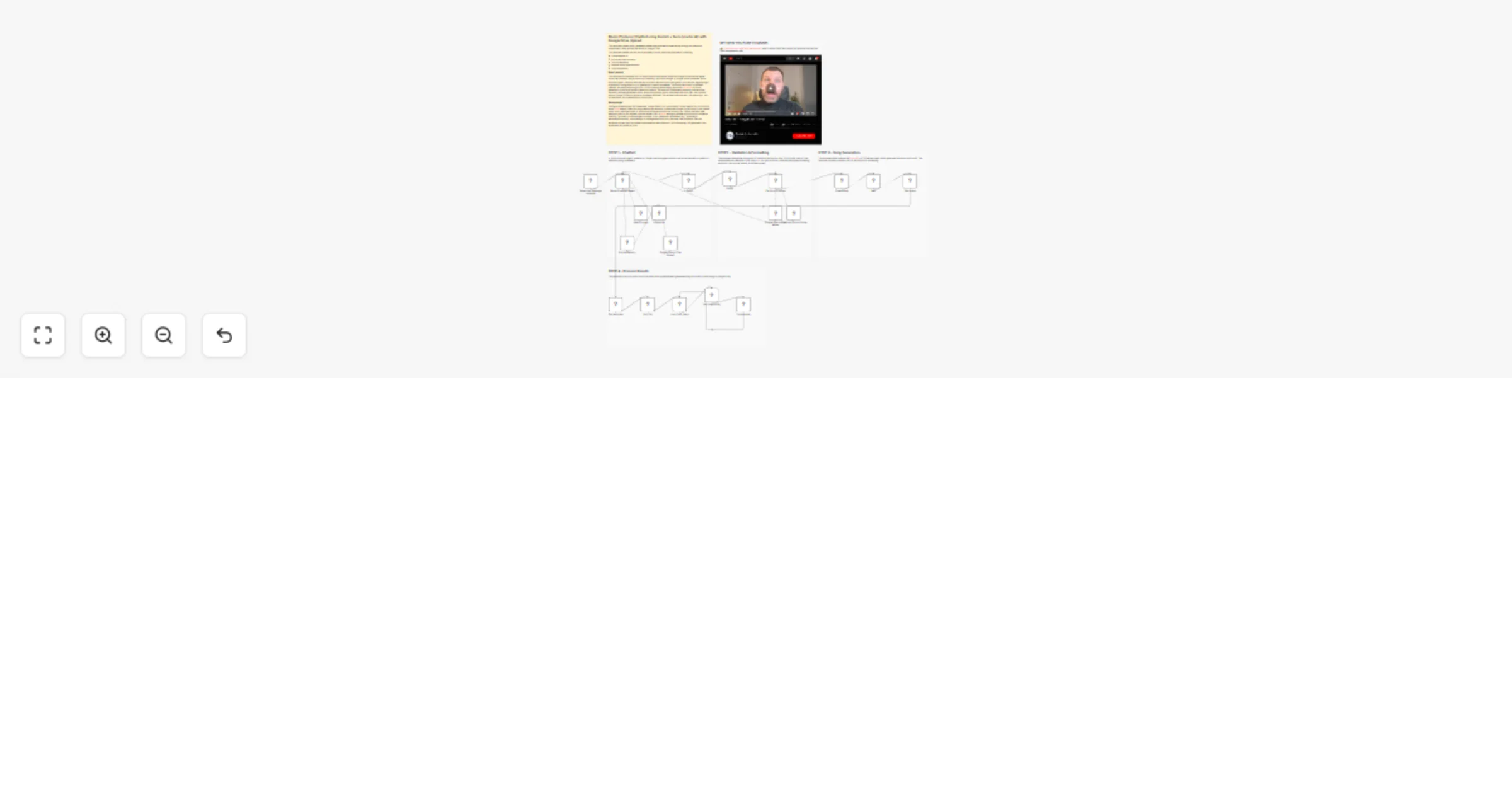
  1. User Interaction: The workflow starts with a chat trigger that receives user messages. A "Music Producer Agent" powered by Google Gemini engages with the user conversationally to gather all necessary song parameters.

  2. Data Collection: The agent collects four essential pieces of information:

  • Song title
  • Musical style (genre)
  • Lyrics (prompt) - either generated by calling the "Songwriter" tool or searched online via the "Search songs" tool
  • Negative tags (styles/elements to avoid)
  1. Validation & Formatting: The collected data passes through an IF condition checking for valid JSON format, then a Code node parses and cleans the JSON output. A "Fix Json Structure" node ensures proper formatting with strict rules (no line breaks, no double quotes).

  2. Song Generation: The formatted data is sent to the Kie.ai API (HTTP Request node) which generates the actual music track. The workflow includes a callback URL for asynchronous processing.

  3. Wait & Retrieve: A Wait node pauses execution until the Kie.ai API sends a webhook callback with the generated songs. The "Get songs" node then retrieves the song data.

  4. Process Results: The response is split out, and a Loop Over Items node processes each generated song individually. For each song, the workflow:

  • Downloads the audio file via HTTP request
  • Uploads it to a specified Google Drive folder with a timestamped filename

Setup steps

  1. API Credentials (3 required):
  • Google Gemini (PaLM) API: Configure in the two Gemini Chat Model nodes
  • Gemini Search API: Set up in the "Search songs" tool node
  • Kie AI Bearer Token: Add in the HTTP Request nodes (Create song and Get songs)
  1. Google Drive Configuration:
  • Authenticate Google Drive OAuth2 in the "Upload song" node
  • Verify/modify the folder ID if needed
  • Ensure the Drive has proper write permissions
  1. Webhook Setup:
  • The Wait node has a webhook ID that needs to be publicly accessible
  • Configure this URL in your Kie.ai API settings as the callback endpoint
  1. Optional Customizations:
  • Adjust the AI agent prompts in the "Music Producer Agent" and "Songwriter" nodes
  • Modify song generation parameters in the Kie.ai API call (styleWeight, weirdnessConstraint, etc.)
  • Update the Google Drive folder path for song storage
  • Change the vocal gender or other music generation settings in the "Create song" node
  1. Testing: Activate the workflow and start a chat session to test song generation with sample requests like "Write a pop song about summer" or "Find lyrics for 'Bohemian Rhapsody' and make it in rock style"

πŸ‘‰ Subscribe to my new YouTube channel. Here I’ll share videos and Shorts with practical tutorials and FREE templates for n8n.


Need help customizing?

Contact me for consulting and support or add me on Linkedin.

1.2 Logical Blocks

This catalog entry is organized from the workflow JSON. The node-level section below shows the executable blocks available for review before importing the template.

2. Block-by-Block Analysis

Block 1 - Wait

Type / Role
n8n-nodes-base.wait - wait
Config choices
Version 1.1

Block 2 - Split Out

Type / Role
n8n-nodes-base.splitOut - splitOut
Config choices
Version 1

Block 3 - Loop Over Items

Type / Role
n8n-nodes-base.splitInBatches - splitInBatches
Config choices
Version 3

Block 4 - When chat message received

Type / Role
@n8n/n8n-nodes-langchain.chatTrigger - chatTrigger
Config choices
Version 1.4

Block 5 - Google Gemini Chat Model

Type / Role
@n8n/n8n-nodes-langchain.lmChatGoogleGemini - lmChatGoogleGemini
Config choices
Version 1

Block 6 - Simple Memory

Type / Role
@n8n/n8n-nodes-langchain.memoryBufferWindow - memoryBufferWindow
Config choices
Version 1.3

Block 7 - Google Gemini Chat Model1

Type / Role
@n8n/n8n-nodes-langchain.lmChatGoogleGemini - lmChatGoogleGemini
Config choices
Version 1

Block 8 - Search songs

Type / Role
n8n-nodes-gemini-search.geminiSearchToolTool - geminiSearchToolTool
Config choices
Version 1

Block 9 - Structured Output Parser

Type / Role
@n8n/n8n-nodes-langchain.outputParserStructured - outputParserStructured
Config choices
Version 1.3

Block 10 - Songwriter

Type / Role
@n8n/n8n-nodes-langchain.agentTool - agentTool
Config choices
Version 3

Block 11 - Music Producer Agent

Type / Role
@n8n/n8n-nodes-langchain.agent - agent
Config choices
Version 3.1

Block 12 - is Song?

Type / Role
n8n-nodes-base.if - if
Config choices
Version 2.3

Block 13 - Parser

Type / Role
n8n-nodes-base.code - code
Config choices
Version 2

Block 14 - Fix Json Structure

Type / Role
@n8n/n8n-nodes-langchain.chainLlm - chainLlm
Config choices
Version 1.9

Block 15 - Create song

Type / Role
n8n-nodes-base.httpRequest - httpRequest
Config choices
Version 4.4

Block 16 - Get response

Type / Role
n8n-nodes-base.set - set
Config choices
Version 3.4

Block 17 - Get single song

Type / Role
n8n-nodes-base.httpRequest - httpRequest
Config choices
Version 4.4

Block 18 - Get songs

Type / Role
n8n-nodes-base.httpRequest - httpRequest
Config choices
Version 4.4

Block 19 - Upload song

Type / Role
n8n-nodes-base.googleDrive - googleDrive
Config choices
Version 3

Block 20 - Sticky Note

Type / Role
n8n-nodes-base.stickyNote - stickyNote
Config choices
Version 1

Block 21 - Sticky Note1

Type / Role
n8n-nodes-base.stickyNote - stickyNote
Config choices
Version 1

Block 22 - Sticky Note2

Type / Role
n8n-nodes-base.stickyNote - stickyNote
Config choices
Version 1

Block 23 - Sticky Note3

Type / Role
n8n-nodes-base.stickyNote - stickyNote
Config choices
Version 1

Block 24 - Sticky Note4

Type / Role
n8n-nodes-base.stickyNote - stickyNote
Config choices
Version 1

Showing the first 24 of 25 workflow blocks. Download the JSON for the full node graph.

3. Summary Table

Workflow Music Producer Chatbot 🎡🎀 using Gemini + Suno (via Kei AI) & Google Drive Upload
Complexity advanced
Nodes 25
Categories Content Creation, AI Chatbot
Author Davide Boizza
Published 20 Feb 2026

4. Reproducing the Workflow from Scratch

  1. 1. Download the workflow JSON

    Use the JSON export at /data/workflows/13542/13542.json as the source template for this automation.

  2. 2. Import the template into n8n

    Open n8n, import the downloaded JSON, and review each node before activating the workflow.

  3. 3. Configure credentials and variables

    Replace placeholder credentials, API keys, webhook URLs, account IDs, and environment-specific values with your own settings.

  4. 4. Test with sample data

    Run the workflow manually or in a staging workspace, inspect node output, and confirm downstream systems receive the expected data.

  5. 5. Activate and monitor

    Enable the workflow only after testing, then monitor executions, errors, and rate limits during the first production runs.

5. General Notes & Resources

Review imported nodes carefully before activation. This catalog entry is intended to help you inspect the workflow structure, understand required services, and find related templates faster.

Node names, credentials, schedules, webhook paths, and external service limits may need adjustment for your workspace.

Frequently asked questions

What does Music Producer Chatbot 🎡🎀 using Gemini + Suno (via Kei AI) & Google Drive Upload do?

This workflow creates an AI powered chatbot that generates custom songs through an interactive conversation, then uploads the results to Google Drive. This workflow transforms n8n into a complete A...

What do I need before importing this workflow?

Review the workflow JSON, configure any required credentials in n8n, and test the automation in a safe workspace before using it in production.

Can I customize this workflow?

Yes. Use the block-by-block analysis and the downloadable JSON to inspect each node, then adjust credentials, prompts, schedules, filters, or destinations for your Content Creation, AI Chatbot use case.