Block 1 - Inventory Classification
- Type / Role
- n8n-nodes-base.code - code
- Config choices
- Version 2


 Early Deal
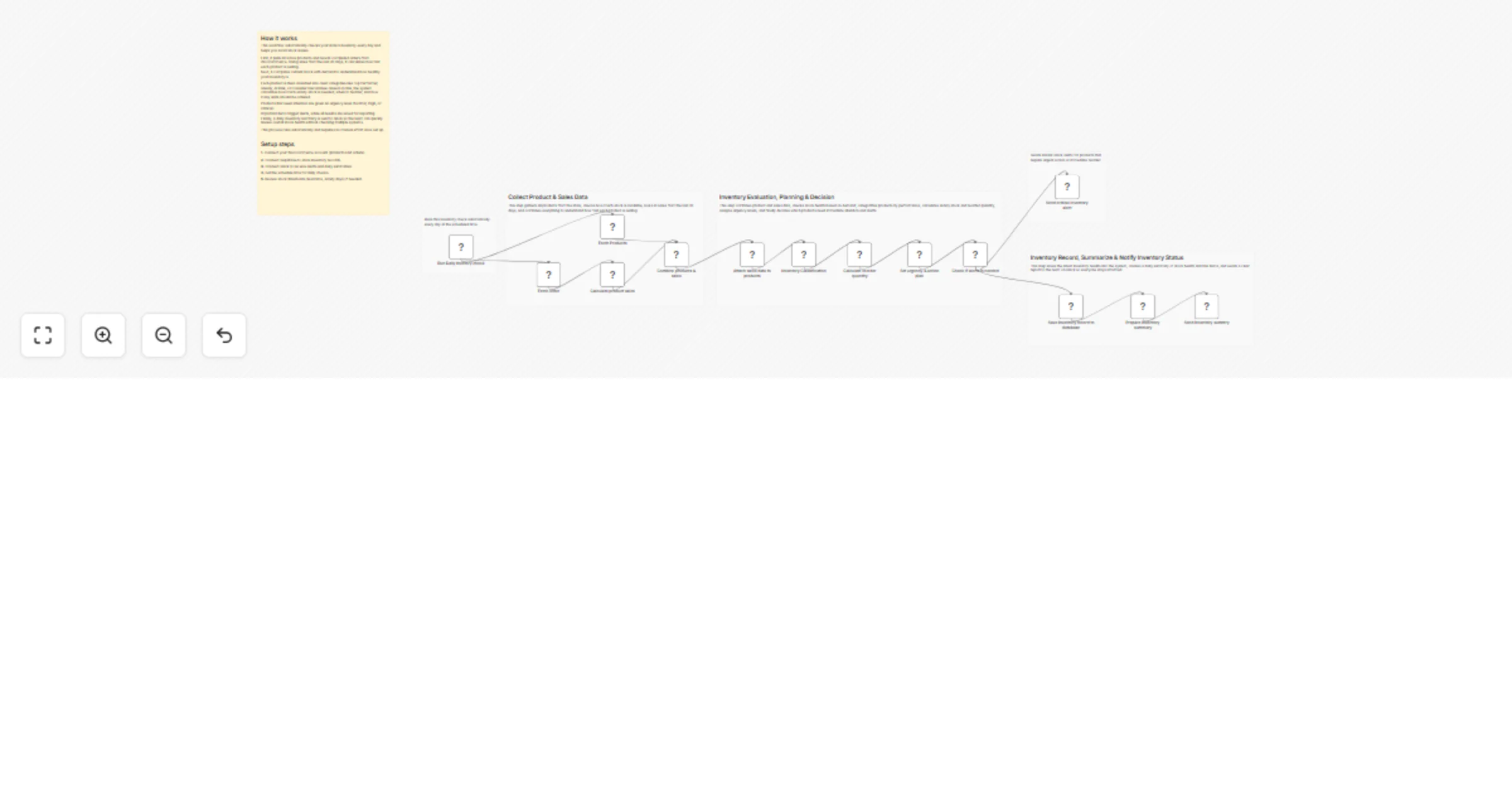
Daily Inventory Monitoring & Reorder System This workflow automatically monitors your WooCommerce store inventory, calculates stock health based on recent sales, classifies products, computes reord...
n8n-nodes-base.code, n8n-nodes-base.scheduletrigger, n8n-nodes-base.woocommerce, n8n-nodes-base.merge, n8n-nodes-base.if, n8n-nodes-base.slack, n8n-nodes-base.supabase, n8n-nodes-base.stickynote
This workflow is cataloged by N8N Workflows and links back to its original n8n.io source page by WeblineIndia.
Original n8n.io sourceThis workflow automatically monitors your WooCommerce store inventory, calculates stock health based on recent sales, classifies products, computes reorder quantities, assigns urgency levels and sends actionable alerts to Slack.
This workflow runs daily to track your inventory and prevent stock issues. It fetches all active products and recent completed orders, calculates units sold in the last 30 days, evaluates stock health, and classifies products as Top Performer, Steady, At Risk, or Consider Discontinue.
You receive:
Ideal for teams wanting simple, automated visibility of inventory without manually reviewing stock levels.
This workflow automates inventory monitoring:
This ensures your team always knows stock status and can act quickly to prevent shortages.
This workflow is ideal for:
To run this workflow, you need:
Adjust safety stock days, lead time, or reorder formulas in the Reorder Calculator node.
Modify logic in the Urgency & Recommendation node to change thresholds or messaging.
You can change:
Add extra fields in Supabase to store more product information if needed.
You can extend this workflow to:
Automatically tracks stock levels for all products.
Notifies the team immediately when items are At Risk or need reorder.
Keeps a historical record of stock health in the database.
| Issue | Possible Cause | Solution |
|---|---|---|
| Slack alerts not sent | Invalid credentials | Update Slack API key |
| Supabase row not saved | Wrong table/field mapping | Check table and field names |
| Wrong stock classification | Thresholds incorrect | Adjust lead time, safety days, or demand calculation |
| Workflow not running | Schedule not active | Enable Schedule Trigger node |
If you need help in customizing or extending this workflow with multi-warehouse tracking, advanced alerts, dashboards or scaling, then our n8n automation developers at WeblineIndia will be happy to assist you.
This catalog entry is organized from the workflow JSON. The node-level section below shows the executable blocks available for review before importing the template.
| Workflow | Monitor WooCommerce inventory daily and send Slack alerts with Supabase |
|---|---|
| Complexity | advanced |
| Nodes | 20 |
| Categories | CRM, AI Summarization |
| Author | WeblineIndia |
| Published | 20 Mar 2026 |
Use the JSON export at /data/workflows/14192/14192.json as the source template for this automation.
Open n8n, import the downloaded JSON, and review each node before activating the workflow.
Replace placeholder credentials, API keys, webhook URLs, account IDs, and environment-specific values with your own settings.
Run the workflow manually or in a staging workspace, inspect node output, and confirm downstream systems receive the expected data.
Enable the workflow only after testing, then monitor executions, errors, and rate limits during the first production runs.
Review imported nodes carefully before activation. This catalog entry is intended to help you inspect the workflow structure, understand required services, and find related templates faster.
Node names, credentials, schedules, webhook paths, and external service limits may need adjustment for your workspace.
Daily Inventory Monitoring & Reorder System This workflow automatically monitors your WooCommerce store inventory, calculates stock health based on recent sales, classifies products, computes reord...
Review the workflow JSON, configure any required credentials in n8n, and test the automation in a safe workspace before using it in production.
Yes. Use the block-by-block analysis and the downloadable JSON to inspect each node, then adjust credentials, prompts, schedules, filters, or destinations for your CRM, AI Summarization use case.