Block 1 - README
- Type / Role
- n8n-nodes-base.stickyNote - stickyNote
- Config choices
- Version 1


 Early Deal
Who's it for Supply chain and logistics specialists, freight forwarders, importers/exporters, and risk teams who need early warning when maritime, carrier, geopolitical, or weather events threaten ...
n8n-nodes-base.stickynote, n8n-nodes-base.scheduletrigger, n8n-nodes-base.set, n8n-nodes-base.rssfeedread, n8n-nodes-base.merge, n8n-nodes-base.code, @n8n/n8n-nodes-langchain.agent, @n8n/n8n-nodes-langchain.lmchatanthropic
This workflow is cataloged by N8N Workflows and links back to its original n8n.io source page by Aleks Sidorecs.
Original n8n.io sourceSupply chain and logistics specialists, freight forwarders, importers/exporters, and risk teams who need early warning when maritime, carrier, geopolitical, or weather events threaten their cargo or trade lanes.
If you've ever found out about a Red Sea diversion, an OFAC sanctions package, a Panama Canal restriction, or a Gulf hurricane after it hit your bookings - this template fixes that. It turns 12 free public feeds into a single Claude-classified Telegram alert stream, scoped to the chokepoints, lanes, and risk dimensions you actually care about.
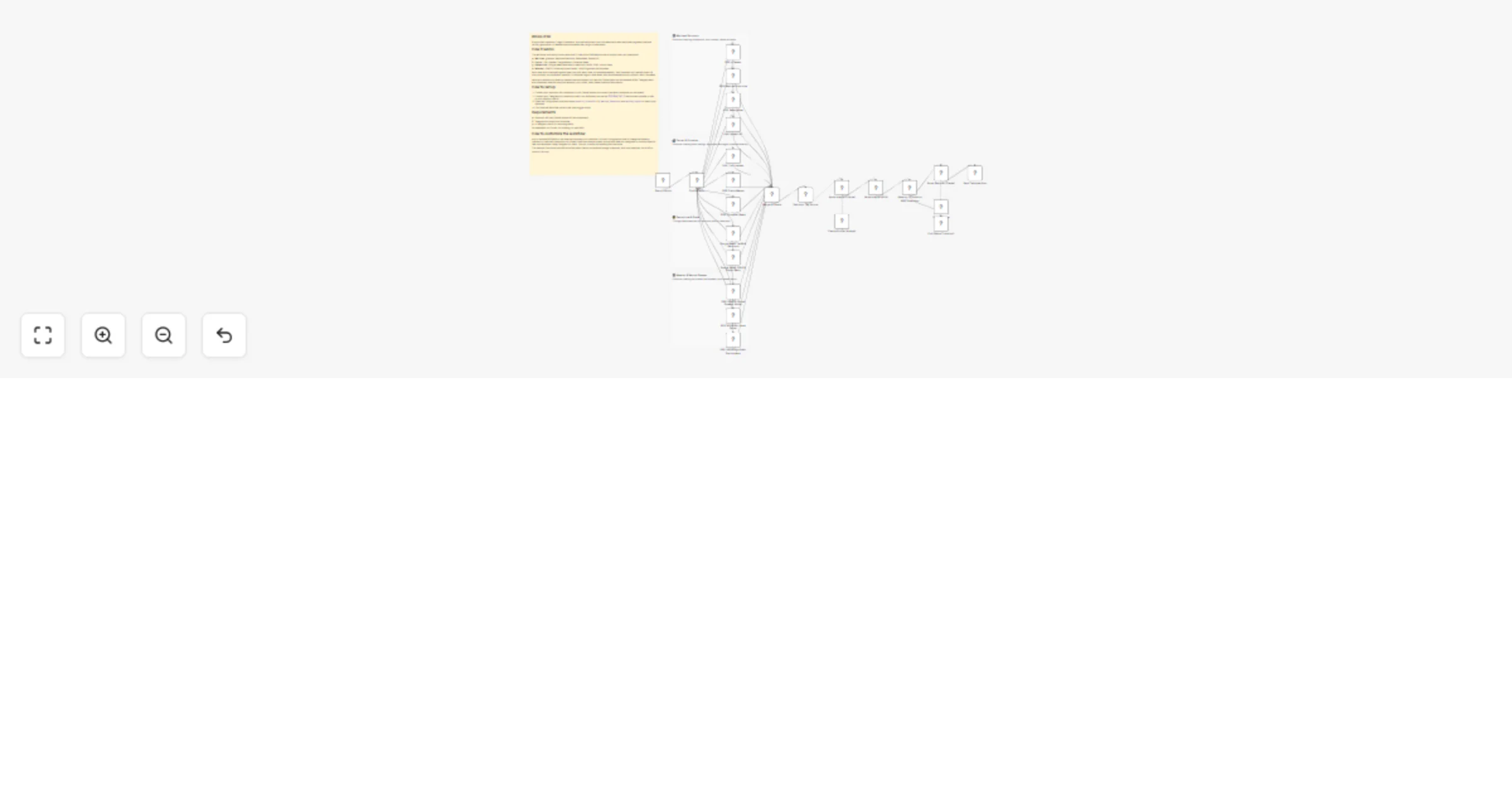
The workflow runs every 6 hours and polls 12 free public RSS feeds across 4 supply chain risk dimensions:
Each new item is deduped against past runs using n8n workflow static data - no database needed. Then Claude Sonnet 4.5 (the Sonar Analyst) classifies it into a structured JSON with primary risk dimension, severity 1-5, affected region, geo node, trade lanes affected, source reliability, and recommended action (monitor / alert / escalate). Five few-shot examples cover one case from each dimension plus an "other" fallback.
Items at or above your severity threshold are reformatted by a second Claude pass (the Sonar Reporter) into a scannable HTML Telegram alert with dimension-specific emoji, severity color codes, and a direct link to the source. Items below threshold end silently.
TELEGRAM_CHAT_ID environment variable in n8n to your operator chat ID. The Send Telegram Alert node already references this env var, so you only need to set the variable once.severity_threshold (1-5) - minimum severity to alert on (default: 3)watched_dimensions - comma-separated dimensions: maritime, carrier, geopolitical, weatherwatched_regions - geographic focus list (defaults cover the major chokepoints + global lanes)post_all_clear_digest - set to true if you want a digest even when nothing critical hitThat's it. No databases, no Docker, no scraping, no paid APIs. The dedupe Code node uses n8n workflow static data so nothing needs to be installed beyond a working n8n instance.
Add or remove RSS feeds in the lane that matches your dimension. Each lane has its own visual sticky note so you can see at a glance which feeds belong where. To add a feed, copy any existing RSS Feed Read node, change the URL, and connect it to the Merge node.
Change the schedule in the Every 6 Hours node - for high-stakes operations you might want every 2 hours; for lower-touch monitoring, daily.
Edit the Sonar Analyst system prompt (in the AI Agent node) to add new risk categories, region keywords, or industry-specific few-shot examples. The current schema supports adding new crisis_type enum values and new chokepoints without breaking the IF gate.
Swap Telegram for Slack, Discord, or email by replacing the final Send Telegram Alert node. The Sonar Reporter outputs HTML which renders cleanly in any of these channels.
Tighten the dedupe cap (currently 40 items per run, 800 cached URLs) if your LLM cost is a concern. The cap lives at the top of the Dedupe + Tag Source Code node.
Localize the alerts by changing the alert_language field in the Configuration node - the Reporter prompt respects it (currently supports english, spanish, french, german).
The workflow ships as a single importable JSON, 29 nodes total, with one yellow main sticky note explaining the whole template and four neutral lane sticky notes labeling each risk dimension lane. Zero credentials are bundled - you wire your own.
This catalog entry is organized from the workflow JSON. The node-level section below shows the executable blocks available for review before importing the template.
Showing the first 24 of 29 workflow blocks. Download the JSON for the full node graph.
| Workflow | Monitor supply chain risk news with Claude Sonnet 4.5 and Telegram alerts |
|---|---|
| Complexity | advanced |
| Nodes | 29 |
| Categories | Market Research, AI Summarization |
| Author | Aleks Sidorecs |
| Published | 08 Apr 2026 |
Use the JSON export at /data/workflows/14932/14932.json as the source template for this automation.
Open n8n, import the downloaded JSON, and review each node before activating the workflow.
Replace placeholder credentials, API keys, webhook URLs, account IDs, and environment-specific values with your own settings.
Run the workflow manually or in a staging workspace, inspect node output, and confirm downstream systems receive the expected data.
Enable the workflow only after testing, then monitor executions, errors, and rate limits during the first production runs.
Review imported nodes carefully before activation. This catalog entry is intended to help you inspect the workflow structure, understand required services, and find related templates faster.
Node names, credentials, schedules, webhook paths, and external service limits may need adjustment for your workspace.
Who's it for Supply chain and logistics specialists, freight forwarders, importers/exporters, and risk teams who need early warning when maritime, carrier, geopolitical, or weather events threaten ...
Review the workflow JSON, configure any required credentials in n8n, and test the automation in a safe workspace before using it in production.
Yes. Use the block-by-block analysis and the downloadable JSON to inspect each node, then adjust credentials, prompts, schedules, filters, or destinations for your Market Research, AI Summarization use case.