Block 1 - When clicking ‘Execute workflow’
- Type / Role
- n8n-nodes-base.manualTrigger - manualTrigger
- Config choices
- Version 1


 Early Deal
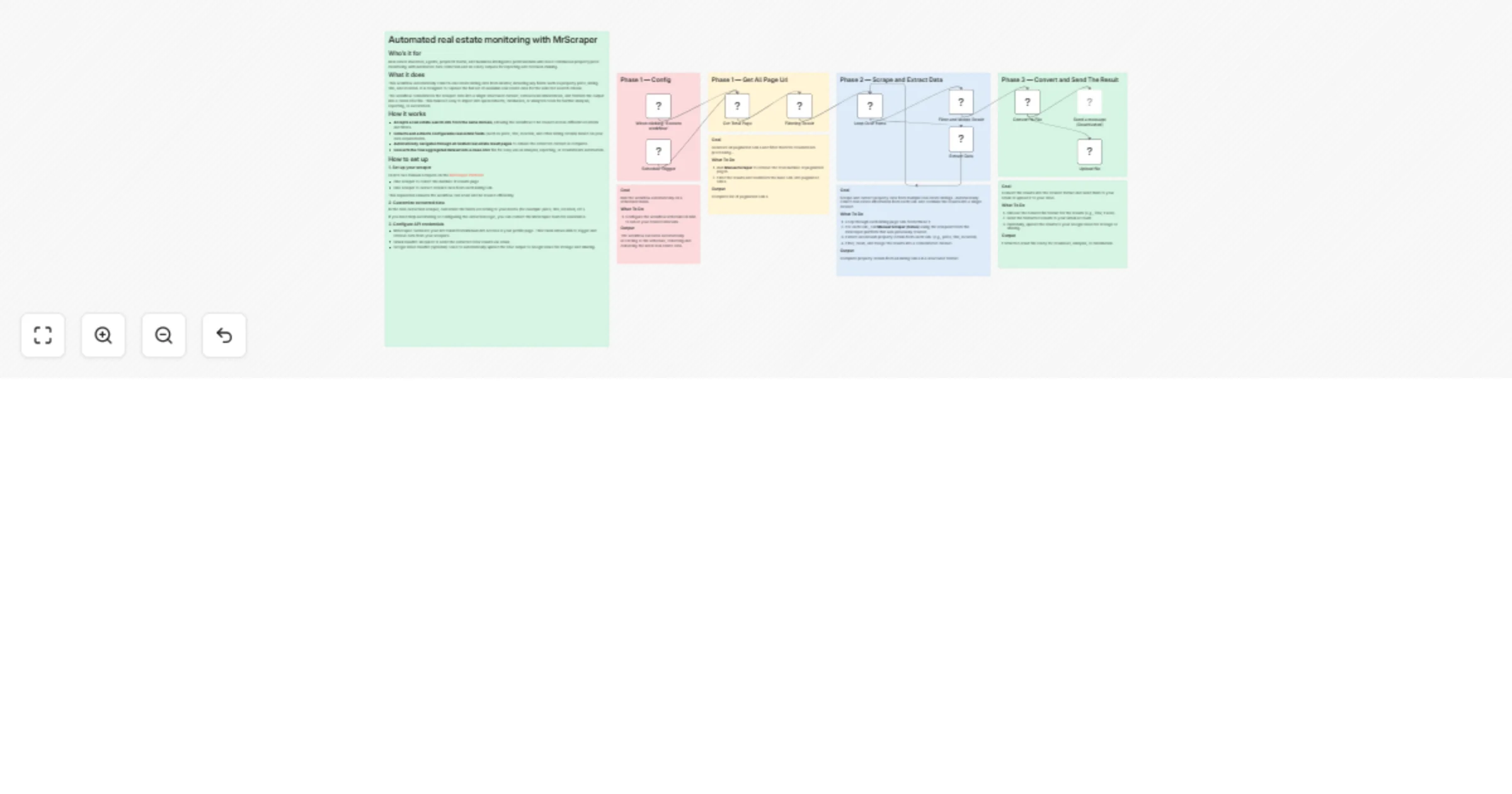
Automated real estate monitoring with MrScraper Who’s it for Real estate investors, agents, proptech teams, and business intelligence professionals who need continuous property price monitoring wit...
n8n-nodes-base.manualtrigger, n8n-nodes-base.code, n8n-nodes-base.splitinbatches, n8n-nodes-mrscraper.mrscraper, n8n-nodes-base.converttofile, n8n-nodes-base.gmail, n8n-nodes-base.scheduletrigger, n8n-nodes-base.stickynote
This workflow is cataloged by N8N Workflows and links back to its original n8n.io source page by Jack.
Original n8n.io sourceReal estate investors, agents, proptech teams, and business intelligence professionals who need continuous property price monitoring with automated data collection and AI-ready outputs for reporting and decision-making.
This workflow automatically collects real estate listing data from Realtor, including key fields such as property price, listing title, and location. It is designed to capture the full set of available real estate data for the selected search criteria.
The workflow consolidates the scraped data into a single structured dataset, removes inconsistencies, and formats the output into a clean CSV file. This makes it easy to import into spreadsheets, databases, or analytics tools for further analysis, reporting, or automation.
Accepts a real estate search URL from the same domain, allowing the workflow to be reused across different locations and filters.
Collects and extracts configurable real estate fields (such as price, title, location, and other listing details) based on your data requirements.
Automatically navigates through all related real estate result pages to ensure the extracted dataset is complete.
Converts the final aggregated dataset into a clean CSV file for easy use in analysis, reporting, or downstream automation.
Create two manual scrapers on the MrScraper Platform:
One scraper to collect the number of results page
One scraper to extract detailed data from each listing URL
This separation ensures the workflow can scale and be reused efficiently.
In the data extraction scraper, customize the fields according to your needs (for example: price, title, location, etc.).
If you need help automating or configuring the extraction logic, you can contact the MrScraper team for assistance.
MrScraper: Generate your API token from Manual API Access or your profile page. This token allows n8n to trigger and retrieve data from your scrapers.
Gmail OAuth2: Required to send the extracted CSV results via email.
Google Drive OAuth2 (optional): Used to automatically upload the CSV output to Google Drive for storage and sharing.
MrScraper account to create and manage the scrapers Gmail account to receive the extracted results via email Google Drive account to store the extracted results (optional)
Change scraper result – Customize the data extraction results in the scraper you have created.
Output file – Can be exported to CSV, JSON, XLSX, or other formats.
Integrate with other programs – Add nodes that connect with the desired programs.
This catalog entry is organized from the workflow JSON. The node-level section below shows the executable blocks available for review before importing the template.
| Workflow | Monitor Realtor listings and export CSV/XLSX with MrScraper and Gmail |
|---|---|
| Complexity | advanced |
| Nodes | 19 |
| Categories | Market Research |
| Author | Jack |
| Published | 02 Mar 2026 |
Use the JSON export at /data/workflows/13797/13797.json as the source template for this automation.
Open n8n, import the downloaded JSON, and review each node before activating the workflow.
Replace placeholder credentials, API keys, webhook URLs, account IDs, and environment-specific values with your own settings.
Run the workflow manually or in a staging workspace, inspect node output, and confirm downstream systems receive the expected data.
Enable the workflow only after testing, then monitor executions, errors, and rate limits during the first production runs.
Review imported nodes carefully before activation. This catalog entry is intended to help you inspect the workflow structure, understand required services, and find related templates faster.
Node names, credentials, schedules, webhook paths, and external service limits may need adjustment for your workspace.
Automated real estate monitoring with MrScraper Who’s it for Real estate investors, agents, proptech teams, and business intelligence professionals who need continuous property price monitoring wit...
Review the workflow JSON, configure any required credentials in n8n, and test the automation in a safe workspace before using it in production.
Yes. Use the block-by-block analysis and the downloadable JSON to inspect each node, then adjust credentials, prompts, schedules, filters, or destinations for your Market Research use case.