Block 1 - Schedule Trigger (Daily 8AM)
- Type / Role
- n8n-nodes-base.scheduleTrigger - scheduleTrigger
- Config choices
- Version 1.2


 Early Deal
Description This n8n template automatically monitors news sources daily, analyzes article sentiment using AI, and delivers structured intelligence reports to your team — all without any manual read...
n8n-nodes-base.scheduletrigger, n8n-nodes-base.splitinbatches, n8n-nodes-mrscraper.mrscraper, n8n-nodes-base.code, n8n-nodes-base.if, @n8n/n8n-nodes-langchain.lmchatopenai, @n8n/n8n-nodes-langchain.chainllm, n8n-nodes-base.slack
This workflow is cataloged by N8N Workflows and links back to its original n8n.io source page by riandra.
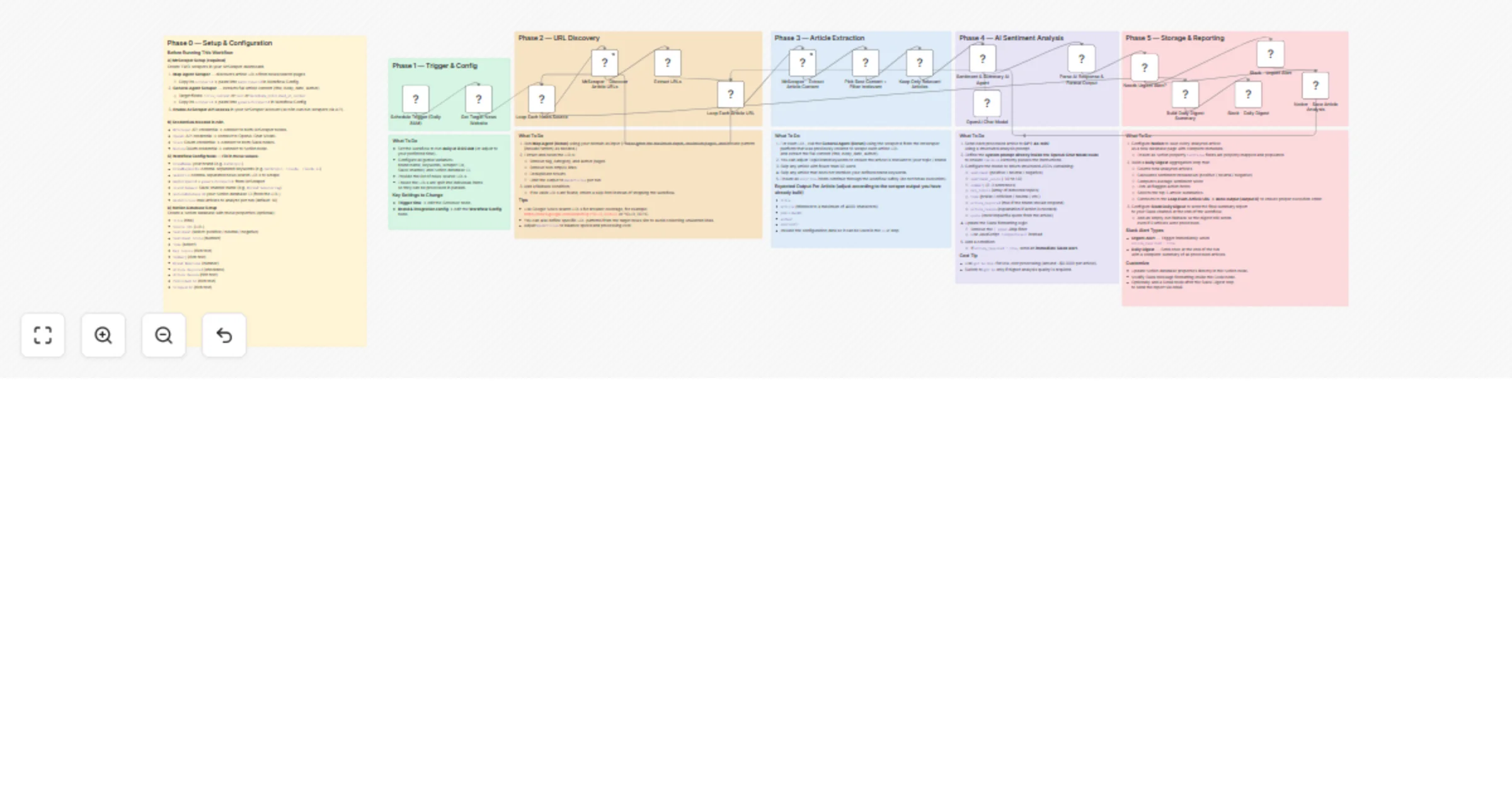
Original n8n.io sourceThis n8n template automatically monitors news sources daily, analyzes article sentiment using AI, and delivers structured intelligence reports to your team — all without any manual reading. It uses MrScraper to discover and extract articles, GPT-4o-mini to score sentiment and flag urgent issues, and delivers results to both Notion (for archiving) and Slack (for real-time alerts and daily digests).
Whether you're tracking brand reputation, monitoring a competitor, or staying on top of industry trends, this workflow turns the open web into a fully automated radar system that runs every morning before your team starts their day.
maxArticles limit.scraperId for each.Enable AI Scraper API access in your MrScraper account settings.
Prepare your Google Sheet:
Domain column listing the news source URLs you want to monitorbrandName and brandKeywords (comma-separated keywords to filter relevant articles)mapScraperId and generalScraperIdslackChannel name (e.g. #brand-monitoring)notionDatabaseId (from your Notion database URL)maxArticles to control how many articles are processed per source per runAdjust the Schedule Trigger to your preferred run time (default: every 24 hours)
Customize the topic/brand keywords inside the Pick Best Content + Filter Irrelevant code node to match your monitoring targets
https://news.google.com/search?q=YOUR_BRAND) to your input sheet for broader coverage beyond specific news sites.This catalog entry is organized from the workflow JSON. The node-level section below shows the executable blocks available for review before importing the template.
Showing the first 24 of 28 workflow blocks. Download the JSON for the full node graph.
| Workflow | Monitor news sentiment trends with GPT-4o-mini, MrScraper, Slack and Notion |
|---|---|
| Complexity | advanced |
| Nodes | 28 |
| Categories | Market Research, AI Summarization |
| Author | riandra |
| Published | 03 Mar 2026 |
Use the JSON export at /data/workflows/13818/13818.json as the source template for this automation.
Open n8n, import the downloaded JSON, and review each node before activating the workflow.
Replace placeholder credentials, API keys, webhook URLs, account IDs, and environment-specific values with your own settings.
Run the workflow manually or in a staging workspace, inspect node output, and confirm downstream systems receive the expected data.
Enable the workflow only after testing, then monitor executions, errors, and rate limits during the first production runs.
Review imported nodes carefully before activation. This catalog entry is intended to help you inspect the workflow structure, understand required services, and find related templates faster.
Node names, credentials, schedules, webhook paths, and external service limits may need adjustment for your workspace.
Description This n8n template automatically monitors news sources daily, analyzes article sentiment using AI, and delivers structured intelligence reports to your team — all without any manual read...
Review the workflow JSON, configure any required credentials in n8n, and test the automation in a safe workspace before using it in production.
Yes. Use the block-by-block analysis and the downloadable JSON to inspect each node, then adjust credentials, prompts, schedules, filters, or destinations for your Market Research, AI Summarization use case.