Block 1 - Read Inventory Master
- Type / Role
- n8n-nodes-base.googleSheets - googleSheets
- Config choices
- Version 4.2


 Early Deal
Description Stop finding out you're out of stock after a customer already tried to buy. This workflow monitors your entire product inventory daily, calculates how fast each SKU is selling, and a...
n8n-nodes-base.googlesheets, n8n-nodes-base.if, n8n-nodes-base.code, n8n-nodes-base.scheduletrigger, n8n-nodes-base.httprequest, n8n-nodes-base.gmail, n8n-nodes-base.filter, @n8n/n8n-nodes-langchain.openai
This workflow is cataloged by N8N Workflows and links back to its original n8n.io source page by Rahul Joshi.
Original n8n.io sourceStop finding out you're out of stock after a customer already tried to buy. This workflow monitors your entire product inventory daily, calculates how fast each SKU is selling, and automatically raises purchase orders to your supplier before you hit zero — all without you opening a spreadsheet. Built for D2C brands and ops teams who are tired of manual stock checks, surprise stockouts, and dead inventory eating up cash. The AI layer adds demand forecasting and tells you exactly what to bundle, discount, or kill every week.
⏰ Triggers every morning at 8AM to fetch fresh product and stock data automatically 🧮 Calculates sales velocity per SKU using a 7-day rolling average from your Sales Log 🚦 Flags every SKU as 🔴 Stockout Risk, 🟡 Dead Stock, or 🟢 Healthy and updates Google Sheets 📧 Sends instant email alerts when a SKU is about to run out or has been sitting unsold 📋 Automatically calculates reorder quantity using lead time and buffer stock formula 🏭 Emails a formatted Purchase Order directly to your supplier — no manual drafting 🤖 Sends all dead/slow SKUs to GPT-4o every Sunday for actionable recommendations — bundle, discount, or kill 📊 Delivers a 30-day demand forecast every Sunday based on 90 days of sales history and seasonal context
✅ Never get caught off guard by a stockout again ✅ POs go to suppliers automatically — zero manual work ✅ AI tells you what to do with slow-moving inventory every week ✅ 30-day demand forecast keeps you buying ahead, not reacting ✅ Everything logged in Google Sheets — full visibility at all times ✅ Works with any product catalog — just plug in your Sheet
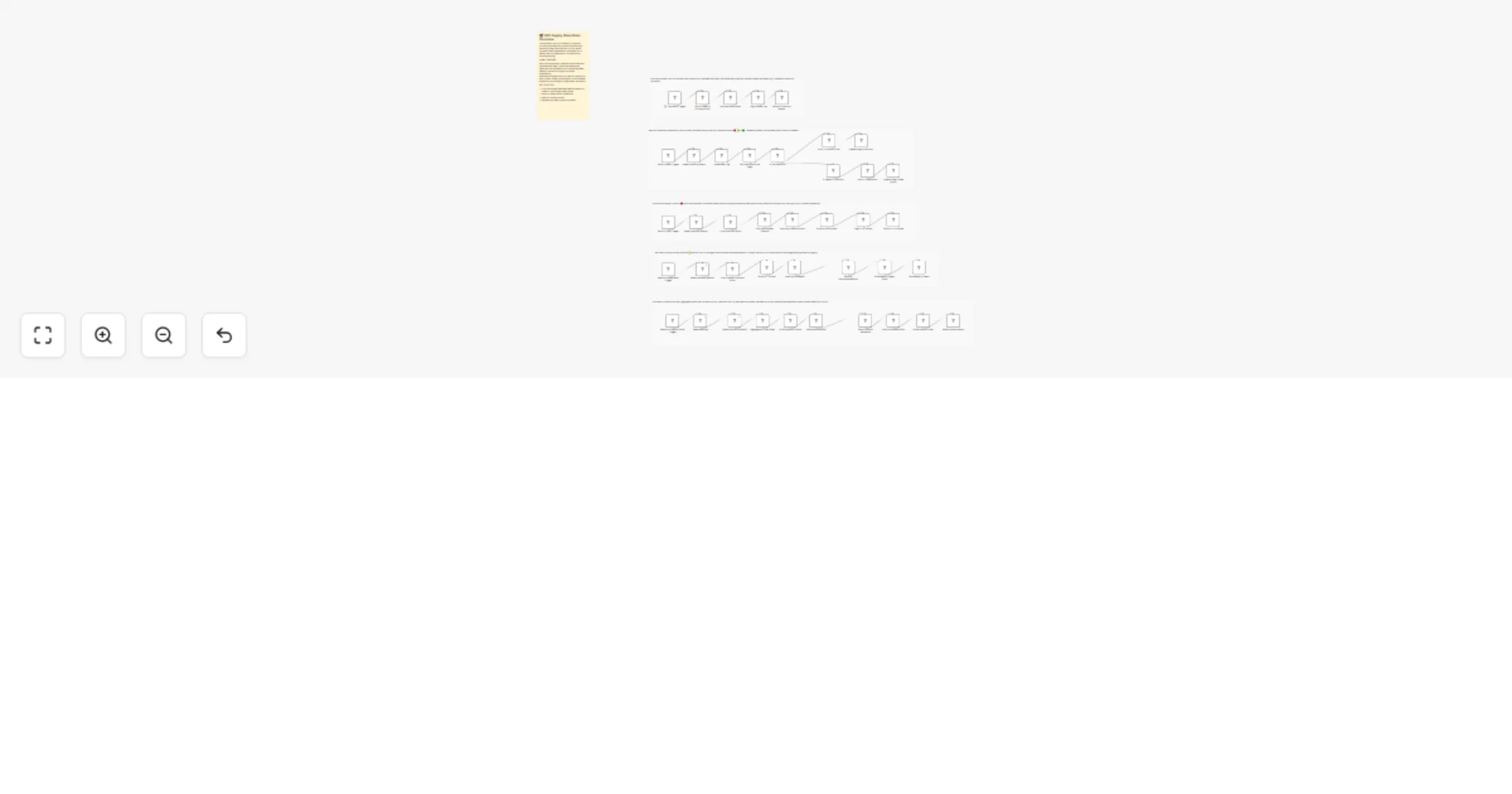
The workflow runs in 5 stages, each timed 5 minutes apart every morning so data flows cleanly from one stage to the next.
Stage 1 — Data Sync (8:00 AM daily) Pulls product data from DummyJSON API (swap with your Shopify or WooCommerce endpoint when going live), simulates daily sales per SKU, and writes everything into your Google Sheets inventory log.
Stage 2 — Stock Health Check (8:05 AM daily) Reads the last 7 days of sales, calculates average daily velocity per SKU, and assigns a flag. Anything running out in under 14 days gets flagged 🔴. Anything with zero sales in 7 days gets flagged 🟡. Everything else is 🟢. Flags are written back to your sheet and email alerts fire immediately for anything critical.
Stage 3 — Auto Reorder Engine (8:10 AM daily) Picks up every 🔴 SKU and runs it through a reorder formula — (avg daily sales × lead time) + 7-day buffer stock. A properly formatted Purchase Order email goes straight to your supplier. Every PO is logged in the PO Tracker sheet with status, quantity, and date.
Stage 4 — Dead Inventory AI Digest (Every Sunday 9:00 AM) All 🟡 SKUs get sent to GPT-4o with your stock levels and sales data. The AI comes back with a recommendation for each one — bundle it, run a discount (with exact percentage), or kill the SKU entirely. You get a clean email grouped by urgency: high, medium, low.
Stage 5 — 30-Day Demand Forecast (Every Sunday 9:30 AM) Aggregates the last 90 days of sales per SKU and sends it to GPT-4o with the current month for seasonality context. GPT predicts how many units you'll need in the next 30 days, calculates stock gap, and tells you what to reorder now, stock up on, or reduce. Delivered as a clean email report every Sunday morning.
🛒 D2C brand owners managing inventory without a dedicated ops team 📦 E-commerce operators tired of manual stock checks and surprise stockouts 💼 Operations managers who want a real-time view of inventory health 🤖 Automation agencies building supply chain solutions for e-commerce clients
This catalog entry is organized from the workflow JSON. The node-level section below shows the executable blocks available for review before importing the template.
Showing the first 24 of 47 workflow blocks. Download the JSON for the full node graph.
| Workflow | Monitor D2C inventory, forecast demand with GPT-4o, and send POs via Google Sheets and Gmail |
|---|---|
| Complexity | advanced |
| Nodes | 47 |
| Categories | CRM, AI Summarization |
| Author | Rahul Joshi |
| Published | 09 Mar 2026 |
Use the JSON export at /data/workflows/13961/13961.json as the source template for this automation.
Open n8n, import the downloaded JSON, and review each node before activating the workflow.
Replace placeholder credentials, API keys, webhook URLs, account IDs, and environment-specific values with your own settings.
Run the workflow manually or in a staging workspace, inspect node output, and confirm downstream systems receive the expected data.
Enable the workflow only after testing, then monitor executions, errors, and rate limits during the first production runs.
Review imported nodes carefully before activation. This catalog entry is intended to help you inspect the workflow structure, understand required services, and find related templates faster.
Node names, credentials, schedules, webhook paths, and external service limits may need adjustment for your workspace.
Description Stop finding out you're out of stock after a customer already tried to buy. This workflow monitors your entire product inventory daily, calculates how fast each SKU is selling, and a...
Review the workflow JSON, configure any required credentials in n8n, and test the automation in a safe workspace before using it in production.
Yes. Use the block-by-block analysis and the downloadable JSON to inspect each node, then adjust credentials, prompts, schedules, filters, or destinations for your CRM, AI Summarization use case.