Monitor backlink profile with SE Ranking and export to Google Sheets

Workflow preview

Workflow preview
100%
Monitor backlink profile with SE Ranking and export to Google Sheets preview
Open on n8n.io

1. Workflow Overview

Who is this for SEO pros tracking client link building progress Website owners watching their backlink growth Digital marketers analyzing domain authority trends What this...

Best for

  • Market Research automation workflows
  • advanced n8n builders looking for reusable templates

Tools used

n8n-nodes-base.manualtrigger, @seranking/n8n-nodes-seranking.seranking, n8n-nodes-base.merge, n8n-nodes-base.code, n8n-nodes-base.googlesheets, n8n-nodes-base.stickynote

Source and attribution

This workflow is cataloged by N8N Workflows and links back to its original n8n.io source page by Eugene Melnychenko.

Original n8n.io source

1.1 Workflow description

Title
Monitor backlink profile with SE Ranking and export to Google Sheets
Workflow name
Monitor backlink profile with SE Ranking and export to Google Sheets

Who is this for

  • SEO pros tracking client link building progress
  • Website owners watching their backlink growth
  • Digital marketers analyzing domain authority trends

What this workflow does

Check your backlink profile to see which sites are linking to you, track new links you've gained, spot links you've lost, and export everything to Google Sheets.

What you'll get

  • Total backlinks and referring domains snapshot
  • New backlinks you gained in the last 30 days
  • Lost backlinks from the last 30 days (with reasons why)
  • Your top referring domains ranked by authority
  • Anchor text analysis showing how sites link to you
  • Domain authority scores and trust metrics
  • Daily trends showing link gains and losses
  • Historical growth data over the last 60 days

How it works

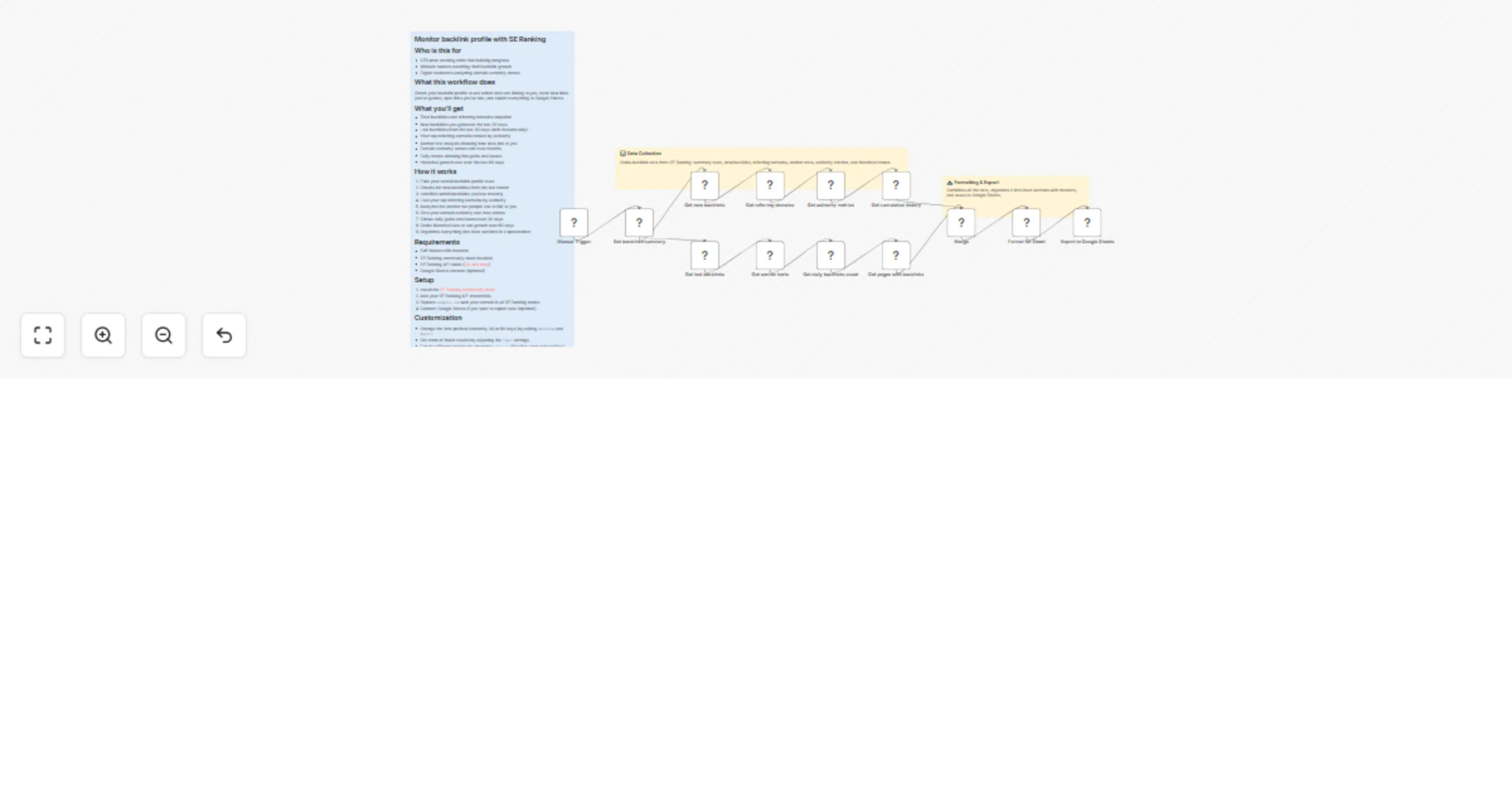
  1. Pulls your overall backlink profile stats
  2. Checks for new backlinks from the last month
  3. Identifies which backlinks you lost recently
  4. Lists your top referring domains by authority
  5. Analyzes the anchor text people use to link to you
  6. Gets your domain authority and trust scores
  7. Shows daily gains and losses over 30 days
  8. Grabs historical data to see growth over 60 days
  9. Organizes everything into clear sections in a spreadsheet

Requirements

  • Self-hosted n8n instance
  • SE Ranking community node installed
  • SE Ranking API token (Get one here)
  • Google Sheets account (optional)

Setup

  1. Install the SE Ranking community node
  2. Add your SE Ranking API credentials
  3. Replace example.com with your domain in all SE Ranking nodes
  4. Connect Google Sheets if you want to export data (optional)

Customization

  • Change the time periods (currently 30 or 60 days) by editing dateFrom and dateTo
  • Get more or fewer results by adjusting the limit settings
  • Sort by different metrics by changing order_by (like first_seen or backlinks)
  • Add a Schedule Trigger to run this automatically every week

1.2 Logical Blocks

This catalog entry is organized from the workflow JSON. The node-level section below shows the executable blocks available for review before importing the template.

2. Block-by-Block Analysis

Block 1 - Manual Trigger

Type / Role
n8n-nodes-base.manualTrigger - manualTrigger
Config choices
Version 1

Block 2 - Get backlinks summary

Type / Role
@seranking/n8n-nodes-seranking.seRanking - seRanking
Config choices
Version 1

Block 3 - Get new backlinks

Type / Role
@seranking/n8n-nodes-seranking.seRanking - seRanking
Config choices
Version 1

Block 4 - Get lost backlinks

Type / Role
@seranking/n8n-nodes-seranking.seRanking - seRanking
Config choices
Version 1

Block 5 - Get referring domains

Type / Role
@seranking/n8n-nodes-seranking.seRanking - seRanking
Config choices
Version 1

Block 6 - Get anchor texts

Type / Role
@seranking/n8n-nodes-seranking.seRanking - seRanking
Config choices
Version 1

Block 7 - Get authority metrics

Type / Role
@seranking/n8n-nodes-seranking.seRanking - seRanking
Config choices
Version 1

Block 8 - Get daily backlinks count

Type / Role
@seranking/n8n-nodes-seranking.seRanking - seRanking
Config choices
Version 1

Block 9 - Get cumulative history

Type / Role
@seranking/n8n-nodes-seranking.seRanking - seRanking
Config choices
Version 1

Block 10 - Get pages with backlinks

Type / Role
@seranking/n8n-nodes-seranking.seRanking - seRanking
Config choices
Version 1

Block 11 - Merge

Type / Role
n8n-nodes-base.merge - merge
Config choices
Version 3

Block 12 - Format for Sheet

Type / Role
n8n-nodes-base.code - code
Config choices
Version 2

Block 13 - Export to Google Sheets

Type / Role
n8n-nodes-base.googleSheets - googleSheets
Config choices
Version 4.7

Block 14 - Workflow Overview

Type / Role
n8n-nodes-base.stickyNote - stickyNote
Config choices
Version 1

Block 15 - Data Collection

Type / Role
n8n-nodes-base.stickyNote - stickyNote
Config choices
Version 1

Block 16 - Formatting & Export

Type / Role
n8n-nodes-base.stickyNote - stickyNote
Config choices
Version 1

3. Summary Table

Workflow Monitor backlink profile with SE Ranking and export to Google Sheets
Complexity advanced
Nodes 16
Categories Market Research
Author Eugene Melnychenko
Published 24 Dec 2025

4. Reproducing the Workflow from Scratch

  1. 1. Download the workflow JSON

    Use the JSON export at /data/workflows/12085/12085.json as the source template for this automation.

  2. 2. Import the template into n8n

    Open n8n, import the downloaded JSON, and review each node before activating the workflow.

  3. 3. Configure credentials and variables

    Replace placeholder credentials, API keys, webhook URLs, account IDs, and environment-specific values with your own settings.

  4. 4. Test with sample data

    Run the workflow manually or in a staging workspace, inspect node output, and confirm downstream systems receive the expected data.

  5. 5. Activate and monitor

    Enable the workflow only after testing, then monitor executions, errors, and rate limits during the first production runs.

5. General Notes & Resources

Review imported nodes carefully before activation. This catalog entry is intended to help you inspect the workflow structure, understand required services, and find related templates faster.

Node names, credentials, schedules, webhook paths, and external service limits may need adjustment for your workspace.

Frequently asked questions

What does Monitor backlink profile with SE Ranking and export to Google Sheets do?

Who is this for SEO pros tracking client link building progress Website owners watching their backlink growth Digital marketers analyzing domain authority trends What this...

What do I need before importing this workflow?

Review the workflow JSON, configure any required credentials in n8n, and test the automation in a safe workspace before using it in production.

Can I customize this workflow?

Yes. Use the block-by-block analysis and the downloadable JSON to inspect each node, then adjust credentials, prompts, schedules, filters, or destinations for your Market Research use case.