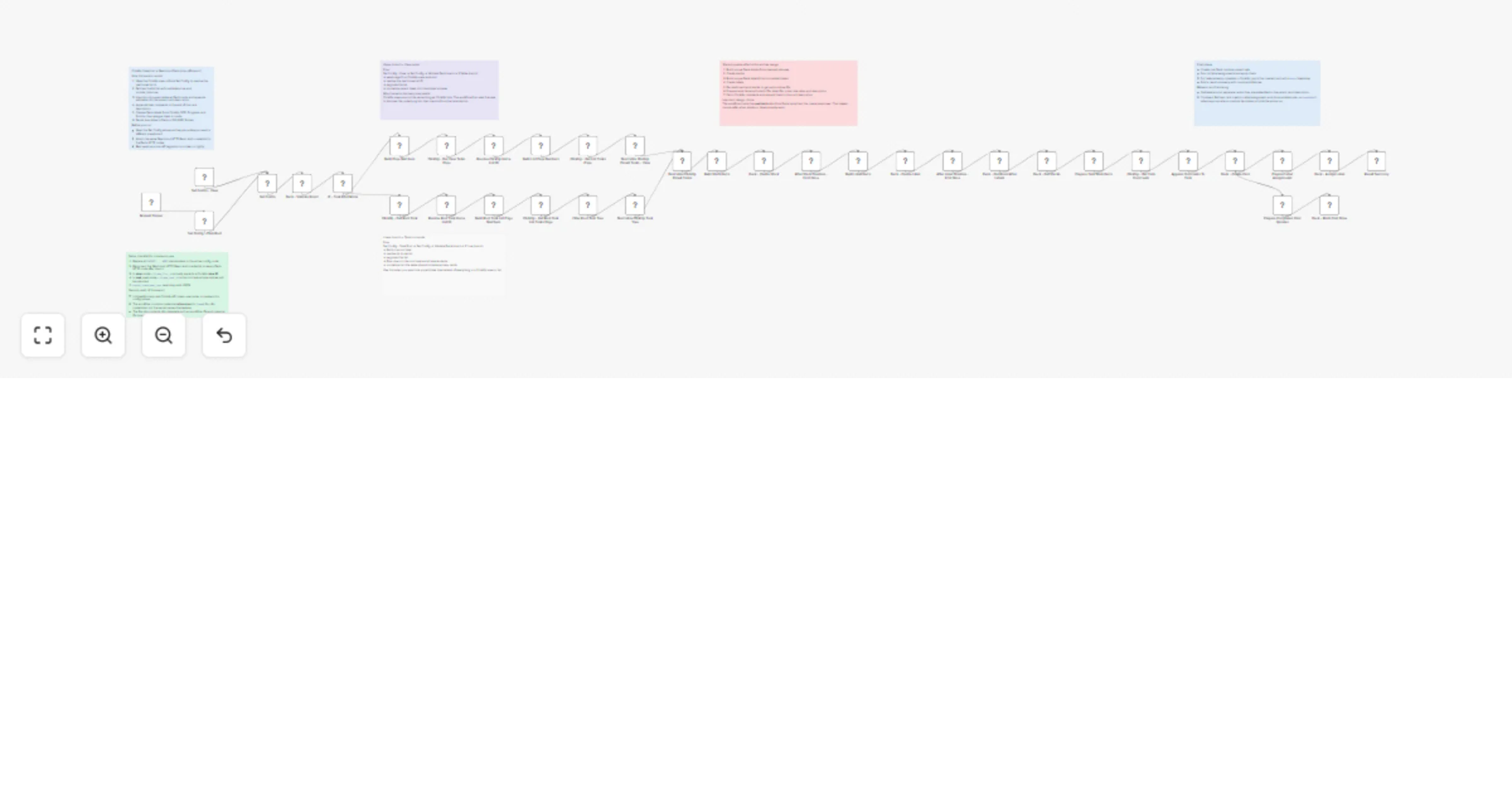
Migrate ClickUp list or task tree to Nextcloud Deck as a one-off import

Workflow preview

Workflow preview
100%
Migrate ClickUp list or task tree to Nextcloud Deck as a one-off import preview
Open on n8n.io

1. Workflow Overview

Move your ClickUp List or Task Tree to Nextcloud Deck Move a ClickUp list, view, or a single root task tree into Nextcloud Deck as a one off board migration. This workflow is for people who want to...

Best for

  • Project Management automation workflows
  • advanced n8n builders looking for reusable templates

Tools used

n8n-nodes-base.manualtrigger, n8n-nodes-base.stickynote, n8n-nodes-base.httprequest, n8n-nodes-base.code, n8n-nodes-base.set, n8n-nodes-base.if

Source and attribution

This workflow is cataloged by N8N Workflows and links back to its original n8n.io source page by BizLog.fi.

Original n8n.io source

1.1 Workflow description

Title
Migrate ClickUp list or task tree to Nextcloud Deck as a one-off import
Workflow name
Migrate ClickUp list or task tree to Nextcloud Deck as a one-off import

Move your ClickUp List or Task Tree to Nextcloud Deck

Move a ClickUp list, view, or a single root task tree into Nextcloud Deck as a one-off board migration. This workflow is for people who want to preserve structure, status, comments, subtasks, labels, due dates, and completion state when moving work from ClickUp into Nextcloud Deck, without doing the world’s saddest copy-paste marathon.

How it works

  • Validates that the target Nextcloud Deck board is reachable before starting the import. You have to create the Deck Board first.
  • Supports two source modes: a) import from a ClickUp view/list, and b) import from a single ClickUp root task tree into the same downstream Deck flow.
  • Resolves the real ClickUp home list, fetches tasks page by page, and includes closed tasks and subtasks.
  • Converts ClickUp statuses into Deck stacks using a configurable status-to-stack mapping.
  • Imports parent tasks as Deck cards and appends subtasks into the card description instead of creating separate child cards.
  • Pulls ClickUp task comments and appends them to each card description for better context in Deck.
  • Creates Deck labels from ClickUp metadata such as OKR, Progress, and Priority, then assigns those labels to the created cards.
  • Sends due dates to Deck in ISO format and marks imported cards as done when the ClickUp task is already complete.
  • Produces a final summary showing attempted and successful card creation, done-state updates, and label assignments.

Set up steps

  1. Connect your Nextcloud account in n8n using HTTP Basic Auth and make sure Deck is enabled on the target instance. You’ll also need the Nextcloud base URL and the target Deck board ID. You can get these from the URL addresses in Nextcloud.
  2. Add your ClickUp API token and choose your source:
  • a ClickUp view/list ID for list import
  • or a root task ID for task-tree import.
  1. Review the configuration values for status mapping, max pages to fetch, and the subtask title prefix so the imported board matches your workflow style.
  2. Run the workflow manually for a one-off migration into a clean or lightly used Deck board, then review the result summary and the created stacks, labels, and cards.

Requirements

  • ClickUp account and app API key
  • Nextcloud account and Deck installed
  • Target Deck Board created in Nextcloud

1.2 Logical Blocks

This catalog entry is organized from the workflow JSON. The node-level section below shows the executable blocks available for review before importing the template.

2. Block-by-Block Analysis

Block 1 - Manual Trigger

Type / Role
n8n-nodes-base.manualTrigger - manualTrigger
Config choices
Version 1

Block 2 - Sticky Note

Type / Role
n8n-nodes-base.stickyNote - stickyNote
Config choices
Version 1

Block 3 - Deck - Validate Board

Type / Role
n8n-nodes-base.httpRequest - httpRequest
Config choices
Version 4.2

Block 4 - Build Page Numbers

Type / Role
n8n-nodes-base.code - code
Config choices
Version 2

Block 5 - ClickUp - Get View Tasks Page

Type / Role
n8n-nodes-base.httpRequest - httpRequest
Config choices
Version 4.2

Block 6 - Append Comments To Task

Type / Role
n8n-nodes-base.code - code
Config choices
Version 2

Block 7 - Build Stack Items

Type / Role
n8n-nodes-base.code - code
Config choices
Version 2

Block 8 - Deck - Create Stack

Type / Role
n8n-nodes-base.httpRequest - httpRequest
Config choices
Version 4.2

Block 9 - After Stack Creation - Emit Once

Type / Role
n8n-nodes-base.code - code
Config choices
Version 2

Block 10 - Deck - Get Stacks

Type / Role
n8n-nodes-base.httpRequest - httpRequest
Config choices
Version 4.2

Block 11 - Prepare Task Work Items

Type / Role
n8n-nodes-base.code - code
Config choices
Version 2

Block 12 - Deck - Create Card

Type / Role
n8n-nodes-base.httpRequest - httpRequest
Config choices
Version 4.2

Block 13 - Result Summary

Type / Role
n8n-nodes-base.code - code
Config choices
Version 2

Block 14 - Resolve ClickUp Home List ID

Type / Role
n8n-nodes-base.code - code
Config choices
Version 2

Block 15 - Build List Page Numbers

Type / Role
n8n-nodes-base.code - code
Config choices
Version 2

Block 16 - ClickUp - Get List Tasks Page

Type / Role
n8n-nodes-base.httpRequest - httpRequest
Config choices
Version 4.2

Block 17 - ClickUp - Get Task Comments

Type / Role
n8n-nodes-base.httpRequest - httpRequest
Config choices
Version 4.2

Block 18 - Build Label Items

Type / Role
n8n-nodes-base.code - code
Config choices
Version 2

Block 19 - Deck - Create Label

Type / Role
n8n-nodes-base.httpRequest - httpRequest
Config choices
Version 4.2

Block 20 - After Label Creation - Emit Once

Type / Role
n8n-nodes-base.code - code
Config choices
Version 2

Block 21 - Deck - Get Board After Labels

Type / Role
n8n-nodes-base.httpRequest - httpRequest
Config choices
Version 4.2

Block 22 - Prepare Label Assignments

Type / Role
n8n-nodes-base.code - code
Config choices
Version 2

Block 23 - Deck - Assign Label

Type / Role
n8n-nodes-base.httpRequest - httpRequest
Config choices
Version 4.2

Block 24 - Prepare Completed Card Updates

Type / Role
n8n-nodes-base.code - code
Config choices
Version 2

Showing the first 24 of 42 workflow blocks. Download the JSON for the full node graph.

3. Summary Table

Workflow Migrate ClickUp list or task tree to Nextcloud Deck as a one-off import
Complexity advanced
Nodes 42
Categories Project Management
Author BizLog.fi
Published 14 Mar 2026

4. Reproducing the Workflow from Scratch

  1. 1. Download the workflow JSON

    Use the JSON export at /data/workflows/14040/14040.json as the source template for this automation.

  2. 2. Import the template into n8n

    Open n8n, import the downloaded JSON, and review each node before activating the workflow.

  3. 3. Configure credentials and variables

    Replace placeholder credentials, API keys, webhook URLs, account IDs, and environment-specific values with your own settings.

  4. 4. Test with sample data

    Run the workflow manually or in a staging workspace, inspect node output, and confirm downstream systems receive the expected data.

  5. 5. Activate and monitor

    Enable the workflow only after testing, then monitor executions, errors, and rate limits during the first production runs.

5. General Notes & Resources

Review imported nodes carefully before activation. This catalog entry is intended to help you inspect the workflow structure, understand required services, and find related templates faster.

Node names, credentials, schedules, webhook paths, and external service limits may need adjustment for your workspace.

Frequently asked questions

What does Migrate ClickUp list or task tree to Nextcloud Deck as a one-off import do?

Move your ClickUp List or Task Tree to Nextcloud Deck Move a ClickUp list, view, or a single root task tree into Nextcloud Deck as a one off board migration. This workflow is for people who want to...

What do I need before importing this workflow?

Review the workflow JSON, configure any required credentials in n8n, and test the automation in a safe workspace before using it in production.

Can I customize this workflow?

Yes. Use the block-by-block analysis and the downloadable JSON to inspect each node, then adjust credentials, prompts, schedules, filters, or destinations for your Project Management use case.